Film exercises in a shared PT gym without exposing other patients
One-click alternative with BGBlur
Upload a clip and preview automatic face, plate, background, or prompt-based blur—no keyframes or nested timelines.
Outpatient physical therapy happens on an open gym floor, not in a private room, because the equipment — treadmills, cable machines, balance platforms, parallel bars — is shared and the therapist needs to move between patients. That's efficient for care and terrible for privacy the moment a phone comes out to record a home-exercise-plan video or a progress clip. Whoever else is working out ten feet away is now in someone else's take-home video, exercising, mid-session, in a clinical setting they didn't choose to be filmed in.
The clip's actual value is the demonstrated exercise — the therapist cueing form, the patient performing the movement correctly, a reference the patient can play back at home. None of that depends on who else happens to be on the leg-press machine in the background. Blurring the incidental patients keeps the instructional video exactly as useful while removing the part nobody consented to.
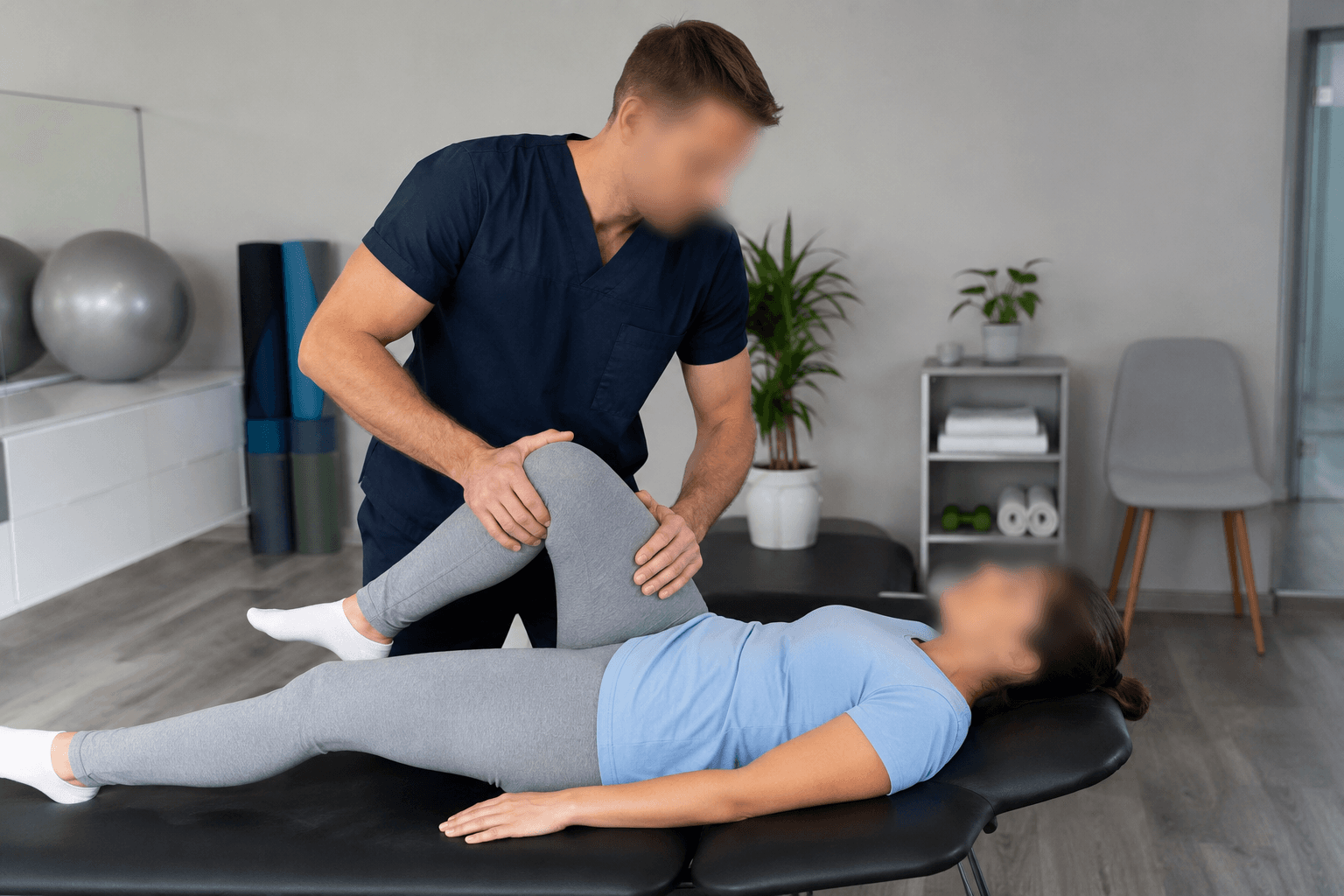

Home-exercise videos are the most common case
Therapists film a patient performing a new exercise so they can reference correct form at home between visits — it's one of the most effective adherence tools in outpatient rehab, and it's usually shot quickly, on a phone, in the middle of a normal clinic day. That speed is exactly why other patients end up in frame: nobody clears the gym floor for a thirty-second clip.
Because the video typically leaves the clinic (texted to the patient, added to a patient portal, or embedded in a home-exercise app), it's no longer inside the four walls where the other patients' presence was implicitly clinic-only. Blurring their faces before the clip is sent converts an incidental privacy exposure into a non-issue, without needing to reshoot or wait for an empty gym.
Progress and outcome videos have the same background problem
Clinics also record periodic progress clips — a squat depth comparison at week two versus week eight, a balance-test video for the referring physician, a clip used in a payer's documentation for continued authorization. These face the same shared-gym-floor reality as home-exercise videos, and the same fix applies: blur everyone in frame except the patient the clip is actually about.
For clinics that batch-produce these regularly (weekly progress checks across a caseload), processing each clip through the same automatic pass before it's filed or shared keeps the practice consistent without adding meaningful time to a busy clinic day.
- Automatic face blur covers everyone in frame except the exempted patient.
- Movement patterns, form, and range of motion stay fully visible for the target patient.
- Works on quick phone clips — no re-shoot or empty-gym scheduling needed.
Group classes and shared equipment sessions
Clinics running group balance classes, post-op cohort sessions, or shared-equipment circuits face a denser version of the same problem — a demonstration video from a group session can have five or six other patients clearly visible. Selective blur handles this the same way: keep the instructing therapist and the intended patient visible, blur the rest of the group automatically.
This matters most when a clip from a group session gets repurposed — used in marketing material, posted to the clinic's social account, or included in a payer submission — since those uses carry a much wider and less predictable audience than the original in-clinic viewing the other patients experienced.
From gym-floor clip to a shareable home-exercise video
- Film the exercise as usual. Record the patient performing the movement on a phone, same as any quick clinic-floor clip.
- Upload to BGBlur. Drag the file into the browser editor right from the clinic computer or a staff phone.
- Exempt the target patient. Use selective blur to keep the patient (and therapist, if demonstrating) visible while masking everyone else in frame.
- Review the clip. Scrub for any bystander who moved through frame late or entered after the initial blur pass.
- Send or file the video. Share to the patient's phone, portal, or home-exercise app — export quality is unaffected outside the masked areas.
Related guides
Frequently asked questions
- Do we need to blur the patient the video is actually for?
- No — selective blur lets you exempt the specific patient (and the therapist, if they're demonstrating) so the clip stays useful as a form reference, while everyone else in the gym is automatically masked.
- Will blurring other patients affect the exercise demonstration quality?
- No — masking is applied to the bystanders' faces only. The target patient's movement, range of motion, and the therapist's cueing stay completely visible.
- What about minors doing pediatric PT in the same gym?
- Treat children the same as any other bystander, or more conservatively — blur by default unless the specific child is the intended subject of the clip and their guardian has agreed to it.
- Can we process a week's worth of progress clips at once?
- Yes — batch processing applies the same blur pass across a folder of clips, which fits a clinic doing regular progress documentation across a caseload.
- Is this necessary if the clip only goes to the one patient's phone?
- It's lowest-risk in that scenario, but the clip often doesn't stay there — patients forward it to family, post it, or it ends up in a shared folder later. Blurring bystanders at the time of filming is simpler than trying to track down every copy afterward.
BGBlur provides privacy tooling for creators and teams; consult counsel for broadcast, evidentiary, or regulated workflows.