Blur patient faces in gait analysis video — keep the movement data
One-click alternative with BGBlur
Upload a clip and preview automatic face, plate, background, or prompt-based blur—no keyframes or nested timelines.
Physical therapists, orthopedic surgeons, and sports-medicine clinics record gait video constantly — treadmill passes, overground walks down a hallway, pre- and post-op comparisons, return-to-sport screening. The footage is genuinely useful outside the single encounter: teaching files for residents, case examples in a conference talk, side-by-side comparisons a vendor asks to see when evaluating a new orthotic or prosthetic, or a shared folder a referring surgeon wants access to. Each of those reuses moves the video further from the original clinical relationship the patient consented to.
The instinct is to just crop tighter or point the camera at the legs, but that throws away exactly the trunk-lean, arm-swing, and head-position cues a full-body gait assessment depends on. Blurring the face — and only the face — keeps the full kinematic picture usable while removing the one feature that makes a stranger recognizable in a hallway clip.
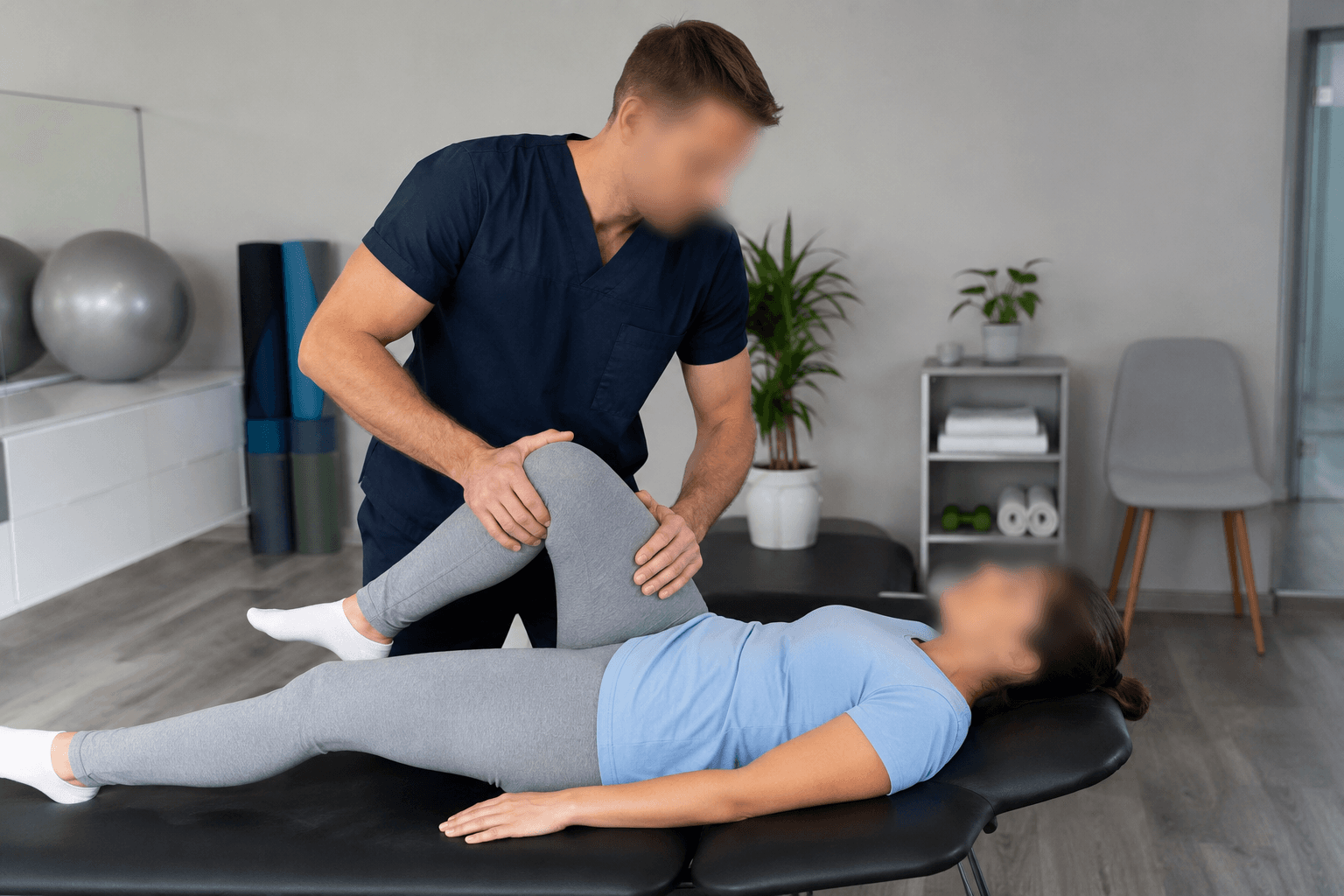

Why gait video is higher-reuse than a typical chart note
Most clinical video stays inside one chart and one care episode. Gait video is different because it's genuinely comparative — a clinic wants last month's clip next to this month's, or this patient's pattern next to a textbook example, and those comparisons end up in in-service trainings, journal club, or a referral letter with an attachment. Every one of those onward uses is a moment the original in-visit consent didn't anticipate.
The face rarely carries clinical information in a gait study — the signal is in stance width, cadence, knee flexion, foot strike, and symmetry, all below the shoulders or in overall posture. That makes gait video one of the cleanest cases for blur-by-default: nothing in the assessment depends on the patient being recognizable to someone outside the care team.
The overground-walk and treadmill workflow
Clinics typically capture gait on a phone or a dedicated motion-capture camera pointed down a hallway or at a treadmill from the side and front. BGBlur processes the exported clip after the session — automatic face detection tracks the patient's face through the full walking pass, including turns at the end of the hallway where the face swings toward and away from the lens repeatedly.
For multi-angle setups (front-on plus sagittal), run each exported clip through separately; the mask holds through the gait cycle's repetitive motion the same way it holds through any other movement, because the underlying tracking isn't gait-specific — it's frame-to-frame face tracking regardless of what the person is doing.
- Works on treadmill and overground exports from a phone, GoPro, or motion-capture rig's video feed.
- Face-only blur by default — trunk, limbs, and joint markers stay fully visible for measurement.
- Handles the face turning toward and away from camera at hallway turnarounds.
Comparison sets and teaching files
When a case becomes a teaching example — pre-op versus six-month post-op, or a device-fitting comparison for a prosthetics vendor — batch processing lets you run the whole comparison set through the same blur pass in one go, so nothing gets released with one clip anonymized and the paired clip forgotten.
If the clinic wants to keep the treating physical therapist visible in a demonstration alongside the patient (for instructional value, like showing hands-on cueing), selective face blur exempts the clinician by name while the patient's face stays masked in the same frame.
From hallway walk to shareable clip
- Export the gait clip. Save the treadmill or overground pass as a video file from the phone, GoPro, or capture system.
- Upload to BGBlur. Drag the file into the browser editor — no motion-capture software needed on your end.
- Blur the face automatically. Face detection tracks through the full walking pass, including turns and re-entries into frame.
- Keep the clinician visible if needed. Use selective blur to exempt the treating therapist while the patient stays masked.
- Export and file. Download the de-identified clip for the teaching library, referral packet, or vendor comparison.
Note: Under HIPAA, a video image of a patient's face is itself a listed identifier — footage isn't de-identified for outside use just because names and dates were removed from the file. Blurring the face is one of the direct ways to satisfy that identifier requirement for gait video shared beyond the treating team.
Related guides
Frequently asked questions
- Does blurring the face affect gait measurements?
- No — gait analysis relies on trunk, hip, knee, ankle, and foot kinematics, not facial features. Face-only blur leaves the entire measurable movement pattern untouched.
- Can we still identify the patient from body habitus alone in a teaching set?
- Possibly, in a small clinic with a small patient population — face blur reduces but doesn't eliminate re-identification risk from build, gait signature, or clothing. For wide teaching distribution, also consider cropping identifying tattoos or scars and stripping filenames/metadata that name the patient. Your compliance officer can advise on what's sufficient for your intended audience.
- What about the referring physician who needs to recognize their own patient?
- Keep an unblurred original in the patient's chart for internal clinical use; only the derivative shared outside the direct care relationship (teaching, vendor demo, conference) needs to be de-identified.
- Can we process a whole library of past gait studies at once?
- Yes — batch processing applies the same face-blur pass across a folder of clips, which is the practical way to clean up years of accumulated teaching footage.
- Do we need a HIPAA-compliant tool, or is any blur software fine?
- Video containing an identifiable patient face is protected health information under HIPAA. Processing should happen under your organization's normal PHI-handling practices — check your BAA and data-handling policy before uploading clinical footage anywhere, including here.
BGBlur provides privacy tooling for creators and teams; consult counsel for broadcast, evidentiary, or regulated workflows.