AI face swap in video for creative content
Replace faces in video with AI face swapping—perfect for entertainment, social media content, memes, and creative video projects.
AI face swap in video unlocks creative storytelling possibilities: place yourself in movie scenes, create reaction content with celebrity faces, generate memes, or produce entertaining edits where faces are seamlessly replaced across moving footage.
Swap faces in video with AI in three steps
Built for social media creators, video editors, and marketing teams producing entertainment and creative content.
Upload the target video
Drop the footage where you want to replace a face into the editor.
Upload the source face
Provide the source face image or video to swap into the target footage.
AI detects, tracks, and blends
AI automatically detects faces, tracks motion, and blends the replacement across all frames for seamless results.

What this example demonstrates
Unlike static photo face swaps, video face replacement requires frame-by-frame tracking, lighting consistency, and expression matching to maintain realism as heads turn, lighting changes, and subjects move.
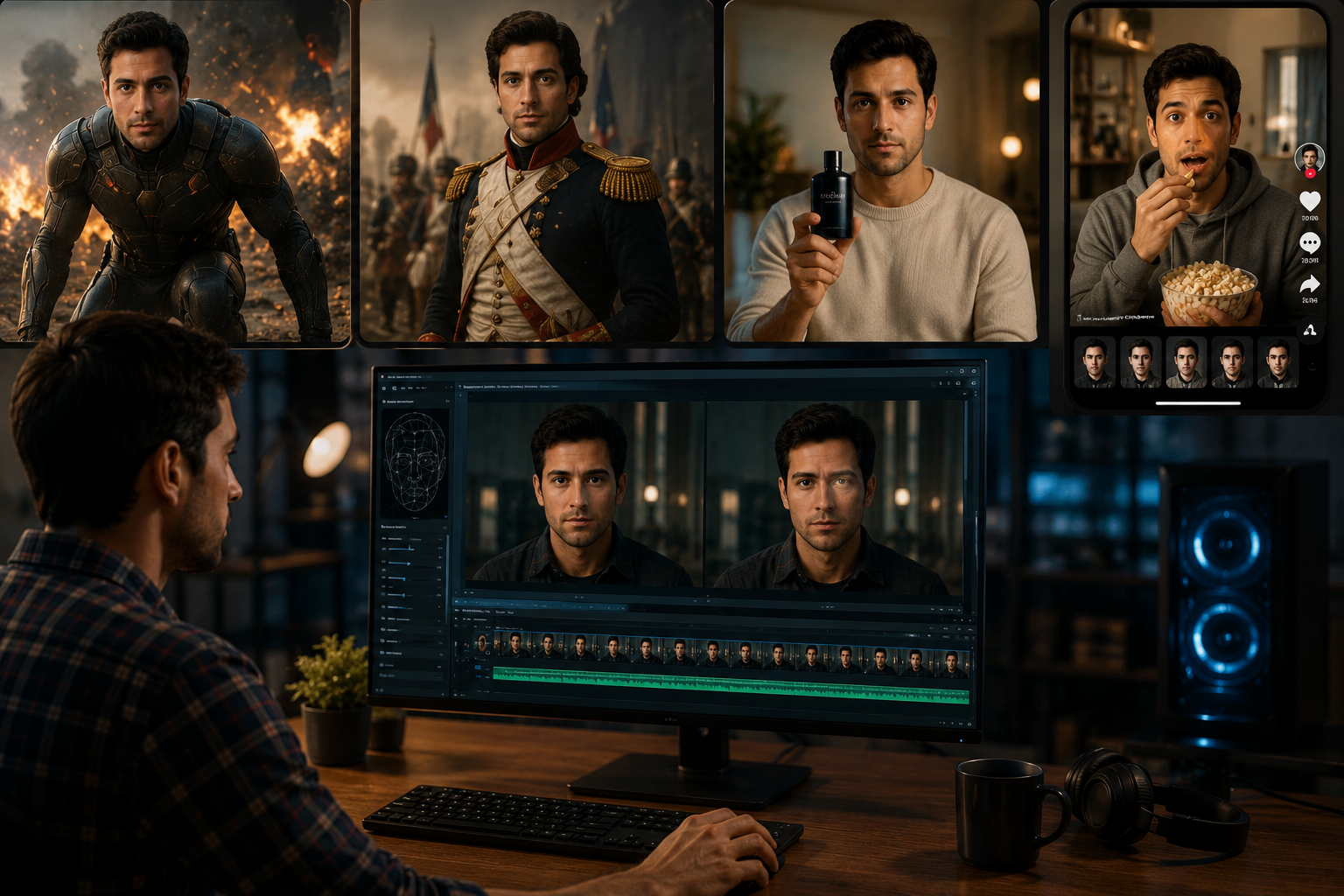
Why teams use this pattern
Face swap technology is widely used for entertainment content, educational demonstrations (historical figure recreations), marketing campaigns, and social media virality—always with proper disclosure and ethical considerations.
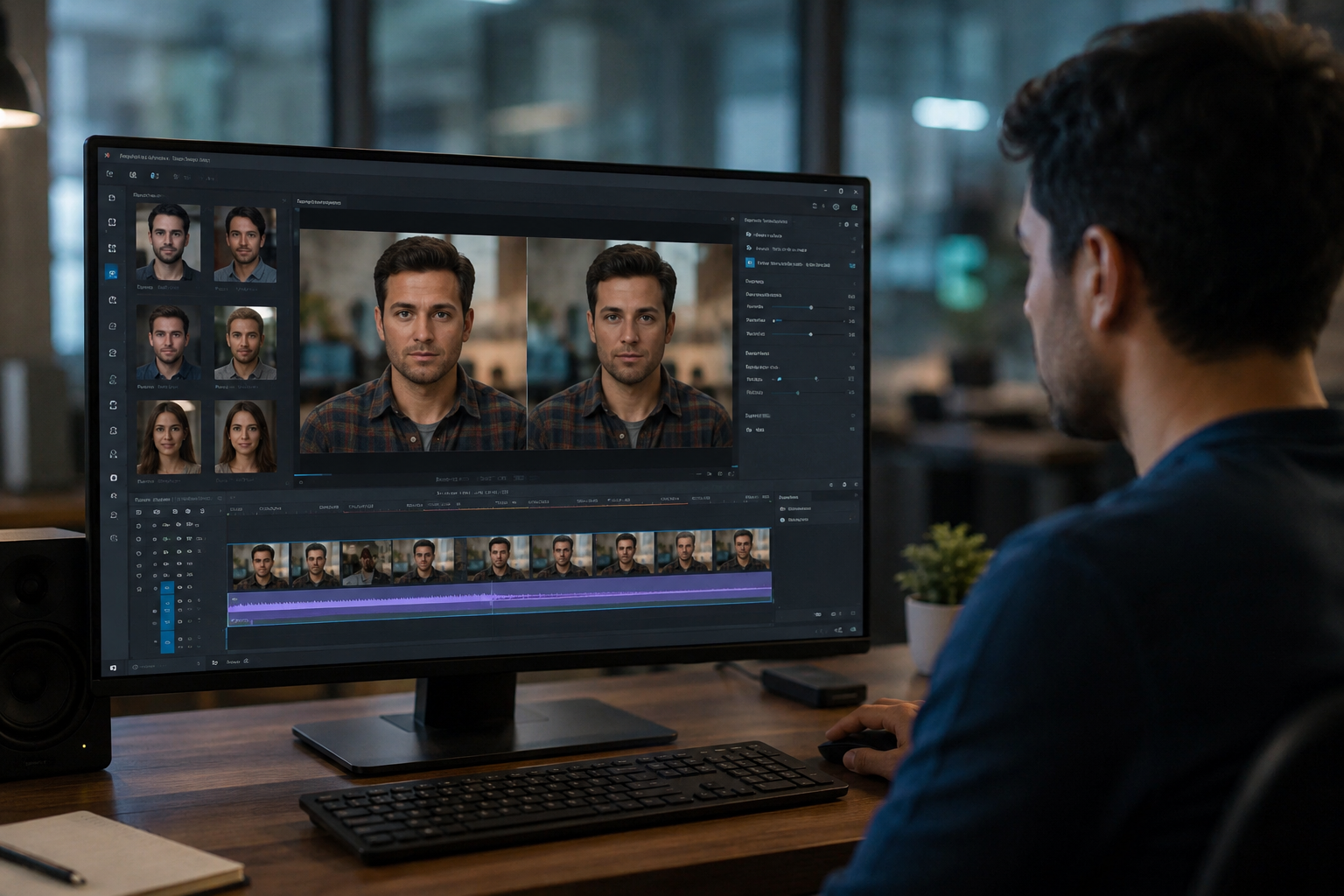
Common use cases
Teams reach for this workflow when social media memes and viral content creation; entertainment edits placing faces in movie scenes; marketing campaigns with celebrity or influencer likeness; educational content recreating historical figures. BGBlur automates detection so these scenarios stay publishable without days in a timeline.
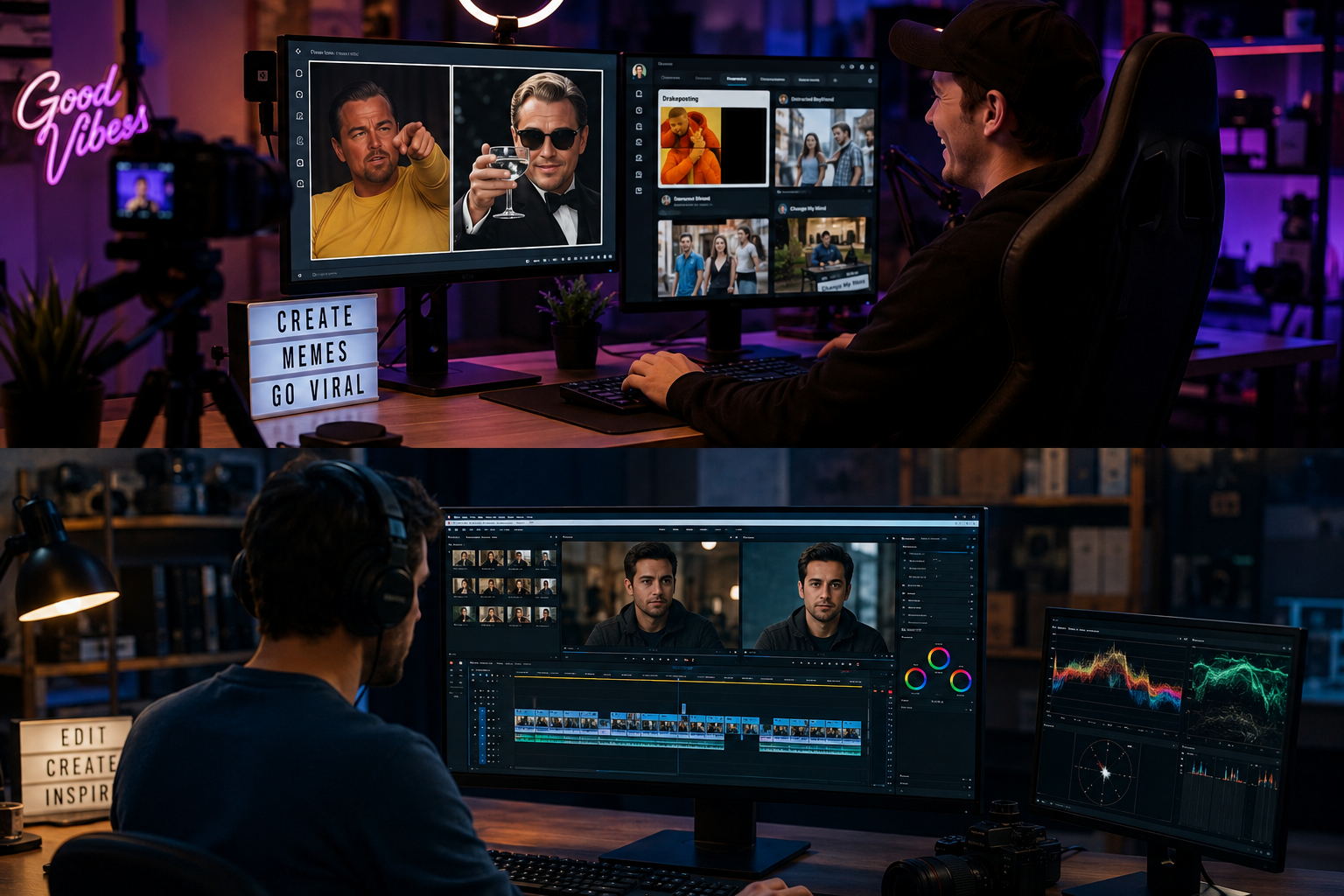
Built for Social media content creators and memers and Video editors and creative studios
Ideal audiences include Social media content creators and memers, Video editors and creative studios, Marketing and advertising teams, Entertainment and parody content producers. Pair this example with your policy review when footage is sensitive or public-facing.
Use cases
- Social media memes and viral content creation
- Entertainment edits placing faces in movie scenes
- Marketing campaigns with celebrity or influencer likeness
- Educational content recreating historical figures
Who it's for
- Social media content creators and memers
- Video editors and creative studios
- Marketing and advertising teams
- Entertainment and parody content producers
More video blur examples
Explore similar scenarios with the same demo clips and step-by-step guidance.
Face blur in talking-head video
Automatic face detection and blur for interviews, podcasts, and vlogs—motion-tracked so identities stay protected.
Vlogger & street interview privacy
Keep bystanders and non-consenting faces out of frame legally and ethically—optimized for fast turn edits.
News & documentary anonymization patterns
Protect witnesses and vulnerable subjects while preserving editorial context—blur and anonymization in one pipeline.
Blur anything: logos, text & custom regions
Target arbitrary areas—logos on hoodies, on-screen addresses, signage—with precise AI-assisted selection.
Frequently asked questions
- How realistic are AI face swaps in video?
- Modern AI face swap technology produces highly realistic results with proper lighting and source material quality. Results vary based on video resolution, face angles, and lighting consistency—high-quality source videos yield better swaps.
- Is face swap the same as deepfake?
- 'Deepfake' refers to AI-generated synthetic media including face swaps; face swap is one application of deepfake technology. Always disclose AI-altered content and use responsibly—never for deception, fraud, or non-consensual impersonation.
- Can I face swap multiple people in the same video?
- Yes—advanced face swap tools can detect and replace multiple faces simultaneously in group scenes, maintaining each person's unique tracking and blending throughout the video.
- What are the ethical considerations for face swap videos?
- Always obtain consent when using someone's likeness, disclose AI-generated content clearly, avoid defamation or fraud, respect platform policies (YouTube, Instagram, TikTok all have synthetic media guidelines), and never create non-consensual intimate imagery.
- Do face swap videos work on TikTok and Instagram?
- Yes, but platforms require disclosure labels for synthetic media. Instagram and TikTok have built-in face swap effects, but for higher quality or custom swaps, create videos externally and upload with proper 'altered media' disclosures per platform policies.
- How long does it take to face swap a video?
- Processing time depends on video length and resolution; a 30-second clip typically processes in 1-3 minutes, while longer or 4K videos may take 10-20 minutes. AI optimization continues to improve speed.
Ready to try this on your footage?
Upload MP4, MOV, or M4V and apply the same blur modes shown in this example.
Try BGBlur free