How Many Frames Per Second Can the Human Eye See? [2026]
Movies run at 24 fps, phones can shoot at 240 fps, and a 2014 MIT study found the brain can process an image in just 13 milliseconds. Here's what the research actually says about how many frames per second the human eye can see, and why frame rate matters when you're reviewing footage frame by frame.
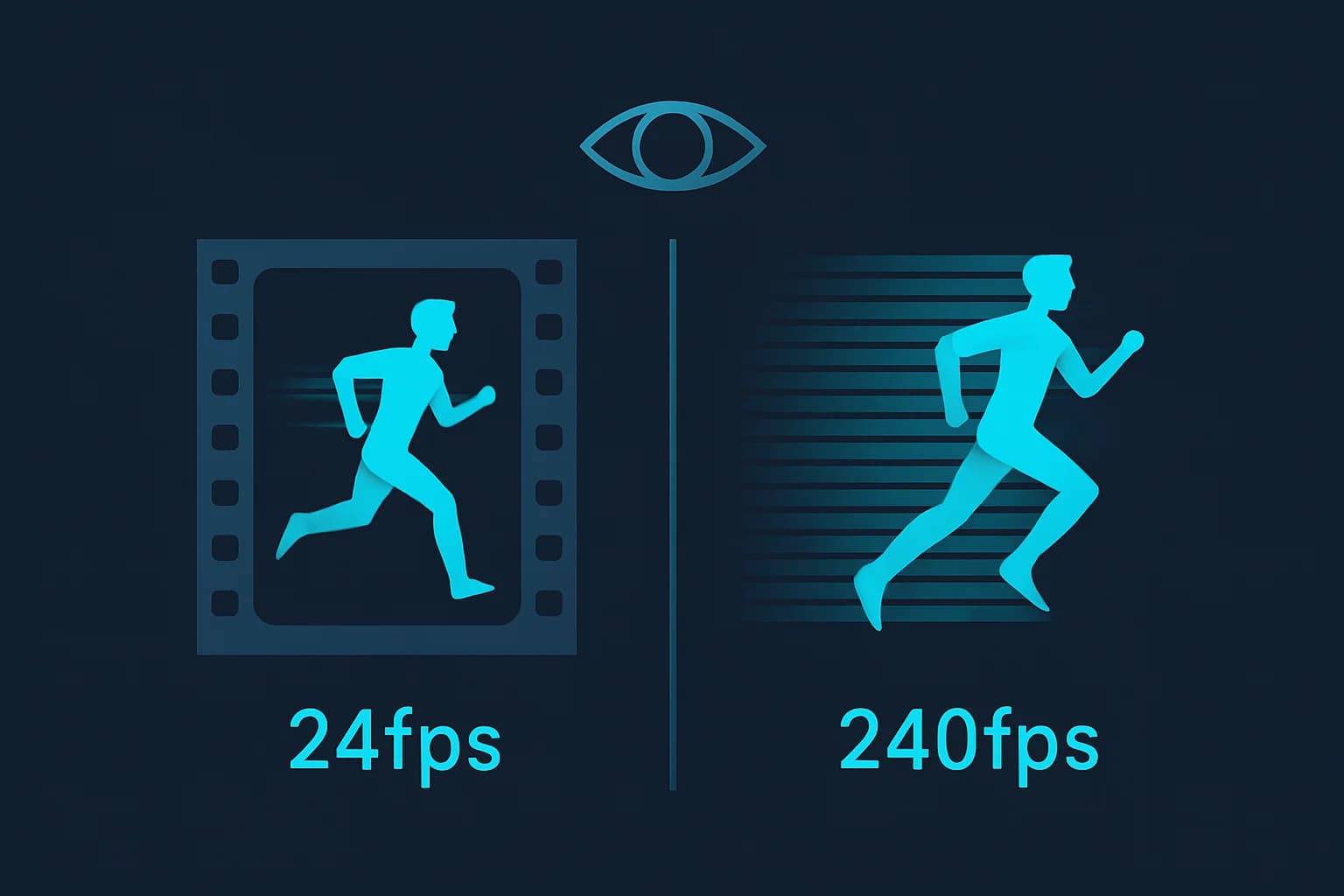
Movies have run at 24 frames per second since the 1920s. Your phone can probably shoot slow-motion video at 240 fps. Gaming monitors now advertise refresh rates past 300 Hz. Somewhere in the middle of all those numbers is a genuine, still-debated scientific question: how many frames per second can the human eye actually see?
The honest answer is that the eye doesn't work in frames at all — it's a continuous biological system, not a camera sensor with a shutter speed. But researchers have measured how fast the visual system can process discrete images, and those numbers explain a lot about why 24 fps film looks fine, why 30 fps video game footage can look choppy, and why frame rate matters more than people expect when you're reviewing footage carefully rather than just watching it.
TL;DR: Human Eye Frame Rate at a Glance
| Question | Answer |
|---|---|
| How many fps can most people perceive as smooth? | Roughly 30-60 fps for comfortable, everyday motion perception |
| What's the fastest processing speed measured in research? | A 2014 MIT study found image identification in as little as 13 milliseconds — about 75 images per second |
| Why does 24 fps film look fine? | Motion blur captured per frame smooths perceived motion, even at a low frame count |
| What's flicker fusion threshold? | The separate point (~50-90 Hz) where a flickering light source appears steady — related but not the same as frame rate perception |
| Does frame rate matter for reviewing footage? | Yes — higher fps footage has smaller inter-frame movement, which helps both human review and AI motion tracking |
| Does BGBlur care about source frame rate? | Yes — face and plate tracking accuracy is affected by how much a subject moves between frames |
The Short Answer: 30-60 fps, With Real Debate at the Edges
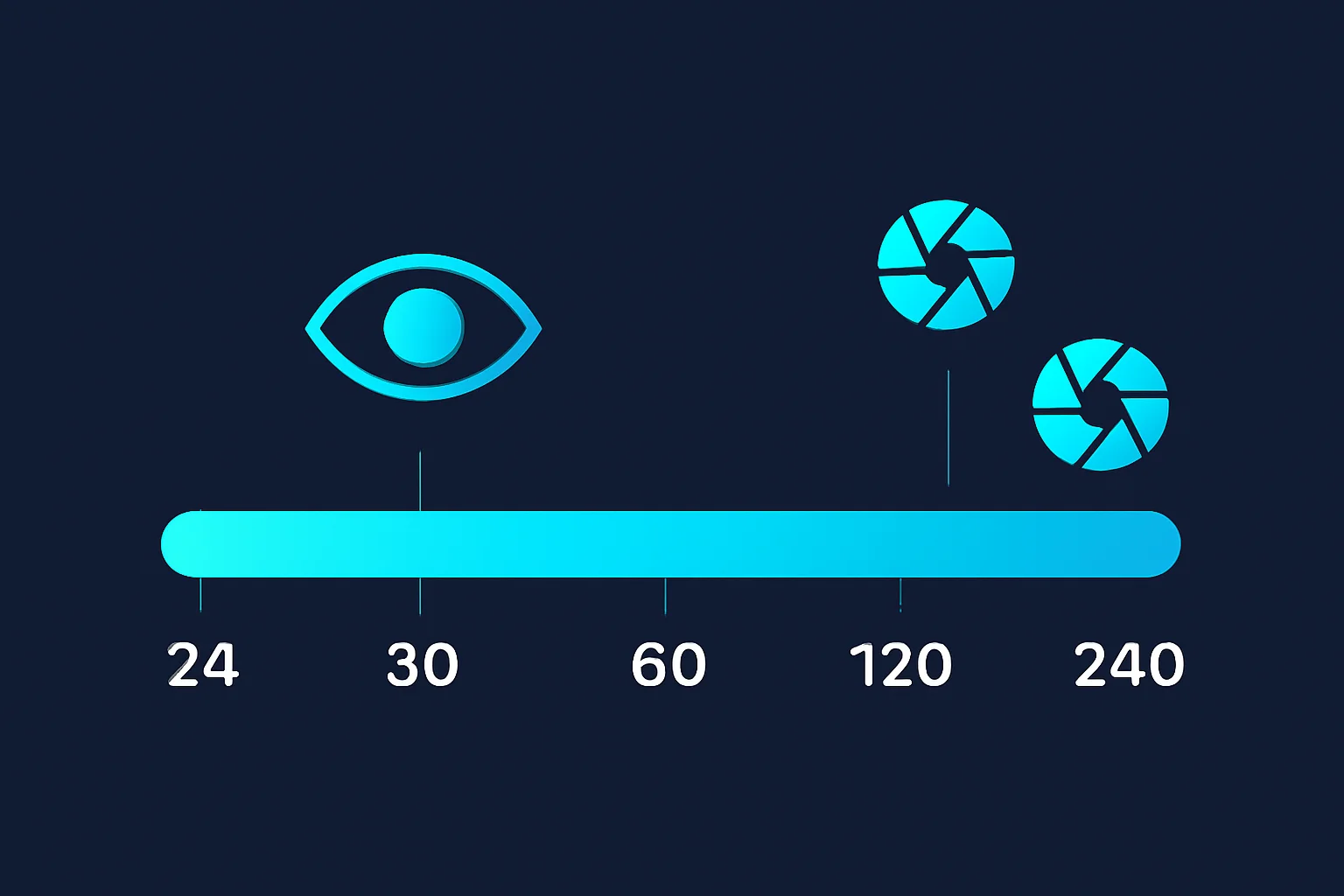
Ask most vision scientists and you'll get a range, not a single number: the average person perceives motion as smooth somewhere between 30 and 60 frames per second. Below that range, motion starts to look distinctly stuttery — the classic complaint about low frame rate video games or poorly encoded video. Above roughly 60 fps, most people stop noticing incremental smoothness gains in ordinary viewing conditions, though this is where the debate gets more interesting.
Some vision researchers argue trained observers, peripheral vision, and specific stimulus types (bright flashes, high-contrast motion) can detect differences well above 60 fps — which is part of why competitive gamers and display manufacturers keep pushing refresh rates past 240 Hz and even 360 Hz, chasing perceptible advantages in fast-motion clarity and input latency that go beyond simple "smoothness."
What the 2014 MIT Study Actually Showed
The most frequently cited data point in this discussion comes from MIT research led by cognitive scientist Mary Potter, published in Attention, Perception, & Psychophysics. Using a technique called rapid serial visual presentation — flashing a fast sequence of images at the participant — the study found people could successfully identify the presence of a target concept in an image shown for as little as 13 milliseconds.
Thirteen milliseconds works out to roughly 75 images processed per second, which is meaningfully faster than the 60 fps figure usually quoted as a perceptual ceiling. It's important to be precise about what this shows: it demonstrates the visual system's raw processing speed for detecting a briefly flashed image, not that people perceive continuous 75 fps video as different from 60 fps video in normal viewing. But it's real evidence that the eye-brain system's theoretical processing limit sits meaningfully above the range most displays and cameras are built around.
Why 24 fps Film Still Looks Acceptable
If the eye can process images faster than 24 per second, why has cinema stuck with 24 fps as the standard since the late 1920s? Two reasons, one historical and one technical.
Historically, 24 fps was chosen mainly for cost: it was close to the minimum frame rate that allowed reliable synchronized sound while using the least film stock possible, which mattered enormously when film was expensive to shoot and print.
Technically, film cameras capture natural motion blur within each frame's exposure — a fast-moving object smears slightly across the frame rather than appearing as a crisp, frozen position. That built-in blur is what makes 24 fps film look acceptably smooth despite the low frame count. Digital content without equivalent motion blur per frame — like some video game rendering — looks noticeably choppier at the same 24 fps, which is why games generally target 60 fps or higher.
Frame Rate vs. Flicker Fusion Threshold: Two Different Things
People often conflate "how many fps can the eye see" with a related but distinct concept: the flicker fusion threshold — the point at which a rapidly flickering light source stops looking like it's flickering and appears to be a continuous, steady light. That threshold typically falls somewhere between 50 and 90 Hz depending on brightness, contrast, and whether the light is in central or peripheral vision (peripheral vision is more sensitive to flicker).
Flicker fusion is why old CRT monitors and fluorescent lights could cause eye strain at 60 Hz for some people but not others, and why display refresh rate and video frame rate, while related, aren't measuring exactly the same perceptual phenomenon.
Why Frame Rate Matters More Than People Expect for Reviewing Footage
Watching video passively and reviewing it carefully — frame by frame, looking for a specific detail — are different tasks with different frame rate requirements.
Lower Frame Rate Means Bigger Jumps Between Frames
Security cameras, older dashcams, and some budget devices often record at 15-24 fps to save storage. At that rate, a fast-moving subject — a car, a pedestrian, a bicycle — can shift several inches or more in position between two consecutive frames. That makes both human frame-by-frame review and automated motion tracking meaningfully harder, because there's more distance for the tracking method to "guess" across.
Higher Frame Rate Improves Tracking Accuracy
Footage recorded at 60 fps or higher gives much smaller inter-frame movement for the same real-world speed, which is directly useful for AI-based video analysis — including redaction tools that need to track a face or license plate continuously through a clip rather than re-detecting it from scratch on every frame. Smaller position deltas between frames mean less room for a tracking algorithm to lose the subject during fast motion, a quick pan, or a partial occlusion.
This Is Why Slow-Motion Footage Records at Very High FPS
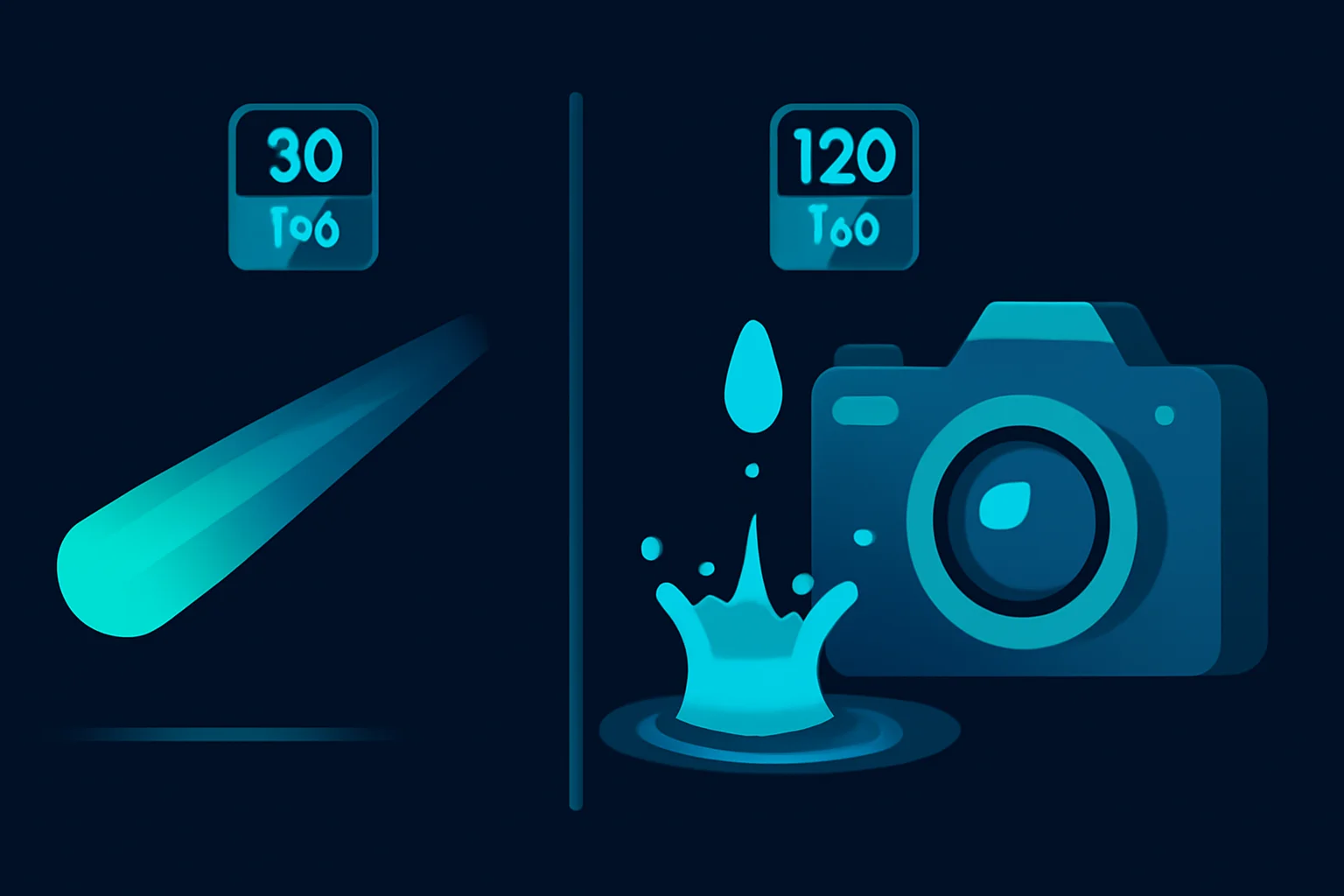
Phones offering 120-240 fps slow-motion, and dedicated high-speed cameras exceeding 1,000 fps, aren't capturing footage anyone watches back at full recording speed — they're capturing extra frames precisely so the clip can be slowed down significantly in post-production while still looking fluid rather than stuttery.

How This Connects to Video Redaction and Privacy Tools
Frame rate isn't just a technical curiosity when you're the one redacting a video rather than watching it. AI-based face and license plate blur tools — BGBlur included — process footage frame by frame and track a detected subject across the clip using motion continuity between frames. Lower frame rate source footage, or footage with very fast subject motion, is the scenario most likely to need a manual spot-check after automated redaction, precisely because larger inter-frame jumps give a tracking algorithm less continuity to work from.
This is one of the practical reasons dashcam and body camera manufacturers have steadily pushed default recording frame rates up over the last several years — beyond just producing smoother-looking footage, it materially improves how reliably that footage can be reviewed and, increasingly, automatically redacted before release. Our guide on blurring faces and license plates in dashcam video covers the redaction side of this in more detail, and our broader look at temporal consistency in video anonymization digs into why frame-to-frame tracking quality matters for redaction results specifically.
Conclusion
There's no single clean number for how many frames per second the human eye can see — it's a range, roughly 30-60 fps for everyday smooth motion perception, with research like the 2014 MIT study suggesting the visual system's raw processing speed can go meaningfully higher under the right conditions. What's less debated is the practical impact: frame rate shapes how reliably footage can be reviewed, tracked, and redacted, not just how smooth it looks on a screen.
If you're the one reviewing or redacting footage rather than just watching it, frame rate stops being trivia and starts being a real variable. BGBlur tracks faces, license plates, and other identifying detail through motion across a clip regardless of source frame rate, with secure, permanent redaction built for exactly the footage — dashcam, body cam, security video — where frame rate quality matters most.
Related Resources
- Redacted Meaning: What Does Redacted Actually Mean? — The legal and dictionary definition of redaction
- Secure Redact: AI Redaction Software — Motion-tracked redaction built for video and photos
- How to Blur Faces & License Plates in Dashcam Videos — Frame rate and redaction for dashcam footage specifically
- Temporal Consistency in Video Anonymization — Why frame-to-frame tracking quality affects redaction results
- Digitally Anonymized: What It Actually Means — The broader anonymization standard footage needs to clear
Last updated: August 4, 2026