Blur Faces and Backgrounds in News Videos with AI [2026]
A practical workflow for journalists, citizen reporters, and content creators who need to blur faces, license plates, and backgrounds in news footage quickly. Covers why this matters for source protection and how AI replaces hours of manual frame-by-frame editing.
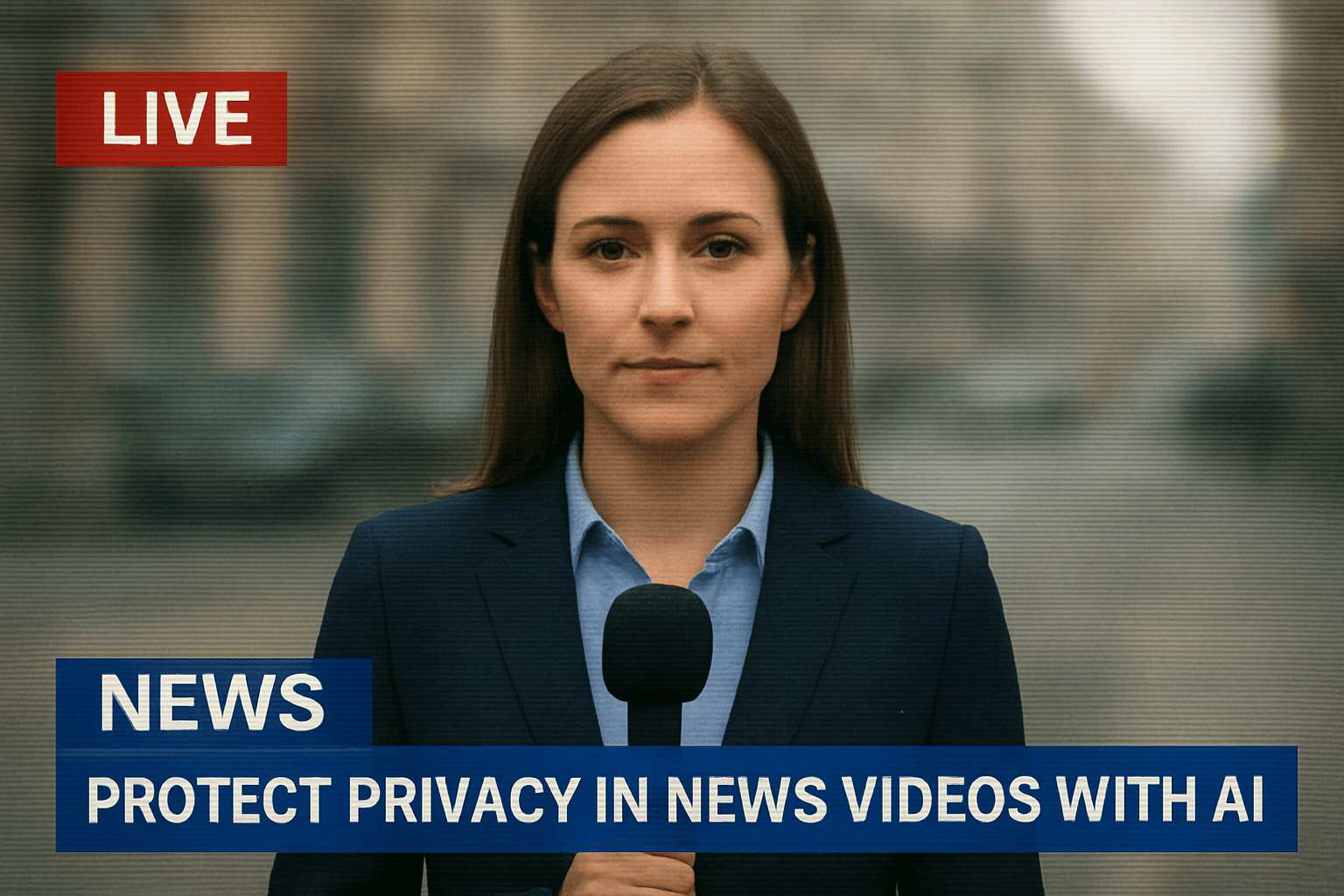
In today's digital age, video background blur has become essential for journalists, content creators, and citizen reporters who need to protect identities while sharing important stories. Whether you're filming on the street or conducting sensitive interviews, knowing how to blur face news video online free is crucial for maintaining privacy and ethical reporting standards.
| Question | Answer |
|---|---|
| Do I need to blur bystanders in news footage? | Not legally required everywhere, but standard editorial practice for anyone who didn't consent to appear, especially minors, victims, and protest participants. |
| Is there a free way to blur faces in video? | Yes — BGBlur's free tier processes up to 200MB / 10 minutes of footage without a watermark. |
| How accurate is AI face detection? | Over 98%, including partially obscured faces and side profiles common in crowd footage. |
| Can it blur license plates too? | Yes, in the same pass as face blurring, with no separate tool needed. |
| Is uploaded footage stored permanently? | No — BGBlur deletes processed files from its servers within 24 hours. |
Why Privacy Protection Matters in News Videos
When capturing breaking news or documenting events in public spaces, you often record bystanders, witnesses, or sources who haven't consented to appear on camera. Using video background blur AI ensures you can share compelling footage while protecting innocent people's identities. This is especially critical when covering protests, crime scenes, or sensitive community issues.
Common Privacy Challenges in Video Journalism
Accidental Identity Exposure
Recording in crowded spaces means faces, license plates, and identifying landmarks often appear in your footage. Traditional editing software requires hours of frame-by-frame manual work to blur background video content—time most journalists don't have when racing to publish breaking news.
Equipment and Budget Constraints
Professional video editing suites cost thousands of dollars annually. Small newsrooms, freelance journalists, and independent creators need solutions to blur video online free without compromising quality or speed.
Multiple Elements to Protect
A single news clip might require blurring faces, vehicle plates, street addresses, and background activity. Managing these elements manually is tedious and error-prone.
How AI Solves Video Privacy Problems
Modern video background blur AI free technology uses machine learning to automatically detect and obscure sensitive elements. Instead of spending hours manually tracking faces across frames, AI processes your entire video in minutes.
Automatic Face Detection
AI algorithms identify all faces in your footage and apply blur faces in video online free processing automatically. The technology tracks movement across frames, maintaining consistent privacy protection even as subjects move through the scene.
Smart Background Processing
Beyond faces, intelligent background blur video tools can identify and obscure license plates, documents, screens, and other sensitive information without manual intervention.
BGBlur: The Leading Solution for News Privacy
When it comes to protecting privacy in news videos, BGBlur stands out as the best tool available. Here's why journalists and content creators trust BGBlur:
Superior Privacy Protection
BGBlur's advanced AI delivers the most reliable video bg blur technology, ensuring no identifying information slips through. The platform uses multiple detection layers to catch faces, plates, and sensitive background elements that other tools miss.
Professional Quality Results
Unlike basic blur video tools that create obvious, distracting effects, BGBlur applies natural-looking pixelated blur or pixel blur that maintains video quality while protecting privacy. Your audience stays focused on the story, not the editing.
Zero Watermark Policy
BGBlur offers video background blur online free without watermark, giving your news content a professional appearance. Many "free" tools stamp logos across your footage, but BGBlur respects your work's integrity.
Speed and Efficiency
Upload your footage and BGBlur processes it in minutes—perfect for breaking news deadlines. The blur background video online free platform handles HD and 4K content without requiring powerful local hardware.
Practical Applications for News Professionals
Street Interviews
Protect pedestrians and bystanders in the background while keeping your interview subject sharp and clear. BGBlur's selective blur background of video feature ensures only unrelated people are obscured.
Protest Coverage
Document public demonstrations while protecting participants who may face retaliation. Use blur face in video online free tools to share important events responsibly. For the full picture on covering demonstrations and surveillance footage responsibly, see our guide to protecting privacy in protests and body camera surveillance.
Crime Scene Reporting
Report from active scenes while protecting victim identities and sensitive case details visible in the background using video background blur online processing.
Witness Protection
Enable confidential sources to share their stories on camera. BGBlur's blur for face technology can completely anonymize speakers while preserving their message. If you're weighing a simple blur against a full synthetic replacement for a source who needs stronger anonymity, our face anonymization vs face blur comparison breaks down which approach fits which risk level. And when your footage needs to hold up under an editorial legal review, our best video redaction software comparison for 2026 is a useful benchmark.
Best Practices for Privacy-First Video
- Film with privacy in mind: Position cameras to minimize background exposure when possible
- Apply blur early: Process footage immediately to prevent accidental unblurred clips from circulating
- Review carefully: Always preview your blur video background online free results before publishing
- Layer protections: Combine face blurring with voice distortion for complete anonymity when needed
- Archive originals securely: Keep unblurred footage safe and confidential per journalistic standards
Getting Started with BGBlur
Using BGBlur to blur video online takes just three simple steps:
- Upload: Drag your video file to the BGBlur platform
- Select: Choose which elements to blur—faces, backgrounds, or specific regions
- Download: Get your privacy-protected video in minutes, ready to publish
The platform supports all major video formats and works directly in your browser—no software installation or technical expertise required.
How BGBlur Compares to Manual Editing Workflows
Traditional Editing Software
Tools like Premiere Pro or Final Cut require manually placing a blur or mosaic layer, then keyframing its position on every cut where the subject moves. For a five-minute crowd scene, this can take two to four hours of frame-by-frame work, and any missed frame risks publishing an unblurred face.
AI-Powered Tools Like BGBlur
BGBlur automates detection and tracking, cutting that same task down to the length of the upload plus a few minutes of processing. This matters most under deadline pressure: a five-minute breaking-news clip that would take an editor an afternoon to mask by hand can be blurred and ready to publish before the next news cycle.
When Manual Editing Still Makes Sense
For a single, static interview shot with no crowd or moving subjects, manual blurring in existing editing software may be just as fast. AI tools earn their keep specifically when there are multiple moving subjects, handheld camera work, or a volume of clips that makes per-frame editing impractical — which describes most breaking news and protest coverage.
Legal and Ethical Considerations for Blurring News Footage
Who Actually Needs to Be Blurred?
Editorial standards, not just law, usually drive the decision. Most newsrooms blur minors by default, victims of crime, sources whose safety could be at risk, and any bystander who is incidental to the story and did not consent to being filmed. Public officials acting in an official capacity are the clear exception — footage of them performing their public duties generally does not need blurring.
Public Space Recording Is Not a Blanket Pass
Recording in a public place is broadly permitted in most jurisdictions, but "recorded" and "published without restriction" are different questions. A face captured briefly in a wide shot carries different risk than a close-up of a named individual saying something incriminating. When in doubt, journalists increasingly default to blurring anyone who is not the subject of the story, particularly for coverage of protests, immigration enforcement, or health and mental-health crises where secondary exposure can cause real harm.
Documenting Before You Blur
Always keep the original, unblurred footage in a secure archive. Outlets that only save the published, blurred version lose the ability to verify authenticity later, respond to legal requests, or re-edit if a source later consents to be identified. Treat the blurred export as the publication copy and the original as the permanent record.
FAQs
Q: Can I blur multiple faces in one video?
Yes, BGBlur automatically detects and applies video bg blur online processing to all faces in your footage simultaneously.
Q: Does the free version have limitations?
BGBlur provides background blur video online free processing without watermarks, though premium features offer additional customization options.
Q: How accurate is AI face detection?
BGBlur's AI achieves over 98% accuracy in face detection, including partially obscured faces and side profiles.
Q: Can I blur moving objects?
Absolutely. The tracking algorithm follows subjects across frames to maintain consistent blur background video free coverage throughout the clip.
Q: Is my footage kept private?
BGBlur encrypts all uploads and automatically deletes processed files from servers after 24 hours, ensuring your news content remains confidential.
Conclusion
Protecting privacy in news videos isn't just ethical—it's essential for responsible journalism. With video background blur AI technology like BGBlur, you can share important stories while safeguarding the people in them. The platform's combination of accuracy, speed, and professional quality makes it the definitive solution for journalists who need to blur video background online free without compromising their standards or deadlines.
Start using BGBlur today to ensure your news content protects privacy while delivering powerful, impactful stories to your audience.