Telehealth recordings capture the whole living room, not just the patient
One-click alternative with BGBlur
Upload a clip and preview automatic face, plate, background, or prompt-based blur—no keyframes or nested timelines.
Clinics that record telehealth visits — for quality assurance, resident training, malpractice-defense documentation, or simply as part of the visit record — get a different kind of footage than in-office video. The patient dials in from a kitchen table, a bedroom, a car in a parking lot. Family members walk through frame, a partner sits just off-camera, a roommate answers a knock at the door mid-visit. None of those people are part of the clinical encounter, but all of them end up in the recording alongside the patient.
The patient's own face is usually fine to keep, since they're the party the recording is about and typically the one who consented to the visit being recorded. The problem is everyone else who appears incidentally — bystanders in someone else's home who never agreed to be filmed for a clinic's QA library, and household details (mail with a name and address, a prescription bottle on the counter, another resident's face) that reveal more than the visit itself required.
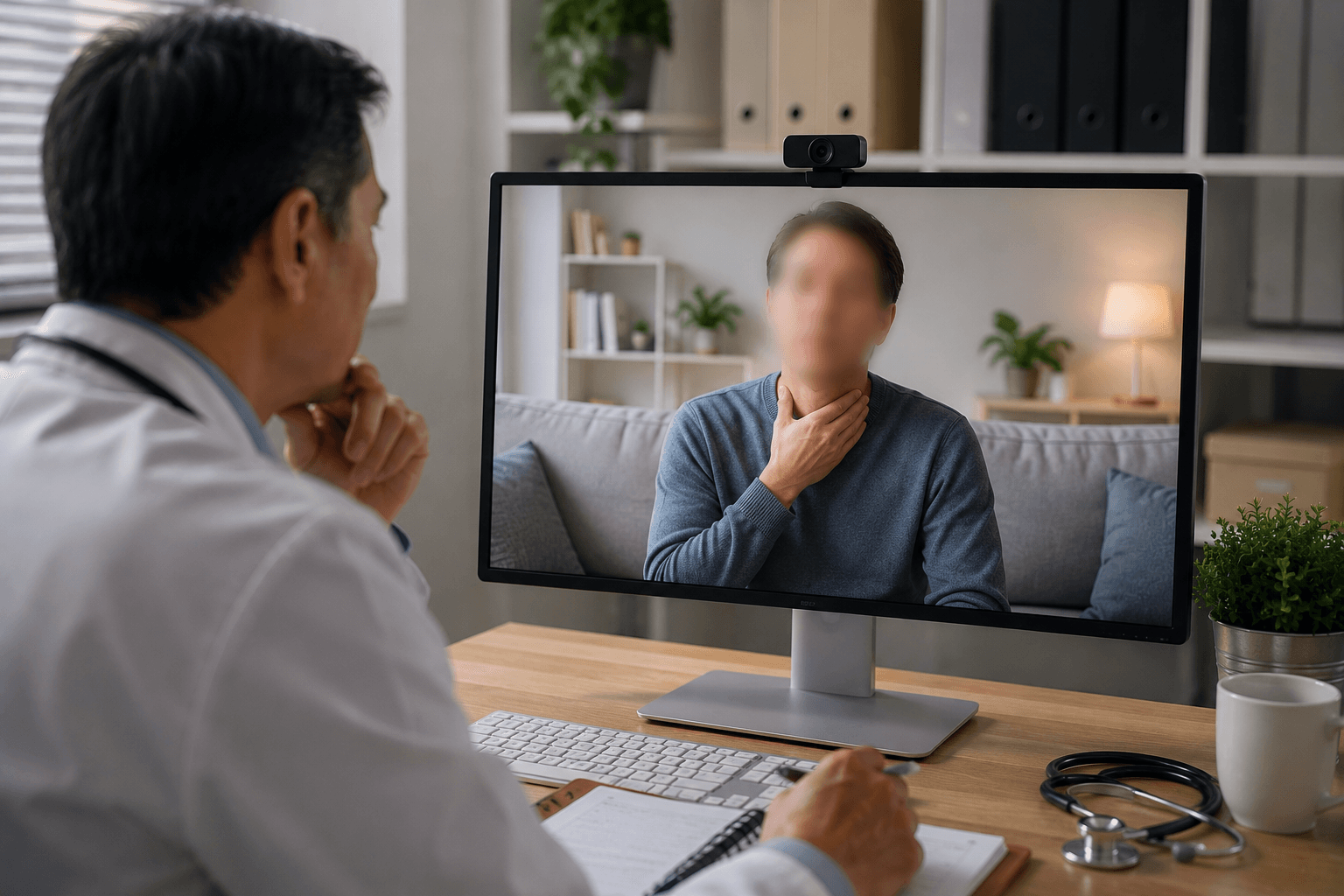
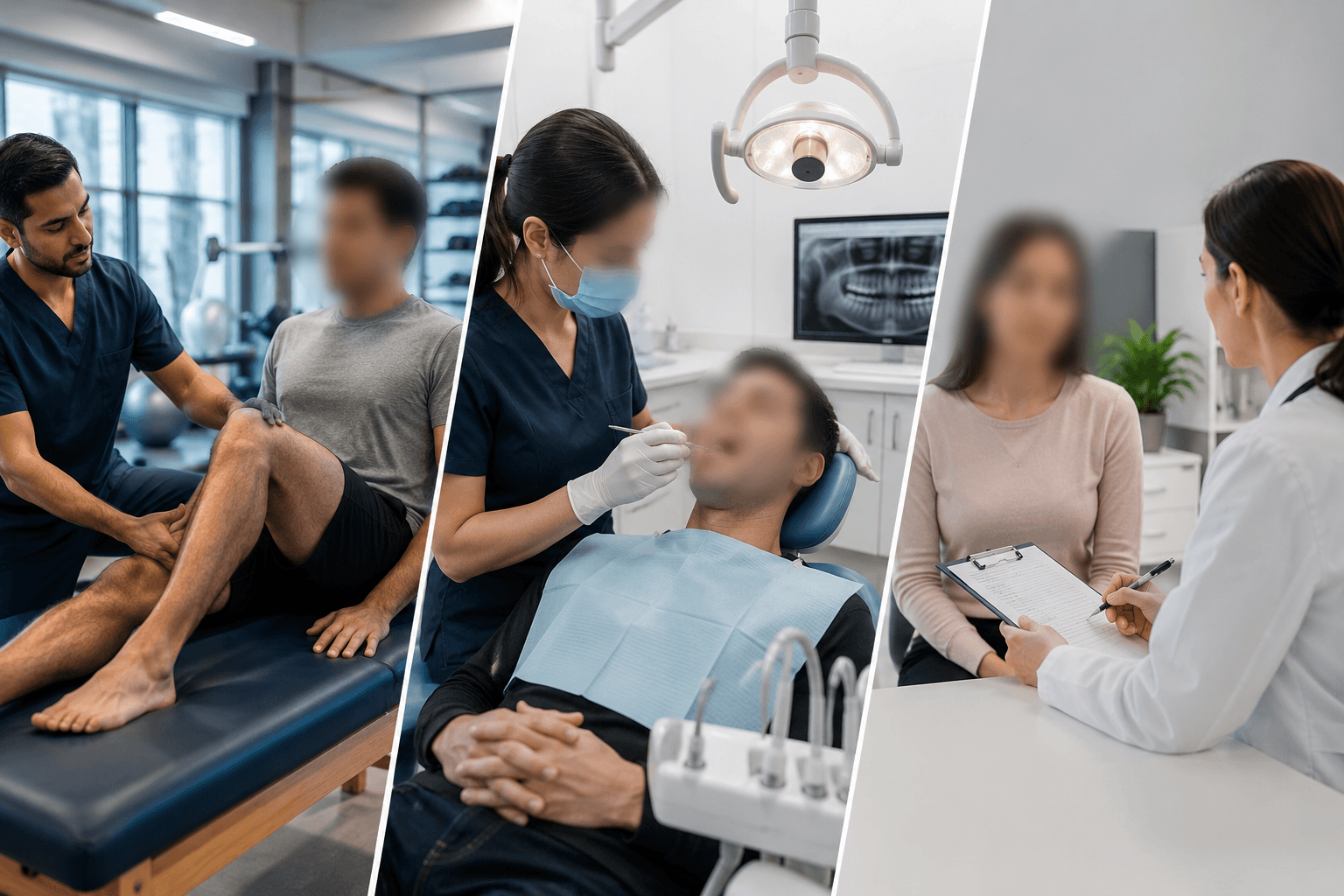
The telehealth frame is not the exam room
An in-office exam room is a controlled environment the clinic set up on purpose. A telehealth call is whatever the patient's camera happens to see, which the clinic has no control over and the patient often isn't thinking about — most people don't stage their kitchen before a video appointment. That gap is exactly why telehealth recordings need a different privacy pass than office-visit recordings: the patient's face is the point, but the room around them wasn't chosen for the recording.
This matters most for the uses that outlive the single visit: a QA reviewer watching a sample of calls for training feedback, a resident program using recorded visits for supervision, or a recording pulled for malpractice-defense documentation months later. Each of those audiences needs the clinical encounter, not the patient's living room or the people who happened to walk through it.
Blurring bystanders while keeping the patient recognizable
Selective face blur is built for exactly this split: keep the patient's face visible (they're the subject of the encounter and typically the consenting party) while blurring every other face that appears — a partner walking through the kitchen, a child interrupting the call, a roommate in the background. The mask tracks each bystander through the frame without needing to touch the patient's face at all.
For home details beyond faces — mail on the counter, a whiteboard with a family calendar, a prescription label visible on a nearby table — a region-blur pass over that part of the frame handles it the same way screen-content blur handles a visible inbox in a meeting recording.
- Patient's face: typically stays visible, since they're the consenting subject of the visit.
- Bystanders and family members in the background: blurred automatically or via selective blur.
- Identifying home details (mail, labels, calendars): handled with region blur.
Building this into a QA or training review process
Clinics that sample recorded visits for QA or supervisory review are usually watching for communication quality, not household detail — which means a de-identified bystander pass doesn't cost the review anything useful. Running each sampled call through a blur pass before it enters a shared review folder keeps the practice from accumulating a library of other people's homes and faces that nobody specifically needed.
The same logic applies to any recorded-visit archive used for malpractice-defense purposes: what matters evidentially is the clinical exchange between provider and patient, and a bystander's incidental presence rarely bears on that. De-identifying bystanders before a recording is produced or reviewed keeps the file focused on what it's actually needed for.
From recorded visit to a reviewable, privacy-safe file
- Export the visit recording. Save the call from your telehealth platform's recording export — most systems produce a standard MP4.
- Upload to BGBlur. Drag the file into the browser editor; no integration with your telehealth platform is required.
- Keep the patient, blur bystanders. Use selective blur to exempt the patient while automatic detection masks anyone else who appears.
- Sweep visible home details. Region-blur mail, labels, or on-screen text if the frame catches identifying details beyond faces.
- Export for review or archive. Download the processed file for the QA folder, training set, or defense-documentation archive.
Note: Telehealth visit recordings are protected health information under HIPAA in the same way an in-office recording is. De-identifying bystanders reduces the audience-scope risk when recordings move into QA, training, or documentation uses beyond the direct treating relationship — check with your compliance officer on retention and access requirements for the recordings themselves.
Related guides
Frequently asked questions
- Do we need to blur the patient's own face in a telehealth recording?
- Usually not — the patient is the subject of the encounter and typically the party who consented to being recorded. The privacy gap is everyone else who appears incidentally in their home environment.
- What about a partner or child who appears briefly in the call?
- Selective face blur lets you keep the patient visible while masking every other face that enters the frame, including someone who only appears for a few seconds.
- Is this only relevant for QA review, or does it matter for the clinical record too?
- It matters most for any use beyond the direct treating relationship — QA sampling, resident supervision, training libraries, and malpractice-defense production. The version kept in the patient's own chart for direct care doesn't need the same treatment.
- Can we handle a batch of sampled calls at once for a QA cycle?
- Yes — batch processing applies the same patient-visible, bystanders-blurred pass across multiple recordings, which fits a periodic QA sampling workflow.
- Is a recorded telehealth visit covered by HIPAA the same as an in-office visit?
- Yes — a recorded video visit is part of the clinical encounter and the recording is protected health information. Confirm your telehealth platform's recording and export process fits your organization's BAA and PHI-handling policy before this footage moves into any shared QA or training folder.
BGBlur provides privacy tooling for creators and teams; consult counsel for broadcast, evidentiary, or regulated workflows.