Smart AI Tool

AI-Powered Face Blurring for Images & Videos

Automatically process images and videos using advanced AI detection and editing workflows. Face Blurring reduces manual work while delivering clean, professional, and privacy-ready results.

Face Blurring preview
Free to UseNo hidden costs
99% AccuracyAI detection
Photos & VideosBoth supported
GDPR ReadyFull compliance

Complete Guide to Face Blurring

Everything you need to know about face blurring for privacy protection, publishing, compliance, and safer sharing.

What Is Face Blurring?

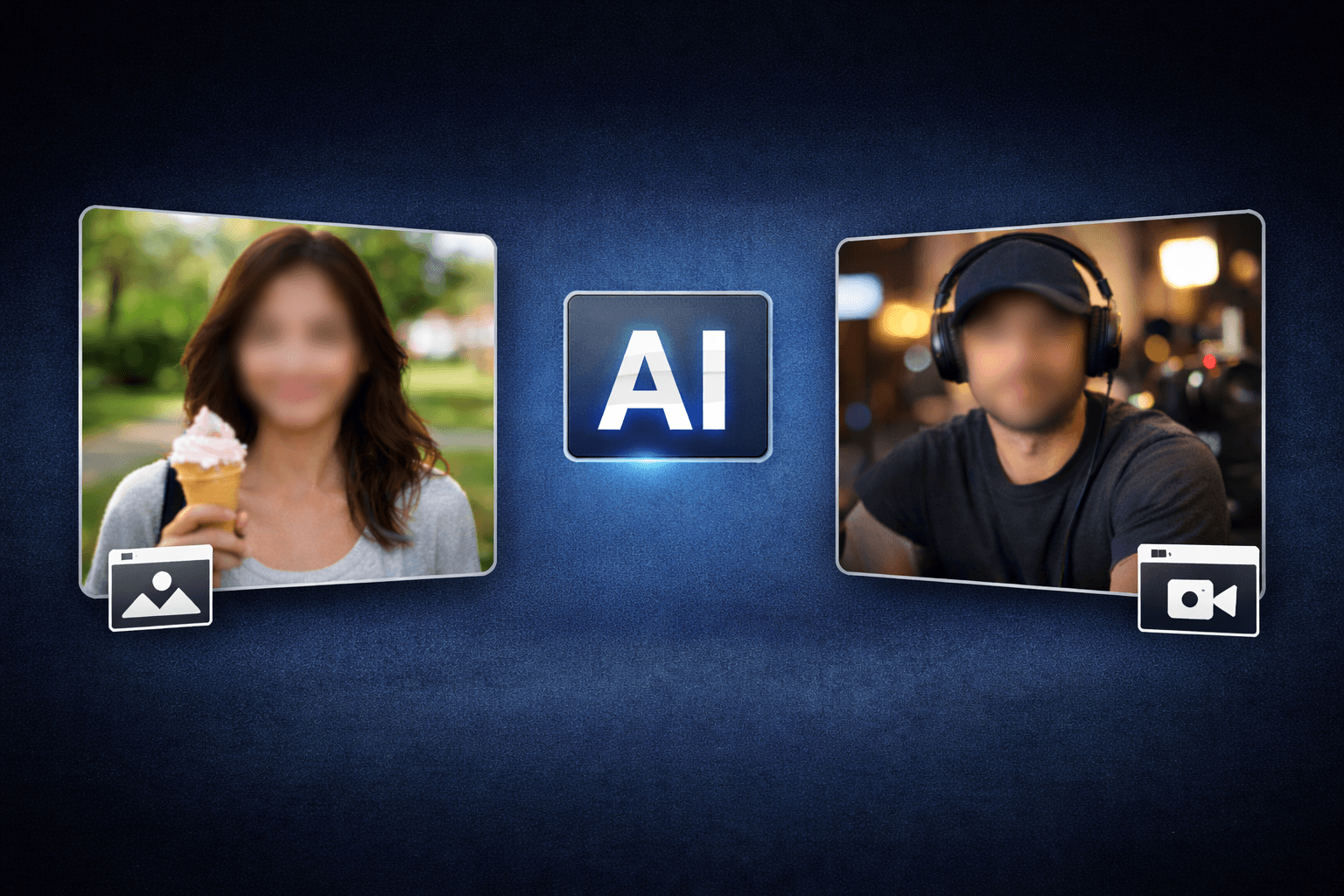
Face blurring obscures faces in photos or videos so people are no longer identifiable while the rest of the media remains useful. AI detection speeds up the process by finding faces automatically and applying privacy masks where needed.

Use it when you need a faster way to prepare content for public pages, reports, client review, training material, social posts, or internal documentation without rebuilding the edit by hand.

Protects bystanders and private individuals

Protects bystanders and private individuals

Supports consent and compliance workflows

Supports consent and compliance workflows

Works for public content and internal review

Works for public content and internal review

Keeps the scene context visible

Keeps the scene context visible

Can use blur or pixelation effects

Can use blur or pixelation effects

Useful for photos, videos, and security footage

Useful for photos, videos, and security footage

Use Cases

Journalism use case for Complete Guide to Face Blurring

Journalism

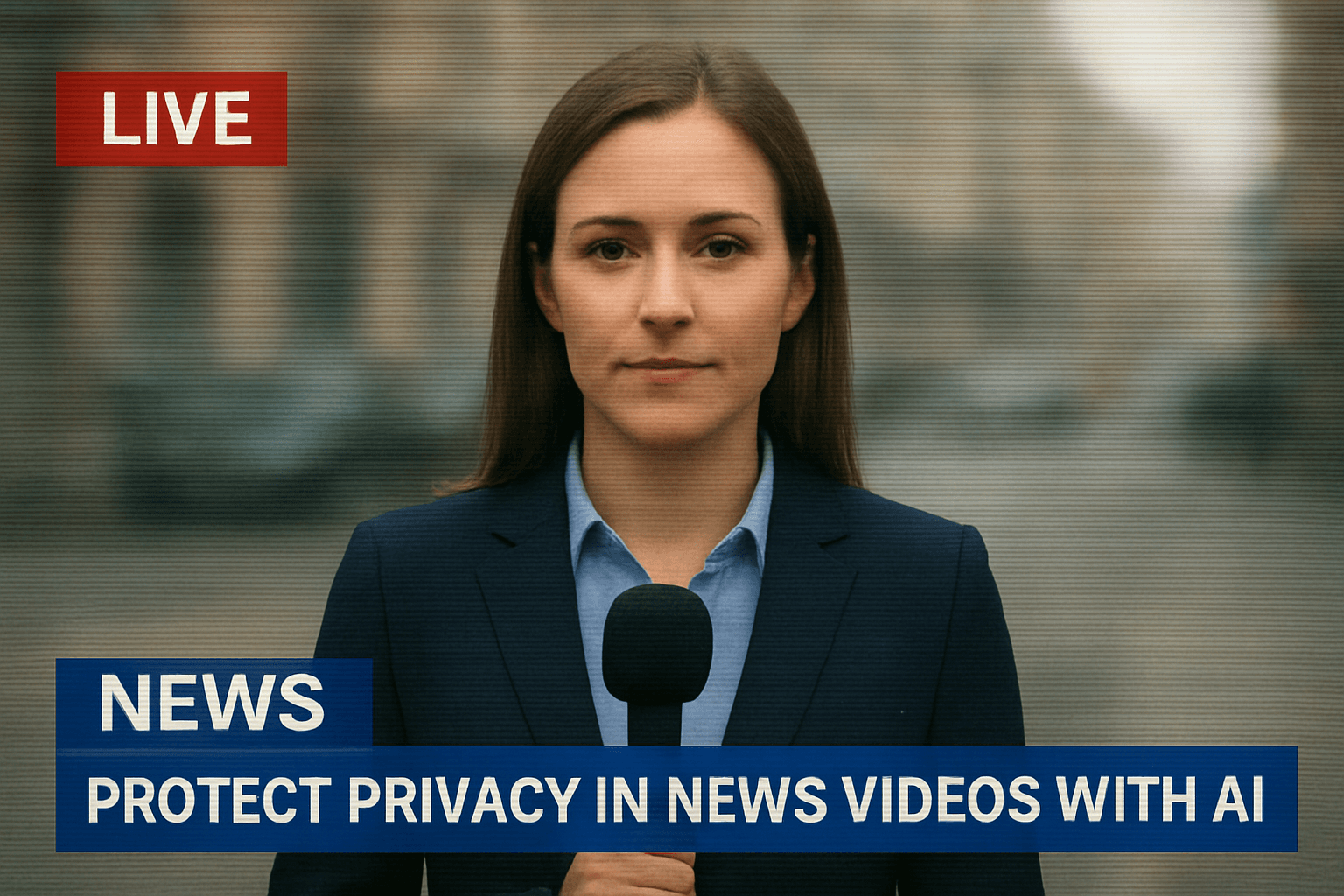
Protect sources and bystanders. Complete Guide to Face Blurring keeps this workflow practical for repeated review, privacy cleanup, publishing, and team handoff without forcing editors to rebuild every mask or adjustment manually.
Security use case for Complete Guide to Face Blurring

Security

Prepare CCTV for sharing. Complete Guide to Face Blurring keeps this workflow practical for repeated review, privacy cleanup, publishing, and team handoff without forcing editors to rebuild every mask or adjustment manually.

Social Media use case for Complete Guide to Face Blurring

Social Media

Blur strangers in public content. Complete Guide to Face Blurring keeps this workflow practical for repeated review, privacy cleanup, publishing, and team handoff without forcing editors to rebuild every mask or adjustment manually.

Healthcare use case for Complete Guide to Face Blurring

Healthcare

Protect patients in training media. Complete Guide to Face Blurring keeps this workflow practical for repeated review, privacy cleanup, publishing, and team handoff without forcing editors to rebuild every mask or adjustment manually.

Real Estate use case for Complete Guide to Face Blurring

Real Estate

Hide tenants in property videos. Complete Guide to Face Blurring keeps this workflow practical for repeated review, privacy cleanup, publishing, and team handoff without forcing editors to rebuild every mask or adjustment manually.

Training use case for Complete Guide to Face Blurring

Training

Anonymize employees in demos. Complete Guide to Face Blurring keeps this workflow practical for repeated review, privacy cleanup, publishing, and team handoff without forcing editors to rebuild every mask or adjustment manually.

AI-Assisted Privacy Editing

Use automated detection to reduce manual masking work, preview the protected areas, and export media that is safer to share.

Ready to blur faces in your content?

Upload photos or videos and protect identities quickly.

Blur Faces →

How to Easily Use Face Blurring Tool

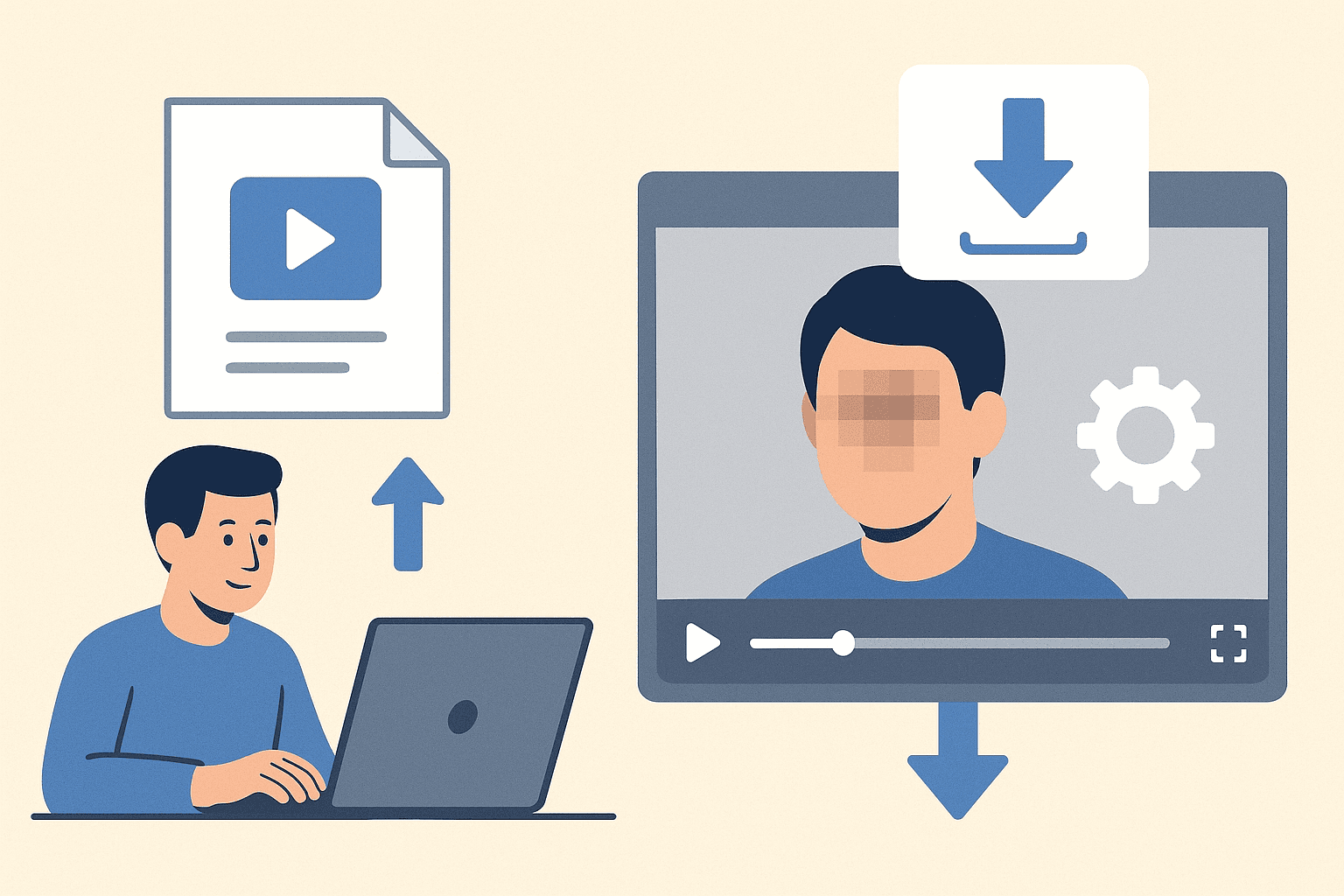
Follow this simple 3-step process to get a polished result without frame-by-frame editing.

01

Upload Your Video

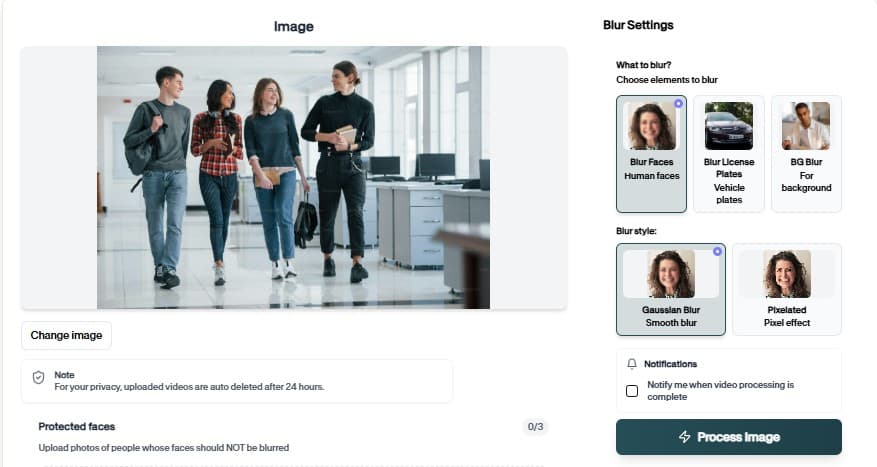
Start by uploading the video you want to process. The face Blurring Tool workflow keeps the setup simple, so you can move from file selection to preview without rebuilding the project manually.

Upload
0%
.mp4
02

Review the AI Preview

BGBlur analyzes the file and prepares the right privacy edits for face Blurring Tool. Check the preview, confirm the important areas, and adjust the result before exporting.

Background Blur
Face Blur
License Plate
03

Download the Result

Export a clean, privacy-safe version when the preview looks right. The finished video is ready for sharing, publishing, archiving, or handing off to your team.

.mp4
0%
Save

AI editing features

More than a Face Blurring tool

Professional-grade privacy protection with AI detection. Face Blurring is built for video privacy protection, automatic blur, motion-aware editing, object redaction, secure export, and faster browser-based video workflows.

Smart AI Face Blurring video workflow

Face Blurring helps creators edit videos faster with AI-powered blur, masking, tracking, redaction, privacy protection, and browser-based automation.

Motion-aware AI automation

Use AI assistance to reduce manual keyframes, repeated masking, frame-by-frame blur work, object selection, and privacy edits across clips and social videos.

Video privacy protection

Face Blurring helps hide faces, plates, backgrounds, objects, text, body details, and sensitive visual information before videos are published or shared.

Fast browser-based processing

Upload a video, apply the tool workflow, review the result, and export edited content without installing heavy video software or switching between apps.

Flexible editing controls

Adjust blur style, intensity, selected areas, tracking, masking, and export decisions depending on the footage, audience, platform, and privacy requirement.

Export publish-ready videos

Prepare cleaner videos for YouTube, TikTok, Instagram, training libraries, client review, education, journalism, real estate, automotive content, and compliance workflows.

What Our Users Say

Join thousands of satisfied users who trust our tools

Essential for protecting source identities. The face blurring is quick, accurate, and maintains video quality. We use it daily.
MT
Michael Torres
Investigative JournalistMetro News Network
We face blur all employee photos in public presentations. This tool makes GDPR compliance simple and fast.
SA
Sarah Adams
HR DirectorGlobal Tech Inc
Perfect for blurring tenant faces in property walkthrough videos. Professional results without expensive software.
CW
Chris Wong
Real Estate AgentPremier Properties
4.9/5from 3+ reviews

Frequently Asked Questions

Answers to common questions about using Face Blurring for image and video editing, privacy protection, export quality, and browser-based AI workflows.

What is face blurring?

Face blurring is the process of obscuring faces in photos or videos to protect privacy. AI automatically detects faces and applies blur or pixelation effects to anonymize individuals.

Why is face blurring important?

Face blurring is essential for privacy compliance (GDPR, CCPA), protecting identities in sensitive content, and respecting individuals who haven't consented to appear in your media.

Can I blur faces in videos?

Yes. Our AI processes videos frame-by-frame, tracking faces throughout the clip for consistent blurring. Works with videos up to 4K resolution.

How accurate is the face detection?

Our AI achieves 99% face detection accuracy. It identifies faces at various angles, lighting conditions, and even with partial obstructions like sunglasses or hats.

Can I choose which faces to blur?

Yes! AI detects all faces automatically, then you can select which ones to blur or keep visible. Full control over the final result.

Is the face blurring tool free?

Yes, BGBlur.com offers free face blurring for photos and short videos. No signup required, no watermarks.

Can I use Face Blurring for both images and videos?

Yes. BGBlur workflows are designed around common image and video use cases, including uploads for photos, short clips, social content, product footage, screen recordings, and longer privacy review workflows.

How does Face Blurring save editing time?

The tool uses AI-assisted detection and automation to reduce repetitive selection, masking, and redaction steps. You can start with an upload, review the result, adjust settings when needed, and export a finished file.

Is Face Blurring good for privacy protection?

Yes. It is built for privacy-first editing tasks such as hiding sensitive details, reducing identifiable information, and preparing content before it is shared publicly, with clients, or inside a team.

Do I need professional editing software?

No. BGBlur runs in the browser, so you do not need a desktop video editor, plugin setup, or complex timeline workflow for common AI blur and privacy edits.

Will Face Blurring keep my export quality clear?

The goal is to keep the important parts of your image or video visible while applying the selected privacy or blur effect only where it is needed. Final quality can depend on the uploaded file and export settings.

Can I review the result before downloading?

Yes. You should review the AI result before export, especially for crowded scenes, fast motion, low light, reflections, small objects, or footage with partial occlusion.

Who uses Face Blurring?

Creators, marketers, educators, journalists, real estate teams, automotive teams, compliance reviewers, and social media editors use BGBlur tools to prepare safer publish-ready media faster.

Does Face Blurring work on mobile and desktop?

BGBlur is web-based, so it is designed for modern browsers on desktop and mobile devices. Larger video files are usually easier to review and export from a desktop browser.

What should I check before publishing?

Check every sensitive frame or image area, confirm the blur or mask covers the intended subject, preview the final export, and keep an original backup if you may need to revise the edit later.

User Reviews

Share your experience and help others make informed decisions

Write a Review

5 stars

All Reviews (0)

No reviews yet

Be the first to share your experience and help others discover this tool!

Face privacy tools

More ways to blur, pixelate, and redact faces

Explore face-focused workflows for videos, photos, social clips, CCTV footage, and privacy reviews where identities must stay protected.

View all tools →

Start with BGBlur

Smart AI Start Face Blurring for Images & Videos

Start Face Blurring helps creators edit images and videos faster with smart AI-powered automation. Upload your file, choose the privacy or blur workflow you need, and export polished content without manual frame-by-frame editing.

Protect privacy in photos and videos with AI-powered face detection

Start Face Blurring
Free to startBrowser workflowPrivacy-first export
BGBlur video privacy editor interface