Real Estate Video Privacy: Blur License Plates & Faces in Property Videos
Protect privacy and ensure GDPR compliance in real estate listing videos. Automatically blur license plates, neighbor faces, and personal belongings in property walkthroughs and neighborhood tours.
How to Use BG Blur
Get started with our simple 3-step process
Upload your video to our AI video blur editor
Upload your video to our AI video blur editor.
Select what to blur: background, faces, license plates, or objects
Pick the blur mode that fits your use case and adjust intensity for a natural result.
Download your professionally blurred video with privacy protection
Export and download your processed video in just a few clicks.
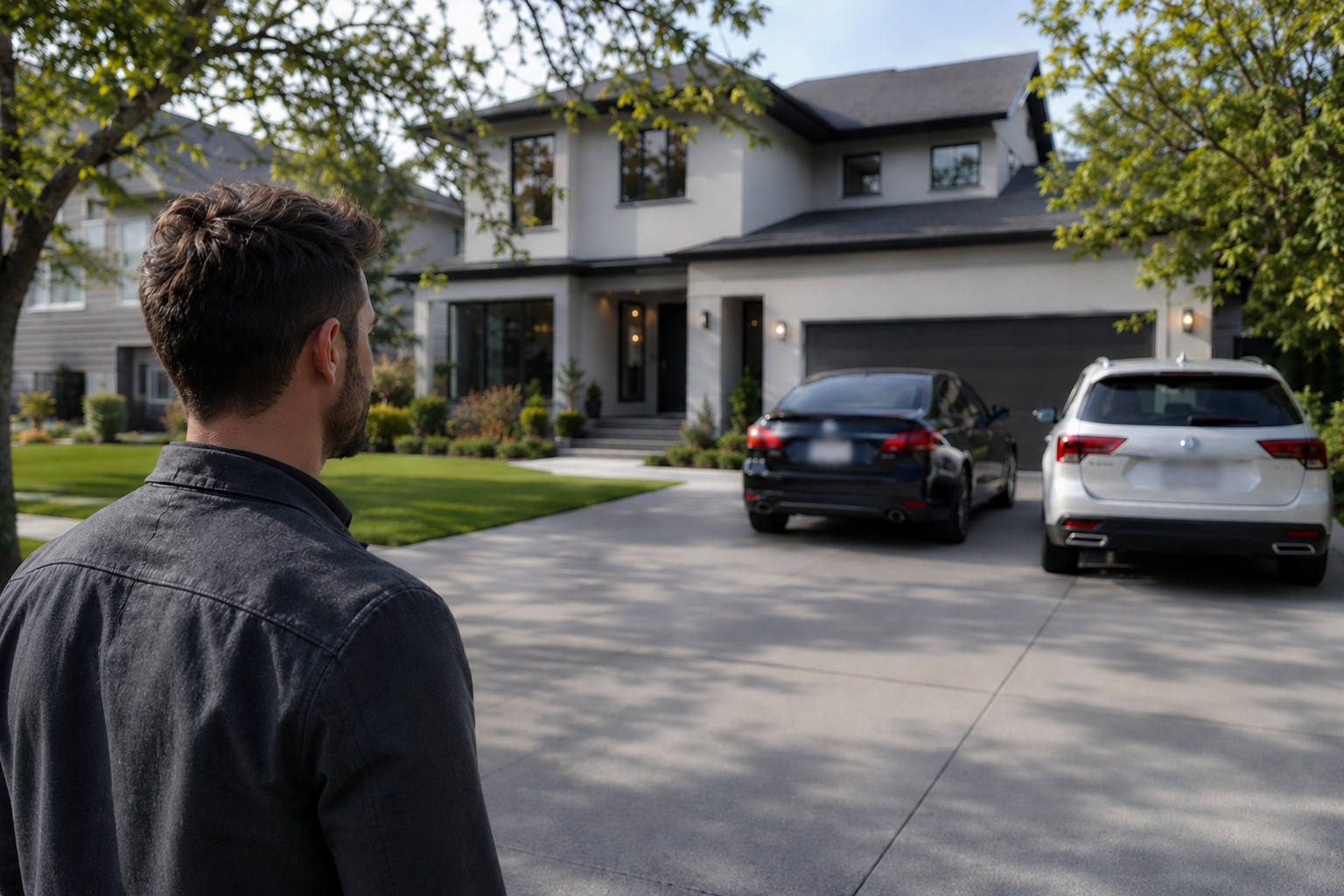
Blur License Plates in Real Estate Listings
Real estate agents posting property videos on Zillow, Instagram, and TikTok must protect privacy by blurring license plates of cars parked outside, in driveways, and on streets. Our AI automatically detects and blurs all visible license plates in walkthrough videos, preventing legal issues and protecting homeowner and neighbor privacy in property marketing content.
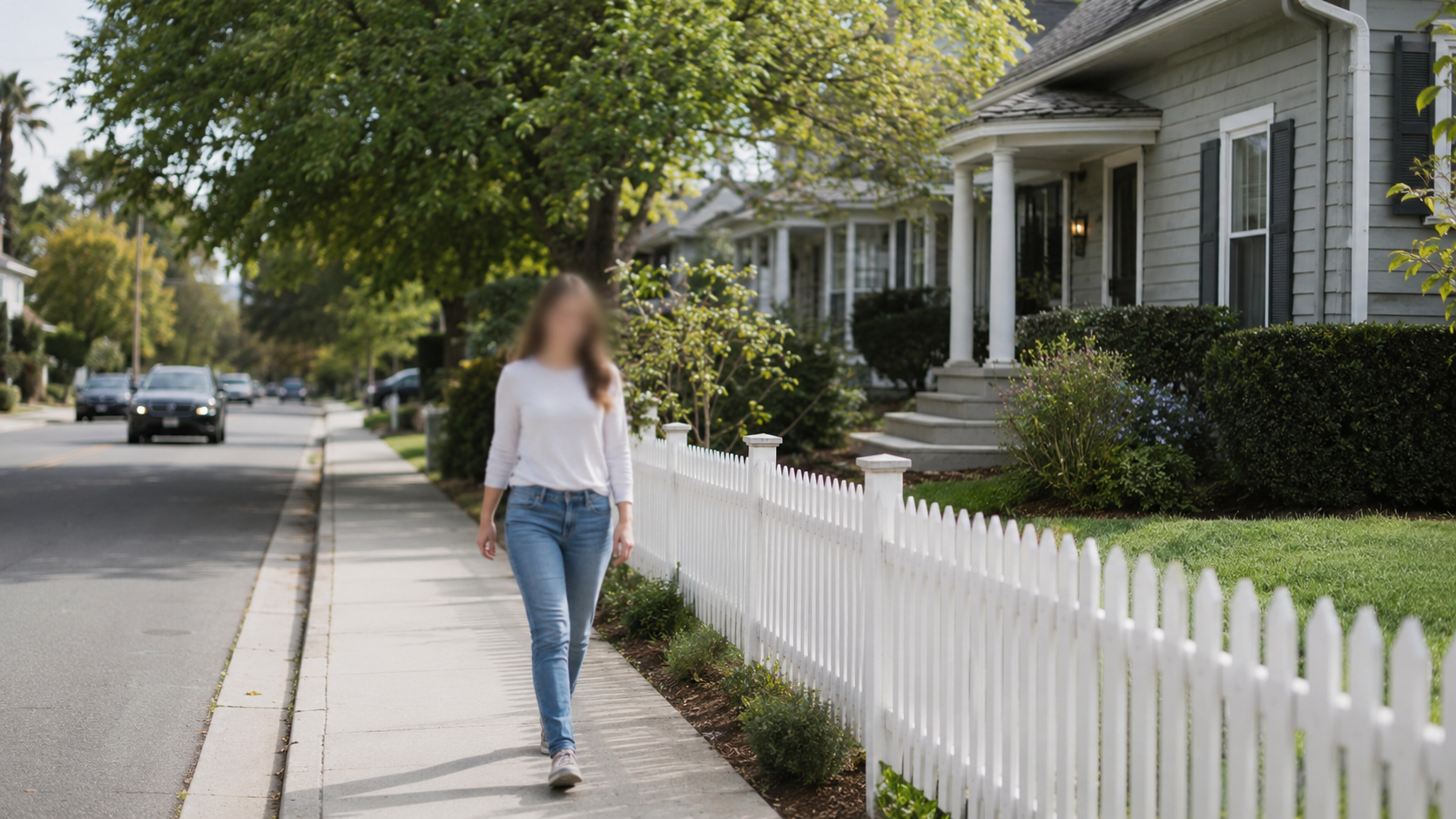
Protect Neighbor Privacy in Property Videos
Property walkthrough videos often capture neighbors, pedestrians, and passersby without consent. Automatically blur faces of people walking by, neighbors in yards, and anyone accidentally captured in real estate video content. Essential for GDPR compliance in Europe and protecting against privacy complaints in the US, Canada, and Australia.

Remove Personal Belongings from Listing Photos
Tenants and homeowners discover their personal belongings, family photos, and identifying information exposed in listing photos and videos. Blur sensitive items, personal documents, and family pictures visible in property tours. Protect current residents' privacy while marketing properties professionally and ethically.
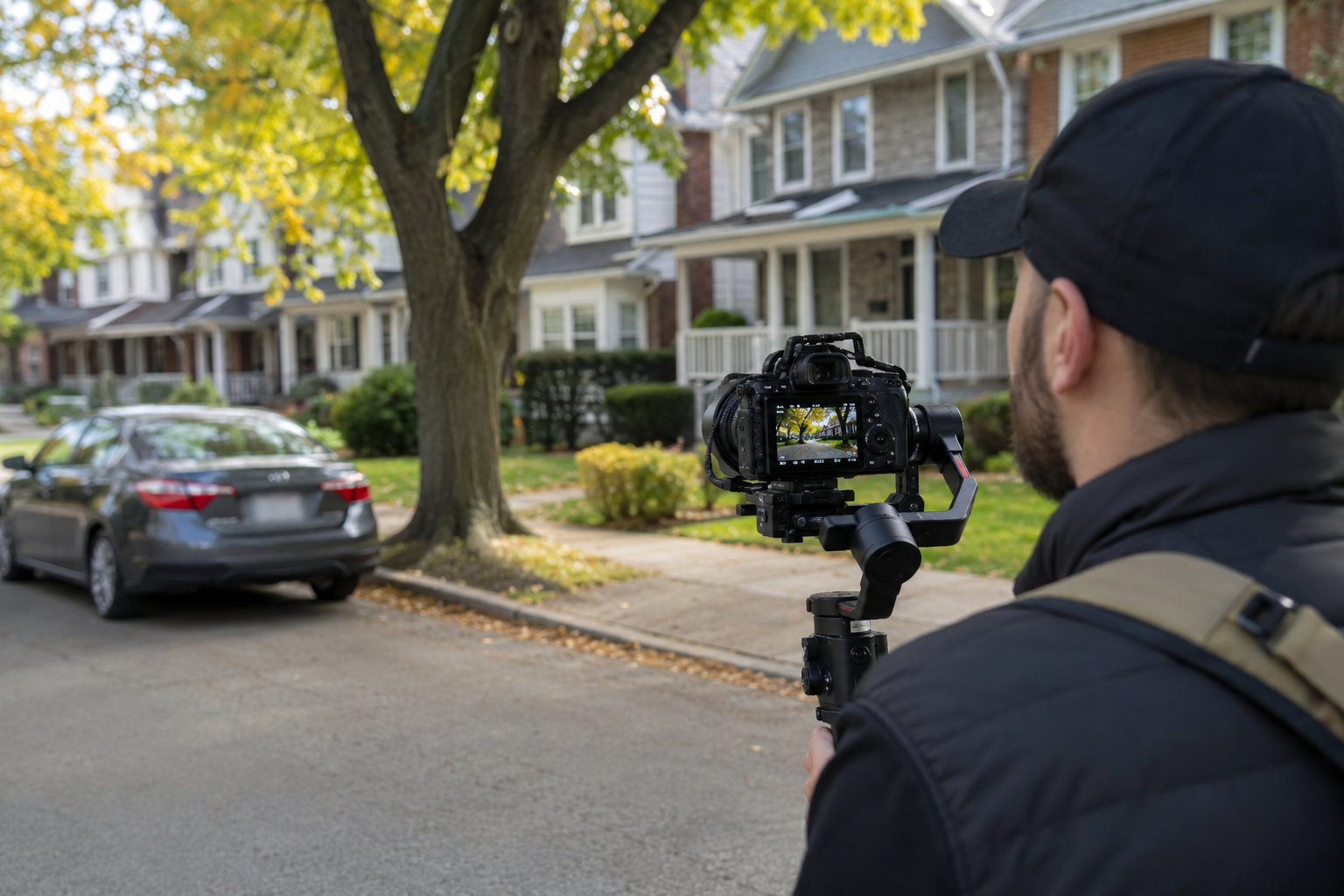
Neighborhood Tour Video Privacy Protection
Real estate content creators filming neighborhood tours on YouTube and TikTok must blur license plates, faces, and house numbers to avoid privacy violations. Our tool processes street tours, local area videos, and community overviews while protecting residents' privacy. Perfect for lifestyle real estate marketing that respects community privacy standards.
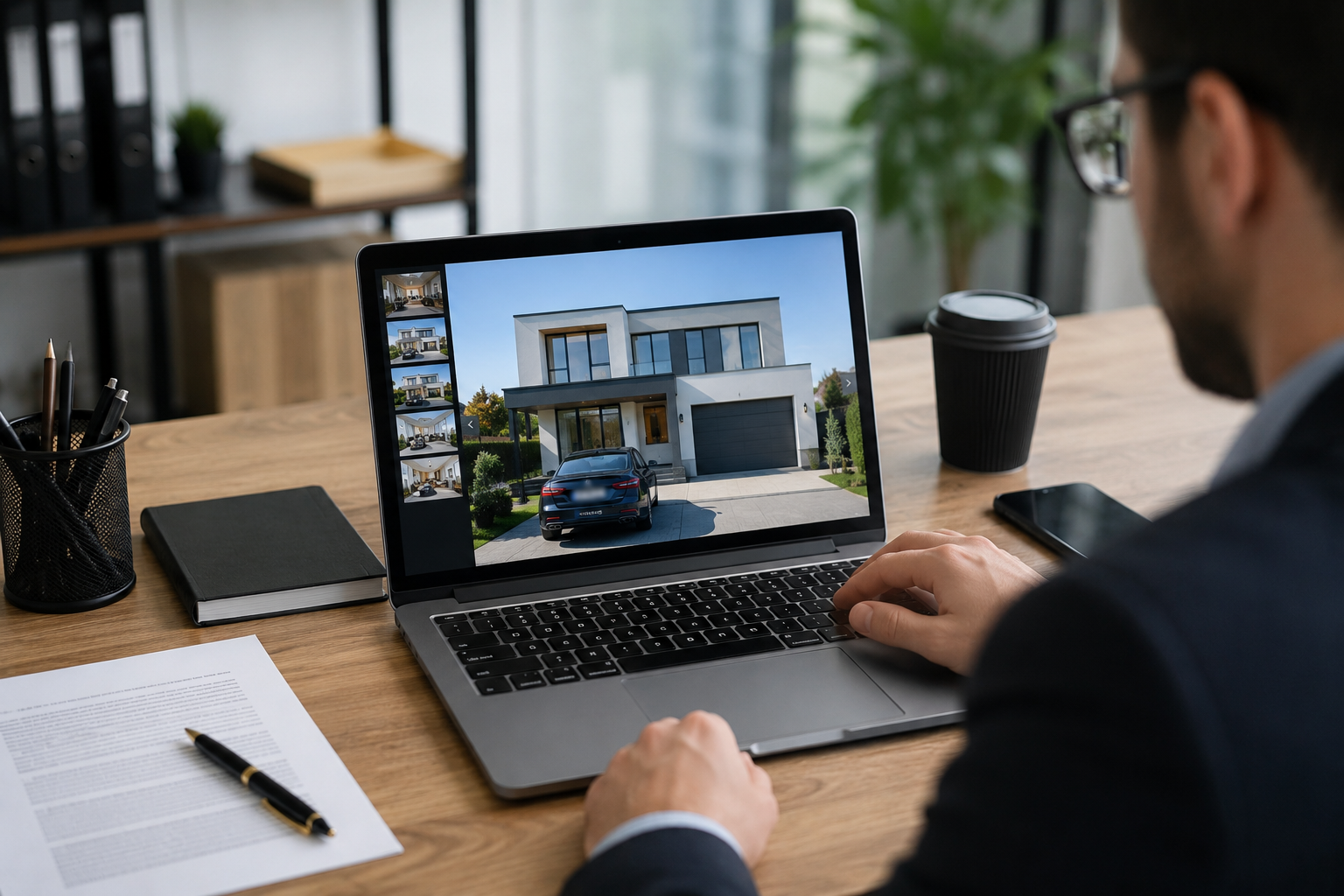
GDPR Compliant Real Estate Marketing
European real estate agents face strict GDPR requirements when publishing property content online. A Greek property company faced legal consequences for visible license plates in listing photos. Our automatic blur solution ensures compliance with EU privacy laws, protecting agents from fines while enabling effective property marketing across digital platforms.
What Makes BGBlur Different?
BGBlur is built for browser-based AI video editing: upload a clip, choose what to hide or soften, and export privacy-ready footage without learning timeline software.
AI video blur
Automatic video blur workflows reduce manual masking for faces, plates, backgrounds, screens, and sensitive objects.
Browser-based
Edit video online from desktop or mobile without installing professional video editing software.
Privacy focused
BGBlur is designed for safer publishing, redaction, anonymization, and compliance-aware video sharing.
Selective control
Choose targeted blur, background blur, face anonymization, or object blur based on the footage.
Fast workflow
Simple upload, preview, processing, and export steps help creators and teams finish edits quickly.
Multiple formats
Use BGBlur across common video and image workflows for social, legal, training, and creator content.
Blurring Video Backgrounds Automatically
BgBlur is dedicated to making video privacy and enhancement accessible to everyone. Our tools use advanced AI to help you blur faces, license plates, and backgrounds in your videos—quickly and securely, right in your browser.
Features include automatic face blur, license plate blur, and background blur. Try it out now by uploading your video at /en/upload. No downloads or advanced software required!
Powered by BGBlur
Frequently Asked Questions
Our AI analyzes your video and automatically detects and blurs backgrounds, faces, license plates, or any objects you select with motion tracking.
We support MP4, MOV, and M4V formats for all blur functions including face blur video and background blur.
Free users can blur videos under 200MB and 10 minutes. Pro users get unlimited blur processing with longer video support.
AI face swap uses advanced artificial intelligence to detect and replace a face in a video with another face while keeping expressions, lighting, and angles natural.
You should use face anonymization when sharing content publicly, handling sensitive data, or complying with privacy laws to protect identities.
With BgBlur, you can easily blur face or pixelate face by uploading your content, and the AI will automatically detect and apply the effect in seconds.
Yes, BgBlur allows you to blur licence plate or blur number plate in video online free with just a few clicks, no technical skills required.
To blur multiple objects online, upload your video and select the Blur Anything feature. Then add multiple object names separated by commas and proceed, and our AI will automatically blur those objects.
Yes, BGBlur's AI automatically tracks moving objects, faces, and vehicles. You do not need to manually mask every frame; the motion-aware tracker keeps the blur locked onto the subject as it moves.
BGBlur is a completely web-based tool. You can upload any video or image, select the Face Blur tool, and apply pixelation or blur instantly inside your browser without downloading any apps or plugins.
Absolutely. Our AI is trained specifically to detect and blur license plates in driving footage, dashcams, and street-view videos. It helps creators and transport fleets stay compliant with privacy laws.
Your privacy is our priority. BGBlur leverages advanced client-side technologies to process videos securely. Your files are processed locally in your browser and are never uploaded or stored permanently on external servers.
Yes! BGBlur is fully responsive and optimized for mobile browsers. You can easily blur a video background or pixelate faces directly on your iPhone, iPad, or Android phone.
Limits depend on the feature. Standard video blur tools such as face blur, license plate blur, background blur, blur anything, screen blur, NSFW blur, and face anonymization support up to 200MB and 10 minutes on the free plan, while Pro users get unlimited blur processing with longer video support. Object Remover supports MP4 and MOV videos up to 1GB and 10 seconds per clip. Voice Anon direct uploads support up to 100MB, while the upload/URL workflow supports audio or video files up to 500MB and under 10 minutes.
User Reviews
Share your experience and help others make informed decisions
Write a Review
Community Score
0.0
/ 5
Based on 0 reviews
All Reviews (0)
No reviews yet
Be the first to share your experience and help others make informed decisions!
Ready to blur your video content?
Start protecting privacy and creating professional video blur effects today with our AI-powered tool. No downloads required - blur directly in your browser.
Start Blurring NowTrusted by thousands of creators
Privacy made simple
Finally a tool that handles all privacy concerns in one place. Faces, plates, text - everything gets blurred accurately. A must for anyone handling sensitive footage.
Robert J.
Perfect for security footage
We process a lot of CCTV footage that needs anonymization. BGBlur handles it efficiently and the results are always consistent.
Amanda S.
GDPR compliant in minutes
This tool saved our company from a compliance nightmare. We can now share training videos without exposing employee identities.
Mark D.