Text & PII redaction in video
Redact addresses, phone numbers, email, credit cards, and readable text from video—GDPR and PII compliance for any footage.
Text leaks are the silent privacy killer: unboxing videos showing shipping labels, tutorials with visible email addresses, walkthroughs capturing ID badges, and b-roll with street signs containing addresses.
Redact readable text and PII in video in three steps
Built for YouTubers, real estate creators, financial educators, and corporate teams publishing footage with sensitive text.
Upload video with readable text
Drop footage containing addresses, phone numbers, emails, or documents that must be hidden.
Select text regions to blur
Paint over addresses, phone numbers, emails, and documents—or use detection to find text regions automatically.
Verify coverage and export
Scrub the timeline to confirm blur holds at every timestamp, then export for publication.
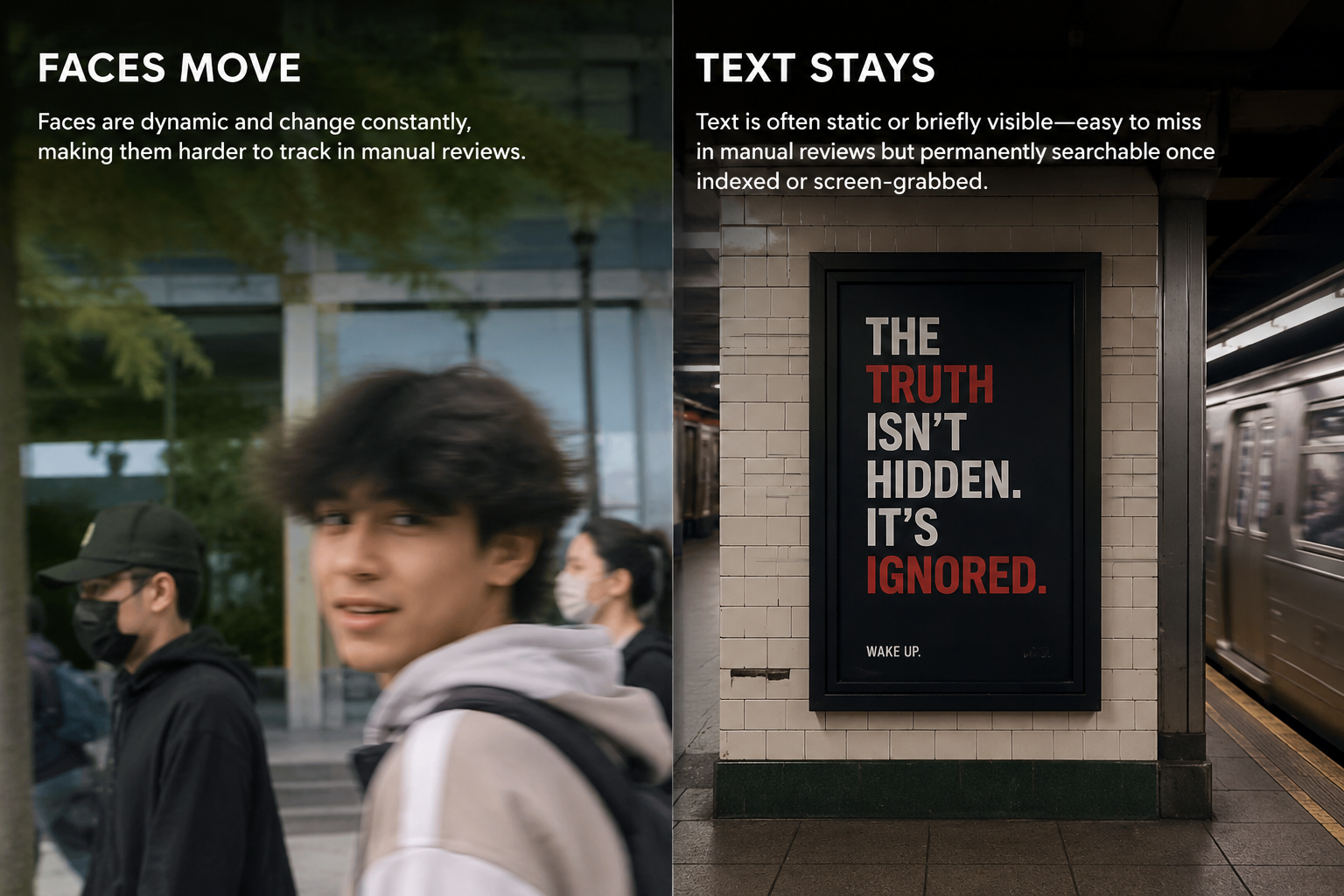
What this example demonstrates
Unlike faces which move, text is often static or briefly visible—making it easy to miss in manual reviews but permanently searchable once indexed by platforms or screen-grabbed by viewers.

Why teams use this pattern
Text blur is essential for GDPR Article 5 compliance (data minimization) and prevents accidental PII disclosure that could trigger regulatory investigations or doxxing.
Common use cases
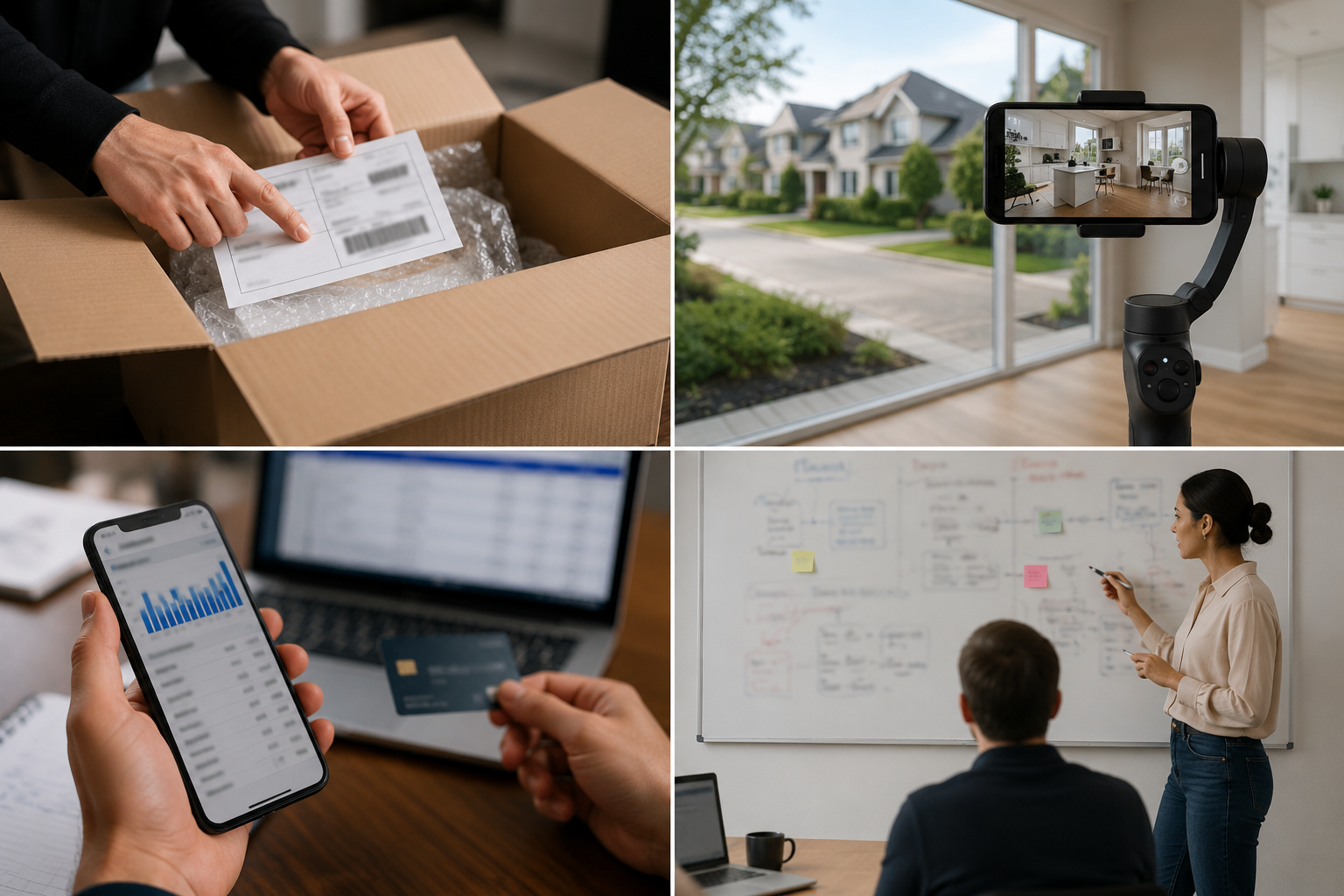
Teams reach for this workflow when unboxing videos with shipping labels and invoices; real estate tours with visible street addresses; financial tutorials showing bank statements or credit cards; office walkthroughs with whiteboards containing strategy or client names. BGBlur automates detection so these scenarios stay publishable without days in a timeline.

Built for YouTubers and unboxers and Real estate video marketers
Ideal audiences include YouTubers and unboxers, Real estate video marketers, Financial educators and advisors, Corporate video producers. Pair this example with your policy review when footage is sensitive or public-facing.
Use cases
- Unboxing videos with shipping labels and invoices
- Real estate tours with visible street addresses
- Financial tutorials showing bank statements or credit cards
- Office walkthroughs with whiteboards containing strategy or client names
Who it's for
- YouTubers and unboxers
- Real estate video marketers
- Financial educators and advisors
- Corporate video producers
More video blur examples
Explore similar scenarios with the same demo clips and step-by-step guidance.
Blur anything: logos, text & custom regions
Target arbitrary areas—logos on hoodies, on-screen addresses, signage—with precise AI-assisted selection.
Screen recording blur for tutorials & demos
Hide passwords, API keys, emails, and personal data in screen captures—essential for software demos and support videos.
GDPR video compliance blur & redaction
EU privacy-compliant video blur for faces, plates, and PII—technical measures supporting GDPR Article 5 data minimization.
Face blur in talking-head video
Automatic face detection and blur for interviews, podcasts, and vlogs—motion-tracked so identities stay protected.
Frequently asked questions
- Can AI automatically detect all text in my video?
- OCR and text detection help identify regions, but always manually verify—small text, handwriting, and angled signs may require manual selection.
- What counts as PII that should be blurred?
- Names, addresses, phone numbers, email, ID numbers, license plates, credit cards, medical records, and any identifiers under GDPR or CCPA—when in doubt, blur it.
- Is blurred text still readable if someone enhances the video?
- Proper blur with adequate kernel size is irreversible; avoid light mosaic or pixelation which can sometimes be reversed with AI upscaling.
Ready to try this on your footage?
Upload MP4, MOV, or M4V and apply the same blur modes shown in this example.
Try BGBlur free