How to Blur Faces in Video
AI Face Blur for Video and Images
Blur faces in videos and images online with AI face blur technology to protect privacy and create clean, professional content in seconds.
How to Use BG Blur
Get started with our simple 3-step process
Upload your video to our AI video blur editor
Upload your video to our AI video blur editor.
Select what to blur: background, faces, license plates, or objects
Pick the blur mode that fits your use case and adjust intensity for a natural result.
Download your professionally blurred video with privacy protection
Export and download your processed video in just a few clicks.
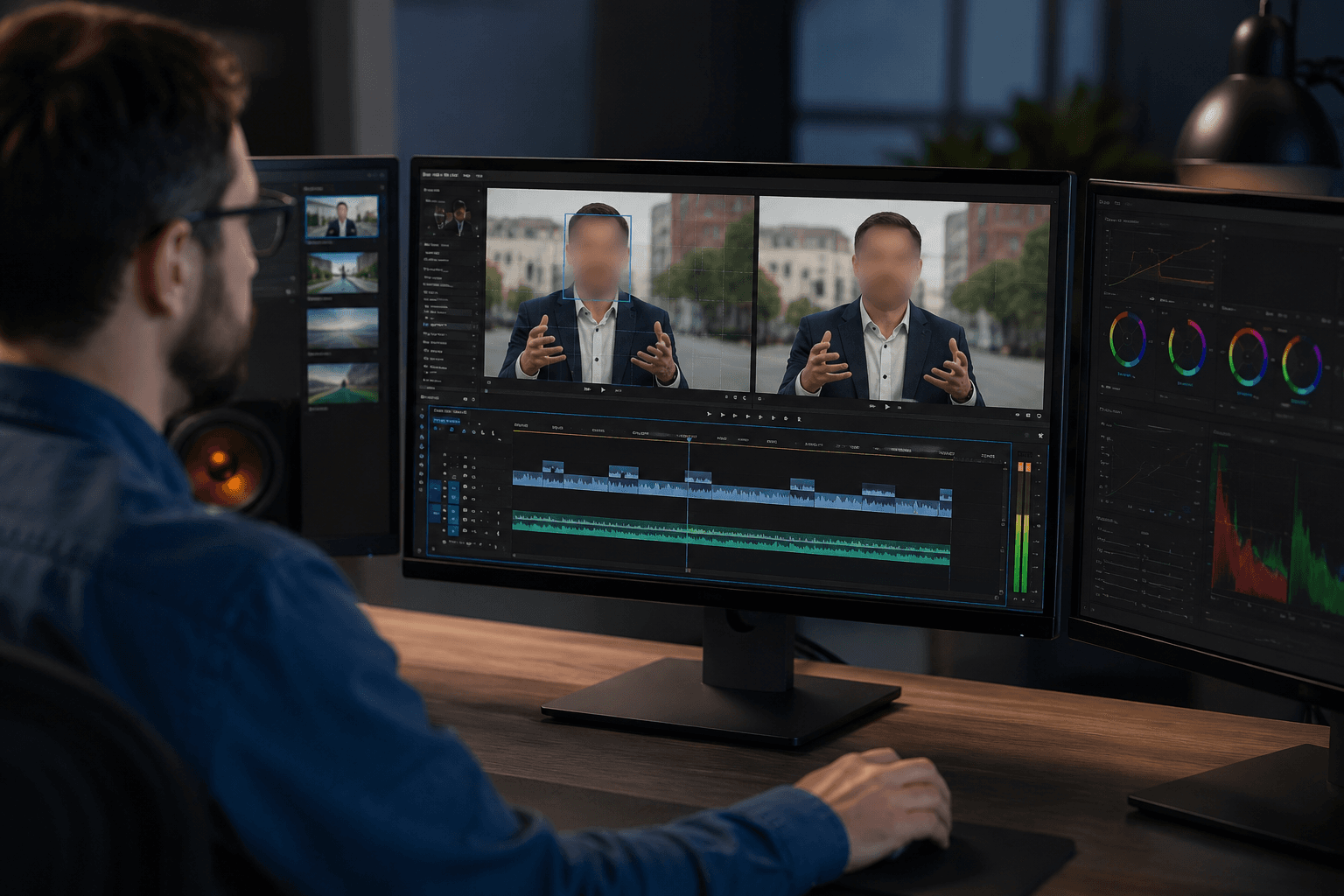
Blur Face in Video Automatically
Easily blur faces in videos using advanced AI face blur detection that automatically identifies and tracks faces throughout the entire video. The AI face blur stays locked on the face even during movement, camera angle changes, or lighting variations. This makes it ideal for interviews, public recordings, vlogs, and social media videos where consistent privacy protection is required from start to finish.
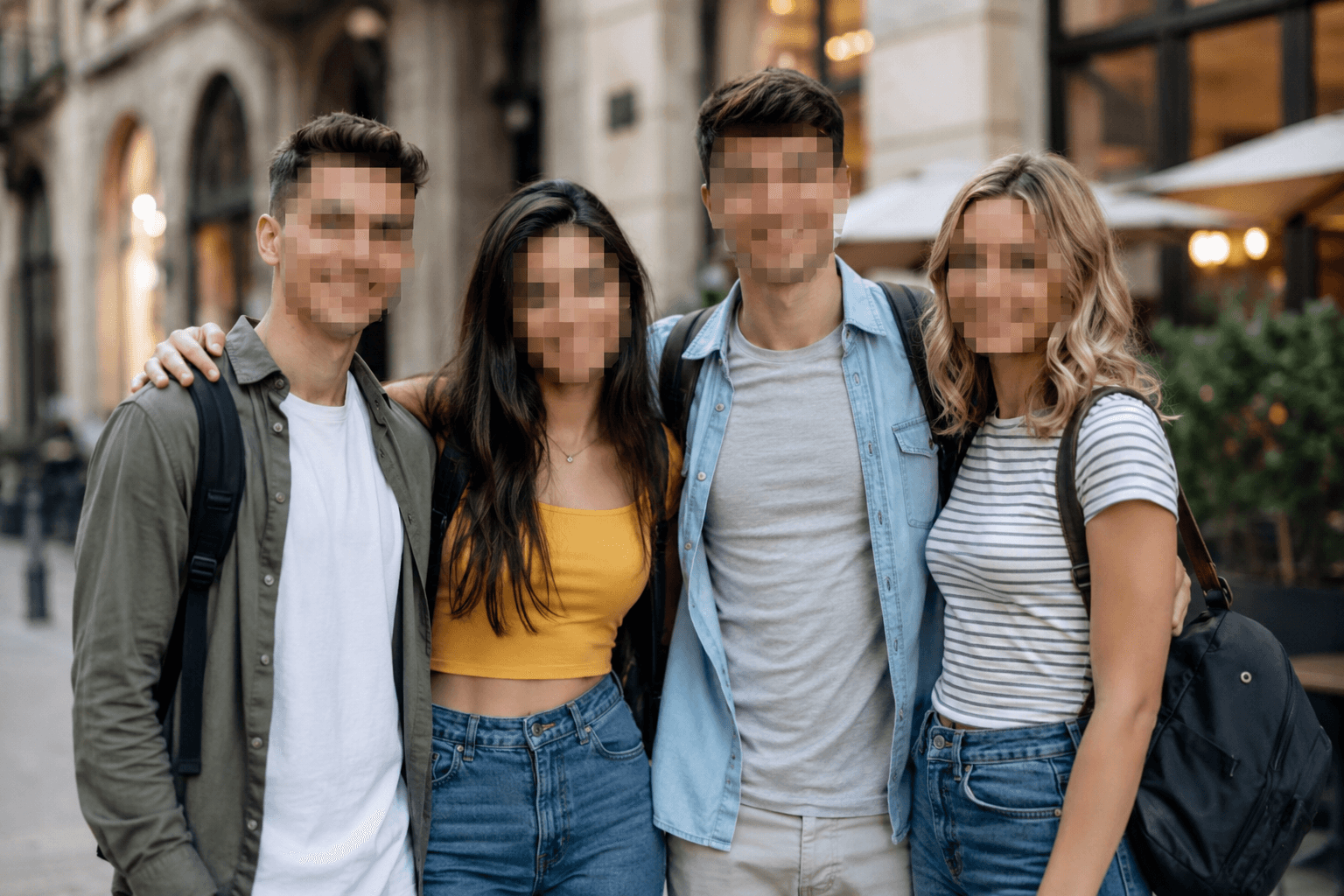
Blur Face in Images Online
Quickly blur faces in photos and images by simply uploading your file. The tool applies a clean, natural face blur or pixel blur to hide identities while preserving overall image clarity. It offers a fast and reliable way to blur images online without the need for any photo editing software.
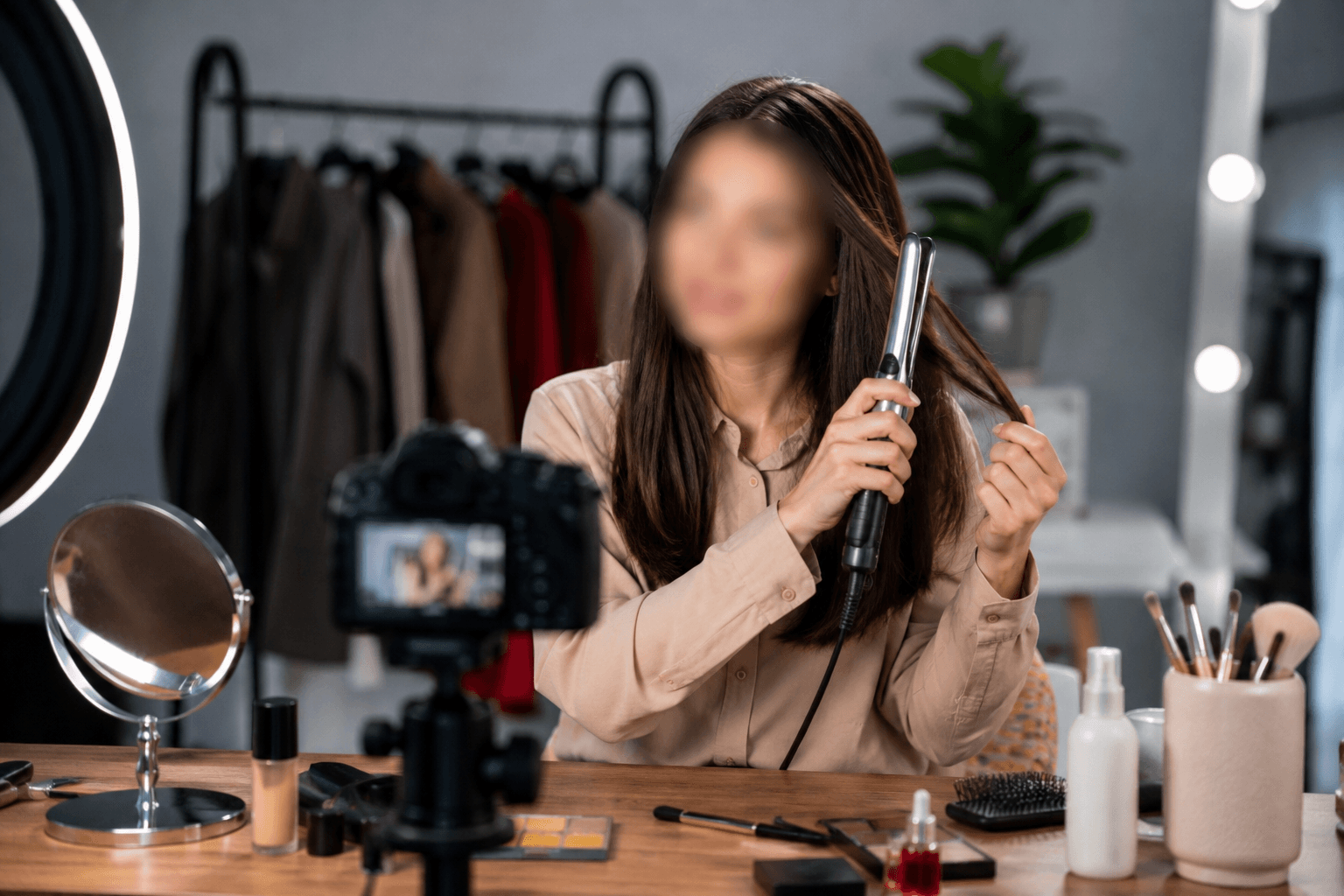
Privacy-First Tool for Content Creation
Built with privacy in mind, this tool helps creators safely publish content without exposing identities. You can use face blur in videos and images for news and media reporting, online teaching and tutorials, hairstyle and beauty demonstrations, vlogs, interviews, reels, and public or crowd-based content. A natural blurred face effect helps meet privacy standards while maintaining professional visuals across platforms.
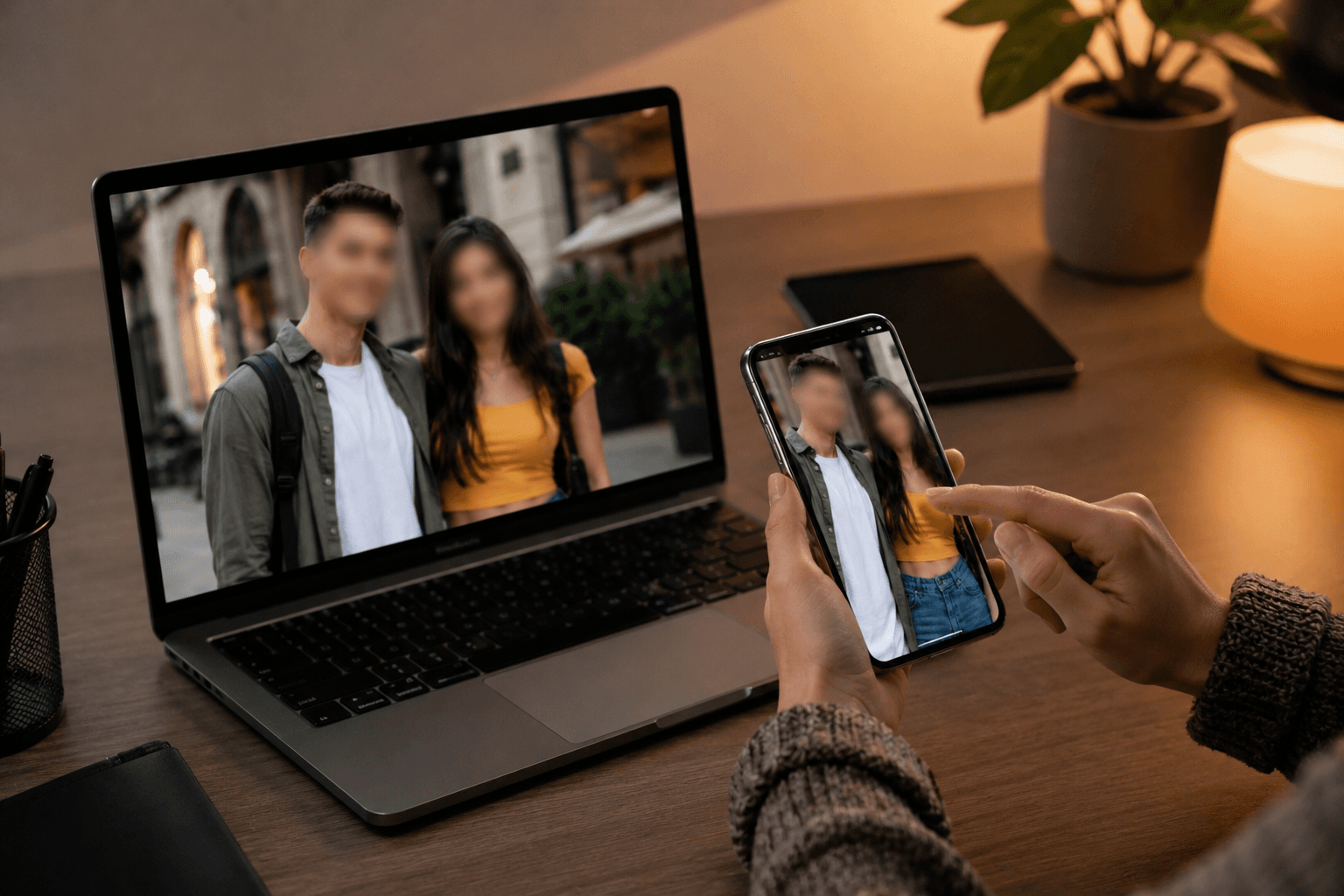
Works on Mobile & Desktop — No App Needed
This web-based face blur editor is optimized for mobile phones, tablets, laptops, and desktop computers. You can blur faces in videos or images directly from your browser anytime and anywhere. No app downloads, no updates, and no storage space required.
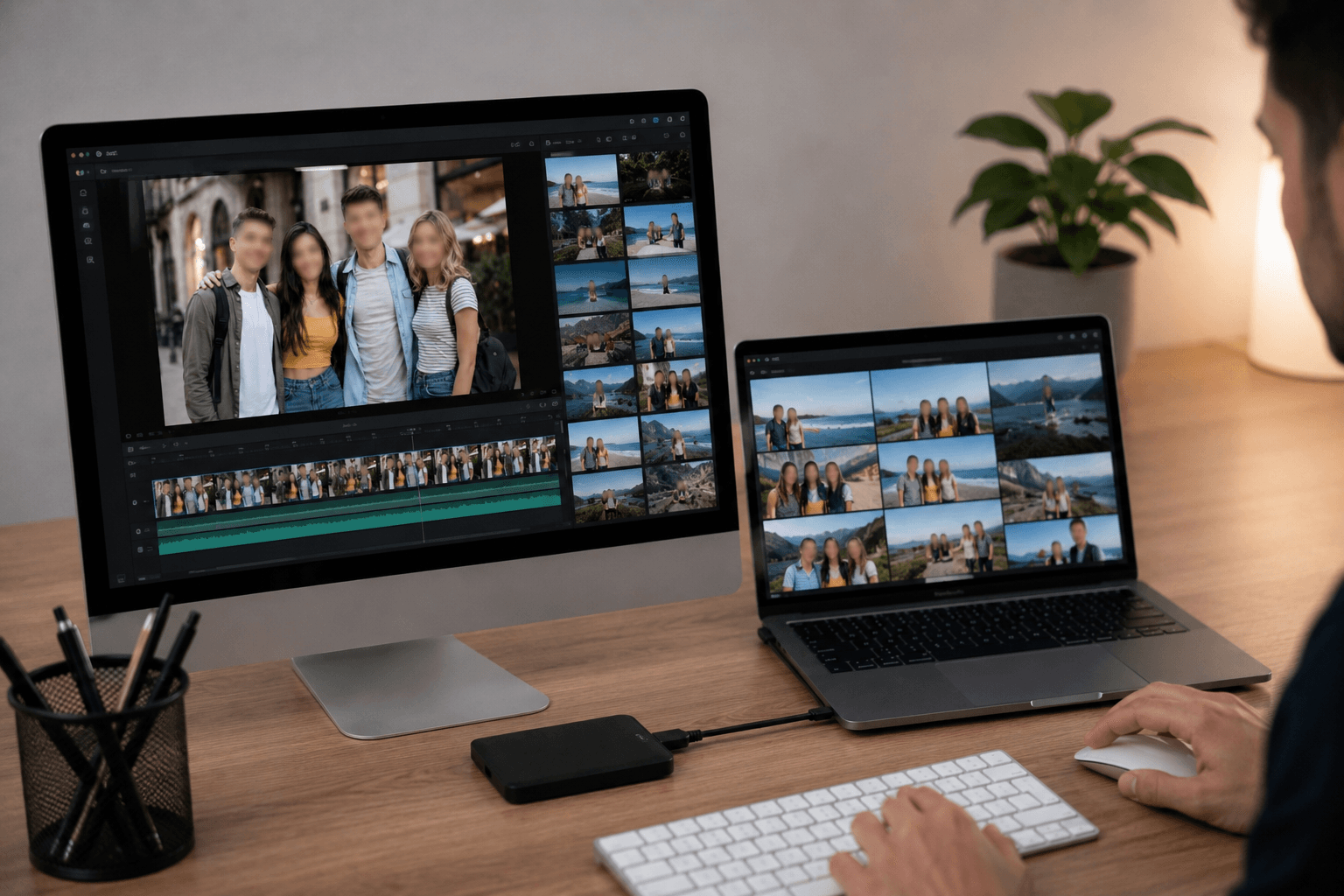
Supports Popular Video & Image Formats
BGBlur supports a wide range of commonly used formats to ensure smooth uploads and exports. You can edit MP4 and MOV videos, as well as images in PNG, JPG, JPEG, GIF, and WebP formats, allowing you to apply face blur across different content types and platforms without compatibility concerns.
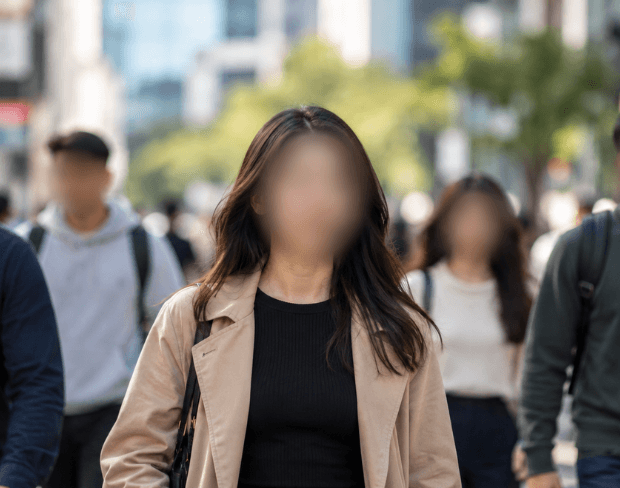
Automatic Face Blur for Any Video
Automatic face blur video processing means you never have to manually track a face frame by frame. Upload once and the AI applies auto face blur continuously — even as people move, turn, walk in and out of frame, or the camera pans. This is the same automatic face blur video workflow used for censoring faces in interviews, hiding identities in crowd footage, and blurring faces in bodycam, dashcam, and CCTV recordings without touching a single frame by hand.
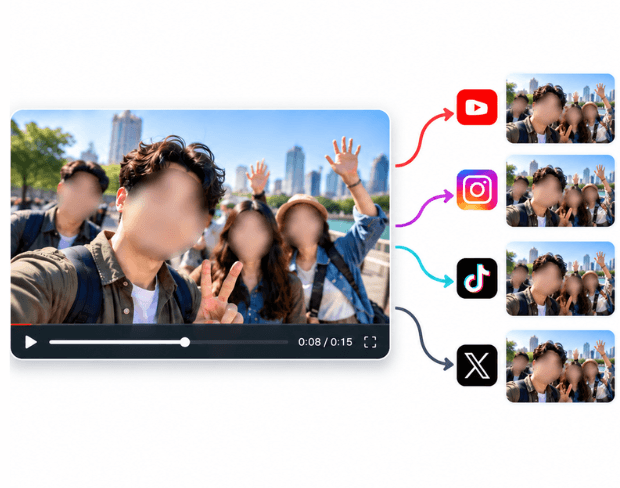
Censor or Hide Faces in Video for Any Platform
Whether you need to censor a face in a video for a news package, hide a face in a video before posting to TikTok, Instagram, or YouTube, or blur out faces in a video for a legal or compliance export, the same automatic detection handles it. This covers the full range of "how to blur out faces in a video" workflows — one upload, every face found and blurred, ready to download or share.
What Makes BGBlur Different for Face Blur?
BGBlur focuses on automatic face blur for privacy-safe videos, helping creators, educators, journalists, and teams hide identifiable people before publishing.
Automatic face detection
AI finds visible faces in video and applies face blur without drawing masks frame by frame.
Motion-aware tracking
Face blur follows people as they move, turn, enter, or leave the frame.
Privacy-first editing
Useful for GDPR video blur, consent-sensitive uploads, interviews, classroom clips, and public footage.
Works online
Blur faces in video online from the browser instead of installing a full editing suite.
Video and image support
Apply face blur across common video and image formats for publishing on social, web, or internal channels.
Simple review flow
Preview the result and export a cleaner anonymous video with fewer manual edits.
Automatic Face Blur for Videos and Images
BGBlur helps you blur faces in videos and images with AI detection, motion tracking, and browser-based processing. It is built for interviews, vlogs, classroom footage, public recordings, and privacy-sensitive social content.
Upload a video or image, let the system find visible faces, preview the anonymized result, and export privacy-ready media without manual frame-by-frame masking or desktop editing software.
Powered by BGBlur face blur
Face Blur FAQ
Upload your video to BGBlur and choose face blur. The AI detects visible faces, tracks them through the clip, and applies blur so you do not need to mask every frame manually.
Face blur can help reduce identity exposure in interviews, public footage, classroom videos, and social content, but legal requirements vary. Use it as part of a privacy review workflow.
Yes. BGBlur supports face blur in both videos and images, including common formats used for social posts, documentation, and web publishing. You can also use image background blur for portrait-style privacy edits.
Free plan: up to 1GB and 5 min per video. Paid plans: up to 2.5GB and 10 minutes per video. For images, the maximum file size is 20MB. Supported video formats include MP4, MOV, and M4V. Image formats include JPG and PNG.
Yes, BGBlur's AI automatically tracks moving objects, faces, and vehicles. You do not need to manually mask every frame; the motion-aware tracker keeps the blur locked onto the subject as it moves.
BGBlur is a completely web-based tool. You can upload any video or image, select the Face Blur tool, and apply pixelation or blur instantly inside your browser without downloading any apps or plugins.
Absolutely. Our AI is trained specifically to detect and blur license plates in driving footage, dashcams, and street-view videos. It helps creators and transport fleets stay compliant with privacy laws.
Your privacy is our priority. BGBlur leverages advanced client-side technologies to process videos securely. Your files are processed locally in your browser and are never uploaded or stored permanently on external servers.
Yes! BGBlur is fully responsive and optimized for mobile browsers. You can easily blur a video background or pixelate faces directly on your iPhone, iPad, or Android phone.
Limits depend on the feature. Standard video blur tools such as face blur, license plate blur, background blur, blur anything, screen blur, NSFW blur, and face anonymization support up to 200MB and 10 minutes on the free plan, while Pro users get unlimited blur processing with longer video support. Object Remover supports MP4 and MOV videos up to 1GB and 10 seconds per clip. Voice Anon direct uploads support up to 100MB, while the upload/URL workflow supports audio or video files up to 500MB and under 10 minutes.
User Reviews
Share your experience and help others make informed decisions
Write a Review
Community Score
0.0
/ 5
Based on 0 reviews
All Reviews (0)
No reviews yet
Be the first to share your experience and help others make informed decisions!
Ready to blur your video content?
Start protecting privacy and creating professional video blur effects today with our AI-powered tool. No downloads required - blur directly in your browser.
Start Blurring NowTrusted by thousands of creators
Perfect for privacy
BGBlur makes it incredibly easy to blur faces in my videos. The AI detection is spot-on and saves me hours of manual work. Perfect for content creators who need to protect identities.
Sarah M.
Best face blur tool
I've tried many face blur tools and this is by far the best. The automatic detection works great even with multiple faces and the blur quality is professional.
David K.
Game changer for my workflow
As a journalist, protecting sources is crucial. This tool has become essential for my video editing workflow. Fast, reliable, and easy to use.
Emma T.