Is Apple Watching Your FaceTime Calls? Meet, Teams [2026]
After a viral FaceTime pause, people are asking whether Apple watches their calls. This guide compares what FaceTime, Google Meet, Microsoft Teams, WhatsApp and Zoom can and cannot see, who else can see your video, and how to protect yourself.
When a Reddit user said FaceTime paused her call after she changed clothes, the replies on X filled up with the same claim: Apple, Google and every other tech company are watching everything. It is a fair fear, and it deserves a direct answer instead of a shrug. Apple is not watching your FaceTime calls by Apple's own documentation, but the full answer is different for each app, and in some of them the provider genuinely can see more than you assume.
This guide compares FaceTime, WhatsApp, Google Meet, Microsoft Teams and Zoom on the questions people actually ask: is the call end-to-end encrypted, can the company hear or see it, who else can, and what is left for you to protect. If you are specifically looking for the nudity-pause story, we covered it in what FaceTime's Sensitive Content Warning really does.
Quick Answer: Which Apps Can See Your Video Calls?
| App | End-to-end encrypted by default? | Can the company see call content? | Main exposure |
|---|---|---|---|
| FaceTime | Yes | Not according to Apple | Other participants, screen recording |
| Yes | Not according to WhatsApp | Other participants, metadata | |
| Google Meet | No (encrypted in transit) | Technically possible in standard mode; optional client-side encryption for Workspace | Admins, recordings in Drive |
| Microsoft Teams | No (optional for 1:1 calls and Premium meetings) | Possible in standard mode | Employer recording, transcripts |
| Zoom | No (optional E2EE mode) | Possible in standard mode | Cloud recordings, hosts |
"Can see" here means the technical design as documented by each company. It is not an accusation that anyone is doing so, and policies and legal process also matter.
Can Apple See My FaceTime Calls?
According to Apple, no. Its Platform Security guide states that FaceTime calls are end-to-end encrypted, which means no one but the sender and receiver can access the audio and video, and Apple cannot decrypt the data. Group FaceTime calls are encrypted between the invited participants' devices.
Apple's FaceTime and privacy page adds that Apple does not store the content of FaceTime calls. The company does use its push notification service to set up the initial connection, so signaling passes through Apple's servers even though the call content does not.
Two exceptions are worth knowing. First, if a user reports an incoming nudity warning or spam call, the reported content is sent to Apple for review. Second, apps used through SharePlay may collect their own usage data, which is separate from the call.
Then How Can FaceTime Detect Nudity During a Call?
Because the detection runs on the receiving phone, after the call is decrypted for that person to watch. Apple's Sensitive Content Warning page says the feature uses on-device machine learning and that Apple does not receive an indication that anything sensitive was detected.
End-to-end encryption protects video in transit between devices. It says nothing about what the device itself does with the video it is about to display. That is how a phone can blur an incoming call without Apple's servers ever seeing it, and it is the point that most of the viral posts missed. For adults, the setting is off unless someone turns it on in Settings.
Is WhatsApp Calling Private?
WhatsApp says all of its voice and video calls are end-to-end encrypted by default. In its post on private and secure calling from the desktop, WhatsApp states that it cannot hear or see calls, whether you use a phone or a computer, and that no setting is needed to enable it.
What encryption does not hide is metadata: who called whom, when, from what number, and for how long. Backups are a separate setting, and a participant can still record the screen. For sensitive calls, the weak points are your contact and your own device, not the pipe.
Is Google Meet End-to-End Encrypted?
Not in standard mode. Google's security and privacy guide for IT admins says Meet data is encrypted in transit between the client and Google, across browsers, mobile apps and room hardware, and that recordings stored in Google Drive are encrypted at rest.
That is strong protection against interception, but it is not the same as end-to-end encryption, because Google's servers handle the unencrypted media in standard mode. Workspace organizations can turn on client-side encryption, where Meet video and audio are encrypted in the browser using keys from the organization's own external key service. That mode also changes who can join, with external participants needing an invitation.
For consumers and most workplaces, the practical exposure is recordings. A recording saved to Drive is visible to whoever has access to that file, and admins can set retention rules through Vault.
Can My Employer See My Microsoft Teams Calls?
Often yes, depending on how your organization configured Teams. Standard Teams calls and meetings are encrypted in transit but not end-to-end encrypted, so features like recording, transcription and compliance recording work.
Microsoft offers end-to-end encryption for one-to-one calls and for sensitive meetings. Its documentation says that no other party, including Microsoft, can access the decrypted conversation, and that recording, live captions and transcription are not available during an end-to-end encrypted call. Admins must enable it through policy and users must turn it on, meeting encryption requires Teams Premium, and a person who needs compliance recording cannot join such a meeting.
If you use a work account, assume your administrator controls recording, retention and transcripts. Our Teams deepfake report-button explainer covers another recent Teams change.
Does Zoom See What I Say in Meetings?
In a standard meeting, Zoom's servers can technically access the content. Zoom admitted in 2020 that its default encryption was not true end-to-end, which was widely reported at the time, for example by Trusted Reviews.
Zoom then launched an optional end-to-end mode. In its announcement, Zoom says that in E2EE meetings no one except the participants, not even Zoom's servers, has access to the encryption keys. The trade-off is lost features such as cloud recording and captions, and the mode requires the Zoom client rather than dial-in or some room devices.
Hosts can also record, and cloud recordings are shared by link. Our guide to Zoom and Meet recording leaks explains how that goes wrong.
So Who Is Really Watching Your Calls?
For most people, the realistic list is shorter and closer to home than the viral posts suggest:
- The other participants. Any of them can screen-record, photograph the screen or leave the call running in a corner of a recorded meeting.
- The host or admin. On Meet, Teams and Zoom, the host or an administrator can record, transcribe and retain the call.
- Anyone with a link to a recording. Stored recordings are the most common source of leaks.
- Your own device and apps. Malware, screen-sharing tools and accessibility services can capture a screen regardless of encryption.
- The provider, in standard-mode apps. For Meet, Teams and Zoom without end-to-end mode, the design permits server-side access, which is governed by policy and law instead of cryptography.
The provider is the least likely person on that list to be looking, but it is the only one that gets blamed.
How Do You Protect a Video Call You Care About?
Match the app to the sensitivity, then protect whatever gets recorded. Use this checklist:
- Use an end-to-end encrypted app for private calls. FaceTime and WhatsApp are on by default. On Teams or Zoom, enable the E2EE option if your account allows it.
- Check who is recording. Look for the recording indicator, and ask before sharing anything sensitive on a work-managed account.
- Turn off cloud recording for personal meetings and set recordings to expire.
- Review device settings. Look at Privacy & Security, including Sensitive Content Warning on iPhone, so there are no surprises mid-call.
- Blur before you share. If a call recording is going to a team channel, a customer or social media, blur faces, backgrounds and anything visible on screen first.
- Assume anything shown can be saved. No encryption stops a participant from capturing what you show.
How to Blur a Recorded Call Before Sharing It
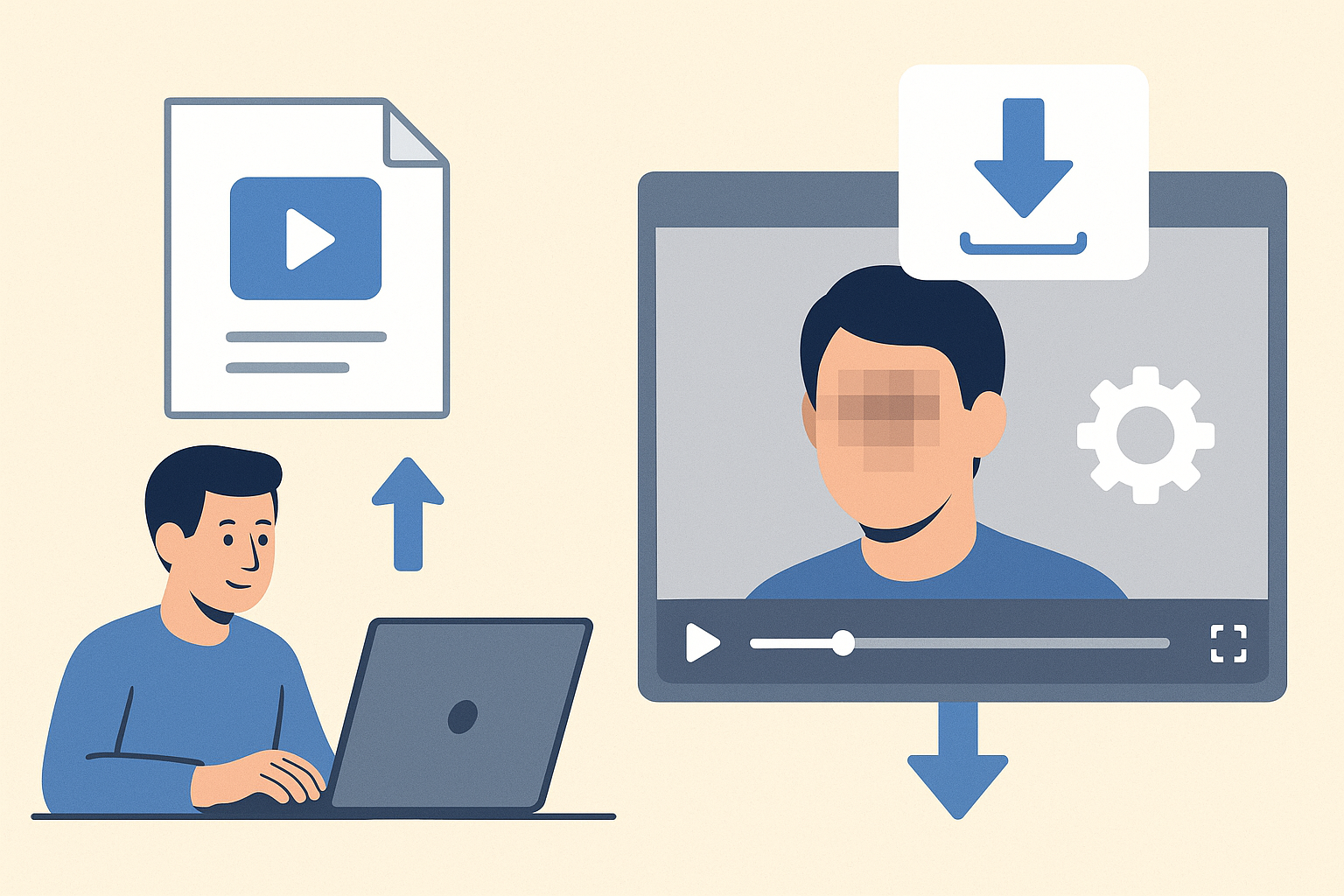
BGBlur works in the browser on the file you already have, so you do not need to change how the call itself runs. It blurs faces, bodies and backgrounds with motion tracking, and uploaded files are deleted within 24 hours.
Step 1: Upload the recording
Open BGBlur's face blur tool and add the MP4 or MOV recording exported from Meet, Teams or Zoom.
Step 2: Choose what to hide
Blur faces of participants who did not consent, blur a cluttered or revealing room, or blur the background entirely. For room backgrounds, see our guides to blurring background in Zoom and Meet recordings and blurring background in Teams.
Step 3: Check the result and export
Scrub through the preview, watching the first frames, any screen shares and any name labels, then export a new copy. Keep the unedited original private or delete it.
Who Should Care Most About This?
Remote workers on company-managed accounts should assume recording and retention are controlled by their employer and avoid personal conversations on those accounts.
Journalists and sources should pick an end-to-end encrypted app, disable recording, and blur any footage that will be published. Our video redaction comparison covers tools for larger newsroom and legal workflows.
Parents and families should know that child accounts and adult accounts behave differently on Apple devices, and that a device-level filter is not the same as a privacy guarantee.
Healthcare, legal and education teams need to treat recordings as regulated data, which usually means blurring or restricting access before sharing. See our GDPR video compliance guide for the legal side.
Pro Tips
- Read the encryption label, not the marketing. "Encrypted" can mean in transit only. Look for "end-to-end."
- Separate personal and work accounts. Use a personal, end-to-end encrypted app for private conversations.
- Ask before recording and before being recorded. It is both polite and, in many places, a legal requirement.
- Limit screen shares. What appears on your screen may be captured even in an encrypted call.
- Blur first, share second. Treat any recording as permanent once it leaves your device.
The Bottom Line
Apple is not watching your FaceTime calls, according to its own security documentation, and WhatsApp makes the same claim for its calls. Google Meet, Microsoft Teams and Zoom are different: in standard mode they are encrypted in transit, not end-to-end, and organizations can record and store calls. In every app, the people on the call and the recordings they make are the largest exposure.
You cannot control a company's architecture, but you can choose the right app, adjust the settings and blur what you share. Try BGBlur to blur faces, bodies and backgrounds in call recordings in your browser, with motion tracking and 24-hour file deletion.
Update — November 9, 2026: Ambient audio on Apple Watch is the next friction point — watchOS 27.3 beta adds Live Rewind and Siri Recap. See Apple Watch conversation privacy and voice anonymization before you publish.