Rideshare dashcam privacy: record for safety, share without exposure
One-click alternative with BGBlur
Upload a clip and preview automatic face, plate, background, or prompt-based blur—no keyframes or nested timelines.
Most rideshare drivers run cameras for the right reason — false accusations, fare disputes, and assaults are career-ending risks, and footage settles arguments that words can't. Uber and Lyft both permit dashcams (with local law compliance), and many states' one-party consent rules make in-car recording lawful. But lawfulness of recording is not lawfulness of sharing: the moment a clip goes to an insurer, the platform, a Facebook drivers' group, or YouTube, you're publishing passengers' faces, other drivers' plates, and sometimes pickup addresses.
The workable posture is a two-tier one. Raw footage stays on the card as your private record. Anything that leaves the car — claims, platform reports, social posts — gets faces and plates blurred first. BGBlur does both in a single pass, which is what makes the discipline sustainable for someone processing clips between shifts.
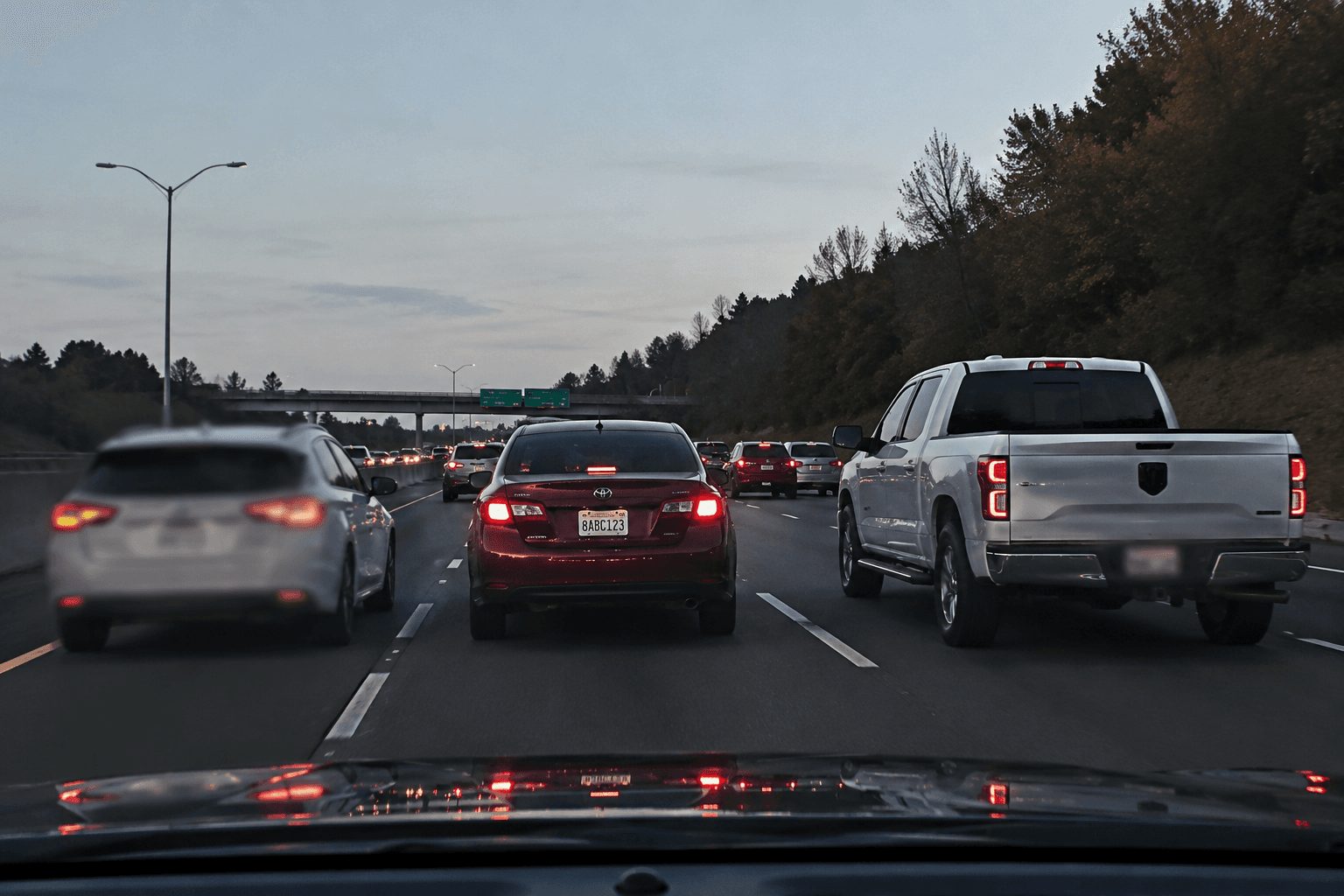
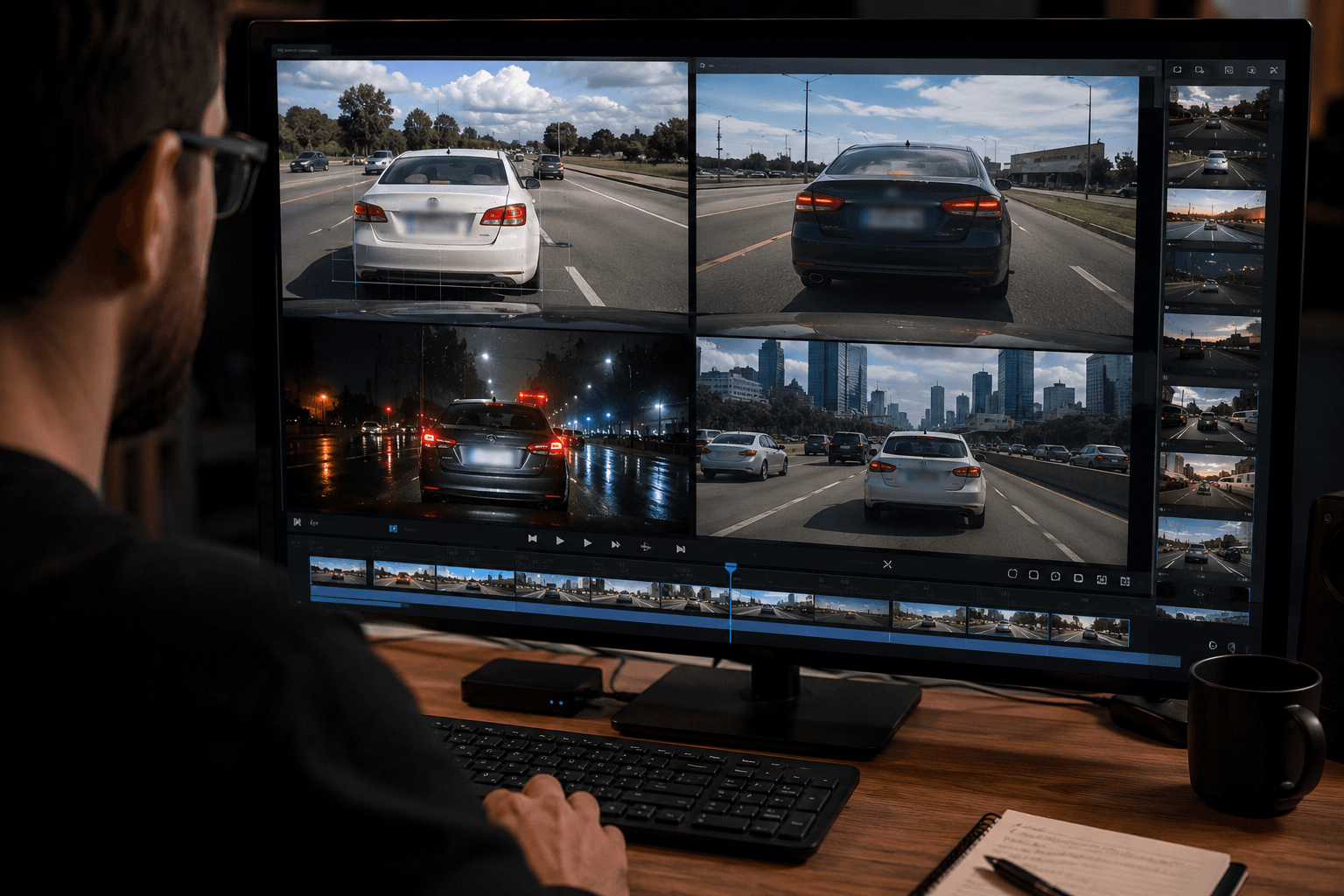
The legal landscape in one honest paragraph
In the US, video recording inside your own vehicle is broadly permitted; audio triggers wiretap/consent laws that vary by state (all-party consent states like California require passenger notice — hence the ubiquitous 'this vehicle records' sticker). Several states require passenger-notification stickers explicitly for rideshare. In the UK/EU, a driver recording passengers is generally processing personal data, and publishing identifiable passengers without a lawful basis is where trouble starts. None of this is a reason to skip the camera; all of it is a reason to blur before sharing. For your jurisdiction's dashcam specifics, see our dashcam laws index.
Incident clips: what insurers and platforms actually need
A claims adjuster needs the collision, the road position, and the timeline. A platform trust-and-safety team needs the passenger's conduct. Neither needs the faces of uninvolved pedestrians, the plates of bystander vehicles, or your other passengers from earlier in the loop recording. Blurring uninvolved parties doesn't weaken your evidence — it shows you handled third parties responsibly, and it prevents your own clip from becoming someone else's privacy complaint.
Keep the raw original untouched in your archive in case a legal process later requires it; submit the blurred version for routine claims and reports.
- Faces and license plates blurred in the same upload — no two-tool workflow.
- Interior and exterior camera files processed identically.
- Originals stay untouched; you always retain the unblurred master.
Posting dashcam content without ending your driving career
Dashcam channels and drivers' groups run on shared clips — close calls, wild passenger stories, scam attempts. Posting identifiable passengers is how drivers get deactivated: platforms treat rider privacy complaints seriously, and an identifiable passenger in a viral 'crazy rider' clip is a complaint waiting to happen. Blur faces, plates, and anything that reveals the pickup (building numbers, distinctive storefronts) and the story still lands.
Voice is the other identifier drivers forget. If the audio includes the passenger's name or number, consider BGBlur's voice anonymization pass alongside the visual blur.
Make it a between-shifts habit
The drivers who stay protected treat this like paperwork: end of week, pull the clips worth keeping, run the blur pass on anything that might be shared, archive the rest. Browser-based processing means it works from a phone during downtime — no desktop editor, no subscription NLE.
From SD card to shareable clip
- Pull the clip. Export the incident segment from your dashcam app or card — interior, exterior, or both.
- Upload to BGBlur. Works from phone or laptop browser; dashcam resolutions up to 4K supported.
- Run faces + plates. One pass masks passenger faces, pedestrian faces, and every visible plate.
- Check the pickup context. Blur building numbers or landmarks that reveal the rider's address if posting publicly.
- Export per destination. Blurred copy to the insurer, platform, or channel; raw original stays in your archive.
Note: Several US jurisdictions require in-vehicle recording notice for rideshare (e.g. sticker requirements), and all-party consent states regulate audio capture. Recording rules are jurisdiction-specific — see /dashcam-laws for the state-by-state and country summaries.
Related guides
Frequently asked questions
- Are dashcams allowed by Uber and Lyft?
- Yes — both platforms permit recording devices subject to local law, and several US states/cities require passenger notice (stickers). What gets drivers in trouble is publishing identifiable passenger footage, which is why blur-before-sharing is the standard we recommend.
- Do I need to blur footage I send to my insurance company?
- It's not usually required, but blurring uninvolved third parties (bystanders, unrelated plates) is good practice and never weakens your claim — the collision, positions, and timeline remain fully visible. Keep the raw original in case a formal process requests it.
- Can I post a passenger meltdown video if I blur their face?
- Blurring face and voice dramatically reduces both the privacy exposure and the deactivation risk, but platform rules still apply and context can identify people. Blur faces, plates, pickup landmarks, and names in audio — then make the judgment call.
- What about audio recording laws?
- Audio is regulated separately from video in many US states — all-party consent states require passenger notice. If in doubt, post notice stickers, and strip or anonymize audio before sharing clips. Our dashcam laws pages summarize rules by state and country.
- Can BGBlur handle both my interior and road-facing cameras?
- Yes — process each file the same way, or batch them. Faces and plates are detected in a single pass on any camera angle.
BGBlur provides privacy tooling for creators and teams; consult counsel for broadcast, evidentiary, or regulated workflows.