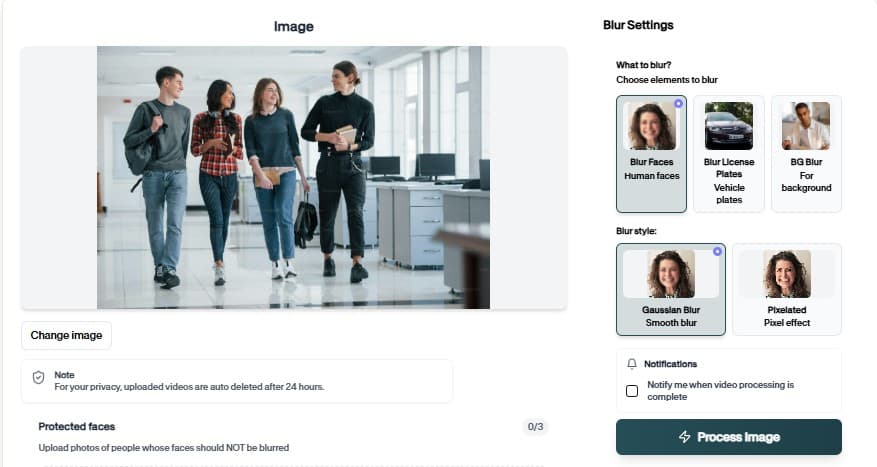
Face Blur SDK for Production Pipelines
Ship programmatic blur and redaction with Face Blur SDK. Authenticate once, send image or video jobs, and receive privacy-safe outputs at scale.

Face Blur SDK for Engineering Teams
Integrate Face Blur SDK into your app, DAM, or review queue.
Why teams use Face Blur SDK
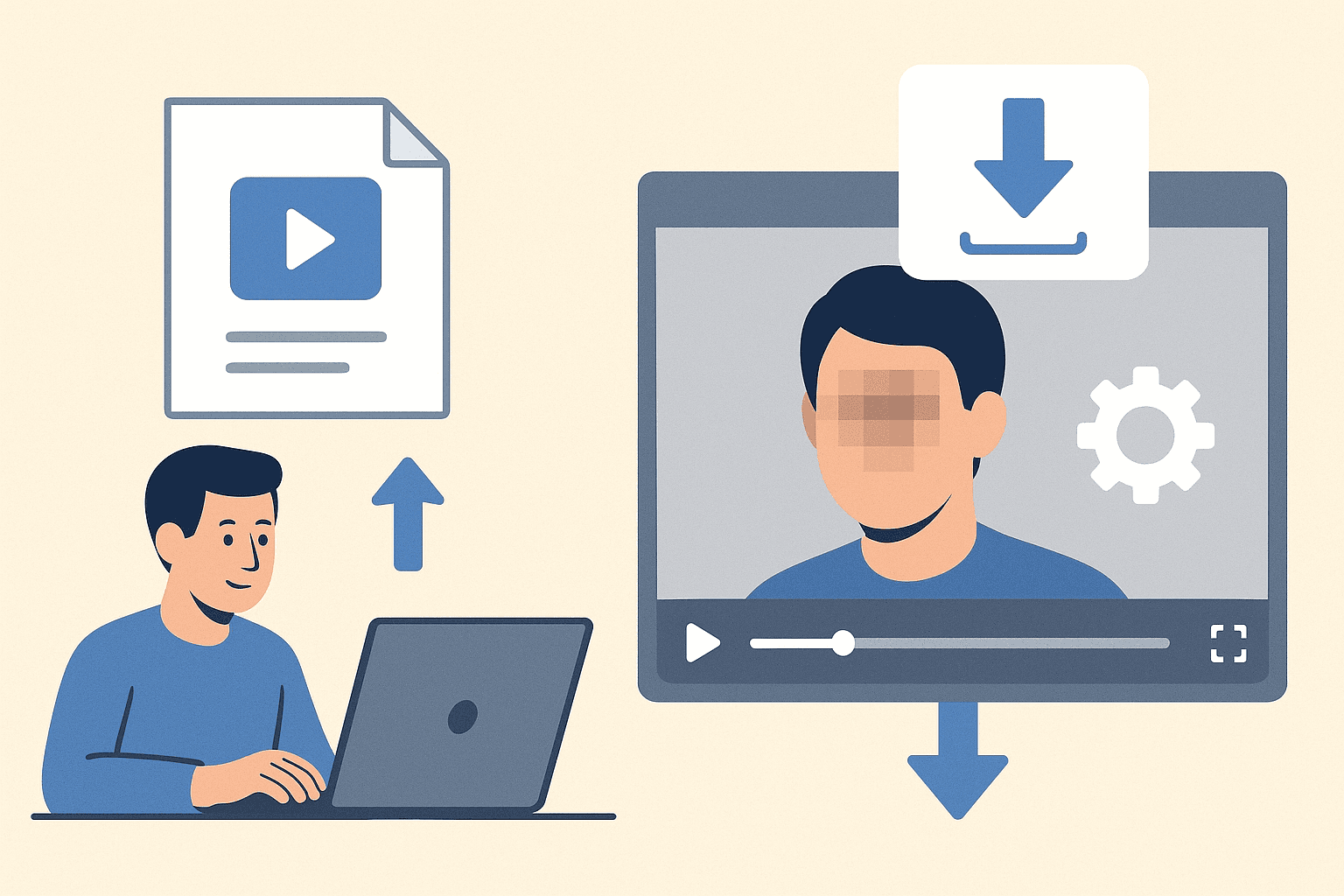
Face Blur SDK moves blur out of the browser and into your backend. Authenticate, POST media jobs, and pull redacted assets into the same pipelines you use for transcoding and storage.
Teams adopt Face Blur SDK when manual masking becomes the bottleneck in their publishing calendar.
Upload from desktop or mobile browsers
Combine with other BGBlur tools in the same project flow
Scale batch jobs without browser upload limits
Preview AI suggestions before committing export
Send image or video jobs via REST with API keys
Embed blur into DAM, MAM, and custom review tools
Where it is used

Client delivery
Send privacy-reviewed exports. keeps this workflow practical for repeated review, privacy cleanup, publishing, and team handoff without forcing editors to rebuild every mask or adjustment manually.
Team handoff
Standardize redaction across editors. keeps this workflow practical for repeated review, privacy cleanup, publishing, and team handoff without forcing editors to rebuild every mask or adjustment manually.
Archive cleanup
Retroactively fix old media libraries. keeps this workflow practical for repeated review, privacy cleanup, publishing, and team handoff without forcing editors to rebuild every mask or adjustment manually.
Client delivery
Send privacy-reviewed exports. keeps this workflow practical for repeated review, privacy cleanup, publishing, and team handoff without forcing editors to rebuild every mask or adjustment manually.
Team handoff
Standardize redaction across editors. keeps this workflow practical for repeated review, privacy cleanup, publishing, and team handoff without forcing editors to rebuild every mask or adjustment manually.
Archive cleanup
Retroactively fix old media libraries. keeps this workflow practical for repeated review, privacy cleanup, publishing, and team handoff without forcing editors to rebuild every mask or adjustment manually.
Fast browser turnaround
Most projects move from upload to export in minutes because Face Blur SDK proposes edits automatically instead of starting from a blank timeline.
Explore Face Blur SDK
Read the API docs and run your first redaction job from curl or your backend.
Integrate Face Blur SDK in three steps
From API key to first redacted asset.
Get API credentials
Create a BGBlur API key, note rate limits, and choose face, plate, or general redaction mode for Face Blur SDK jobs.
Submit a job
Send a POST request with your API key and media URL. Poll or wait for the webhook payload with the redacted asset link.
Retrieve output
Download the redacted file from the response or your storage bucket hook. Log job IDs for compliance audits.
API capabilities
Face Blur SDK at a glance
What you get when integrating Face Blur SDK in real projects.
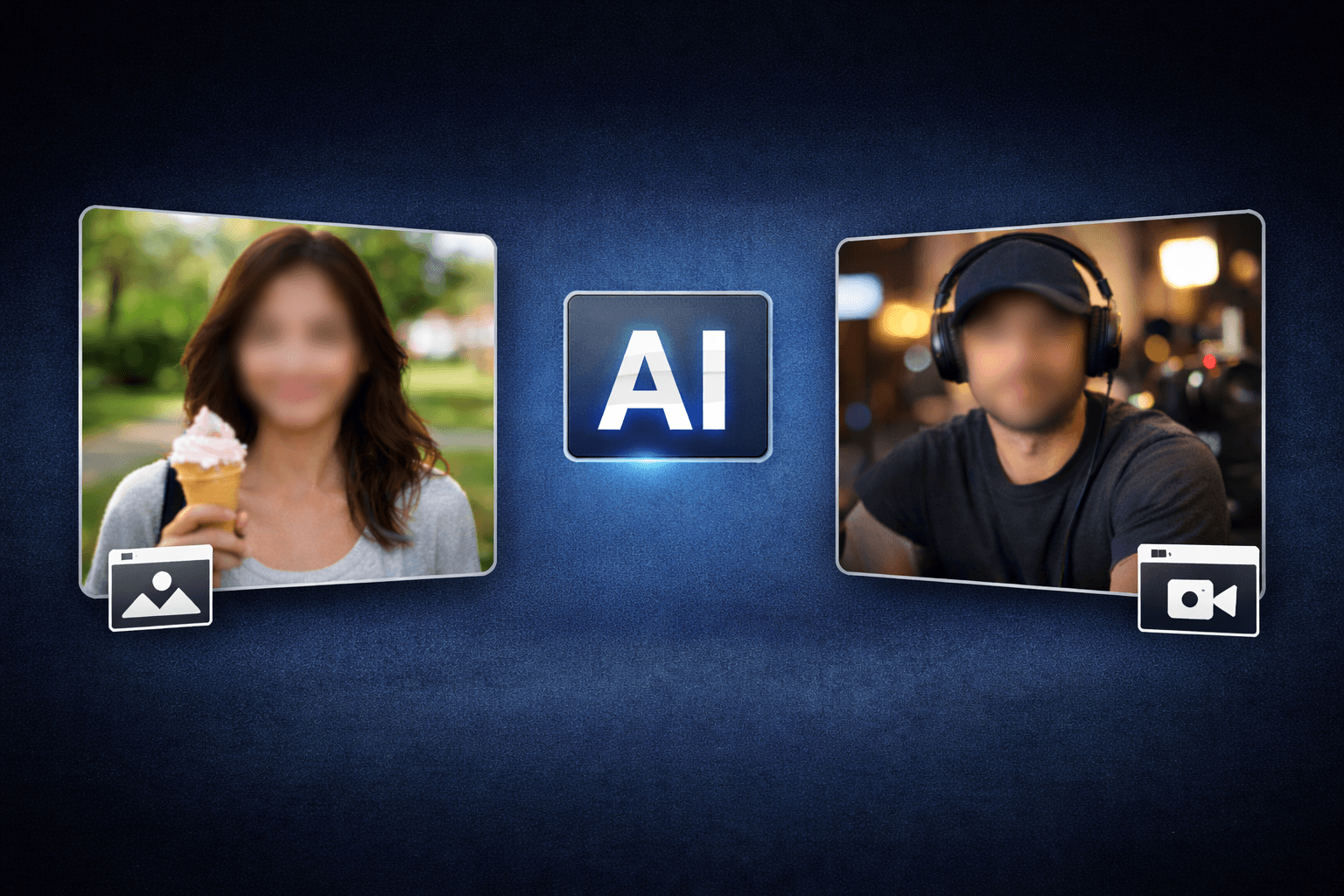
Detection-first workflow
Upload from desktop or mobile browsers

Browser or API delivery
Combine with other BGBlur tools in the same project flow

Privacy-safe exports
Scale batch jobs without browser upload limits
Teams using similar workflows
How Face Blur SDK fits day-to-day media and compliance work.
“Face Blur SDK cut our redaction time from hours to minutes on last week's footage.”
“We shipped client-safe exports the same day instead of waiting on manual masking.”
Face Blur SDK — FAQ
Common questions about Face Blur SDK, exports, and privacy handling.
Faces, plates, and general sensitive regions depending on the endpoint you call.
API pricing depends on volume. Start with developer docs and sample jobs before production rollout.
No. Face Blur SDK runs in the browser — upload, preview, and download without Premiere, DaVinci, or desktop apps.
BGBlur processes files for the editing session with privacy-first handling. Media is not published as permanent public assets.
User Reviews
Share your experience and help others make informed decisions
Write a Review
All Reviews (0)
No reviews yet
Be the first to share your experience and help others discover this tool!
Face privacy tools
More ways to blur, pixelate, and redact faces
Explore face-focused workflows for videos, photos, social clips, CCTV footage, and privacy reviews where identities must stay protected.
View all tools →Developer API
Face Blur SDK for Production Pipelines
Ship programmatic blur and redaction with Face Blur SDK. Authenticate once, send image or video jobs, and receive privacy-safe outputs at scale.
Integrate Face Blur SDK into your app, DAM, or review queue.
View API docs