Video Eraser & Watermark Remover
Erase unwanted objects and remove watermarks from videos with AI precision. Delete TikTok watermarks, logos, people, or any element seamlessly.
How to Erase Objects & Remove Watermarks
Three simple steps to clean up your videos
Step 1: Upload Your Video
Upload the video with watermarks or unwanted objects. Supports MP4, MOV, and all common formats.
Step 2: Paint Over Elements
Use the brush tool to paint over watermarks, logos, or objects you want to remove. Adjust the timeline to cover when they appear.
Step 3: Erase & Download
Select your removal method and let AI erase everything. Download your clean, watermark-free video instantly.
 Remove: TikTok Watermark
Remove Watermarks & Logos
Delete TikTok watermarks, YouTube logos, timestamps, stock footage marks, or any text overlay from your videos. AI tracks and removes watermarks even when they move, leaving clean footage without traces.
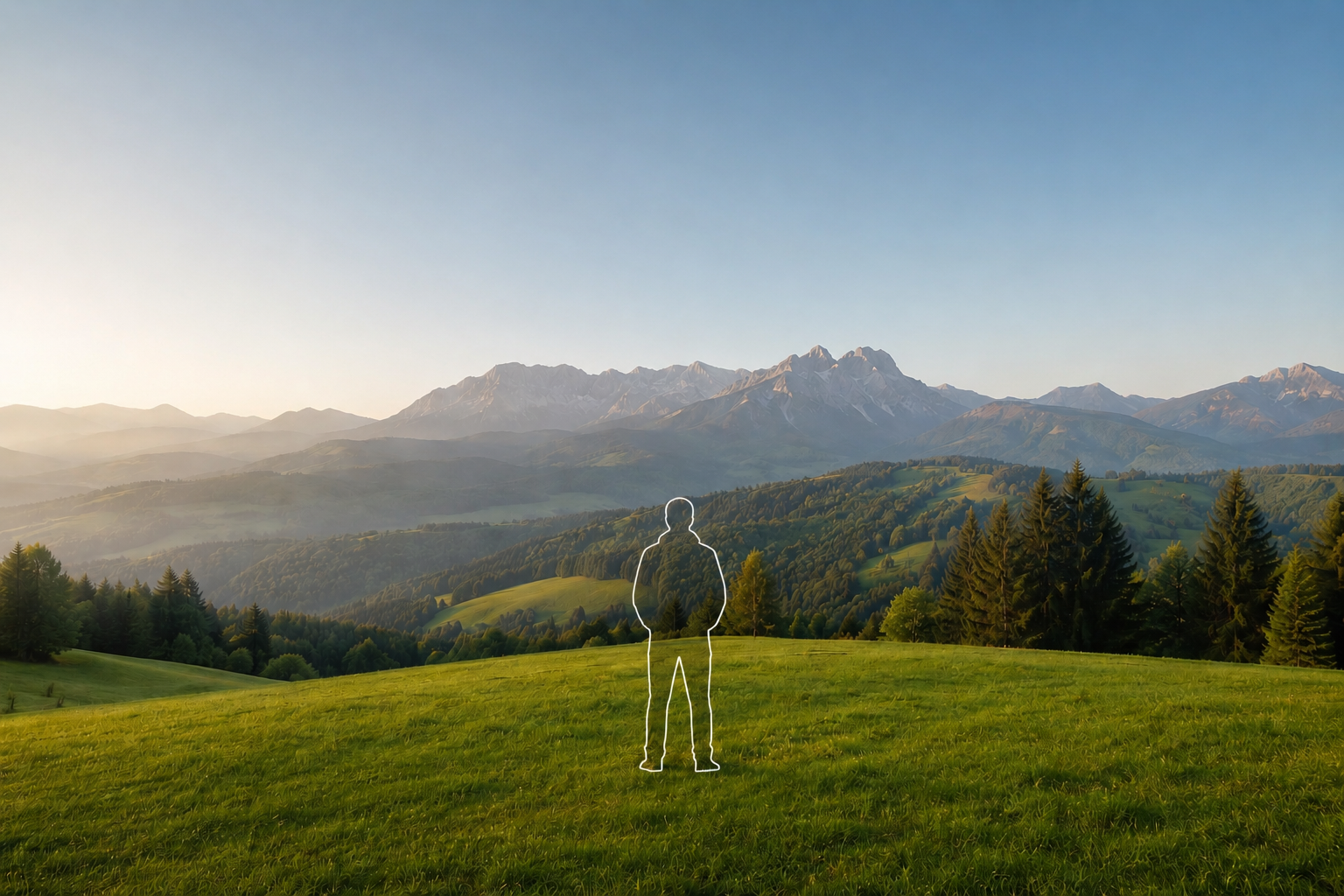 Erase: Person
Erase Objects & People
Remove unwanted people, vehicles, animals, signs, wires, poles, or any distracting elements from your footage. Paint over objects and AI erases them completely with intelligent filling.
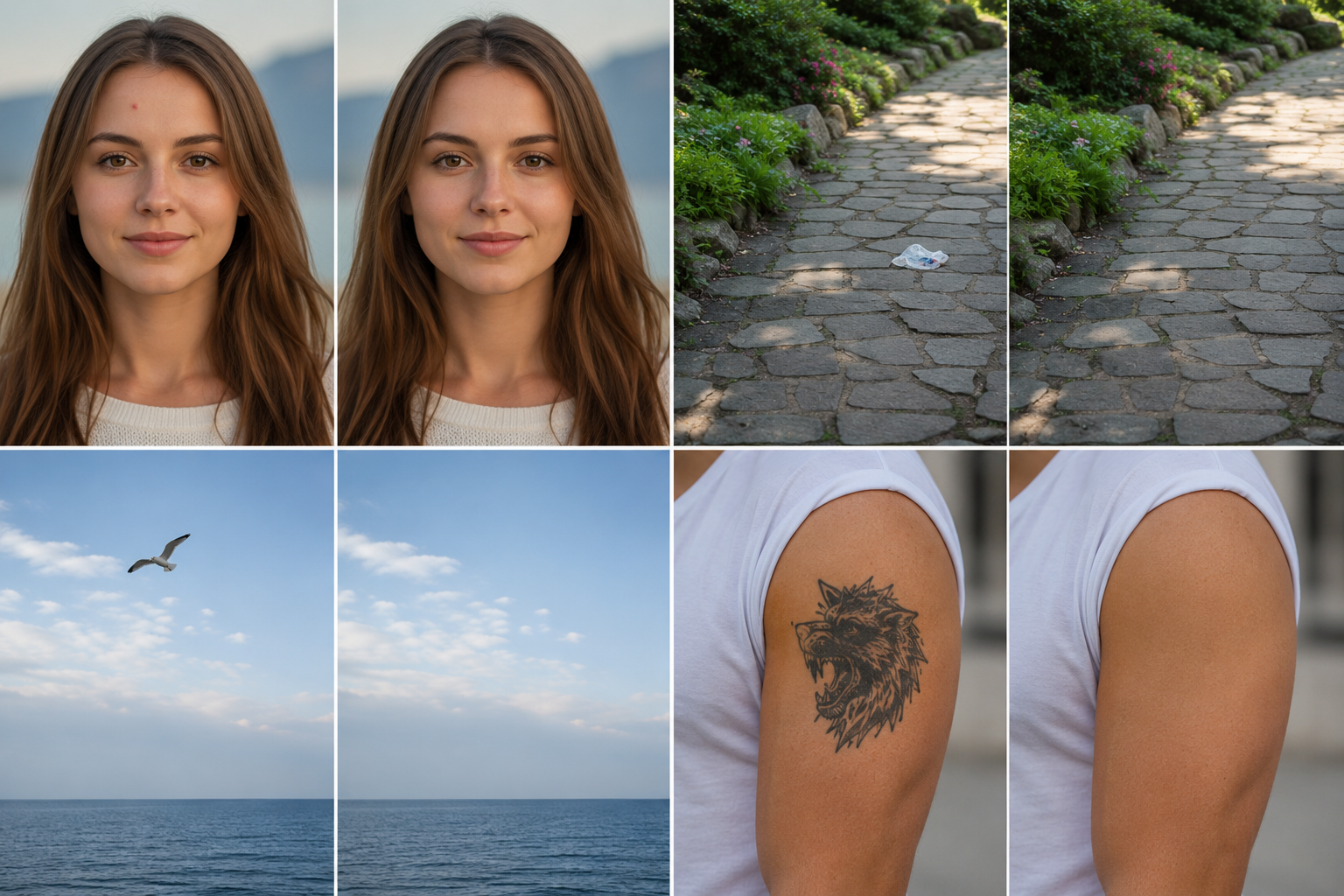 Method: Smooth Fill
Multiple Removal Methods
Choose the best technique for your scene: Gaussian Blur for natural blending, Smooth Filling for seamless patches, Color Filling to match backgrounds, or Clone Patch to copy nearby pixels.
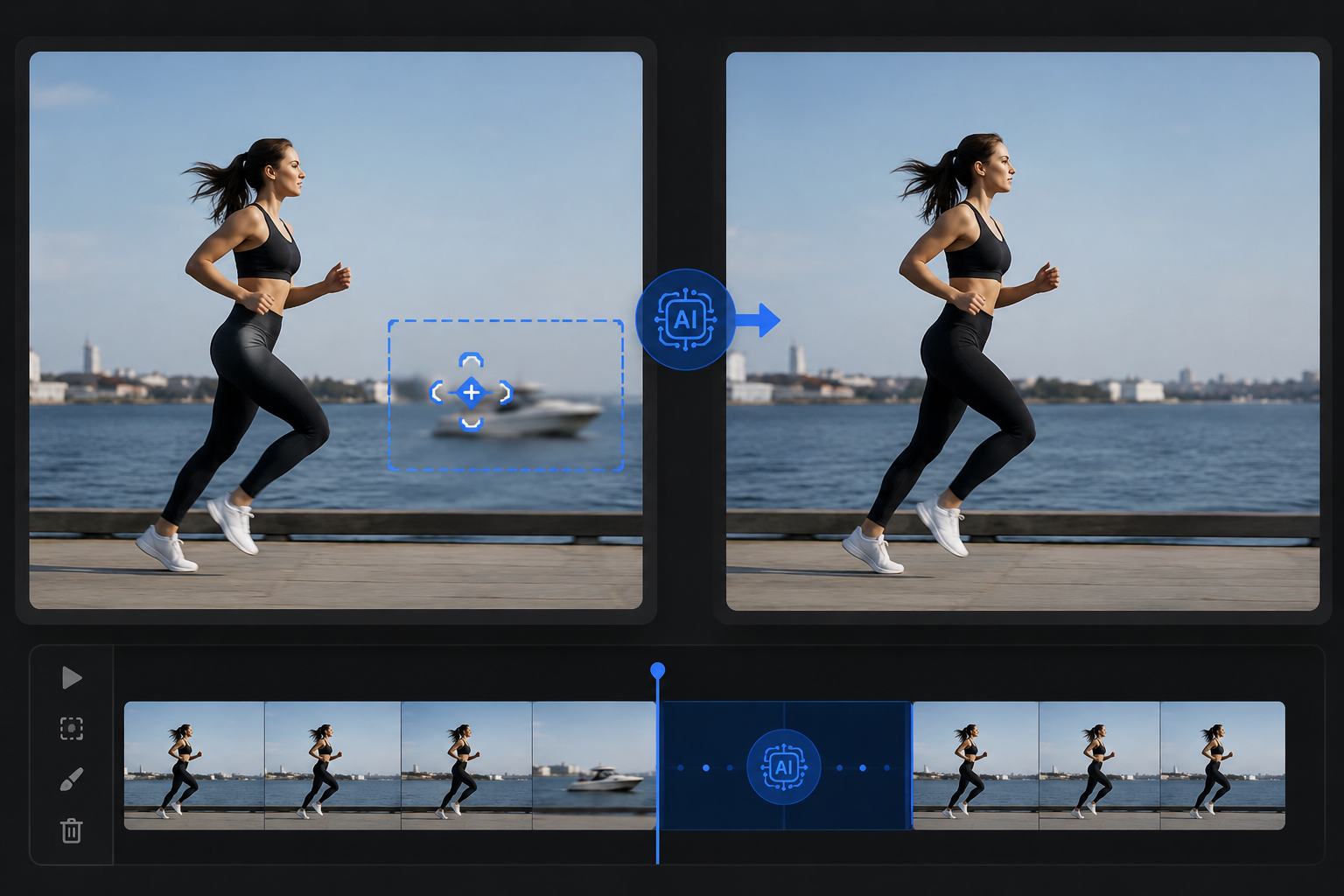 Track: Moving Logo
Moving Object Tracking
Remove moving watermarks and objects automatically. AI follows and erases elements throughout your video as they move, rotate, or change size—no frame-by-frame editing required.
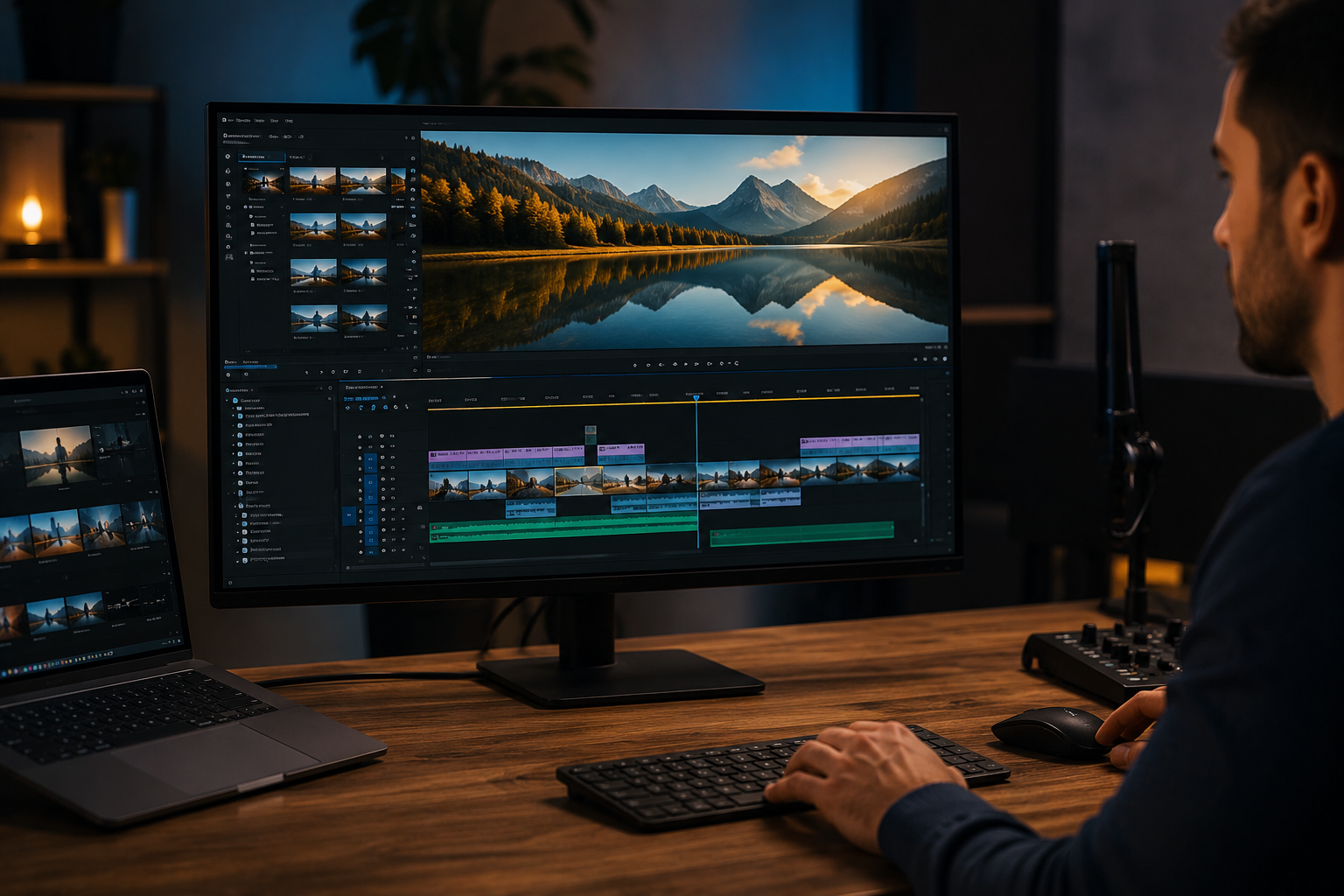 Export: Clean Video
Clean Video Export
Export professional, watermark-free videos with original quality preserved. Perfect for content creators, marketers, videographers, and anyone who needs clean footage for publishing.
Erase Watermarks & Objects from Video with AI
BGBlur makes video cleanup simple and professional. Remove TikTok watermarks, YouTube logos, stock footage marks, timestamps, people, or any unwanted elements directly in your browser.
Paint over watermarks or objects with a brush, choose your removal method (blur, fill, or clone), and get clean results in minutes. No complex software, no subscriptions—just upload, erase, and download your watermark-free video.
Powered by BGBlur
Video Eraser & Watermark Remover FAQ
Yes, BGBlur can remove TikTok watermarks, logos, and timestamps. Paint over the watermark, select smooth filling or clone patch, and export your clean video. Works on static and moving watermarks.
Upload your video, use the brush tool to paint over both watermarks and objects you want to remove, adjust the timeline to cover when they appear, and AI will erase everything in one pass.
For watermarks on solid backgrounds, use Smooth Filling or Color Filling. For watermarks on complex scenes, try Clone Patch. For people or large objects, Smooth Filling usually works best. You can test different methods to see which gives the cleanest result.
Yes, AI automatically tracks moving watermarks and objects. Select the watermark once, and it will be removed throughout your video as it moves across the frame.
Yes, you can remove watermarks from stock footage you own or have permission to edit. BGBlur can erase stock site logos, timestamps, and text overlays.
No, BGBlur preserves your original video resolution. Only the areas you paint over are processed, while the rest of your footage stays pristine.
Yes, you can select and remove multiple watermarks, logos, or objects in a single pass. Each element can use different removal methods for optimal results.
You should only remove watermarks from videos you own or have permission to edit. Removing watermarks from copyrighted content without authorization may violate copyright laws.
No, BGBlur runs entirely in your browser. Upload, paint over watermarks or objects, and download—no installation or complex editors needed.
Processing time depends on video length and number of elements to remove. Most videos process within minutes. You can track progress in real-time.
Yes, BGBlur's AI automatically tracks moving objects, faces, and vehicles. You do not need to manually mask every frame; the motion-aware tracker keeps the blur locked onto the subject as it moves.
BGBlur is a completely web-based tool. You can upload any video or image, select the Face Blur tool, and apply pixelation or blur instantly inside your browser without downloading any apps or plugins.
Absolutely. Our AI is trained specifically to detect and blur license plates in driving footage, dashcams, and street-view videos. It helps creators and transport fleets stay compliant with privacy laws.
Your privacy is our priority. BGBlur leverages advanced client-side technologies to process videos securely. Your files are processed locally in your browser and are never uploaded or stored permanently on external servers.
Yes! BGBlur is fully responsive and optimized for mobile browsers. You can easily blur a video background or pixelate faces directly on your iPhone, iPad, or Android phone.
Limits depend on the feature. Standard video blur tools such as face blur, license plate blur, background blur, blur anything, screen blur, NSFW blur, and face anonymization support up to 200MB and 10 minutes on the free plan, while Pro users get unlimited blur processing with longer video support. Object Remover supports MP4 and MOV videos up to 1GB and 10 seconds per clip. Voice Anon direct uploads support up to 100MB, while the upload/URL workflow supports audio or video files up to 500MB and under 10 minutes.
User Reviews
Share your experience and help others make informed decisions
Write a Review
Community Score
0.0
/ 5
Based on 0 reviews
All Reviews (0)
No reviews yet
Be the first to share your experience and help others make informed decisions!
Ready to blur your video content?
Start protecting privacy and creating professional video blur effects today with our AI-powered tool. No downloads required - blur directly in your browser.
Start Blurring Now