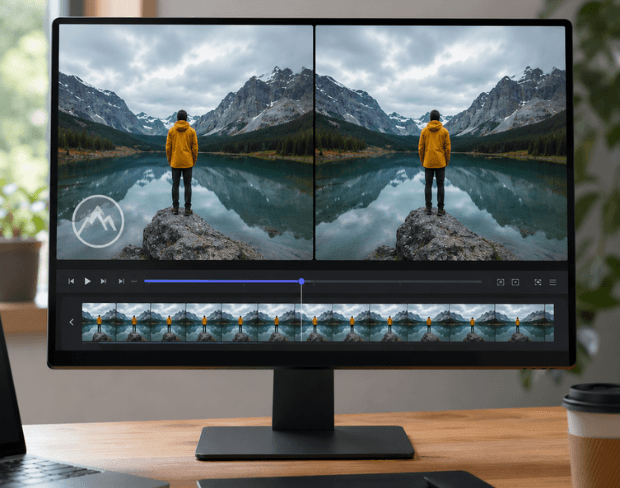
Remove watermarks, logos, text overlays, timestamps, and branding from videos instantly with AI. Clean up videos in seconds while preserving quality - no complicated editing software required!
Clean up your video in a simple 3-step process
Upload the video with the watermark. MP4, MOV, AVI, and MKV files up to 1GB are supported.
Mark the logo, text overlay, or timestamp and let AI reconstruct the background behind it.
Check the cleaned result and export your watermark-free video in full quality, no cropping.

Upload your video, select the watermark area, and let AI reconstruct the background in seconds. Whether it is a logo, text overlay, timestamp, or channel branding, BGBlur removes it cleanly with no editing skills or frame-by-frame work required.
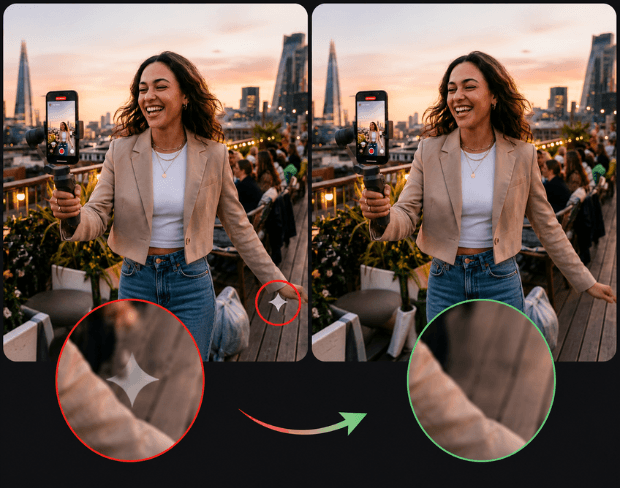
Traditional tools leave blurry patches and obvious artifacts. Our AI analyzes every frame to identify logos, text overlays, and corner stamps, then rebuilds the missing details naturally — so the final video looks untouched and ready to publish. It also works as a Gemini, ChatGPT, Sora, and Nano Banana watermark remover for AI-generated images and videos.
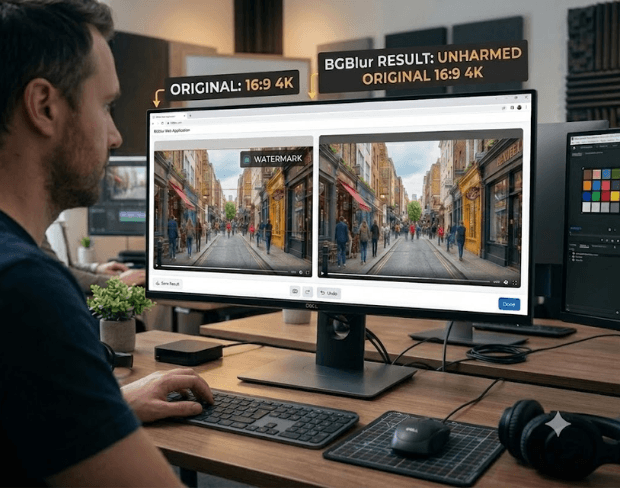

Cropping out watermarks damages composition and changes your aspect ratio. BGBlur removes the watermark directly from the frame instead, preserving the original dimensions, resolution, and everything else in your shot.
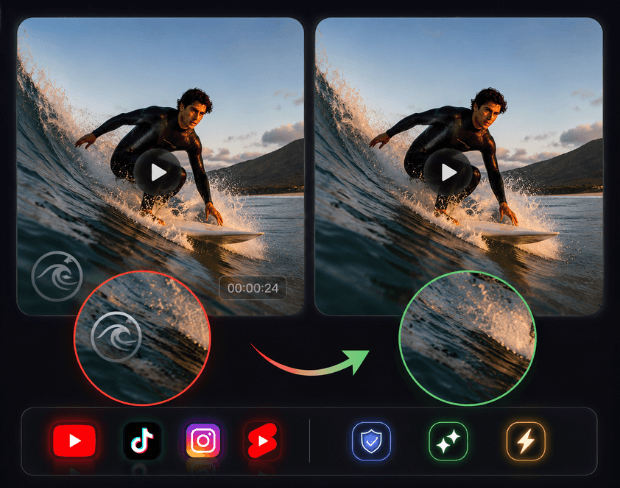
Remove unwanted logos, repost marks, timestamps, and text overlays before publishing to YouTube, TikTok, Instagram Reels, or Shorts. The AI keeps results consistent across frames for natural-looking, smooth playback.
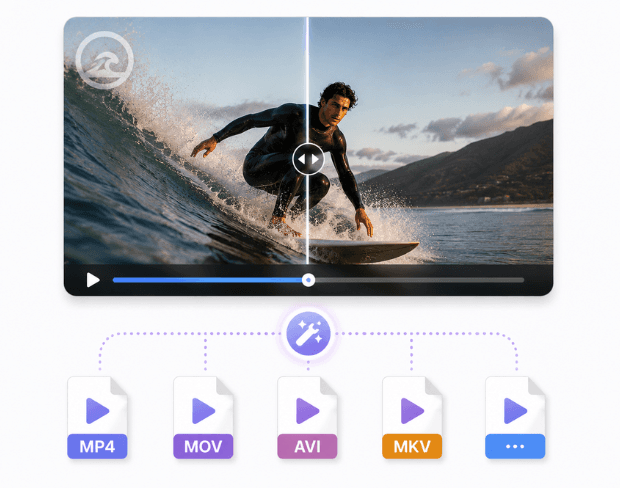

Upload MP4, MOV, AVI, MKV, and other common formats up to 1GB. The watermark remover works directly in your browser — no software installation — with fast processing for mobile recordings, professional footage, and social clips alike.
BGBlur removes watermarks, logos, and text overlays from video with AI background reconstruction — no cropping, no blurry patches, and no desktop editing software.
Instead of blurring or cropping the watermark, the AI rebuilds the pixels behind it so the frame looks untouched.
Keep your original resolution, aspect ratio, and composition — the watermark is removed in place.
Handles channel logos, repost marks, timestamps, subtitles burned into the corner, and other text overlays.
Removes Gemini, ChatGPT, Sora, and Nano Banana watermarks from AI-generated images and videos before you publish.
Removal is tracked through the whole clip, so there is no flickering patch where the watermark used to be.
Upload, remove the watermark, preview, and export online — no software installation on desktop or mobile.
Supports MP4, MOV, AVI, MKV, and other common video formats up to 1GB per file.
BGBlur detects watermarks, logos, timestamps, and text overlays in video and removes them by reconstructing the background behind them. It is built for creators repurposing content, businesses cleaning up marketing footage, and anyone restoring archived clips.
Upload a video, mark the watermark area, preview the cleaned result, and export — all in your browser without cropping the frame or installing editing software. Works on MP4, MOV, AVI, and MKV files up to 1GB.
Powered by BGBlur watermark remover
Upload your video to BGBlur, select the watermark area, and the AI reconstructs the background behind it. Preview the result and export a clean video without the logo, text overlay, or timestamp.
Yes. BGBlur removes the watermark directly from the frame, so your video keeps its original resolution, aspect ratio, and composition — nothing is cut away.
No. Instead of blurring over the watermark, the AI rebuilds the missing visual details naturally and keeps the result consistent across frames, so the area looks untouched during playback.
It handles channel logos, repost marks, timestamps, corner stamps, text overlays, and other branding elements in your footage.
Yes. BGBlur works on AI-generated content too — remove the Gemini and Nano Banana watermark from AI images, the ChatGPT watermark from generated pictures, and the Sora watermark from AI videos, all in the same upload-and-remove workflow.
Free plan: up to 500MB and 5 min per video. Paid plans: up to 1GB and 10 min per video. Supported formats include MP4, MOV, AVI, and MKV.
Yes, BGBlur's AI automatically tracks moving objects, faces, and vehicles. You do not need to manually mask every frame; the motion-aware tracker keeps the blur locked onto the subject as it moves.
BGBlur is a completely web-based tool. You can upload any video or image, select the Face Blur tool, and apply pixelation or blur instantly inside your browser without downloading any apps or plugins.
Absolutely. Our AI is trained specifically to detect and blur license plates in driving footage, dashcams, and street-view videos. It helps creators and transport fleets stay compliant with privacy laws.
Your privacy is our priority. BGBlur leverages advanced client-side technologies to process videos securely. Your files are processed locally in your browser and are never uploaded or stored permanently on external servers.
Yes! BGBlur is fully responsive and optimized for mobile browsers. You can easily blur a video background or pixelate faces directly on your iPhone, iPad, or Android phone.
Limits depend on the feature. Standard video blur tools such as face blur, license plate blur, background blur, blur anything, screen blur, NSFW blur, and face anonymization support up to 500MB and 5 minutes on the free plan, or up to 1GB and 10 minutes on paid plans. Object Remover supports MP4 and MOV videos up to 1GB and 10 seconds per clip. Voice Anon direct uploads support up to 100MB, while the upload/URL workflow supports audio or video files up to 500MB and under 10 minutes.
Share your experience and help others make informed decisions
Community Score
0.0
/ 5
Based on 0 reviews
Be the first to share your experience and help others make informed decisions!
Clean up videos instantly with our AI watermark remover. Remove logos, text overlays, timestamps, and branding while maintaining professional video quality.
Remove watermark from video free