Free AI Face Blur Tool
Blur faces in videos and photos instantly using advanced AI detection. 100% free, no watermark, no sign-up required.
How to Use BG Blur
Get started with our simple 3-step process
Upload your video to our AI video blur editor
Upload your video to our AI video blur editor.
Select what to blur: background, faces, license plates, or objects
Pick the blur mode that fits your use case and adjust intensity for a natural result.
Download your professionally blurred video with privacy protection
Export and download your processed video in just a few clicks.
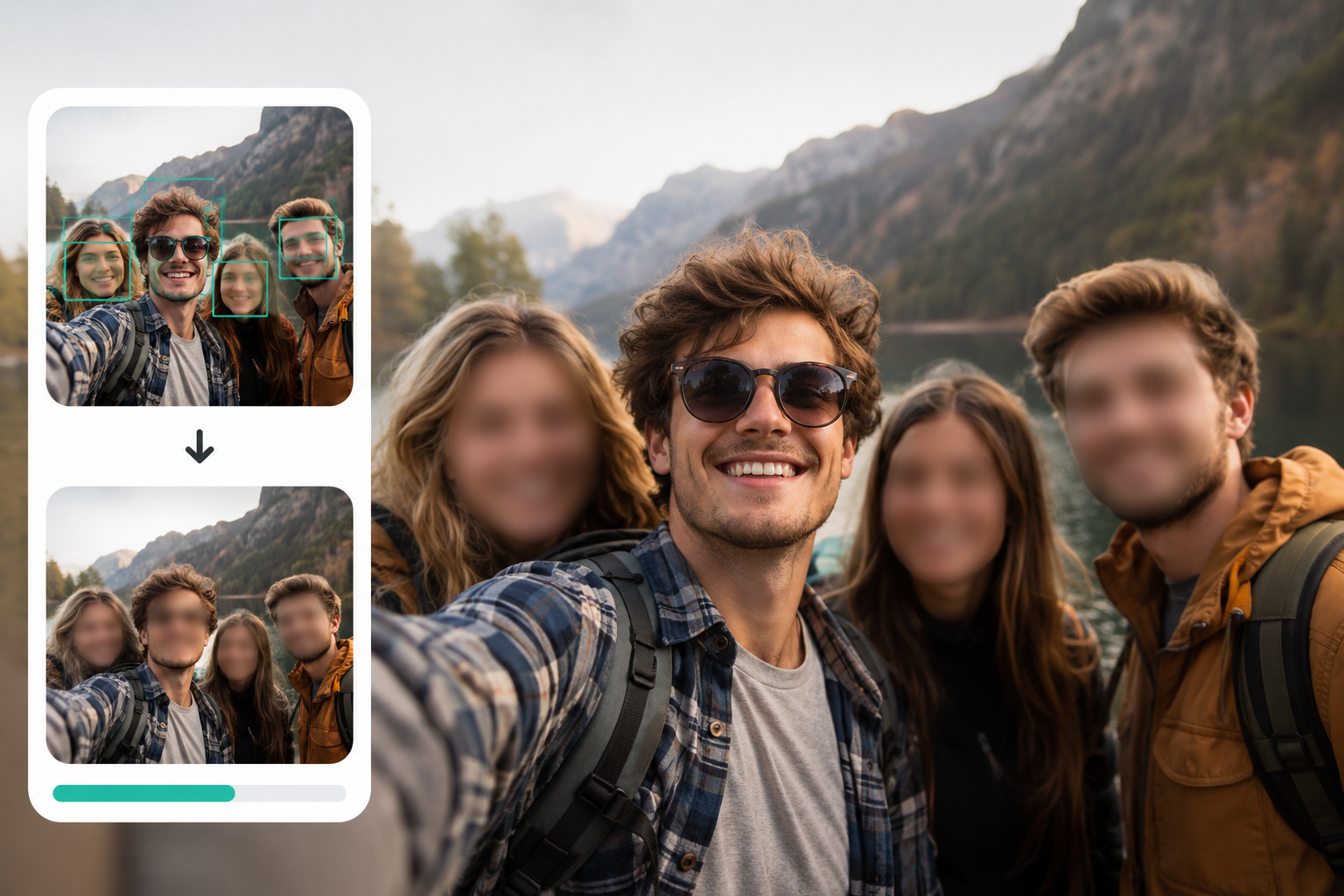
Free Face Blur with Automatic AI Detection
This free AI face blur tool automatically detects and blurs faces in videos and images without any manual selection. The AI identifies faces frame by frame and applies consistent blur throughout your content. Unlike basic editing tools that require you to draw boxes around each face, this AI-powered solution handles everything automatically. Processing happens in your browser, keeping your files private while delivering professional results in seconds.

No Watermark, No Registration, Completely Free
Unlike many free tools that add watermarks or require account creation, this face blur tool is genuinely free to use. Your processed videos and images download without any branding or watermarks. There's no sign-up process, no email verification, and no hidden limits. Just upload your file, let the AI blur the faces, and download your result. The tool processes files locally in your browser for maximum privacy.

AI-Powered Face Tracking for Video Content
When blurring faces in videos, the AI tracks each face throughout the entire clip. Even when people move, turn their heads, or the camera angle changes, the blur stays locked on the face. This eliminates the common problem of faces becoming visible in certain frames. The technology processes each frame individually while maintaining smooth, consistent results from start to finish. Works with interviews, vlogs, street footage, and any video content requiring face privacy.
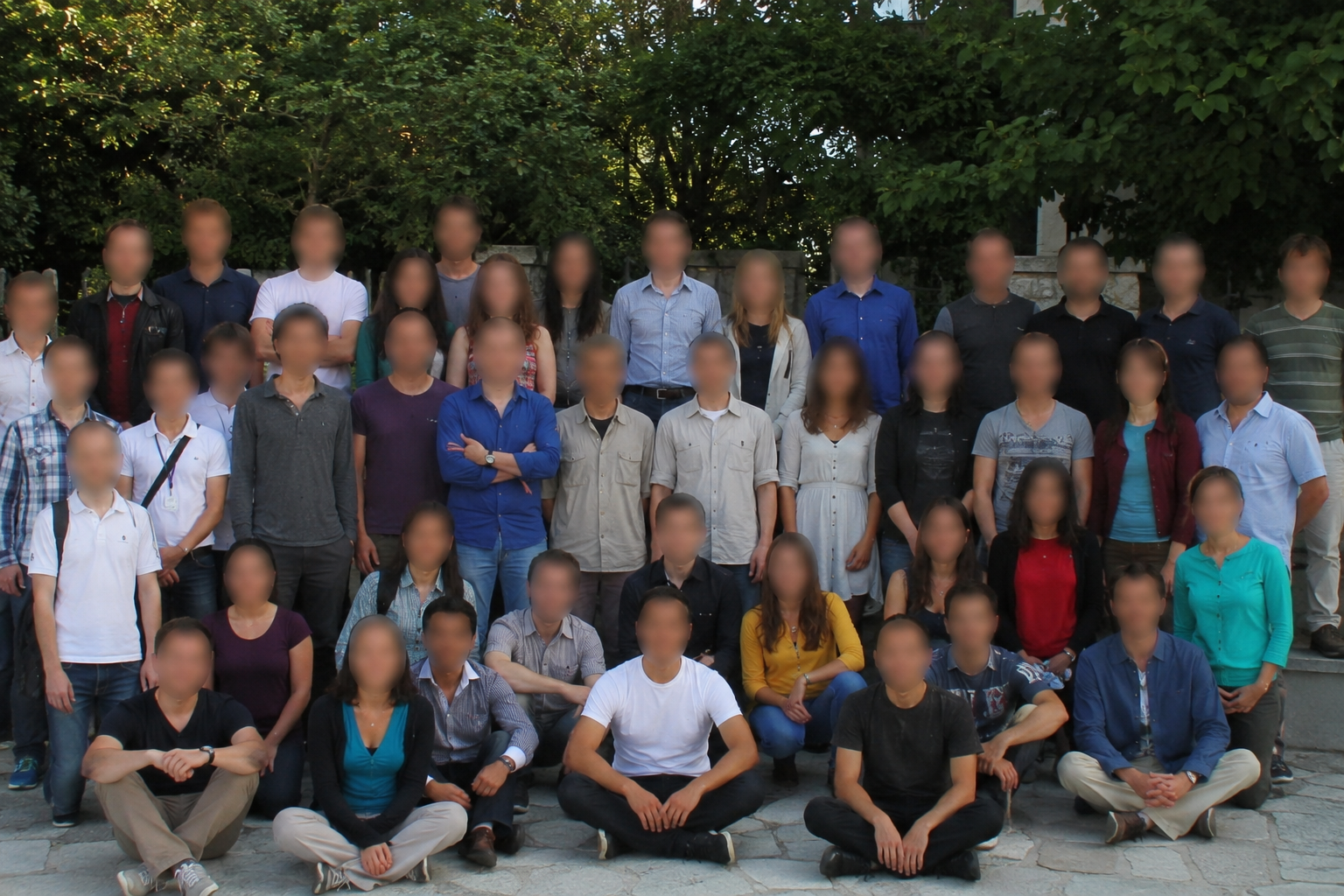
Multiple Face Detection in Group Photos and Crowds
The free AI face blur tool handles multiple faces simultaneously. Whether you're processing a group photo, crowd footage, or a video with many people, each detected face receives individual blur treatment. The AI distinguishes between faces regardless of size, angle, or partial visibility. This makes it ideal for event photography, public recordings, documentary footage, and social media content where multiple identities need protection.
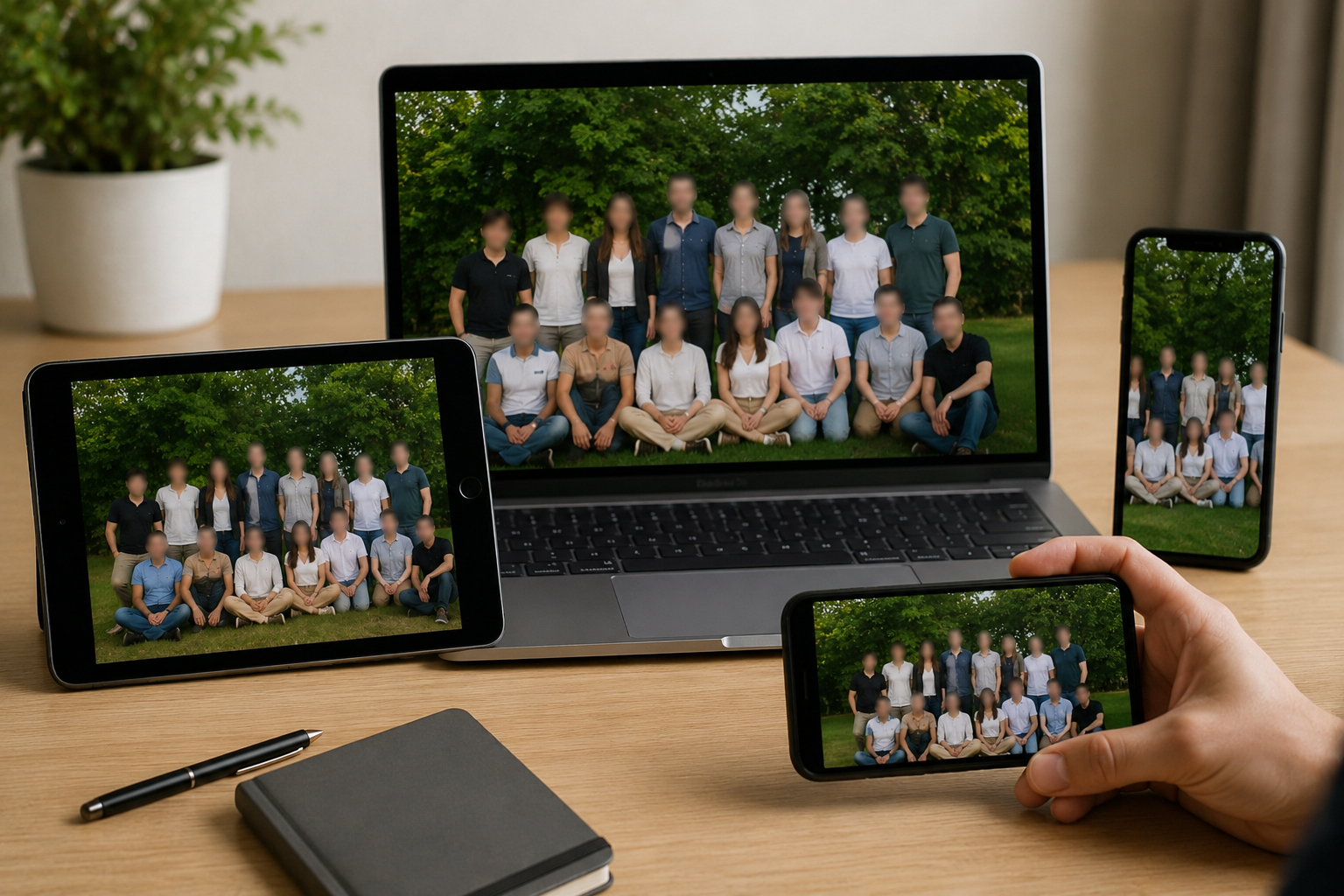
Works on Any Device Without Installation
Access this free face blur tool from any device with a web browser. It works on smartphones, tablets, laptops, and desktop computers without downloading or installing anything. The AI processing runs directly in your browser, so your files never leave your device until you choose to download the result. Compatible with all modern browsers including Chrome, Safari, Firefox, and Edge. No app store downloads, no storage space needed, no system requirements to worry about.
What Makes BGBlur Different as a Free AI Face Blur Tool?
BGBlur gives users a direct way to test AI face blur online before committing to heavier privacy or redaction workflows.
Free face blur entry point
Start blurring faces online with a lightweight workflow built around privacy video editing.
AI-powered detection
The tool identifies faces automatically so you spend less time placing manual blur boxes.
Designed for video privacy
Use it for social clips, interviews, public recordings, tutorials, and consent-sensitive footage.
No complex editor
Upload, process, preview, and export without learning professional timeline tools.
Consistent anonymization
Face blur stays focused on the person as the clip moves from frame to frame.
Upgrade-ready workflow
Move from simple free face blur to broader BGBlur privacy tools when projects become more complex.
Free AI Face Blur for Privacy-Safe Publishing
This free AI face blur workflow gives creators a fast way to test automatic face detection before sharing content online. It is useful for bystanders, students, customers, interviewees, and other people who should not remain identifiable.
Start from your browser, upload a clip or image, apply face blur, and export a cleaner version for social media, internal review, tutorials, or public websites.
Powered by BGBlur free face blur
Free AI Face Blur Tool FAQ
Yes. It is designed for fast online face blur when you need to hide people in videos or images before sharing them.
No. BGBlur uses AI face detection and tracking, so the workflow is upload, process, preview, and export.
You can also use related BGBlur tools for license plate blur, blur anything, screen blur, background blur, and face anonymization.
Free plan: up to 1GB and 5 min per video. Paid plans: up to 2.5GB and 10 minutes per video. Image files up to 20MB are supported.
Yes, BGBlur's AI automatically tracks moving objects, faces, and vehicles. You do not need to manually mask every frame; the motion-aware tracker keeps the blur locked onto the subject as it moves.
BGBlur is a completely web-based tool. You can upload any video or image, select the Face Blur tool, and apply pixelation or blur instantly inside your browser without downloading any apps or plugins.
Absolutely. Our AI is trained specifically to detect and blur license plates in driving footage, dashcams, and street-view videos. It helps creators and transport fleets stay compliant with privacy laws.
Your privacy is our priority. BGBlur leverages advanced client-side technologies to process videos securely. Your files are processed locally in your browser and are never uploaded or stored permanently on external servers.
Yes! BGBlur is fully responsive and optimized for mobile browsers. You can easily blur a video background or pixelate faces directly on your iPhone, iPad, or Android phone.
Limits depend on the feature. Standard video blur tools such as face blur, license plate blur, background blur, blur anything, screen blur, NSFW blur, and face anonymization support up to 200MB and 10 minutes on the free plan, while Pro users get unlimited blur processing with longer video support. Object Remover supports MP4 and MOV videos up to 1GB and 10 seconds per clip. Voice Anon direct uploads support up to 100MB, while the upload/URL workflow supports audio or video files up to 500MB and under 10 minutes.
User Reviews
Share your experience and help others make informed decisions
Write a Review
Community Score
0.0
/ 5
Based on 0 reviews
All Reviews (0)
No reviews yet
Be the first to share your experience and help others make informed decisions!
Ready to blur your video content?
Start protecting privacy and creating professional video blur effects today with our AI-powered tool. No downloads required - blur directly in your browser.
Start Blurring Now