Blur License Plates in Dashcam Footage
Automatically blur license plates in dashcam footage for insurance claims, accident evidence, Reddit posts, and YouTube compilations. AI-powered plate blur for dashcam videos, road rage documentation, and driving incident recordings submitted to police or shared online.
How to Use BG Blur
Get started with our simple 3-step process
Upload your video to our AI video blur editor
Upload your video to our AI video blur editor.
Select what to blur: background, faces, license plates, or objects
Pick the blur mode that fits your use case and adjust intensity for a natural result.
Download your professionally blurred video with privacy protection
Export and download your processed video in just a few clicks.
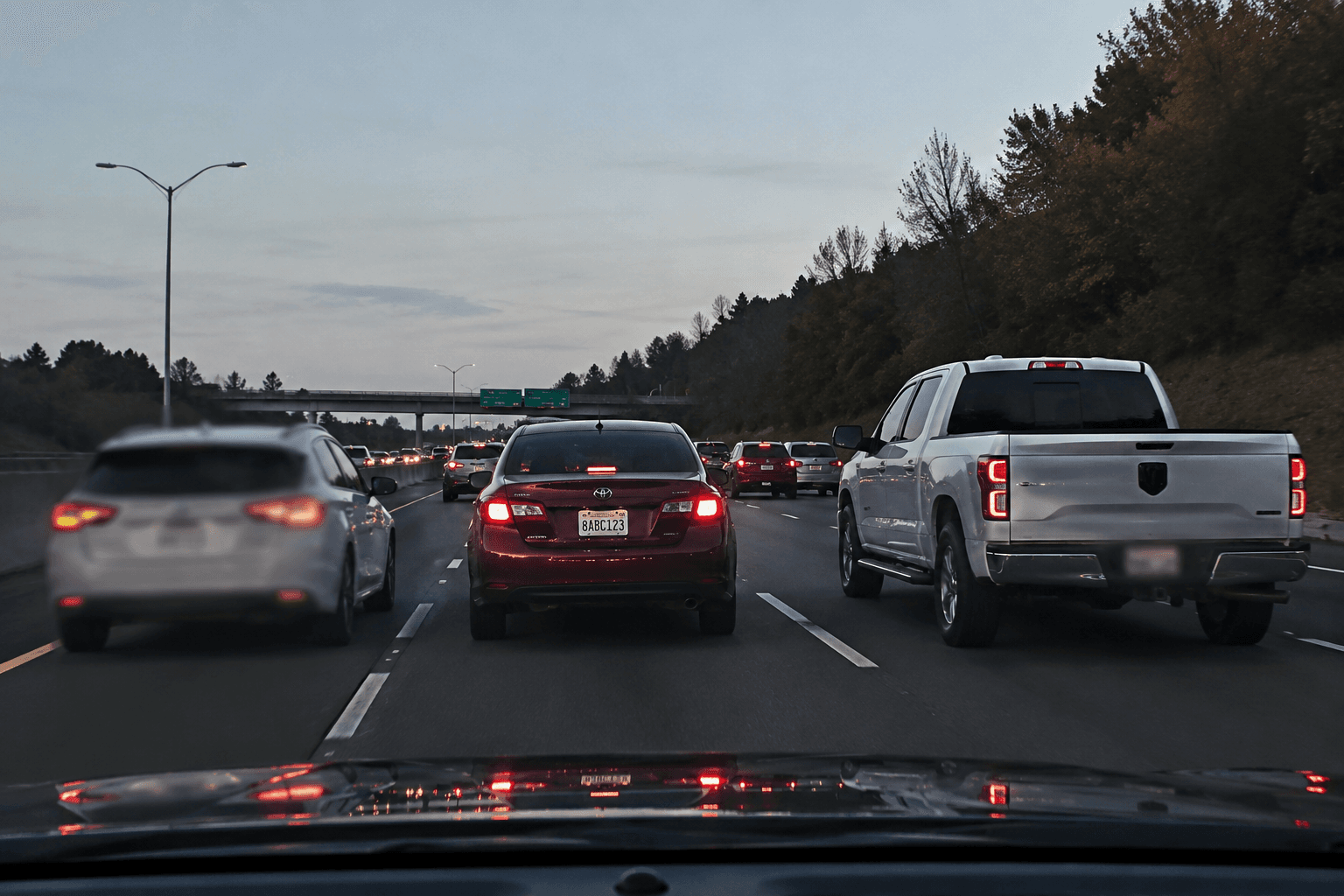
Insurance claim dashcam evidence with automatic plate blur
When submitting dashcam footage to insurance companies for accident claims, hit-and-run evidence, or liability disputes, privacy laws often require blurring uninvolved third-party license plates while keeping the at-fault vehicle plate visible for claims processing. BGBlur gives you granular control: automatically blur all plates, then selectively unblur the specific vehicle relevant to your claim. Essential for insurance claim submissions to Geico, State Farm, Allstate, Progressive, and USAA where dashcam footage proves fault, timing, impact severity, or fraudulent injury claims. The AI handles dashcam-specific challenges: motion blur from sudden braking or impacts, low-light conditions in parking structures or nighttime accidents, lens flare from headlights or sun glare, and shaky footage from emergency maneuvers. Process front and rear dashcam footage simultaneously, handling dual-channel systems that capture both forward collisions and rear-end impacts. Export claim-ready footage with professional license plate blur that protects uninvolved parties, meets adjuster requirements, and accelerates your claim resolution while preserving crystal-clear evidence of the incident that damaged your vehicle.
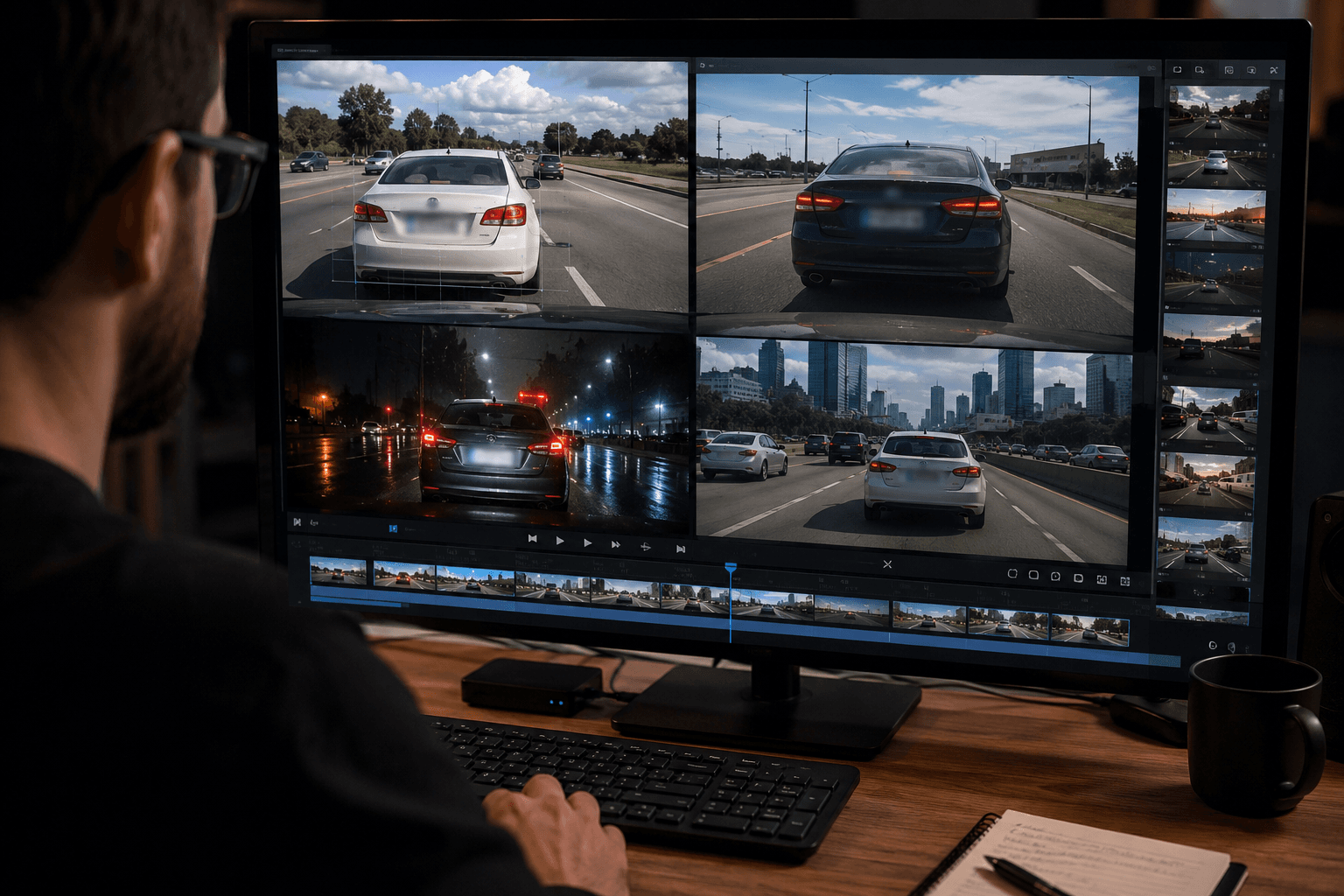
Reddit and YouTube dashcam compilation privacy compliance
Dashcam communities on Reddit (r/Dashcam, r/IdiotsInCars, r/Roadcam), YouTube compilation channels (Dashcam Lessons, Road Rage USA), and viral video aggregators share thousands of traffic incidents daily. Platform policies and DMCA regulations increasingly require license plate blur to prevent doxxing, harassment, and privacy violations. BGBlur enables dashcam content creators to process hours of footage quickly—bad drivers, near-misses, parking lot fails, road rage incidents, and police encounters—ensuring every video meets Reddit's privacy guidelines and YouTube's content policies before posting. Critical for channels monetizing dashcam content through ads, Patreon, or sponsored compilations where copyright strikes or privacy complaints mean lost revenue. The AI detects plates in challenging viral content scenarios: low-resolution video from budget dashcams, extreme wide-angle fisheye distortion, compression artifacts from multiple re-uploads, and fast-moving action where cars cross the frame in under one second. Build your dashcam channel, grow your Reddit karma, and protect yourself from DMCA takedowns with automatic license plate blur that works on footage from any dashcam brand—Viofo, BlackVue, Garmin, Nextbase, Thinkware, or budget Amazon models.
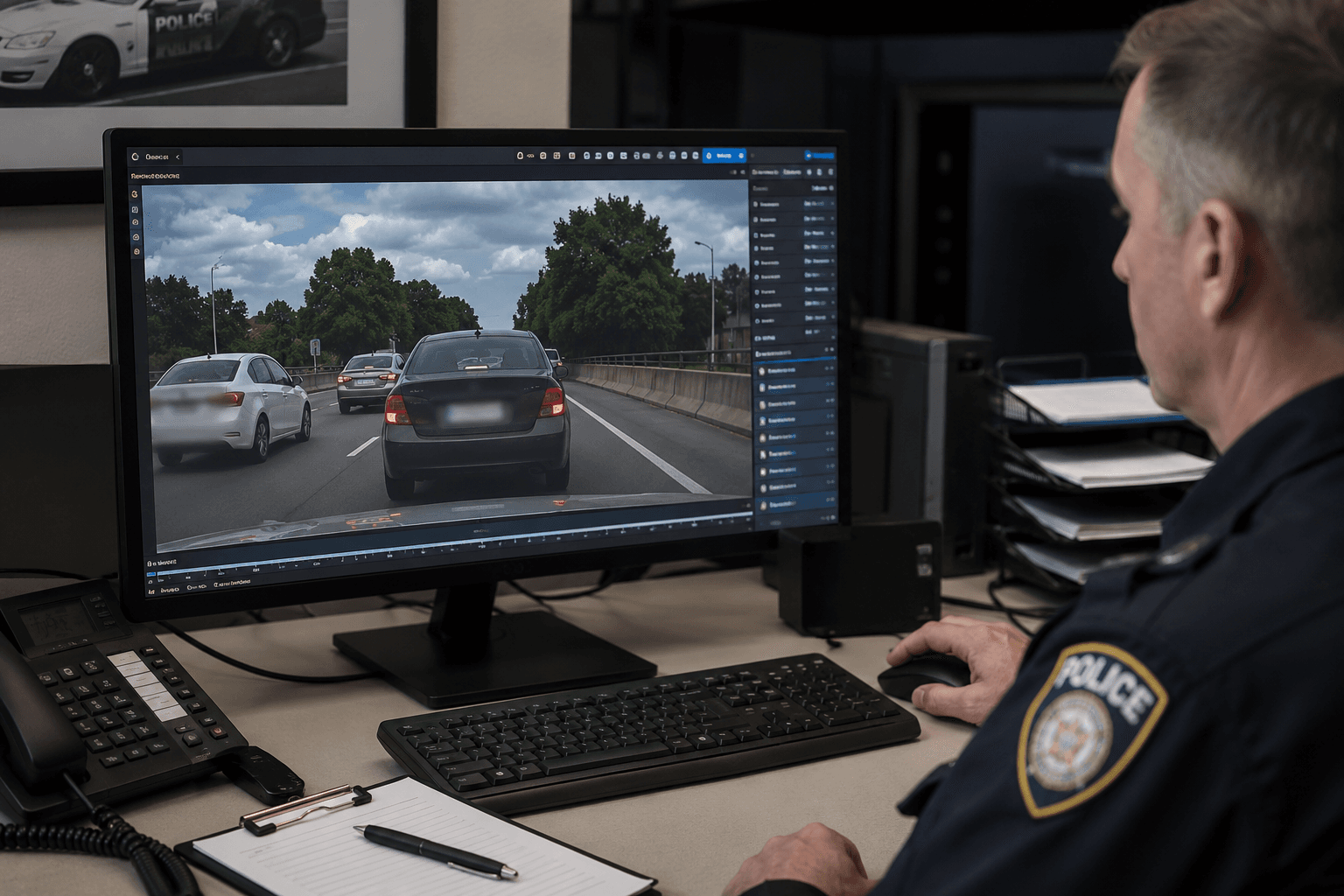
Police report dashcam evidence submission with selective blur
When submitting dashcam footage to police for accident reports, hit-and-run investigations, road rage complaints, or traffic violation corroboration, law enforcement may request that you blur civilian plates while preserving suspect vehicle identification. BGBlur streamlines evidence preparation: automatically detect all license plates in your footage, apply comprehensive blur for public records compliance, then provide unblurred versions to law enforcement through secure chain-of-custody documentation. Essential for serious incidents—DUI hit-and-runs, road rage assaults, intentional vehicle ramming, brake checking causing accidents, or street racing endangering public safety—where your dashcam footage becomes criminal evidence. The system handles evidence-grade requirements: maintaining original metadata timestamps (critical for establishing incident chronology), preserving GPS coordinates (proving location jurisdiction), retaining file hash integrity (preventing tampering accusations), and exporting in formats accepted by police digital evidence systems. Process footage from incidents involving: fleeing suspects (track plates through pursuit footage), multi-vehicle pileups (blur innocent parties, preserve at-fault vehicles), pedestrian accidents (blur parked car plates, preserve striking vehicle), and property damage incidents (blur witness vehicle plates, preserve perpetrator identification). Submit legally-defensible dashcam evidence that protects privacy while supporting criminal prosecution, traffic citations, and public safety investigations.
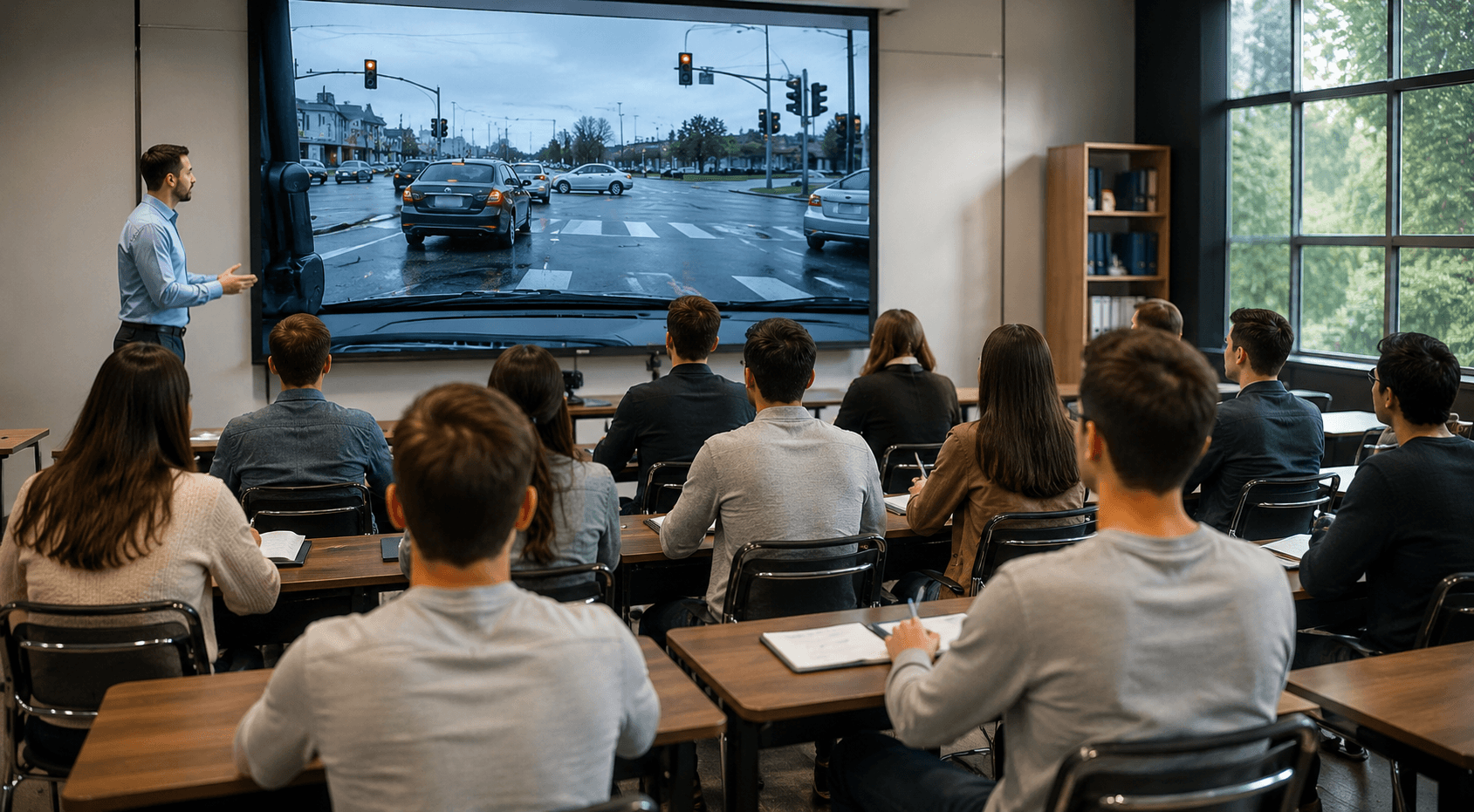
Driving tutorial and road safety education with plate anonymization
Driving instructors, defensive driving courses, and road safety educators use real dashcam footage to teach new drivers about hazard recognition, following distance, intersection safety, and emergency response scenarios. Educational materials shared with students, posted on driving school websites, or included in online courses require comprehensive license plate blur to comply with educational privacy standards and prevent student distraction. BGBlur processes driving education libraries automatically, blurring plates in hundreds of teaching examples—four-way stop confusion, merge lane conflicts, left turn across traffic, highway entry acceleration, parking lot navigation, and weather-impaired visibility scenarios. Perfect for DMV-approved driving schools, teen driver programs, senior driver refresher courses, and corporate fleet safety training. The AI maintains instructional clarity: students still see vehicle types, colors, and positions that matter for learning traffic patterns, while license plate details that could enable students to identify or track specific drivers are automatically obscured. Create comprehensive driving curricula—beginner basics through advanced defensive techniques—using real-world dashcam examples that demonstrate actual traffic conditions, driver mistakes, and proper responses without exposing the privacy of the drivers whose behavior illustrates your teaching points.
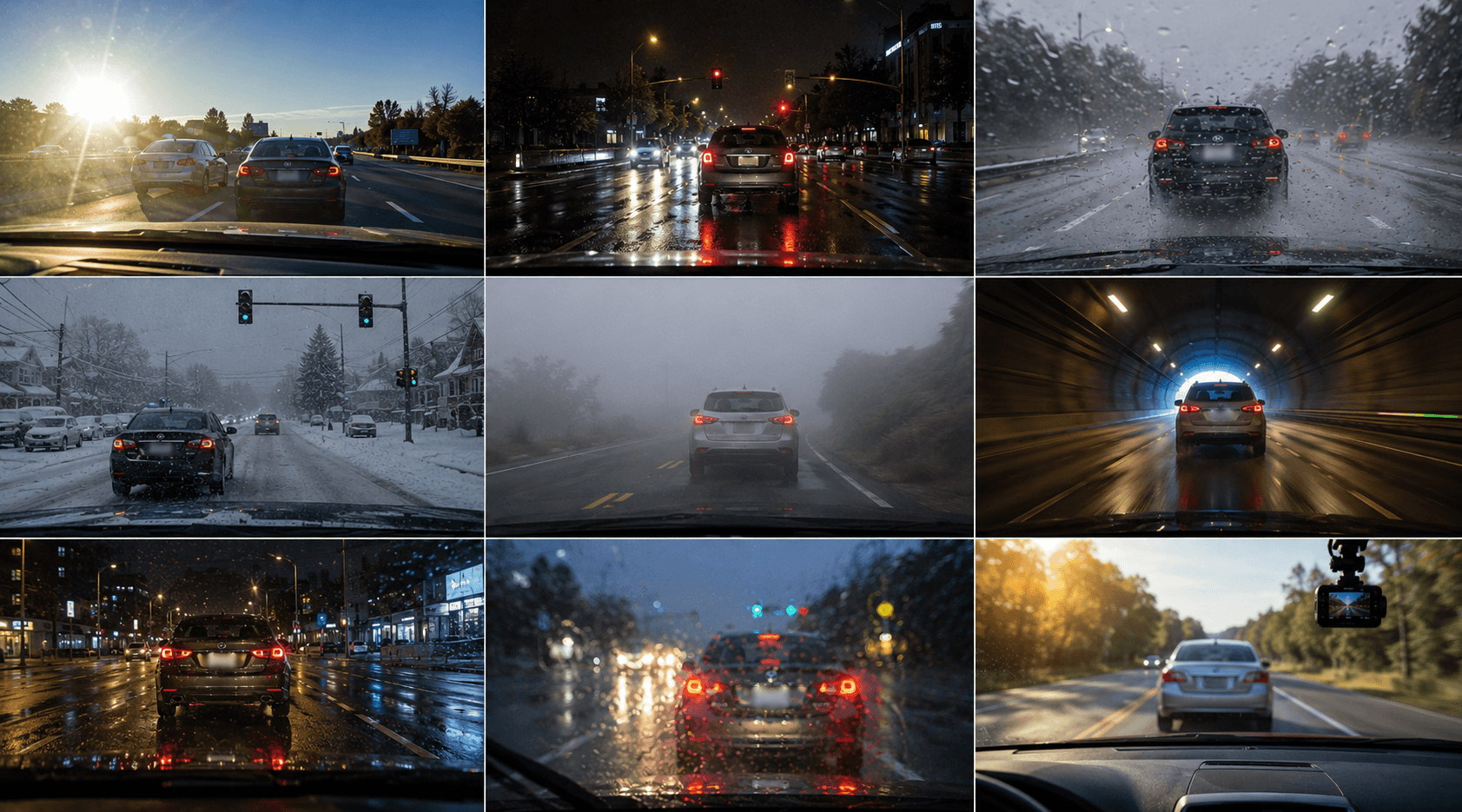
Dashcam footage blur optimized for challenging recording conditions
Dashcams record in notoriously difficult conditions: direct sunlight causing overexposure and lens flare, nighttime driving with only headlight illumination, rain-covered lenses reducing clarity, snow accumulation partially obscuring the view, and extreme vibration from potholes or rough roads. Consumer dashcams typically record at 1080p or lower resolution with limited dynamic range, creating compressed, low-light, motion-blurred footage that challenges basic license plate detection. BGBlur's AI is specifically trained on dashcam footage characteristics: handling rolling shutter distortion from sudden movements, compensating for automatic exposure changes when entering/exiting tunnels, detecting plates through water droplets or dirt on lenses, and tracking plates in the compressed H.264 video most dashcams produce. Process footage from any driving condition—dawn/dusk glare, harsh midday shadows, dense fog reducing visibility to 50 feet, heavy rain obscuring plates, or nighttime urban driving with mixed street lighting and neon signs. The system maintains detection accuracy even when human viewers struggle to read plates in your original footage, using AI pattern recognition to identify plate shapes, positions, and regional characteristics that survive dashcam compression, weather interference, and challenging lighting. Export dashcam compilations, insurance evidence, or educational content with professional license plate blur that works reliably regardless of your dashcam's price point, recording quality, or the weather conditions during your incident.
What Makes BGBlur Different?
BGBlur is built for browser-based AI video editing: upload a clip, choose what to hide or soften, and export privacy-ready footage without learning timeline software.
AI video blur
Automatic video blur workflows reduce manual masking for faces, plates, backgrounds, screens, and sensitive objects.
Browser-based
Edit video online from desktop or mobile without installing professional video editing software.
Privacy focused
BGBlur is designed for safer publishing, redaction, anonymization, and compliance-aware video sharing.
Selective control
Choose targeted blur, background blur, face anonymization, or object blur based on the footage.
Fast workflow
Simple upload, preview, processing, and export steps help creators and teams finish edits quickly.
Multiple formats
Use BGBlur across common video and image workflows for social, legal, training, and creator content.
Blurring Video Backgrounds Automatically
BgBlur is dedicated to making video privacy and enhancement accessible to everyone. Our tools use advanced AI to help you blur faces, license plates, and backgrounds in your videos—quickly and securely, right in your browser.
Features include automatic face blur, license plate blur, and background blur. Try it out now by uploading your video at /en/upload. No downloads or advanced software required!
Powered by BGBlur
Frequently Asked Questions
Our AI analyzes your video and automatically detects and blurs backgrounds, faces, license plates, or any objects you select with motion tracking.
We support MP4, MOV, and M4V formats for all blur functions including face blur video and background blur.
Free users can blur videos under 200MB and 10 minutes. Pro users get unlimited blur processing with longer video support.
AI face swap uses advanced artificial intelligence to detect and replace a face in a video with another face while keeping expressions, lighting, and angles natural.
You should use face anonymization when sharing content publicly, handling sensitive data, or complying with privacy laws to protect identities.
With BgBlur, you can easily blur face or pixelate face by uploading your content, and the AI will automatically detect and apply the effect in seconds.
Yes, BgBlur allows you to blur licence plate or blur number plate in video online free with just a few clicks, no technical skills required.
To blur multiple objects online, upload your video and select the Blur Anything feature. Then add multiple object names separated by commas and proceed, and our AI will automatically blur those objects.
Yes, BGBlur's AI automatically tracks moving objects, faces, and vehicles. You do not need to manually mask every frame; the motion-aware tracker keeps the blur locked onto the subject as it moves.
BGBlur is a completely web-based tool. You can upload any video or image, select the Face Blur tool, and apply pixelation or blur instantly inside your browser without downloading any apps or plugins.
Absolutely. Our AI is trained specifically to detect and blur license plates in driving footage, dashcams, and street-view videos. It helps creators and transport fleets stay compliant with privacy laws.
Your privacy is our priority. BGBlur leverages advanced client-side technologies to process videos securely. Your files are processed locally in your browser and are never uploaded or stored permanently on external servers.
Yes! BGBlur is fully responsive and optimized for mobile browsers. You can easily blur a video background or pixelate faces directly on your iPhone, iPad, or Android phone.
Limits depend on the feature. Standard video blur tools such as face blur, license plate blur, background blur, blur anything, screen blur, NSFW blur, and face anonymization support up to 200MB and 10 minutes on the free plan, while Pro users get unlimited blur processing with longer video support. Object Remover supports MP4 and MOV videos up to 1GB and 10 seconds per clip. Voice Anon direct uploads support up to 100MB, while the upload/URL workflow supports audio or video files up to 500MB and under 10 minutes.
User Reviews
Share your experience and help others make informed decisions
Write a Review
Community Score
0.0
/ 5
Based on 0 reviews
All Reviews (0)
No reviews yet
Be the first to share your experience and help others make informed decisions!
Ready to blur your video content?
Start protecting privacy and creating professional video blur effects today with our AI-powered tool. No downloads required - blur directly in your browser.
Start Blurring Now