Blur Chat Messages in Videos and Images with AI
Automatically detect and blur chat conversations in screen recordings and screenshots — hide WhatsApp messages, Slack threads, Microsoft Teams chats, iMessage, Telegram, Discord, and more without manual editing.
How to Use BG Blur
Get started with our simple 3-step process
Upload your video to our AI video blur editor
Upload your video to our AI video blur editor.
Select what to blur: background, faces, license plates, or objects
Pick the blur mode that fits your use case and adjust intensity for a natural result.
Download your professionally blurred video with privacy protection
Export and download your processed video in just a few clicks.
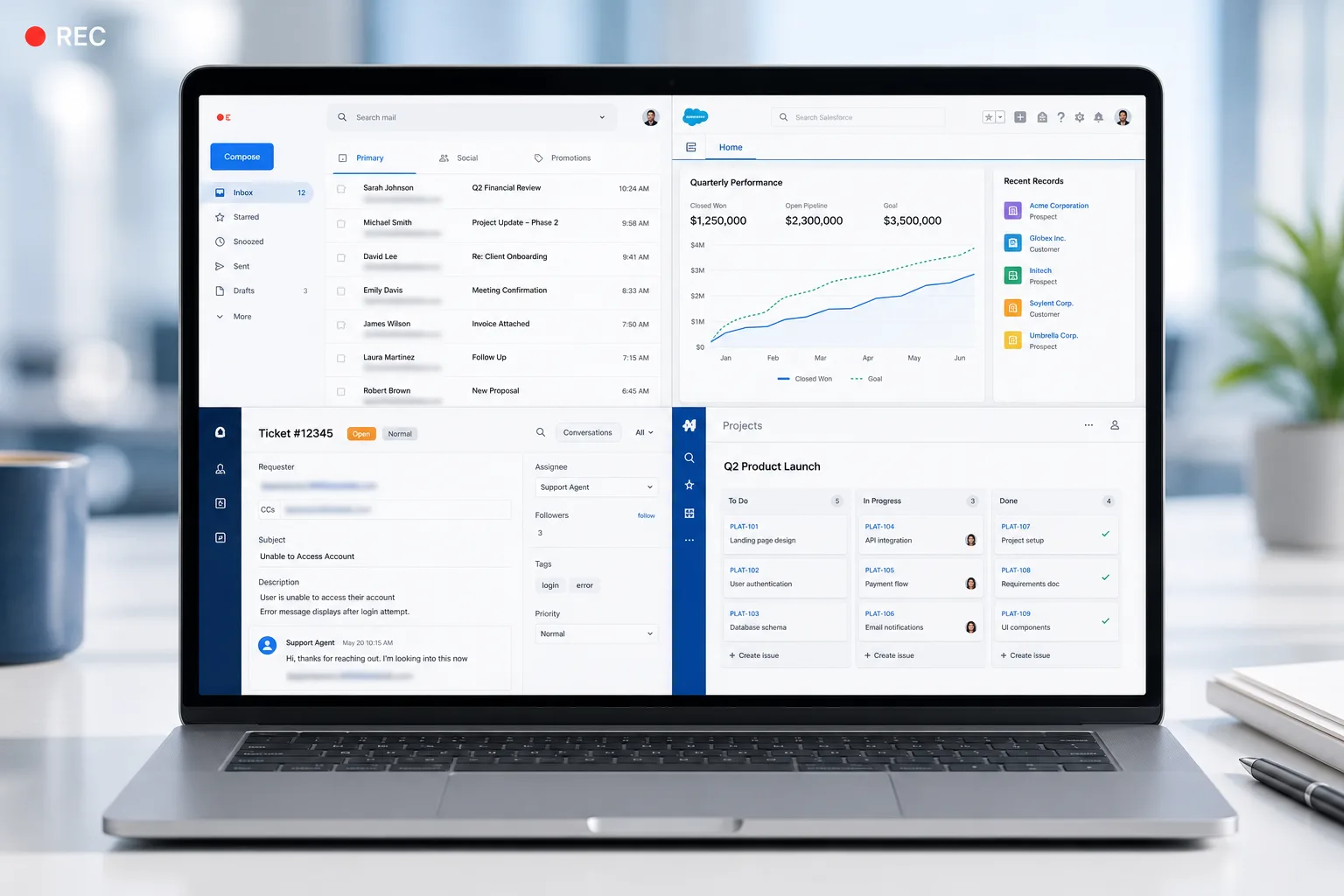
Blur WhatsApp, iMessage, and Telegram Chats in Screen Recordings
When you record your phone or desktop screen for a tutorial, demo, or review video, private message conversations are often visible in the background or notification shade — WhatsApp message previews, iMessage bubbles, Telegram thread names, and Signal notifications can all expose sender names, phone numbers, and conversation snippets. AI detects these chat overlays frame by frame and blurs them throughout the entire recording, so you can share the video publicly without revealing any personal conversations.

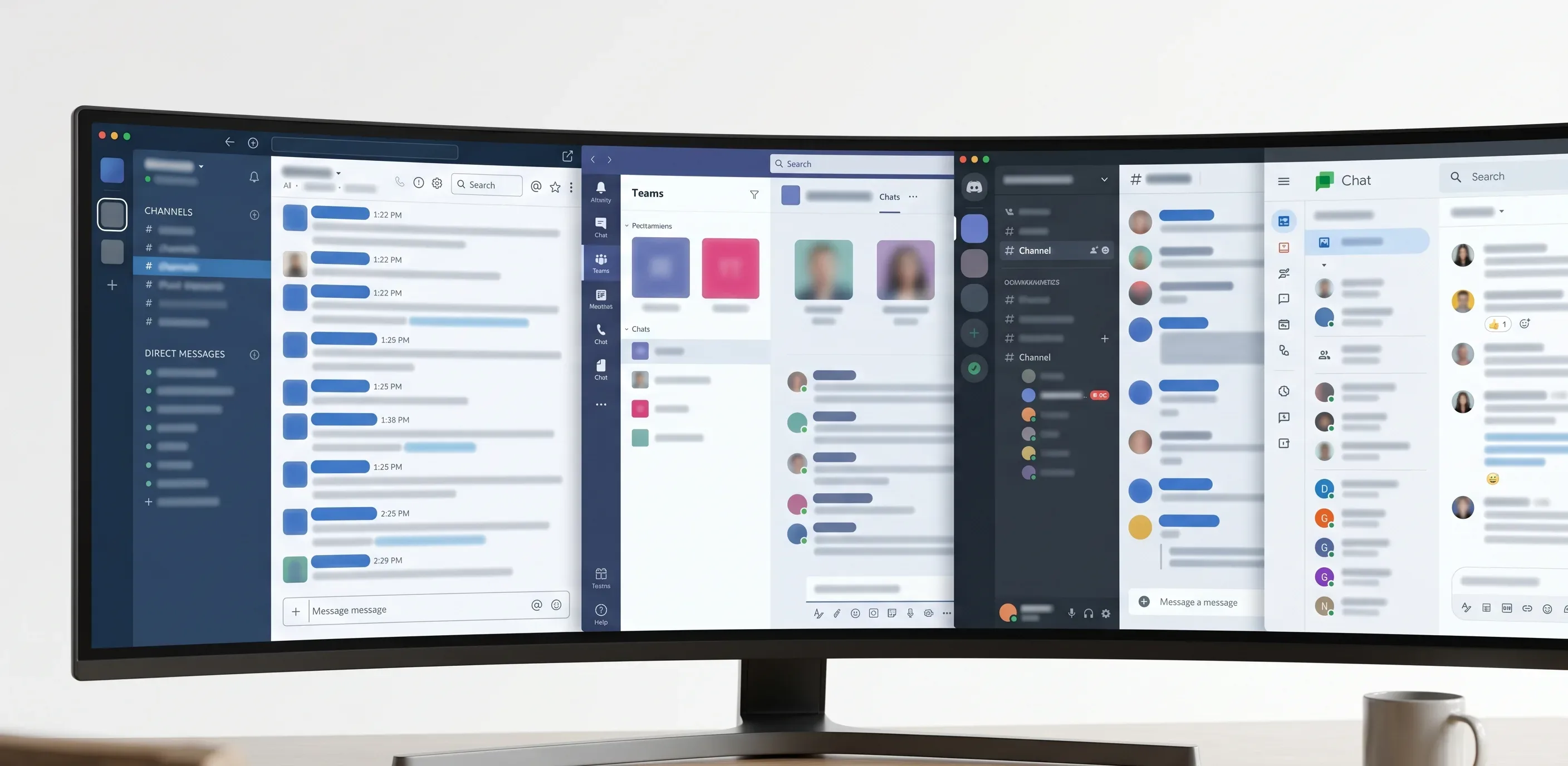
Redact Slack, Microsoft Teams, and Discord Chats in Screenshots
Product managers sharing feature discussion screenshots, developers posting Slack threads in bug reports, HR teams capturing Teams conversations in disciplinary records, and customer support managers sharing Discord moderation logs all risk exposing private message content. Upload the screenshot and the AI instantly blurs chat bubbles, thread text, usernames, profile avatars, and channel names across Slack, Microsoft Teams, Discord, Google Chat, Mattermost, and other workplace messaging platforms.
Privacy for HR Investigations, Legal Discovery, and Customer Support Records
HR departments conducting internal investigations must share conversation logs with legal or compliance teams while protecting messages from uninvolved parties. Legal teams preparing for litigation may need to submit chat records as evidence after redacting privileged or irrelevant exchanges. Customer support teams publishing case studies or training materials must remove actual customer message content. This tool blurs the specific chat content needed while keeping timestamps, metadata, and UI structure intact for context.
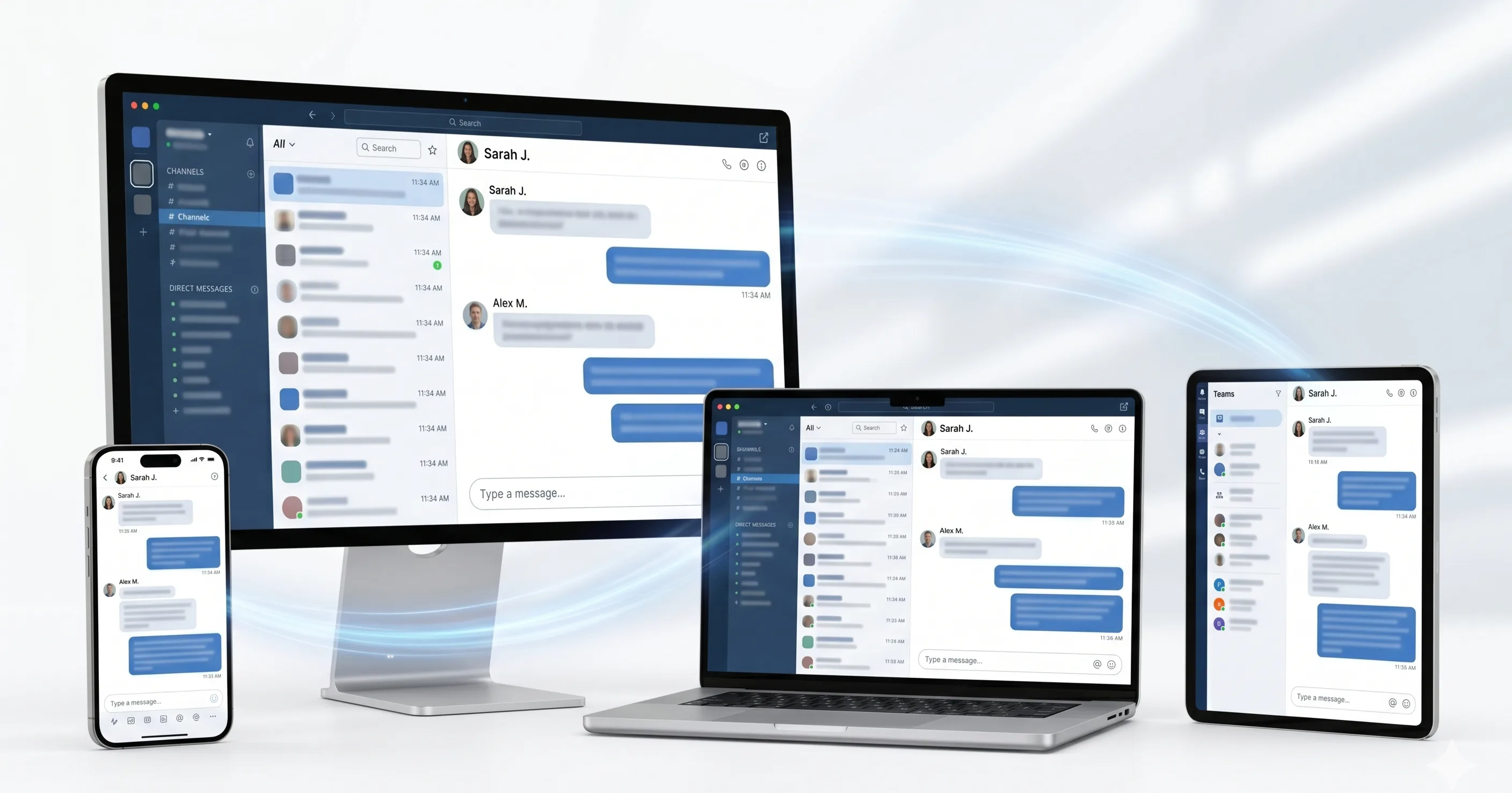
Works on Mobile and Desktop — Blur Chats from Any Device
Content creators processing screen recordings from a desktop, community managers editing Discord screenshots from a tablet, and HR coordinators reviewing Teams conversation exports from a phone can all blur chat messages directly from their browser with no app download required. The tool handles large video files from OBS, Loom, QuickTime, and built-in screen recorders equally well.
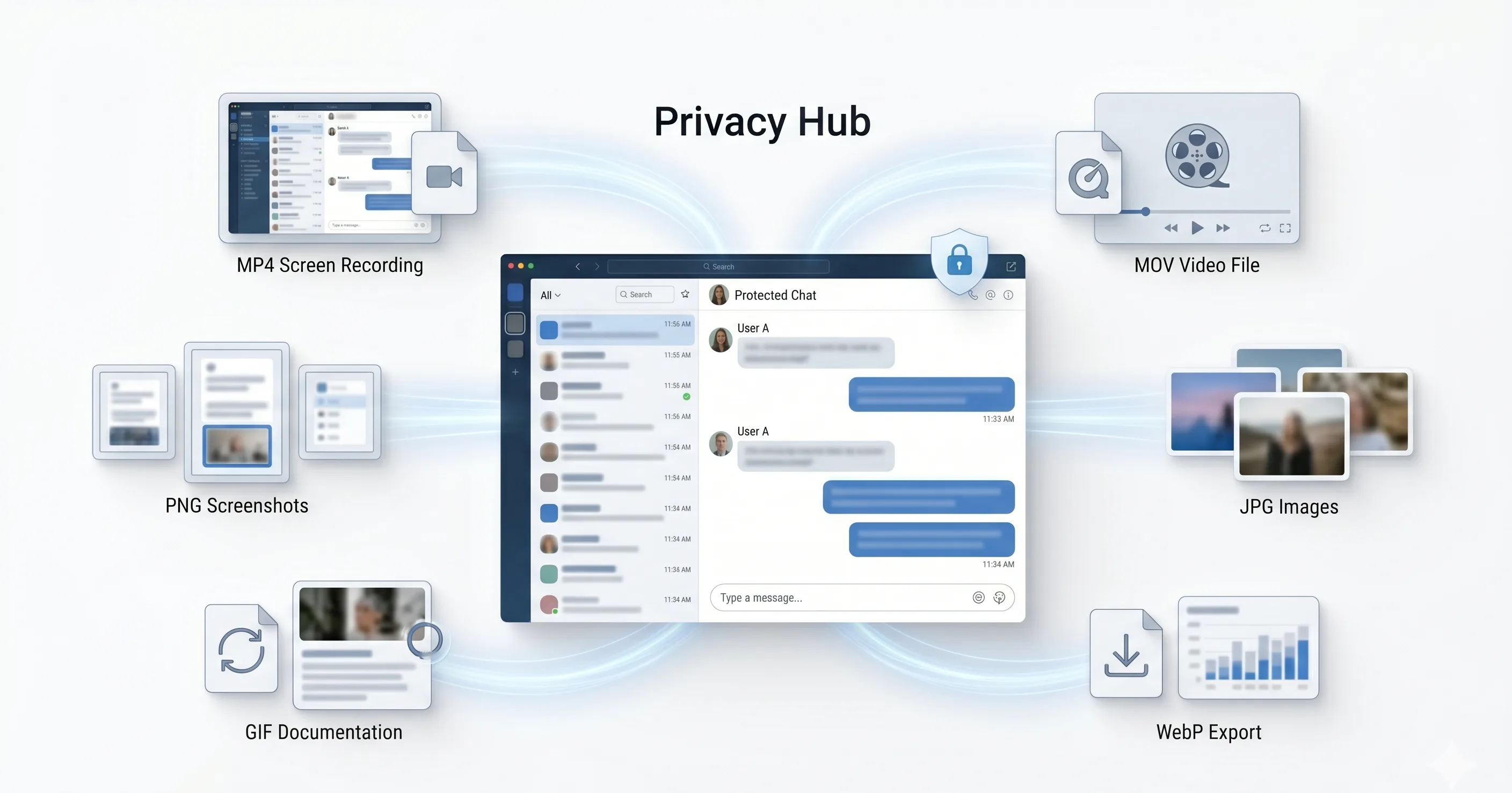
Supports All Major Chat Platform Formats and Screen Recording Files
Process chat blur on MP4 and MOV screen recordings from any device or recording software, and PNG, JPG, JPEG, WebP, and GIF screenshots from any chat platform. Chat message detection works across light and dark themes, regardless of whether the interface belongs to WhatsApp Web, WhatsApp Desktop, Slack, Teams, Discord, Telegram Desktop, iMessage on Mac, Android Messages, Facebook Messenger, WeChat, Line, Viber, or any other messaging app.
What Makes BGBlur Different for Chat Blur?
BGBlur blurs chat conversations in screen recordings and screenshots across WhatsApp, Slack, Teams, iMessage, Telegram, Discord, and other messaging platforms — protecting private messages without manual editing.
Multi-platform chat blur
Detect and blur chat bubbles, thread text, usernames, and channel names across WhatsApp, Slack, Teams, iMessage, Telegram, Discord, and Google Chat.
Screen recording support
Blur chat content in MP4 and MOV recordings made with OBS, Loom, QuickTime, or any built-in screen recorder.
Light and dark theme detection
Chat blur works across both light and dark interface themes without manual configuration.
HR and legal redaction
Prepare conversation logs for internal investigations, legal discovery, and compliance review with private messages redacted.
Content creator use
Share tutorial videos, product demos, and community screenshots without exposing private conversations in the background.
Browser workflow
Upload, blur chat content, preview, and export from any browser on desktop or mobile.
AI Chat Blur for Screen Recordings and Screenshots
BGBlur blurs private conversations in screen recordings and screenshots from WhatsApp, iMessage, Telegram, Signal, Slack, Teams, Discord, Google Chat, Mattermost, Facebook Messenger, WeChat, Line, and Viber. It detects chat bubbles, thread text, usernames, avatars, and channel names automatically.
Upload your screen recording or messaging screenshot, let AI locate chat content, preview the blurred result, and export without exposing private conversations. Built for content creators, HR investigators, legal teams, customer support trainers, and community managers.
Powered by BGBlur chat blur
Frequently Asked Questions
Our AI analyzes your video and automatically detects and blurs backgrounds, faces, license plates, or any objects you select with motion tracking.
We support MP4, MOV, and M4V formats for all blur functions including face blur video and background blur.
Free users can blur videos under 200MB and 10 minutes. Pro users get unlimited blur processing with longer video support.
AI face swap uses advanced artificial intelligence to detect and replace a face in a video with another face while keeping expressions, lighting, and angles natural.
You should use face anonymization when sharing content publicly, handling sensitive data, or complying with privacy laws to protect identities.
With BgBlur, you can easily blur face or pixelate face by uploading your content, and the AI will automatically detect and apply the effect in seconds.
Yes, BgBlur allows you to blur licence plate or blur number plate in video online free with just a few clicks, no technical skills required.
To blur multiple objects online, upload your video and select the Blur Anything feature. Then add multiple object names separated by commas and proceed, and our AI will automatically blur those objects.
Yes, BGBlur's AI automatically tracks moving objects, faces, and vehicles. You do not need to manually mask every frame; the motion-aware tracker keeps the blur locked onto the subject as it moves.
BGBlur is a completely web-based tool. You can upload any video or image, select the Face Blur tool, and apply pixelation or blur instantly inside your browser without downloading any apps or plugins.
Absolutely. Our AI is trained specifically to detect and blur license plates in driving footage, dashcams, and street-view videos. It helps creators and transport fleets stay compliant with privacy laws.
Your privacy is our priority. BGBlur leverages advanced client-side technologies to process videos securely. Your files are processed locally in your browser and are never uploaded or stored permanently on external servers.
Yes! BGBlur is fully responsive and optimized for mobile browsers. You can easily blur a video background or pixelate faces directly on your iPhone, iPad, or Android phone.
Limits depend on the feature. Standard video blur tools such as face blur, license plate blur, background blur, blur anything, screen blur, NSFW blur, and face anonymization support up to 200MB and 10 minutes on the free plan, while Pro users get unlimited blur processing with longer video support. Object Remover supports MP4 and MOV videos up to 1GB and 10 seconds per clip. Voice Anon direct uploads support up to 100MB, while the upload/URL workflow supports audio or video files up to 500MB and under 10 minutes.
User Reviews
Share your experience and help others make informed decisions
Write a Review
Community Score
0.0
/ 5
Based on 0 reviews
All Reviews (0)
No reviews yet
Be the first to share your experience and help others make informed decisions!
Ready to blur your video content?
Start protecting privacy and creating professional video blur effects today with our AI-powered tool. No downloads required - blur directly in your browser.
Start Blurring Now