Blur Background - Free Online Background Blur for Videos & Photos
Create professional blur background effects instantly with our free AI tool. Perfect for videos and photos - works on iPhone, Android, and desktop. No watermarks, no software download required.
How to Use BG Blur
Get started with our simple 3-step process
Upload your video to our AI video blur editor
Upload your video to our AI video blur editor.
Select what to blur: background, faces, license plates, or objects
Pick the blur mode that fits your use case and adjust intensity for a natural result.
Download your professionally blurred video with privacy protection
Export and download your processed video in just a few clicks.
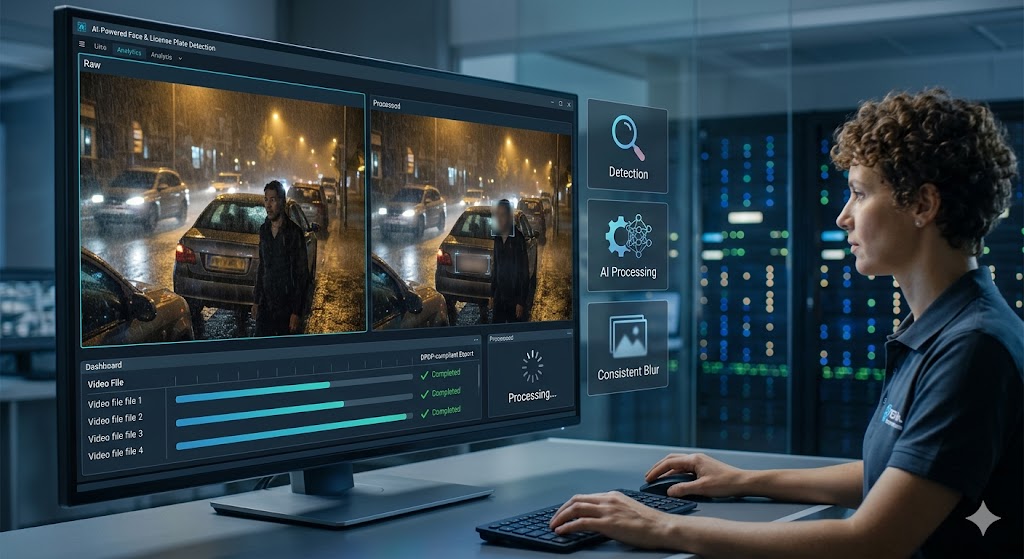
AI-Powered Background Blur Online Free
Transform ordinary content into professional-grade visuals with our blur background online tool. Whether you need to blur video background for YouTube, TikTok, or Instagram, or create stunning depth-of-field effects for photos, our AI delivers studio-quality results in seconds. No expensive editing software, no complicated tutorials—just upload and blur. The AI automatically detects your subject and applies natural-looking background blur that keeps viewers focused on what matters. Perfect for content creators, marketers, and professionals who need quick, reliable background blur effects without the learning curve.
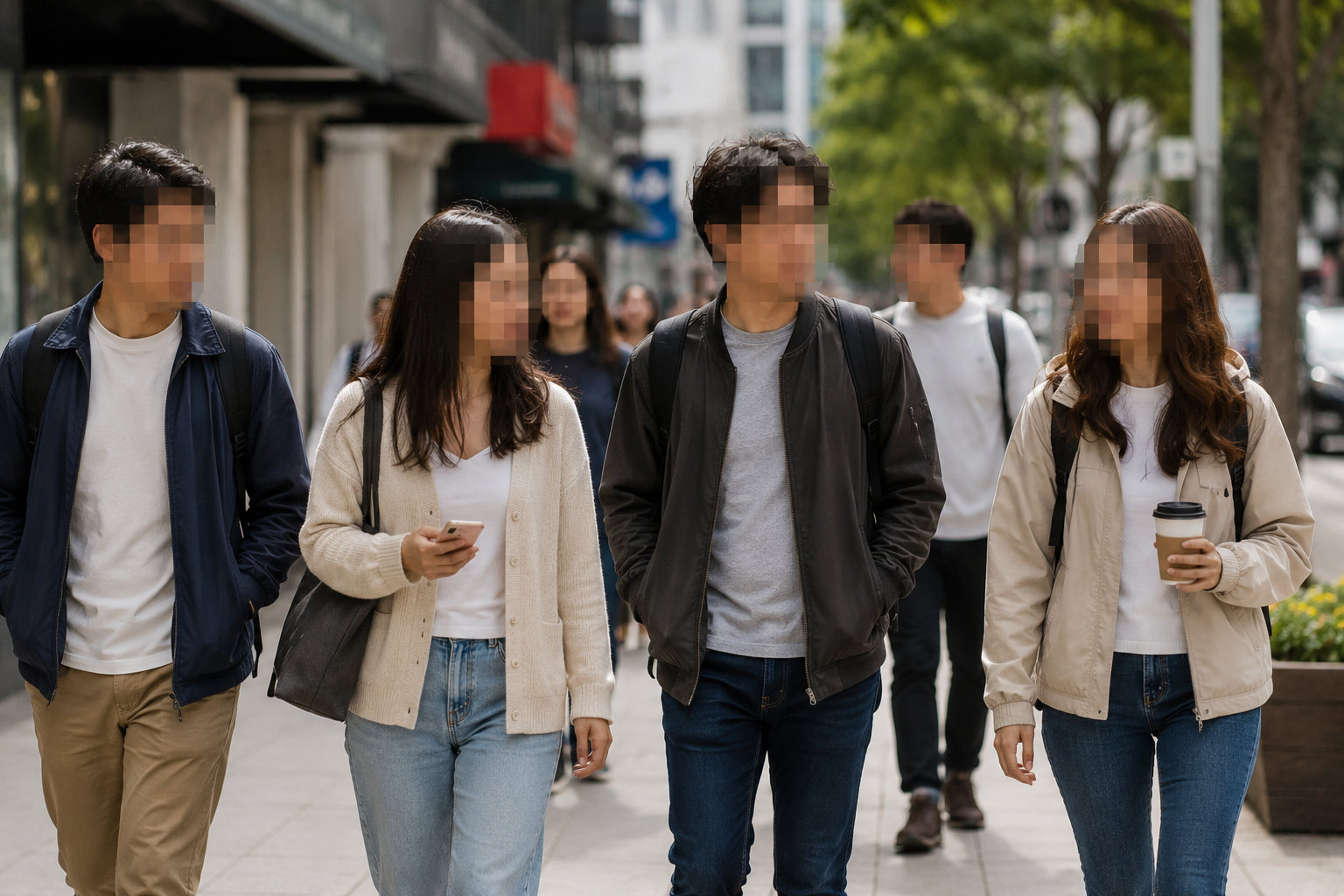
Video Background Blur for Social Media Success
Stand out in crowded social media feeds with eye-catching video background blur effects. Our tool helps influencers, brands, and creators boost engagement by directing viewer attention exactly where you want it. The blur background free feature automatically maintains subject sharpness while creating professional depth-of-field effects that make your content pop. No green screen needed, no complex masking—just intelligent background blur that works with any footage. Whether you're filming Reels, Shorts, Stories, or standard posts, our video background blur gives you the cinematic edge that separates amateur from professional content. Upload vertically or horizontally, and watch your videos transform instantly.
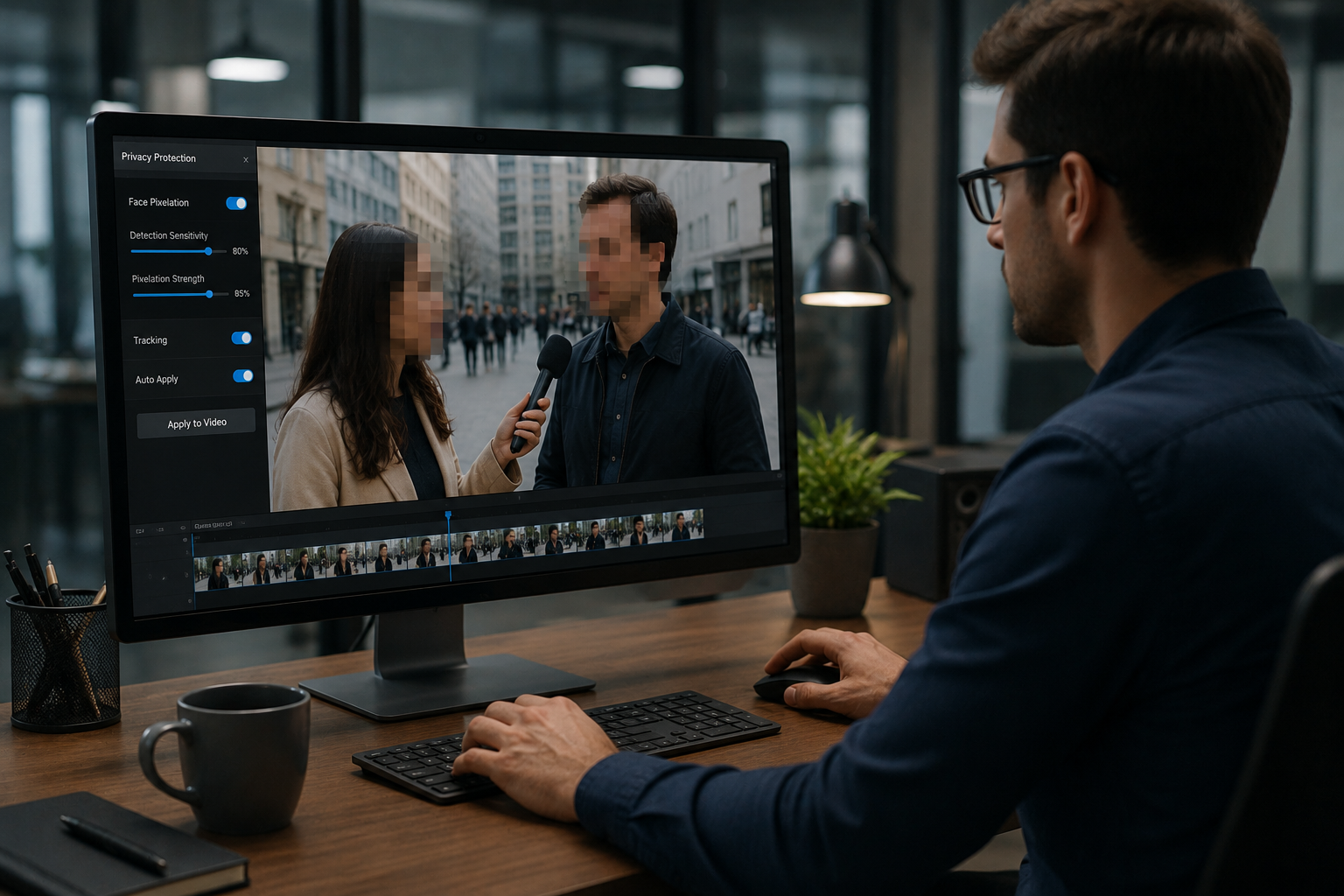
Blur Background Online for Photos and Videos
Stop switching between multiple tools. Our background blur online platform handles both videos and photos seamlessly, saving you time and frustration. Create cinematic depth in your vlogs, blur distracting elements from product shots, or add artistic flair to social media content—all from one intuitive interface. The blur background tool processes files up to 1GB, supporting MP4, MOV, JPG, PNG, and more. Get professional background blur results without the professional price tag. The AI intelligently separates subjects from backgrounds, applying graduated blur that mimics expensive camera lenses and bokeh effects. Whether you're editing a 30-second TikTok or a 10-minute YouTube video, the processing happens in seconds, not hours.
Free Background Blur Without Compromises
Tired of watermarked downloads and feature restrictions? BGBlur offers genuine blur background free processing with no hidden paywalls. Upload videos and photos, apply professional background blur effects, and download clean files ready for publishing. Our blur background online tool processes content in high quality without degrading resolution or adding unwanted branding. What you create is yours—use it commercially, personally, or anywhere else without restrictions. Free truly means free. Unlike competitors who lock core features behind subscriptions, we believe privacy protection and content creation tools should be accessible to everyone. Process unlimited files, experiment with different blur intensities, and perfect your content without worrying about costs piling up.
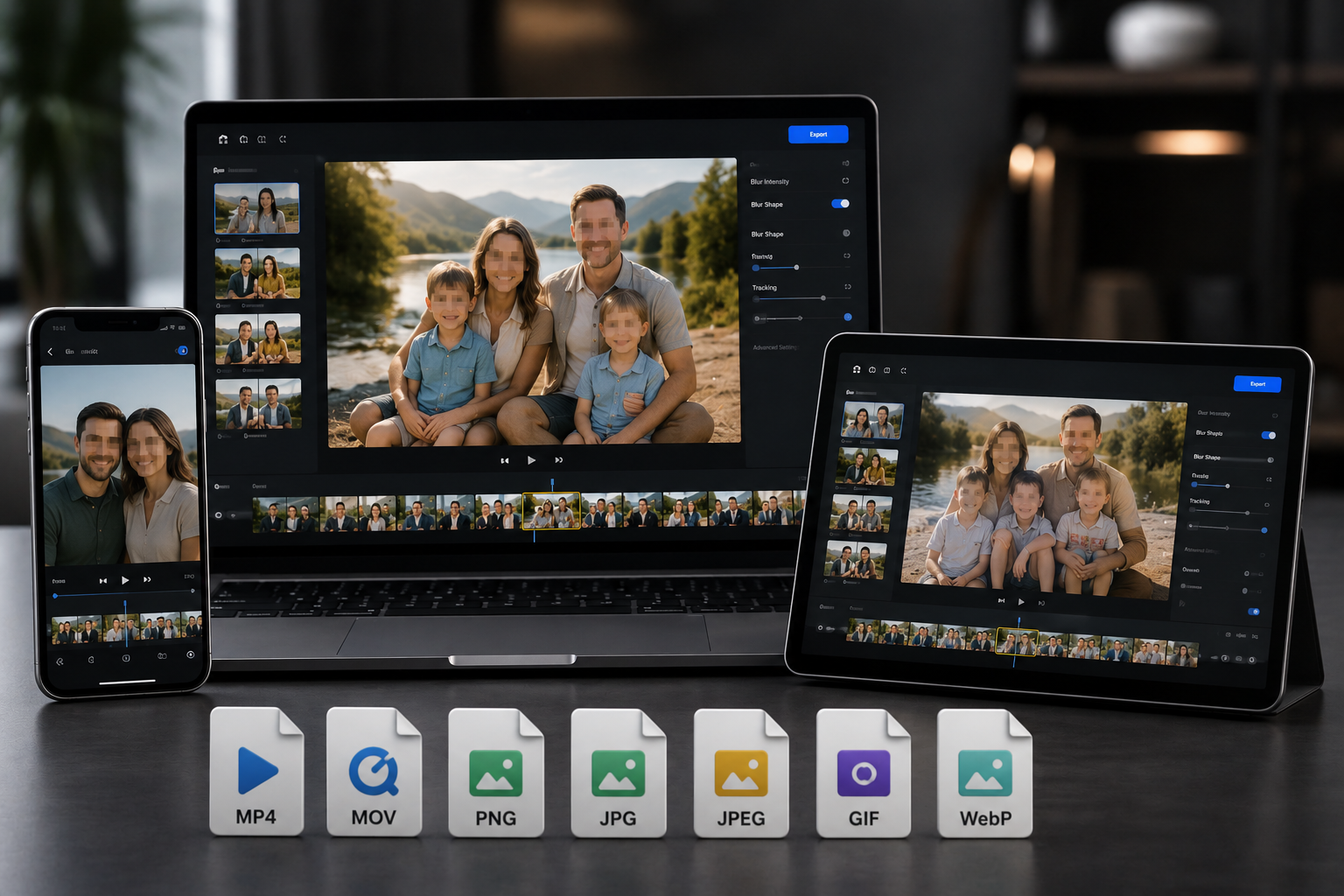
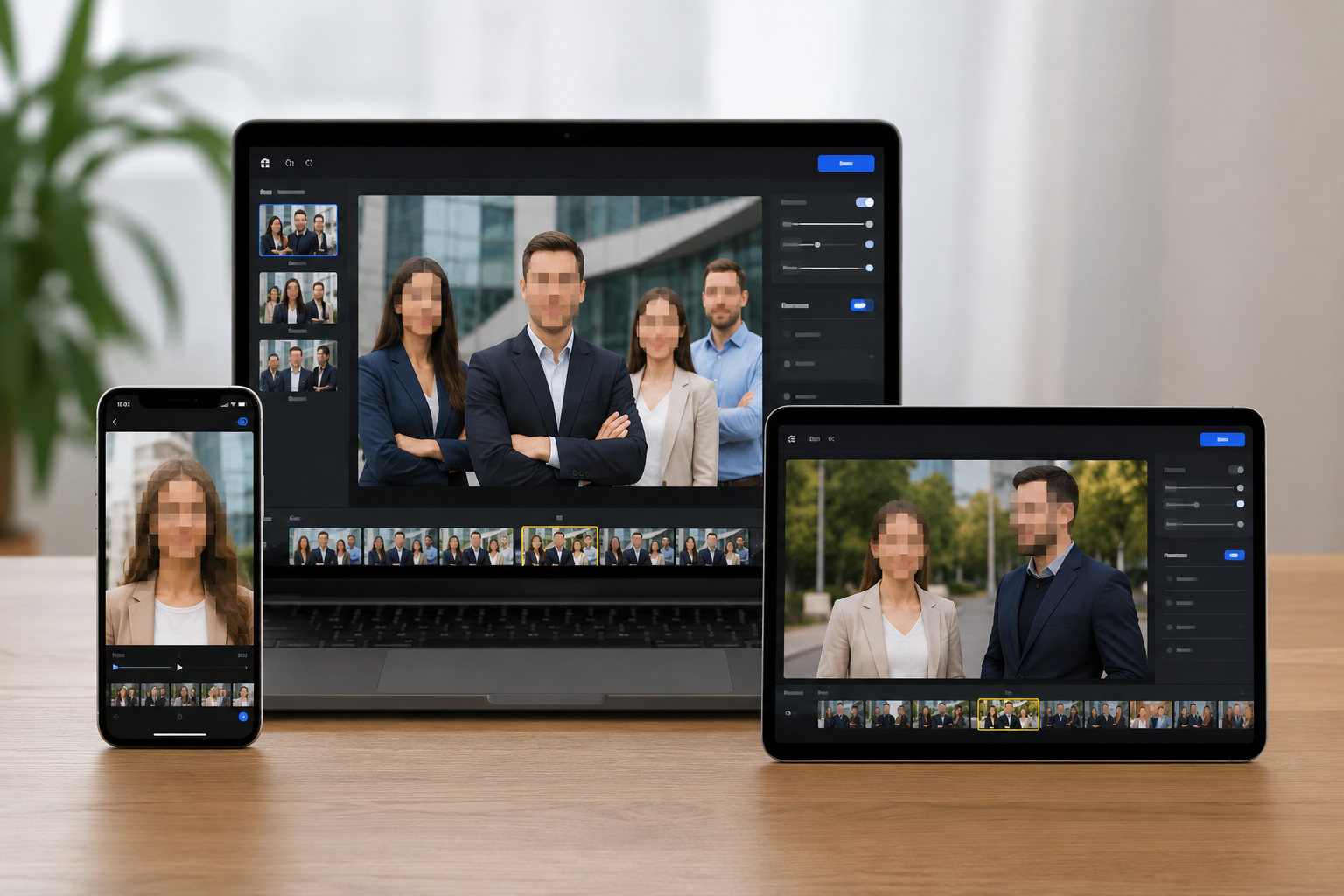
Works Everywhere: Blur Background on Any Device
Access professional background blur capabilities from any device with a web browser. Our blur background online tool works flawlessly on iPhone (all models, any iOS version) via Safari, Android phones via Chrome, iPad, tablets, and all desktop computers running Windows, Mac, or Linux. No app downloads clutter your storage, no software installation required, no compatibility issues. Just open your browser and start creating. The blur video background processing happens in the cloud, so even older devices with limited processing power can create professional results. Your files sync seamlessly—start editing on your phone during your commute and finish on your desktop at home. The same blur background free tool, accessible anywhere you have internet access.
What Makes BGBlur Different?
BGBlur is built for browser-based AI video editing: upload a clip, choose what to hide or soften, and export privacy-ready footage without learning timeline software.
AI video blur
Automatic video blur workflows reduce manual masking for faces, plates, backgrounds, screens, and sensitive objects.
Browser-based
Edit video online from desktop or mobile without installing professional video editing software.
Privacy focused
BGBlur is designed for safer publishing, redaction, anonymization, and compliance-aware video sharing.
Selective control
Choose targeted blur, background blur, face anonymization, or object blur based on the footage.
Fast workflow
Simple upload, preview, processing, and export steps help creators and teams finish edits quickly.
Multiple formats
Use BGBlur across common video and image workflows for social, legal, training, and creator content.
Blurring Video Backgrounds Automatically
BgBlur is dedicated to making video privacy and enhancement accessible to everyone. Our tools use advanced AI to help you blur faces, license plates, and backgrounds in your videos—quickly and securely, right in your browser.
Features include automatic face blur, license plate blur, and background blur. Try it out now by uploading your video at /en/upload. No downloads or advanced software required!
Powered by BGBlur