Background Blur Remover
Remove or reduce background blur in videos by replacing heavy blur with a cleaner background treatment for clearer, more natural-looking clips.
How to Use BG Blur
Get started with our simple 3-step process
Upload your video to our AI video blur editor
Upload your video to our AI video blur editor.
Select what to blur: background, faces, license plates, or objects
Pick the blur mode that fits your use case and adjust intensity for a natural result.
Download your professionally blurred video with privacy protection
Export and download your processed video in just a few clicks.

Remove heavy background blur from videos
If a video background looks too soft, artificial, or distracting, BGBlur can help create a cleaner version. Use AI subject separation and background replacement options to reduce the blur-heavy look and restore a more natural presentation.

Clean up blur artifacts around people
Strong background blur can create edge halos around hair, hands, glasses, or products. A controlled replacement or lighter background style can make the clip look more stable and professional.

Better for demos, training, and product content
Some videos need background context. Removing heavy blur can make tools, rooms, boards, products, and environments easier to understand while still keeping sensitive details under control.
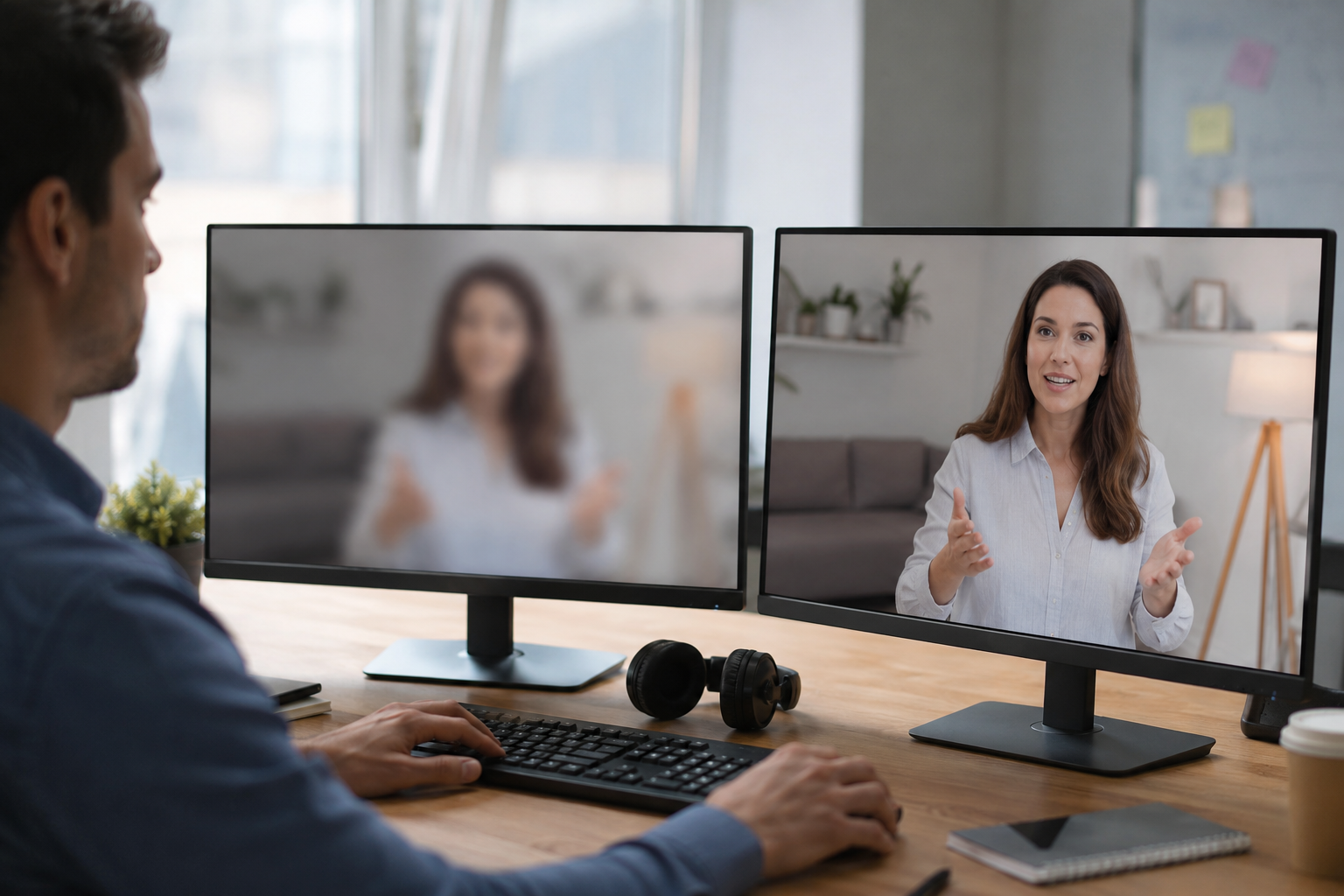
Repurpose blurred videos for new channels
A blur effect that worked for social media may not work for a sales page, course, ad, or internal training library. Create a cleaner export that better matches the new use case.
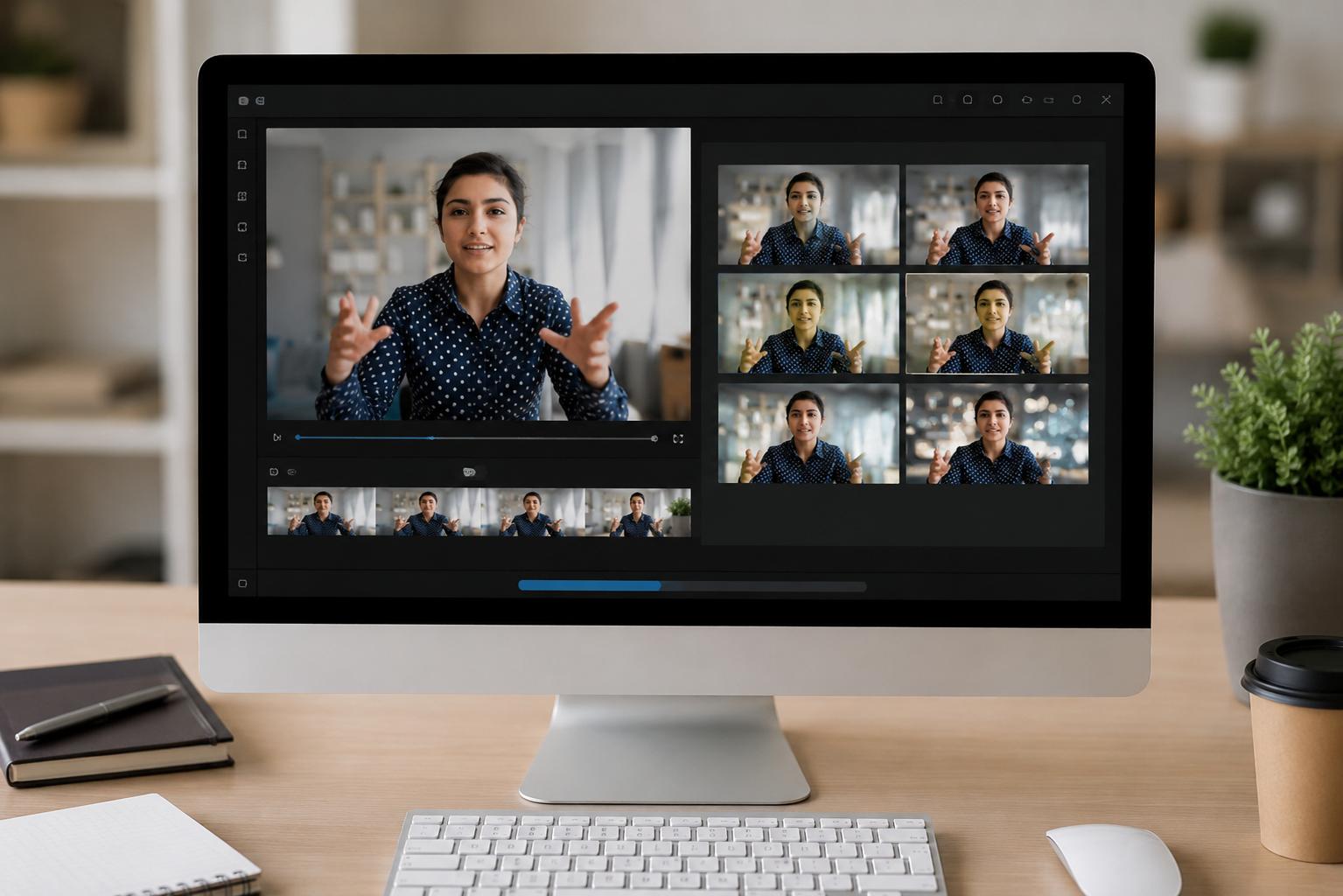
Online workflow for quick background cleanup
Upload the video, select a cleaner background treatment, preview the result, and export. BGBlur keeps the process focused on fast cleanup rather than complex video compositing.
What Makes BGBlur Different for Background Blur Remover?
BGBlur helps creators manage background blur as an editable workflow instead of treating every clip as a fixed camera mistake.
Background-focused editing
Handle background blur workflows directly in the browser for faster content cleanup.
Useful context recovery
Reduce over-blurred looks when viewers need to understand the environment, object, or setting.
Creator and business clips
Improve tutorials, product walkthroughs, training videos, and social content.
No desktop editor required
Avoid opening a complex timeline when the goal is targeted background correction.
Preview before export
Review the edited clip so the background supports the subject instead of distracting from it.
Part of BGBlur suite
Use background blur remover alongside AI background blur, bokeh video, and privacy blur tools.
Background Blur Remover for Clearer Video Context
BGBlur supports background blur removal and background-control workflows when the scene behind the subject matters. It helps recover context in tutorials, walkthroughs, training videos, and product content.
Use the online workflow to adjust the clip, check the preview, and export content where the background supports the message instead of hiding it.
Powered by BGBlur background blur remover
Background Blur Remover FAQ
Use it when an over-blurred or bokeh-heavy background hides information that viewers need to understand.
Product demos, tutorials, walkthroughs, course videos, training clips, and business recordings can benefit when background context matters.
Yes. BGBlur includes AI video background blur and bokeh effect video workflows as well as the background blur remover.
Free plan: up to 1GB and 5 min per video. Paid plans: up to 2.5GB and 10 minutes per video. Formats: MP4, MOV, M4V.
Yes, BGBlur's AI automatically tracks moving objects, faces, and vehicles. You do not need to manually mask every frame; the motion-aware tracker keeps the blur locked onto the subject as it moves.
BGBlur is a completely web-based tool. You can upload any video or image, select the Face Blur tool, and apply pixelation or blur instantly inside your browser without downloading any apps or plugins.
Absolutely. Our AI is trained specifically to detect and blur license plates in driving footage, dashcams, and street-view videos. It helps creators and transport fleets stay compliant with privacy laws.
Your privacy is our priority. BGBlur leverages advanced client-side technologies to process videos securely. Your files are processed locally in your browser and are never uploaded or stored permanently on external servers.
Yes! BGBlur is fully responsive and optimized for mobile browsers. You can easily blur a video background or pixelate faces directly on your iPhone, iPad, or Android phone.
Limits depend on the feature. Standard video blur tools such as face blur, license plate blur, background blur, blur anything, screen blur, NSFW blur, and face anonymization support up to 200MB and 10 minutes on the free plan, while Pro users get unlimited blur processing with longer video support. Object Remover supports MP4 and MOV videos up to 1GB and 10 seconds per clip. Voice Anon direct uploads support up to 100MB, while the upload/URL workflow supports audio or video files up to 500MB and under 10 minutes.
User Reviews
Share your experience and help others make informed decisions
Write a Review
Community Score
0.0
/ 5
Based on 0 reviews
All Reviews (0)
No reviews yet
Be the first to share your experience and help others make informed decisions!
Ready to blur your video content?
Start protecting privacy and creating professional video blur effects today with our AI-powered tool. No downloads required - blur directly in your browser.
Start Blurring Now