AI License Plate Blur for Video
Automatically detect and blur license plates in videos using advanced AI technology. Perfect for dashcam footage, real estate tours, and street-level content.
How to Use BG Blur
Get started with our simple 3-step process
Upload your video to our AI video blur editor
Upload your video to our AI video blur editor.
Select what to blur: background, faces, license plates, or objects
Pick the blur mode that fits your use case and adjust intensity for a natural result.
Download your professionally blurred video with privacy protection
Export and download your processed video in just a few clicks.
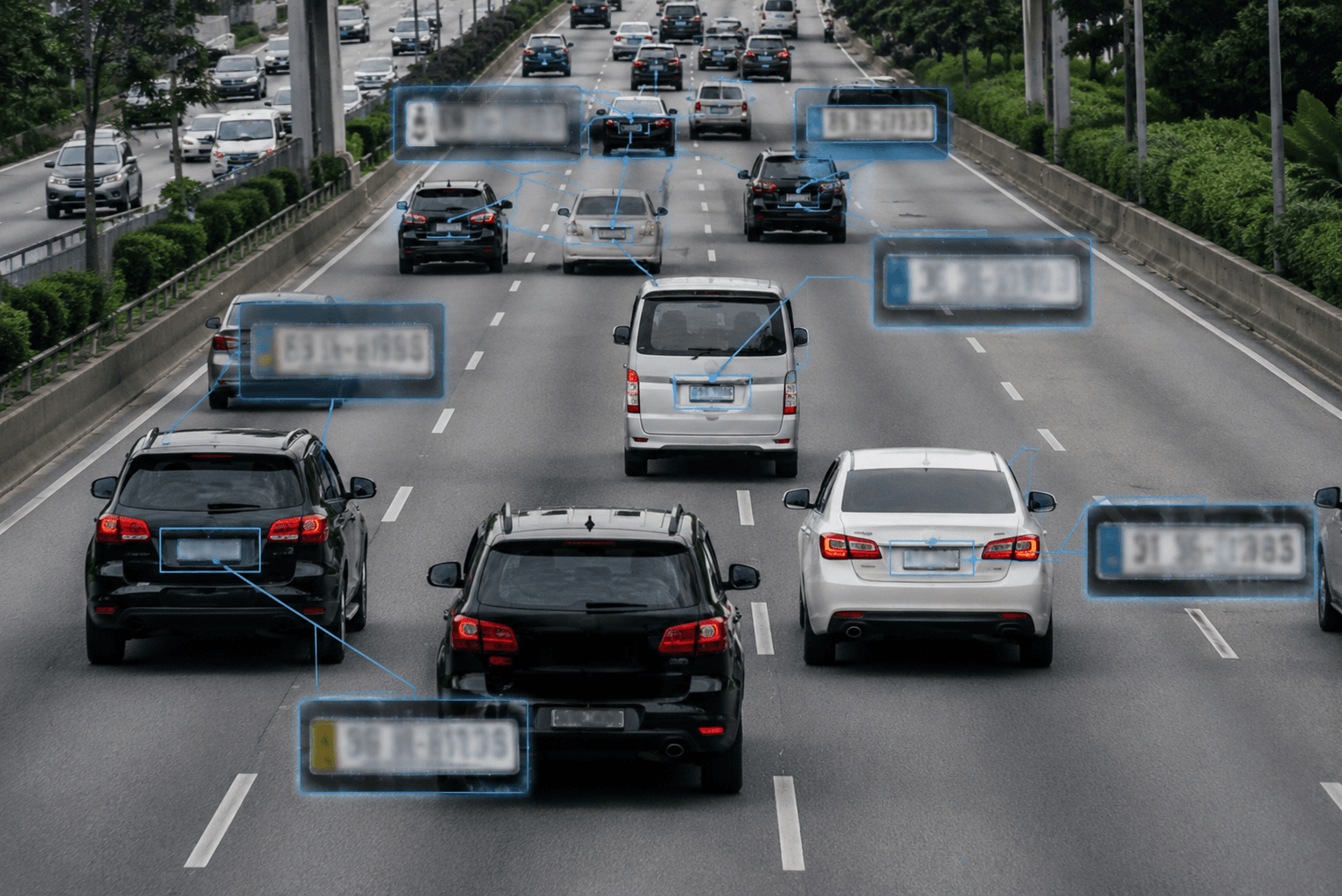
AI-Powered License Plate Detection in Videos
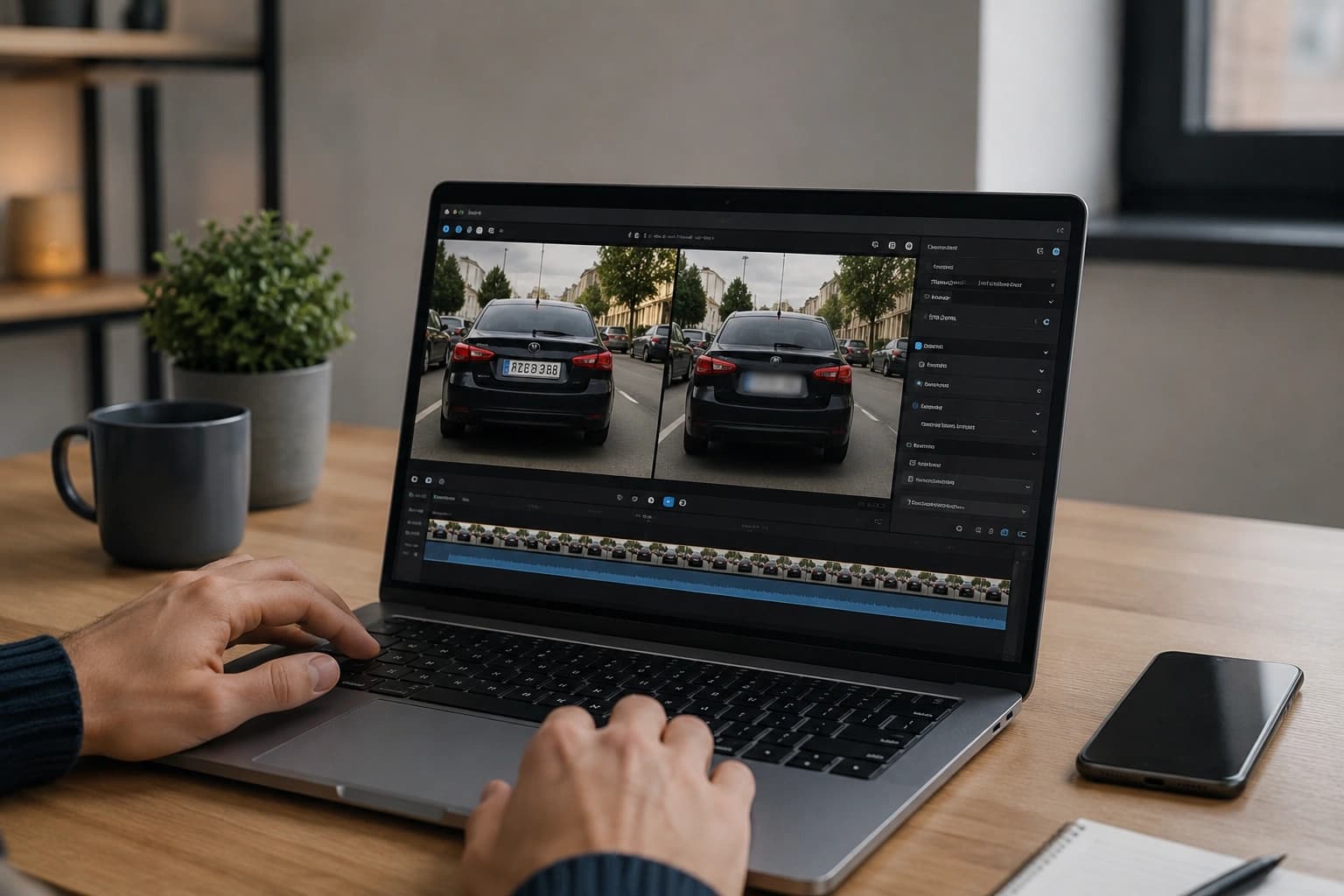
This AI license plate blur tool uses machine learning to automatically detect and track license plates throughout your video. The AI recognizes plates from various countries and formats, handling different angles, lighting conditions, and motion blur. Each plate is identified frame by frame and tracked as vehicles move through the scene. No manual selection required — the AI finds every visible plate and applies consistent blur from the first frame to the last.
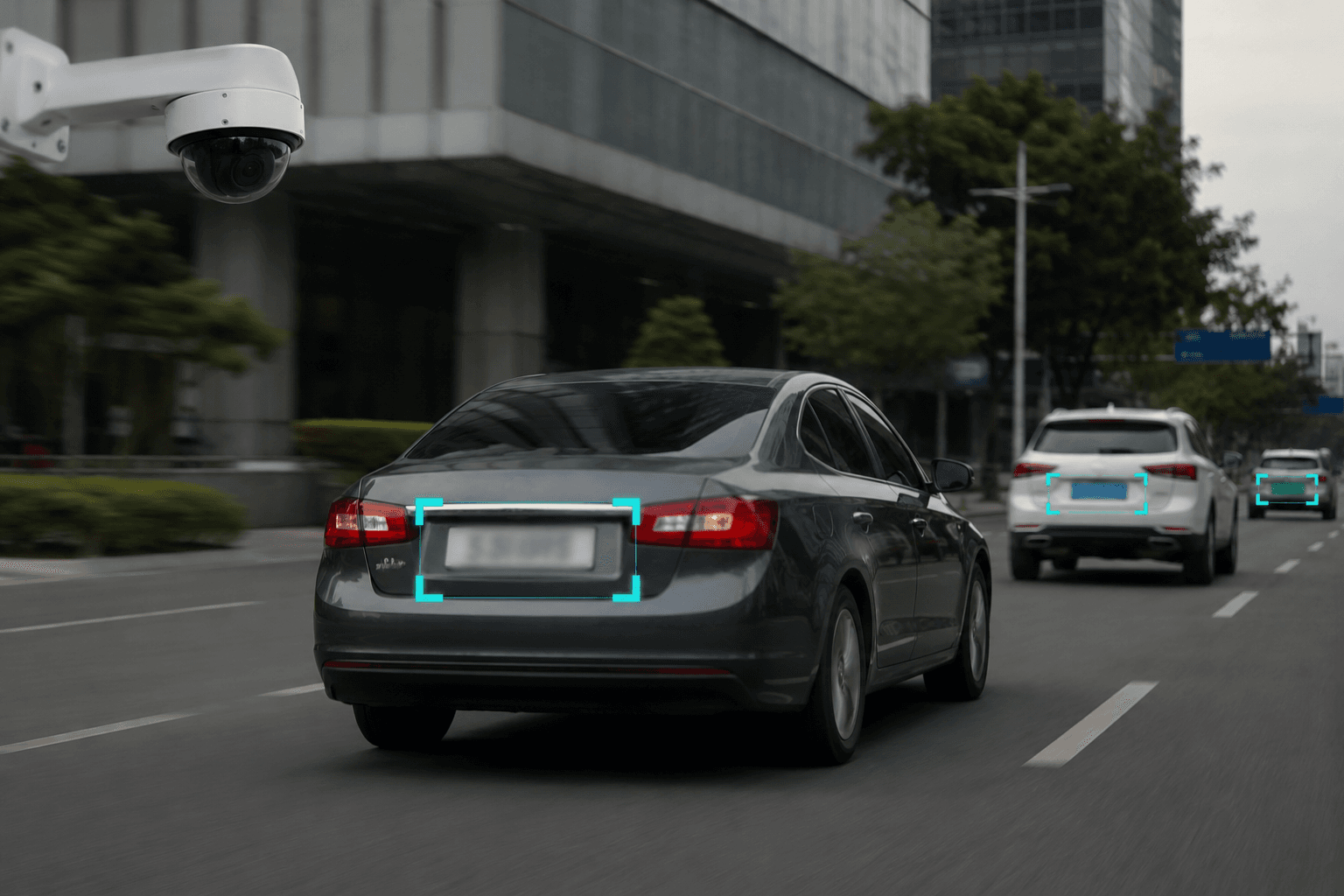
Real-Time Tracking for Moving Vehicles
When vehicles are in motion, traditional blur tools fail because the plate position changes every frame. This AI video blur tool solves that problem by continuously tracking each license plate as it moves. Whether a car is driving past the camera, parking, or moving through traffic, the blur follows the plate precisely. The result is seamless privacy protection without gaps, jumps, or missed frames that could expose plate numbers.
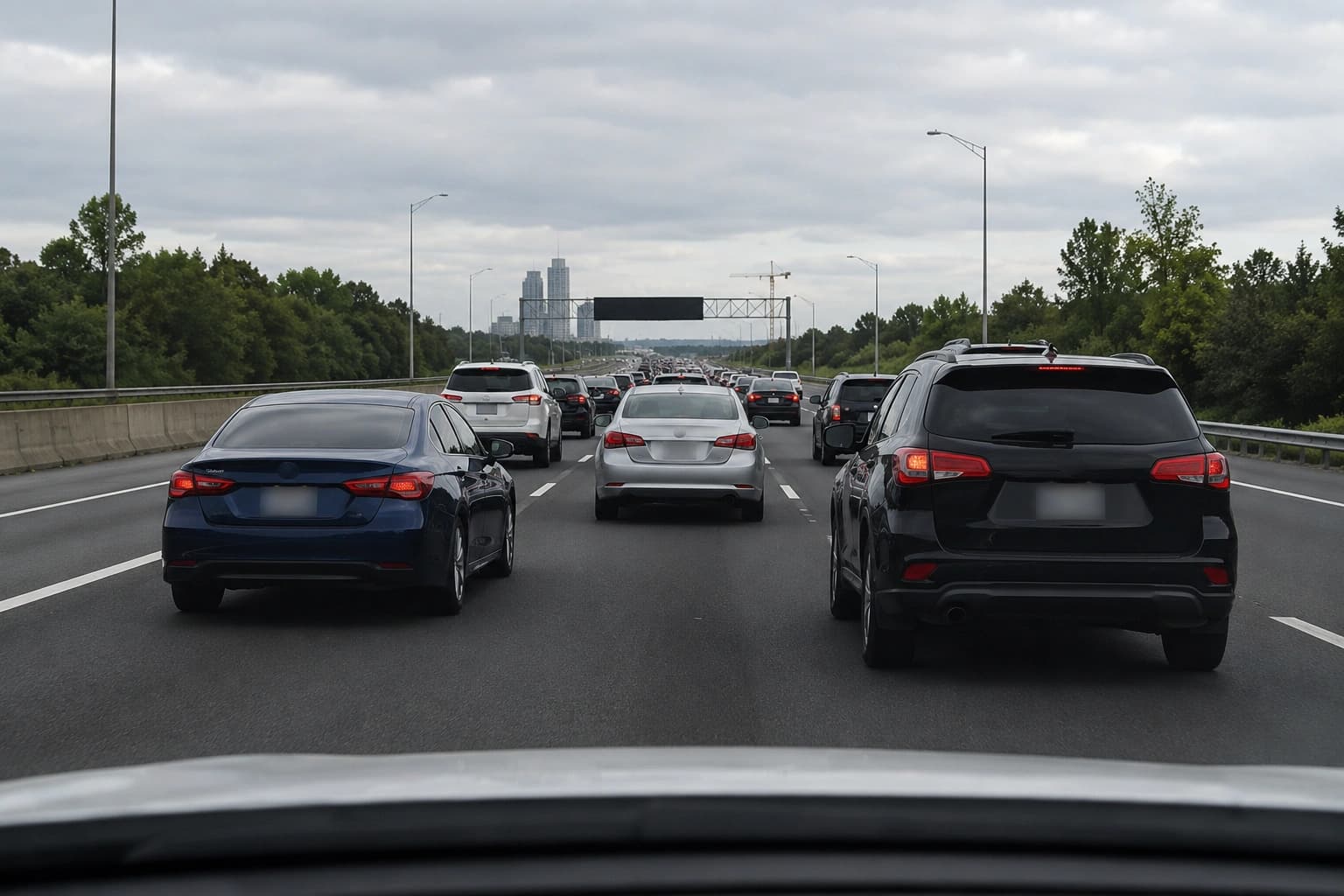
Ideal for Dashcam and Security Footage
Dashcam videos and security camera recordings often capture dozens of license plates unintentionally. Before sharing these videos online or submitting them as evidence, blurring plates protects third-party privacy and ensures compliance with data protection regulations. The AI processes these video types efficiently, handling varying quality levels, compression artifacts, and challenging recording conditions that are common in surveillance and dashcam footage.
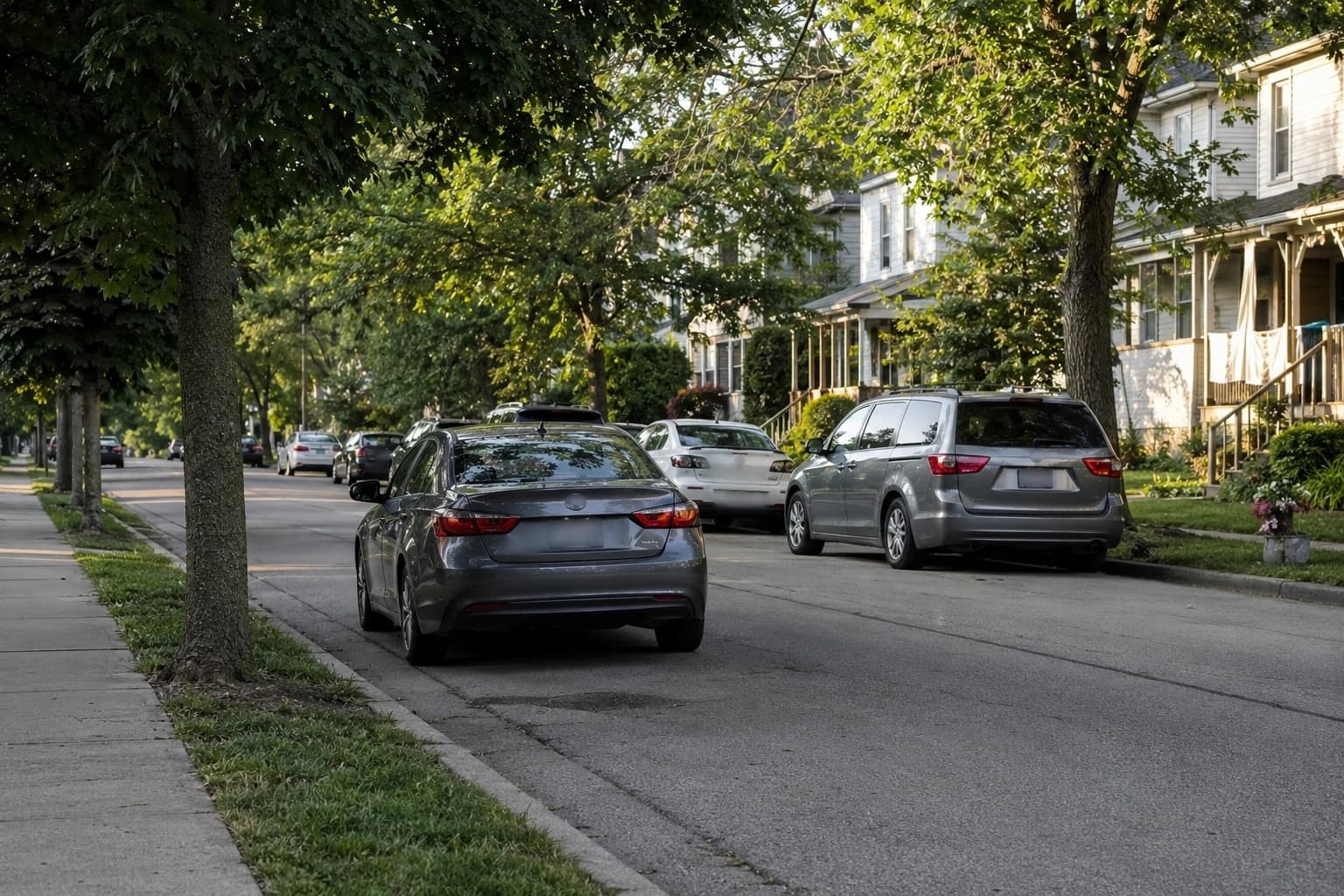
Professional Results for Real Estate and Media
Real estate agents filming property tours, journalists covering street events, and content creators shooting in public spaces all face the same challenge: vehicles with visible plates appear in their footage. This tool delivers broadcast-quality blur that looks natural and professional. The AI adjusts blur intensity based on plate distance and motion, ensuring the effect blends seamlessly with surrounding footage rather than looking like an obvious edit.
Browser-Based Processing Without Upload Limits
Process your videos directly in the browser without uploading to external servers. This keeps your footage private and eliminates concerns about data retention. The AI runs locally using your device's processing power, handling videos of various lengths and resolutions. Common formats like MP4 and MOV are fully supported, and processed videos download at their original quality without compression or watermarks.
What Makes BGBlur Different for AI License Plate Blur Video?
BGBlur uses AI-assisted license plate blur for video privacy workflows where manual redaction would take too long.
AI video redaction
Detect and blur license plates across video frames with less manual editing.
Vehicle motion tracking
Track plates as cars pass, turn, park, or move through busy scenes.
Country-flexible use cases
Support common road, fleet, street, and parking footage where plate formats vary.
Privacy and compliance support
Prepare vehicle footage for safer public sharing, client delivery, or internal review.
Browser-based export
Upload video online, process plate blur, and export without a professional editor.
Face plus plate workflows
Combine plate redaction with face blur for complete public-space video privacy.
AI License Plate Blur for Moving Video
This feature focuses on automatic license plate redaction in video, where vehicles move, angles change, and manual masking can miss frames. BGBlur tracks visible plates through the clip for safer sharing.
Use it for dashcam evidence, fleet reviews, traffic clips, public-road videos, and automotive content that should hide readable vehicle details.
Powered by BGBlur AI plate blur
AI License Plate Blur Video FAQ
AI detection and tracking can follow plates through motion and angle changes, reducing the time needed for manual redaction.
Yes. The workflow is designed for dashcam, fleet, traffic, parking, roadside, and automotive video privacy use cases. Combine with face blur when footage also captures pedestrians.
Yes. Always preview privacy edits to confirm visible plates are covered before publishing or sharing footage.
Free plan: up to 1GB and 5 min per video. Paid plans: up to 2.5GB and 10 minutes per video. Formats: MP4, MOV, M4V.
Yes, BGBlur's AI automatically tracks moving objects, faces, and vehicles. You do not need to manually mask every frame; the motion-aware tracker keeps the blur locked onto the subject as it moves.
BGBlur is a completely web-based tool. You can upload any video or image, select the Face Blur tool, and apply pixelation or blur instantly inside your browser without downloading any apps or plugins.
Absolutely. Our AI is trained specifically to detect and blur license plates in driving footage, dashcams, and street-view videos. It helps creators and transport fleets stay compliant with privacy laws.
Your privacy is our priority. BGBlur leverages advanced client-side technologies to process videos securely. Your files are processed locally in your browser and are never uploaded or stored permanently on external servers.
Yes! BGBlur is fully responsive and optimized for mobile browsers. You can easily blur a video background or pixelate faces directly on your iPhone, iPad, or Android phone.
Limits depend on the feature. Standard video blur tools such as face blur, license plate blur, background blur, blur anything, screen blur, NSFW blur, and face anonymization support up to 200MB and 10 minutes on the free plan, while Pro users get unlimited blur processing with longer video support. Object Remover supports MP4 and MOV videos up to 1GB and 10 seconds per clip. Voice Anon direct uploads support up to 100MB, while the upload/URL workflow supports audio or video files up to 500MB and under 10 minutes.
User Reviews
Share your experience and help others make informed decisions
Write a Review
Community Score
0.0
/ 5
Based on 0 reviews
All Reviews (0)
No reviews yet
Be the first to share your experience and help others make informed decisions!
Ready to blur your video content?
Start protecting privacy and creating professional video blur effects today with our AI-powered tool. No downloads required - blur directly in your browser.
Start Blurring Now