HIPAA-compliant medical video & patient blur
Healthcare training videos with patient privacy: blur faces, medical records, PHI, and identifiable information for HIPAA compliance.
HIPAA Privacy Rule (45 CFR §164.514) requires de-identification of protected health information (PHI) before use in training, research, or marketing. For video, that means faces, medical records on screens, patient charts, and any identifiable information must be blurred or removed.
De-identify clinical video for HIPAA compliance in three steps
Built for hospitals, medical schools, and telehealth platforms managing PHI in training and communications footage.
Capture clinical footage
Record patient encounters or clinical procedures per your authorization policies before processing.
Apply face, background, and selective blur
Blur patient faces, background charts and records, and any visible PHI identifiers in the footage.
Export de-identified version
Download the de-identified file for training LMS or marketing and retain the original per HIPAA retention schedule.

What this example demonstrates
HIPAA violations average $50K per incident with maximum penalties of $1.5M annually per violation category. Video blur is a technical safeguard demonstrating good-faith compliance when authorization or de-identification is required.

Why teams use this pattern
Blur alone doesn't make video HIPAA-compliant—you also need BAAs, access controls, audit logs, and retention policies—but it's the visible layer that prevents accidental PHI disclosure in training and communications.

Common use cases
Teams reach for this workflow when medical school training videos with patient encounters; telehealth session recordings for quality assurance; surgical procedure documentation with patient faces visible; healthcare marketing videos filmed in clinical settings. BGBlur automates detection so these scenarios stay publishable without days in a timeline.
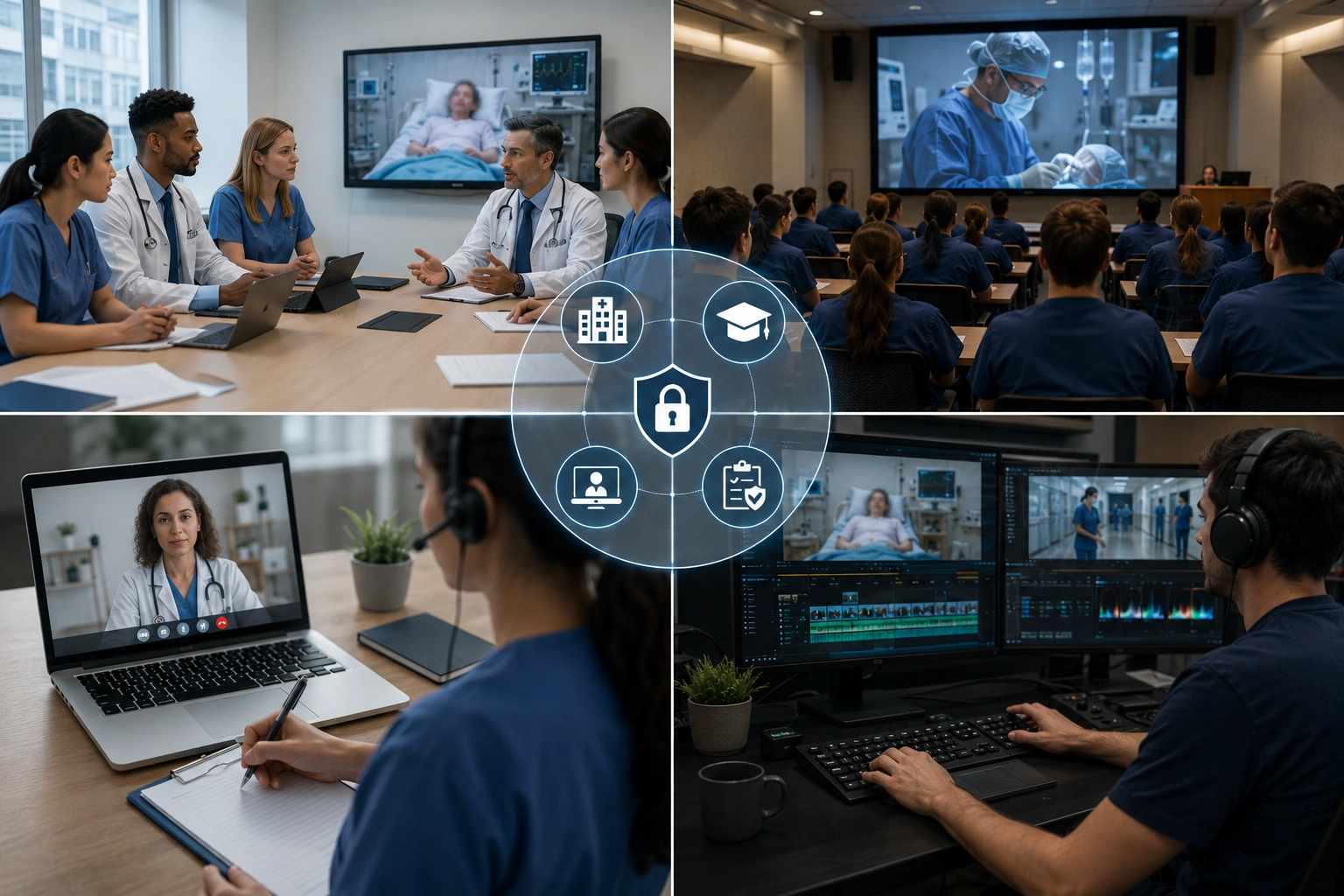
Built for Hospitals and healthcare systems and Medical schools and nursing programs
Ideal audiences include Hospitals and healthcare systems, Medical schools and nursing programs, Telehealth platforms, Healthcare compliance and privacy officers. Pair this example with your policy review when footage is sensitive or public-facing.
Use cases
- Medical school training videos with patient encounters
- Telehealth session recordings for quality assurance
- Surgical procedure documentation with patient faces visible
- Healthcare marketing videos filmed in clinical settings
Who it's for
- Hospitals and healthcare systems
- Medical schools and nursing programs
- Telehealth platforms
- Healthcare compliance and privacy officers
More video blur examples
Explore similar scenarios with the same demo clips and step-by-step guidance.
GDPR video compliance blur & redaction
EU privacy-compliant video blur for faces, plates, and PII—technical measures supporting GDPR Article 5 data minimization.
Face blur in talking-head video
Automatic face detection and blur for interviews, podcasts, and vlogs—motion-tracked so identities stay protected.
HR & training videos with safer backgrounds
Hide home-office clutter, patient charts on walls, or posters that leak location in L&D content.
Blur anything: logos, text & custom regions
Target arbitrary areas—logos on hoodies, on-screen addresses, signage—with precise AI-assisted selection.
Frequently asked questions
- Does blurred video still require patient authorization?
- If the video is de-identified per HIPAA Safe Harbor or Expert Determination, authorization may not be required; consult your privacy officer and legal counsel for each use case.
- What counts as identifiable PHI in video?
- HIPAA lists 18 identifiers including face, dates (except year), geographic details smaller than state, medical record numbers—blur must address all visible identifiers.
- Can we use blurred patient videos in marketing?
- De-identified content may be used for marketing without authorization if properly anonymized; however, voice, context clues, and unique characteristics may still re-identify patients—proceed cautiously.
Ready to try this on your footage?
Upload MP4, MOV, or M4V and apply the same blur modes shown in this example.
Try BGBlur free