AI motion-tracked blur for moving objects
Automatic blur tracking for people, vehicles, and objects in motion—no manual keyframing required for dynamic footage.
Manual frame-by-frame masking is the traditional nightmare of video privacy: every camera movement, subject turn, or lighting change requires new keyframes and hours of roto work.
Track and blur moving subjects in video in three steps
Built for video editors, action sports creators, and documentary teams working with dynamic, fast-moving footage.
Upload video with moving subjects
Drop footage containing faces, vehicles, or objects that need blur coverage through motion.
Enable AI tracking
Select faces, vehicles, or custom objects—AI tracks each independently through the timeline.
Scrub and export
Verify tracking accuracy across the timeline, then export with motion-locked blur.

What this example demonstrates
AI motion tracking eliminates 90% of that labor: detect a face, plate, or object once and the system tracks it across time—even through occlusions, lighting changes, and fast motion.

Why teams use this pattern
Use motion-tracked blur for any scenario where subjects won't stand still: sports footage, dashcam recordings, crowd scenes, and handheld documentary work.

Common use cases
Teams reach for this workflow when sports footage with player anonymization; dashcam and action camera recordings; crowd event coverage with moving attendees; documentary street scenes with pedestrian flow. BGBlur automates detection so these scenarios stay publishable without days in a timeline.
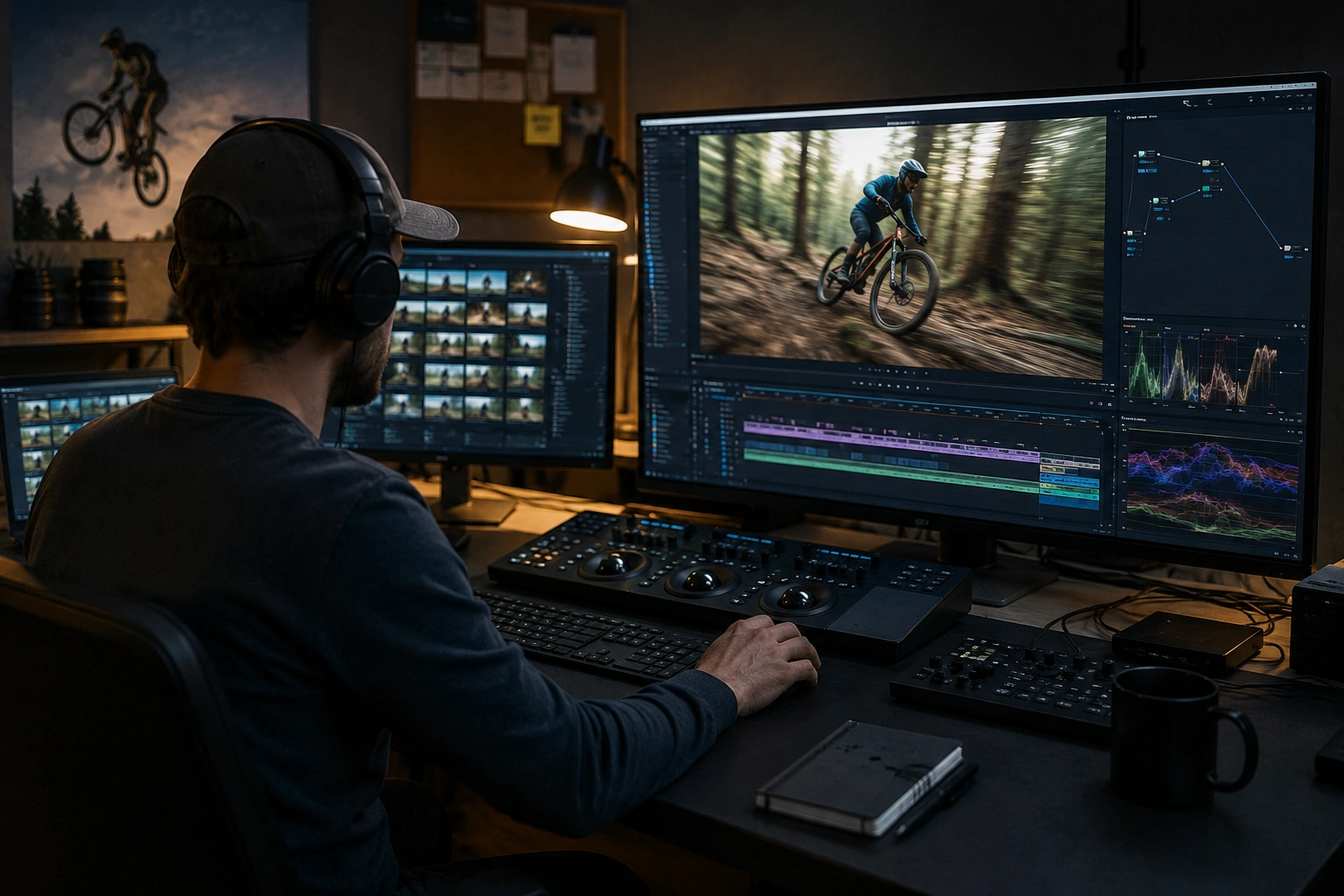
Built for Video editors and post-production teams and Action sports creators
Ideal audiences include Video editors and post-production teams, Action sports creators, Documentary filmmakers, Surveillance and security teams. Pair this example with your policy review when footage is sensitive or public-facing.
Use cases
- Sports footage with player anonymization
- Dashcam and action camera recordings
- Crowd event coverage with moving attendees
- Documentary street scenes with pedestrian flow
Who it's for
- Video editors and post-production teams
- Action sports creators
- Documentary filmmakers
- Surveillance and security teams
More video blur examples
Explore similar scenarios with the same demo clips and step-by-step guidance.
Face blur in talking-head video
Automatic face detection and blur for interviews, podcasts, and vlogs—motion-tracked so identities stay protected.
License plate blur in street & dashcam footage
Hide readable plates in traffic, parking, and ride-along footage—ideal for motovlogs and location shoots.
Fleet & dashcam compliance-style blur
Reduce incidental personal data in driver footage—helpful for sharing clips internally or in marketing.
Vlogger & street interview privacy
Keep bystanders and non-consenting faces out of frame legally and ethically—optimized for fast turn edits.
Frequently asked questions
- How accurate is AI motion tracking?
- Tracking works best with stable lighting and clear subject visibility; fast motion, occlusions, and extreme angles may require spot-check adjustments.
- Can I track multiple objects at once?
- Yes—apply blur to multiple faces, plates, or regions simultaneously; each gets independent tracking through the timeline.
- What happens if tracking loses the subject?
- Review tools let you spot failed tracking and manually adjust or re-initialize for problem segments; always QC before final export.
Ready to try this on your footage?
Upload MP4, MOV, or M4V and apply the same blur modes shown in this example.
Try BGBlur free