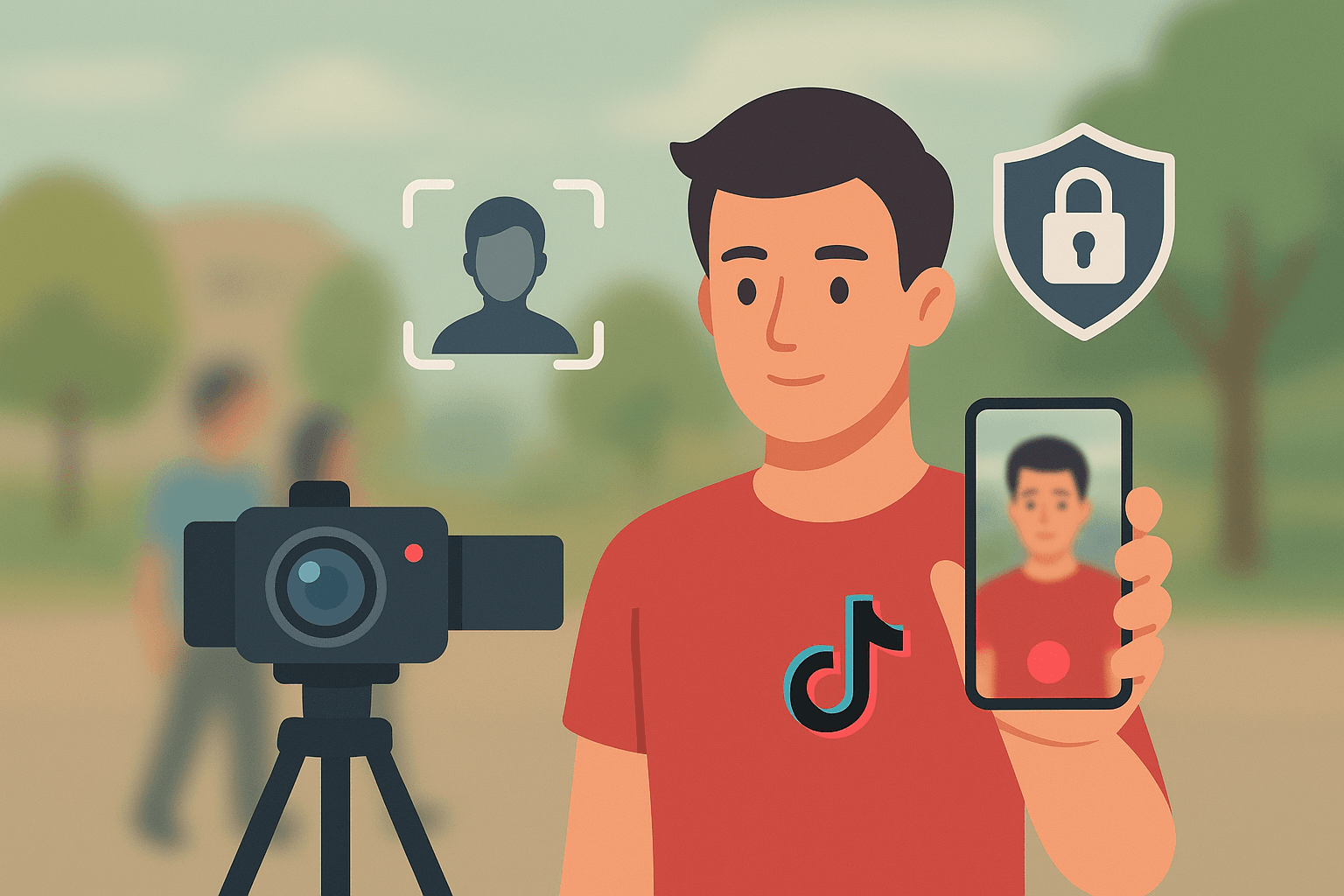
Blur Faces in TikTok Videos Before You Post
Film in public, invite guests, or reuse reaction clips — TikTok Face Blur finds every face in your vertical video and keeps protection locked through dances, pans, and jump cuts.
Why TikTok creators blur faces first
Community guidelines and consent expectations move faster than manual edits.
Post faster with automatic face blur
TikTok rewards speed — but public shoots collect faces you cannot always clear. TikTok Face Blur runs detection on your vertical draft, tracks movement through handheld footage, and exports a file you can upload the same day instead of rebuilding masks in a mobile editor.
Use it when location shoots, collabs, or crowd scenes would otherwise delay publishing or risk policy strikes.
Detect faces in phone-filmed TikTok drafts before publishing
Track subjects through transitions common in short-form edits
Blur extras in street, gym, and restaurant B-roll
Protect friends who did not consent to appear on your channel
Export MP4 ready for TikTok upload without desktop software
Combine with other BGBlur tools for plate or text redaction
TikTok scenarios we see every week
Street trends
Hide bystanders in viral location shoots. keeps this workflow practical for repeated review, privacy cleanup, publishing, and team handoff without forcing editors to rebuild every mask or adjustment manually.
Gym & fitness
Blur other members in mirror clips. keeps this workflow practical for repeated review, privacy cleanup, publishing, and team handoff without forcing editors to rebuild every mask or adjustment manually.
Restaurant reviews
Mask staff and diners in the background. keeps this workflow practical for repeated review, privacy cleanup, publishing, and team handoff without forcing editors to rebuild every mask or adjustment manually.
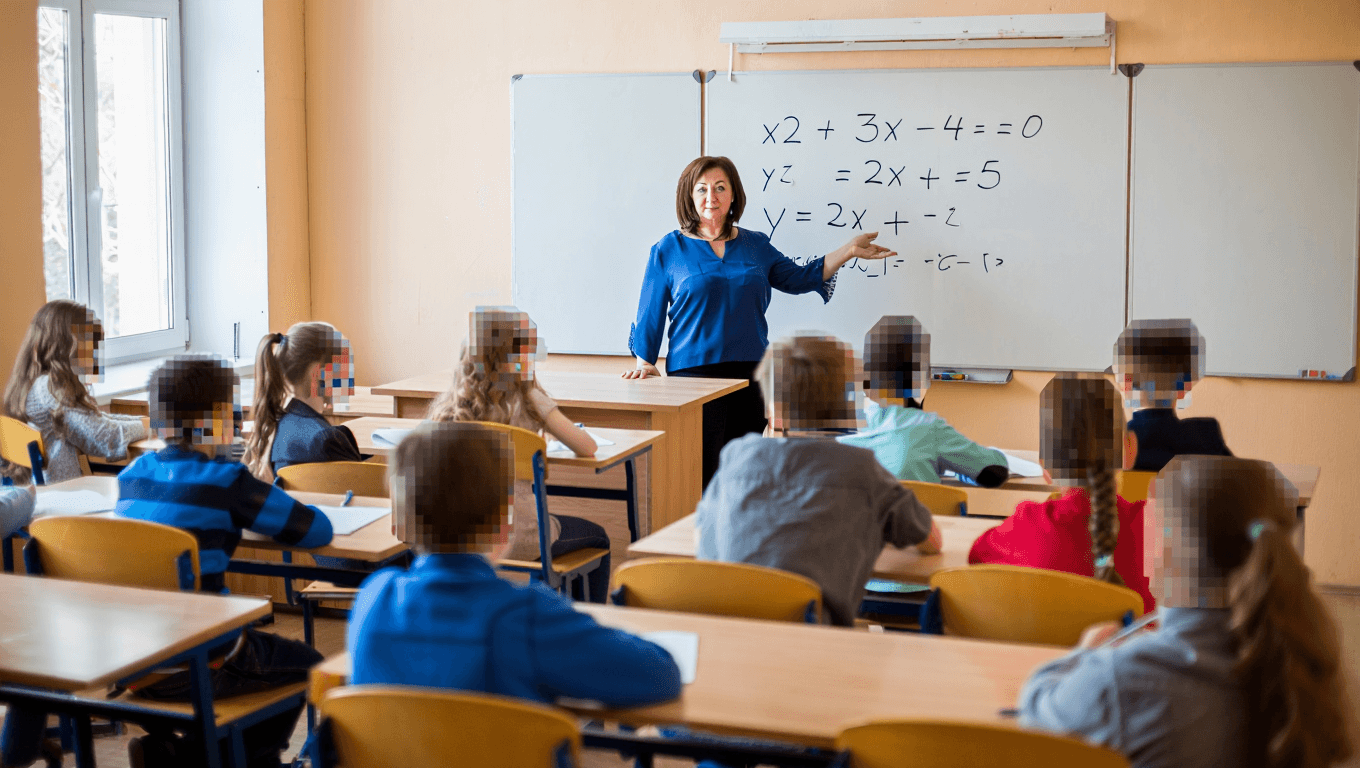
School projects
Share student content with faces protected. keeps this workflow practical for repeated review, privacy cleanup, publishing, and team handoff without forcing editors to rebuild every mask or adjustment manually.
Prank reactions
Blur strangers caught in the frame. keeps this workflow practical for repeated review, privacy cleanup, publishing, and team handoff without forcing editors to rebuild every mask or adjustment manually.
Brand trips
Post event footage without leaking attendee IDs. keeps this workflow practical for repeated review, privacy cleanup, publishing, and team handoff without forcing editors to rebuild every mask or adjustment manually.
Same-day turnaround
Upload from your phone browser, confirm the preview, download, and post — no timeline skills required.
Blur faces in your TikTok draft
Upload vertical video and preview face tracking before export.
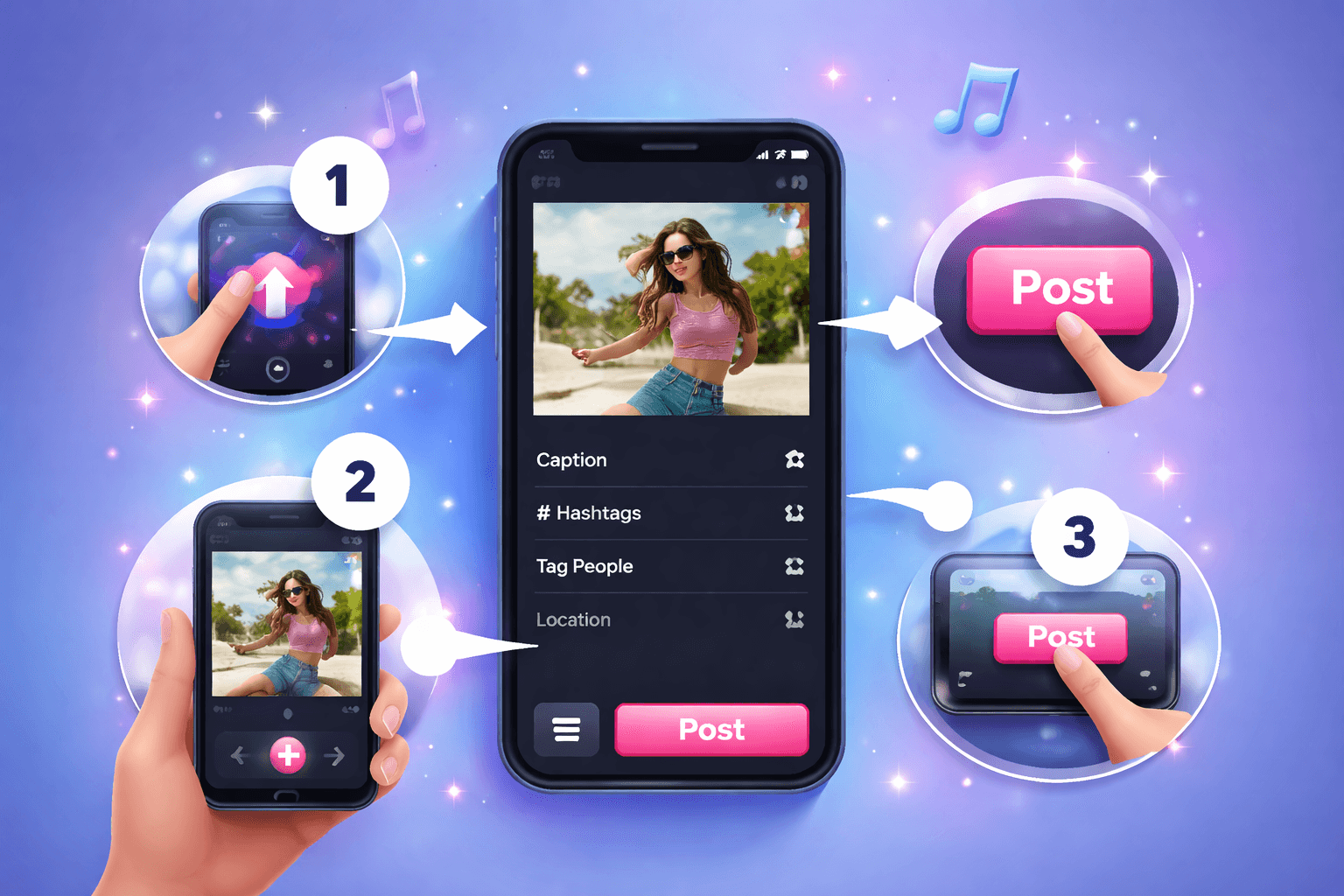
Blur faces for TikTok in three steps
Phone to publish-ready export without CapCut masking.
Upload your vertical clip
Drop a 9:16 MP4 or MOV from your camera roll — including drafts with cuts, zooms, and walking shots.
Check face tracking
Scrub through transitions to confirm every face stays blurred, especially in crowds and mirror shots.
Download & upload to TikTok
Save the processed file and upload through the TikTok app with confidence that bystanders are protected.
Creator workflow
Made for short-form vertical video
Detection and export tuned for TikTok-style footage.
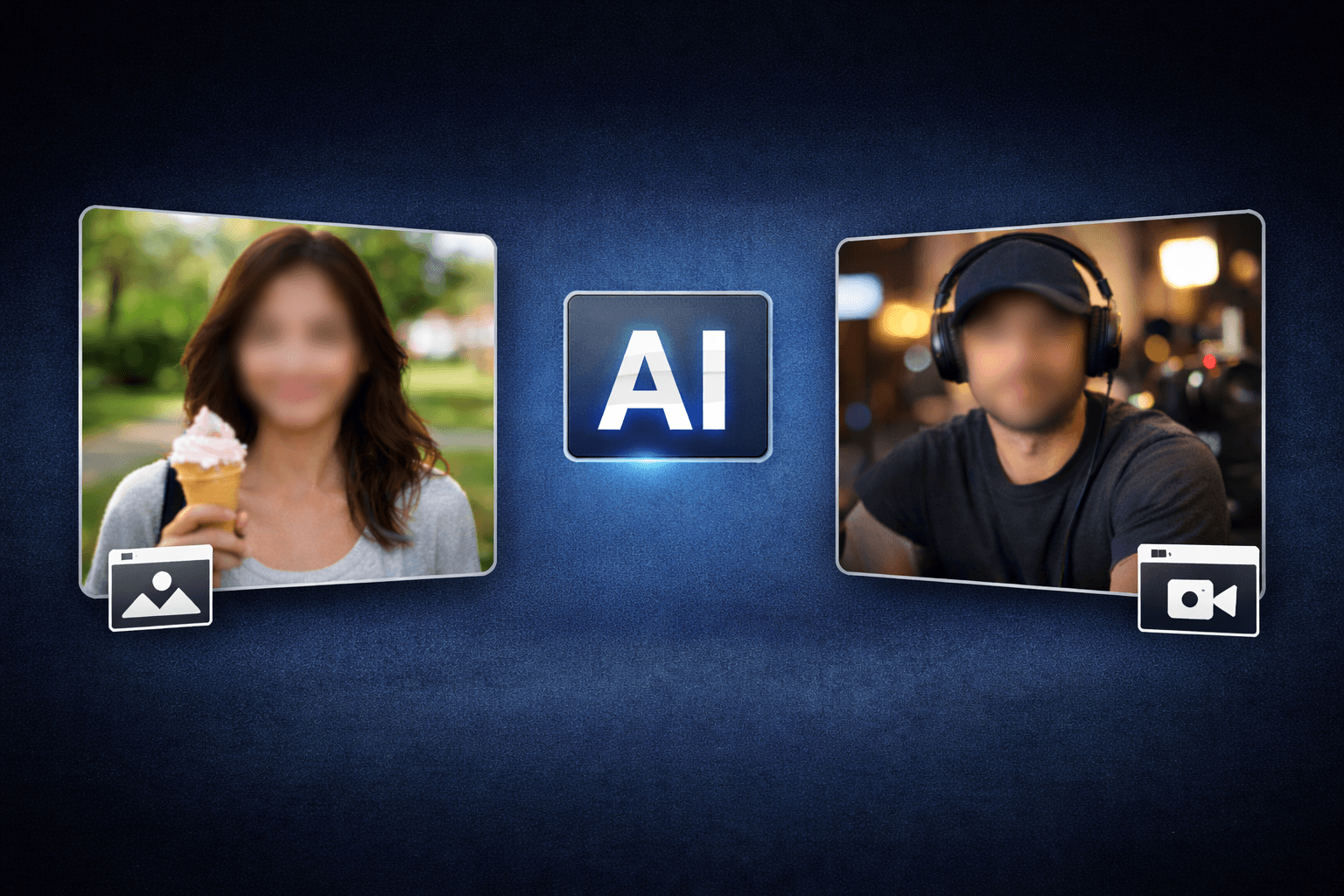
Handheld tracking
Blur stays on faces when the camera moves with you.
Mobile browser
Run the workflow on phone or laptop without installing apps.
Policy-friendly exports
Reduce strikes from identifiable bystanders in public clips.
Creators on TikTok face blur
Why short-form channels batch-blur before upload.
“Restaurant reviews used to wait until I manually masked every diner. Now I blur and post the same night.”
“Mirror workout clips finally pass gym policy — background members stay anonymous.”
“Street trend videos go live faster when bystander faces are handled automatically.”
TikTok Face Blur FAQ
Vertical video, exports, and community guidelines.
Yes. Upload portrait clips directly — the tool is designed for mobile-first short-form aspect ratios.
Yes. Multi-face detection handles busy backgrounds common in street and event TikToks.
Blurring before upload gives you control and helps meet privacy expectations for people who did not consent to appear.
TikTok re-encodes all uploads. Export at high quality from BGBlur so blur remains visible after platform compression.
Core face blur is free in the browser. Premium limits may apply to very long clips.
Free-tier face blur downloads do not add a BGBlur watermark.
User Reviews
Share your experience and help others make informed decisions
Write a Review
All Reviews (0)
No reviews yet
Be the first to share your experience and help others discover this tool!
Face privacy tools
More ways to blur, pixelate, and redact faces
Explore face-focused workflows for videos, photos, social clips, CCTV footage, and privacy reviews where identities must stay protected.
View all tools →TikTok privacy
Stop delaying posts because of background faces
Blur every face in your vertical clip, export, and publish on your schedule — not when masking is finally finished.
Built for 9:16 uploads, duets, and stitch-ready exports.
Upload TikTok video