Blur Video Online
Blur Video Online combines AI detection with a simple browser workflow so you can upload, review, and export privacy-safe media without a desktop editor.
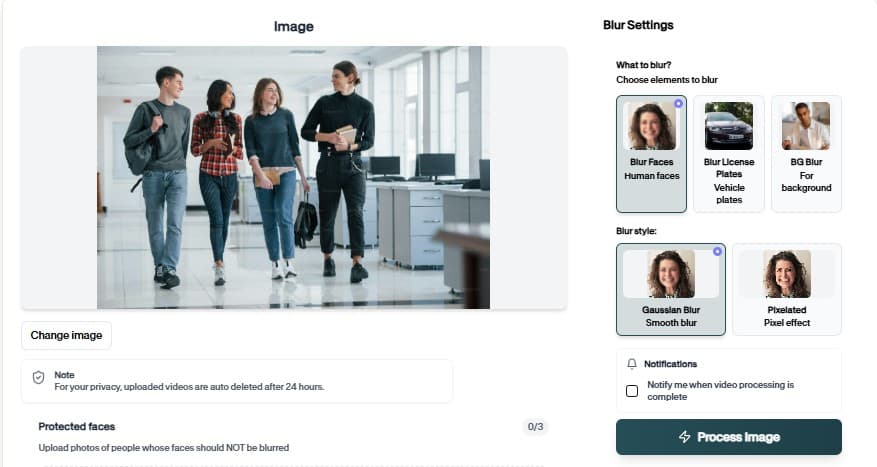
Blur Video Online — How It Works
Purpose-built for journalists who need reliable redaction.
Why teams use Blur Video Online
Blur Video Online shortens the path from raw upload to privacy-reviewed export. AI proposes regions to protect, you adjust if needed, and download a file ready for clients, platforms, or archives.
Blur Video Online is especially useful for repeat review cycles — same rules, many files.
Combine with other BGBlur tools in the same project flow
Download results without mandatory account creation
Preview AI suggestions before committing export
Upload from desktop or mobile browsers
Combine with other BGBlur tools in the same project flow
Download results without mandatory account creation
Where it is used

Team handoff
Standardize redaction across editors. keeps this workflow practical for repeated review, privacy cleanup, publishing, and team handoff without forcing editors to rebuild every mask or adjustment manually.
Archive cleanup
Retroactively fix old media libraries. keeps this workflow practical for repeated review, privacy cleanup, publishing, and team handoff without forcing editors to rebuild every mask or adjustment manually.

Client delivery
Send privacy-reviewed exports. keeps this workflow practical for repeated review, privacy cleanup, publishing, and team handoff without forcing editors to rebuild every mask or adjustment manually.
Team handoff
Standardize redaction across editors. keeps this workflow practical for repeated review, privacy cleanup, publishing, and team handoff without forcing editors to rebuild every mask or adjustment manually.

Archive cleanup
Retroactively fix old media libraries. keeps this workflow practical for repeated review, privacy cleanup, publishing, and team handoff without forcing editors to rebuild every mask or adjustment manually.
Client delivery
Send privacy-reviewed exports. keeps this workflow practical for repeated review, privacy cleanup, publishing, and team handoff without forcing editors to rebuild every mask or adjustment manually.
Fast browser turnaround
Most projects move from upload to export in minutes because Blur Video Online proposes edits automatically instead of starting from a blank timeline.
Try Blur Video Online now
Upload a sample file and confirm the preview before you download.
How to use Blur Video Online
Upload, verify, download — no timeline editing required.
Upload your video or image
Drag your video or image into Blur Video Online. Phone, dashcam, screen capture, and studio sources are all supported in the browser.
Review detections
Review AI suggestions, tweak regions that need extra protection, and confirm the preview matches your policy.
Download the export
Export when the preview looks correct. The file is ready for upload, client portals, or archive storage.
Editing features
Blur Video Online at a glance
What you get when using Blur Video Online in real projects.

Detection-first workflow
Combine with other BGBlur tools in the same project flow
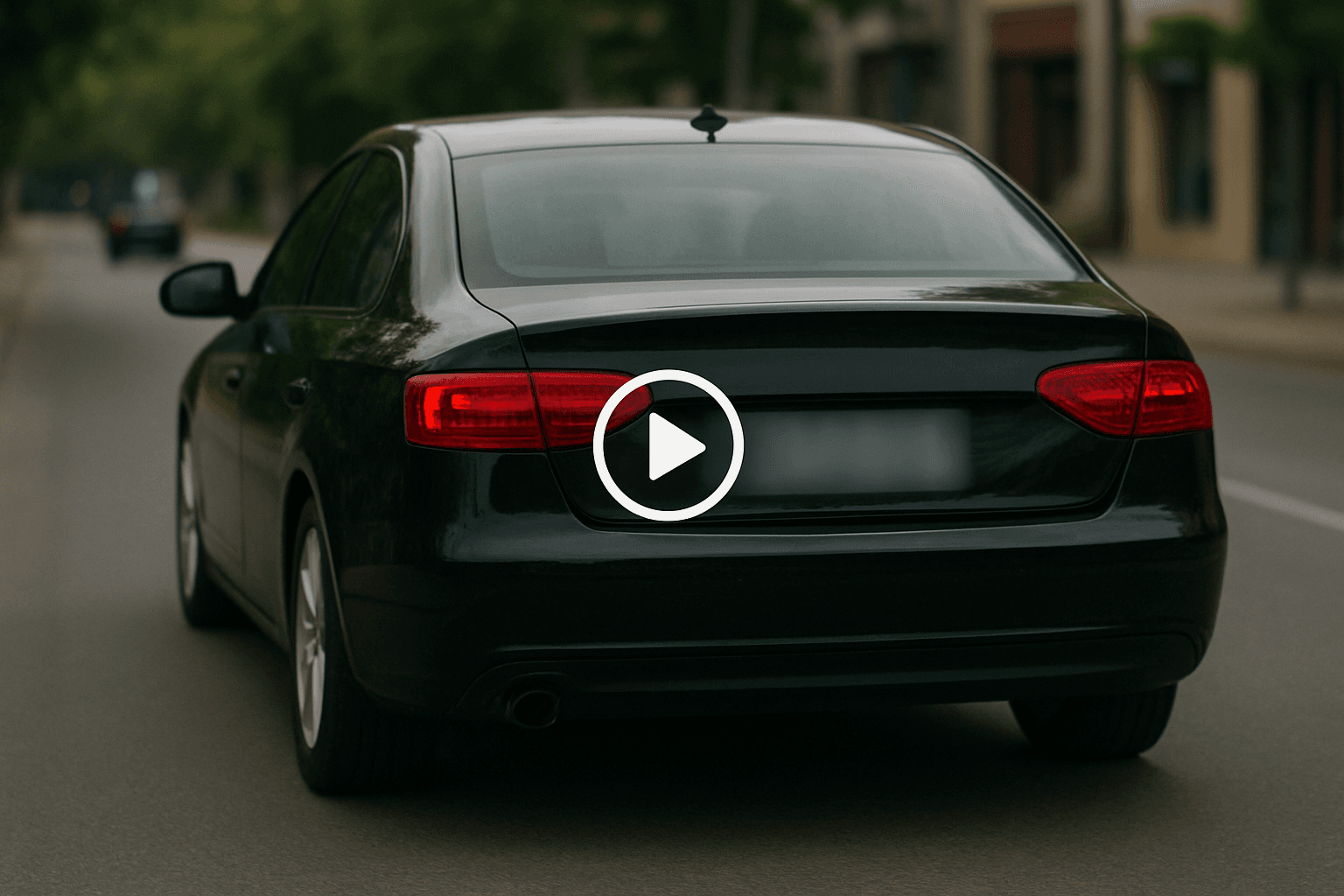
Browser or API delivery
Download results without mandatory account creation

Privacy-safe exports
Preview AI suggestions before committing export
Teams using similar workflows
How Blur Video Online fits day-to-day media and compliance work.
“Blur Video Online cut our redaction time from hours to minutes on last week's footage.”
“We shipped client-safe exports the same day instead of waiting on manual masking.”
“Blur Video Online is simple enough for producers who do not live inside NLE timelines.”
Blur Video Online — FAQ
Common questions about Blur Video Online, exports, and privacy handling.
Sensitive regions based on the tool configuration — review the preview to confirm.
Yes — core blur workflows are free in the browser. Premium limits apply to very long files or batch needs.
No. Blur Video Online runs in the browser — upload, preview, and download without Premiere, DaVinci, or desktop apps.
BGBlur processes files for the editing session with privacy-first handling. Media is not published as permanent public assets.
User Reviews
Share your experience and help others make informed decisions
Write a Review
All Reviews (0)
No reviews yet
Be the first to share your experience and help others discover this tool!
Video privacy tools
Related privacy tools for faster video anonymization
Move between video blur, object redaction, AI privacy editing, and combined face plus license plate workflows from one toolset.
AI Blur Tool
Blur Video Online
Blur Video Online combines AI detection with a simple browser workflow so you can upload, review, and export privacy-safe media without a desktop editor.
Purpose-built for journalists who need reliable redaction.
Open Blur Video Online