Smart AI Tool

AI-Powered Blur Nudity in Video for Images & Videos

Automatically process images and videos using advanced AI detection and editing workflows. Blur Nudity in Video reduces manual work while delivering clean, professional, and privacy-ready results.

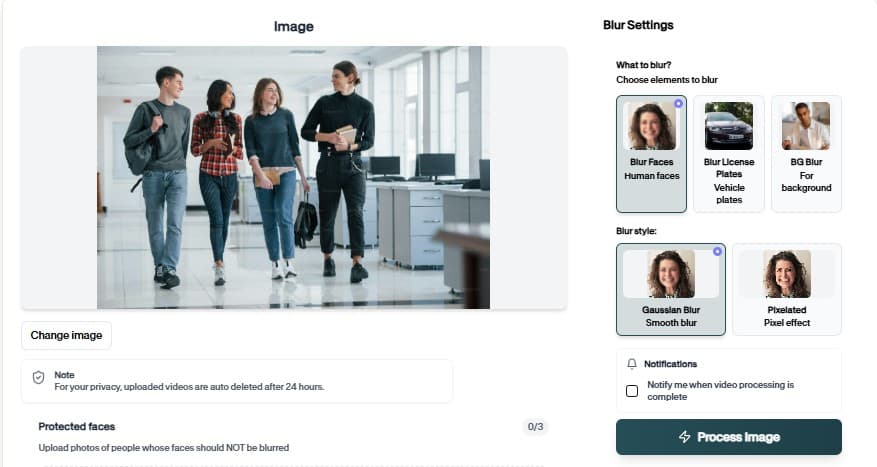
Blur Nudity in Video preview

AI Detection

Automatic content detection

Privacy First

Videos deleted after processing

Fast Processing

Cloud GPU acceleration

How to Easily Blur Nudity in Videos

Follow this simple 3-step process to get a polished result without frame-by-frame editing.

01

Upload Your Video

Start by uploading the video you want to process. The blur Nudity in Videos workflow keeps the setup simple, so you can move from file selection to preview without rebuilding the project manually.

Upload
0%
.mp4
02

Review the AI Preview

BGBlur analyzes the file and prepares the right privacy edits for blur Nudity in Videos. Check the preview, confirm the important areas, and adjust the result before exporting.

Background Blur
Face Blur
License Plate
03

Download the Result

Export a clean, privacy-safe version when the preview looks right. The finished video is ready for sharing, publishing, archiving, or handing off to your team.

.mp4
0%
Save

AI-Powered Blur Nudity In Video

Blur Nudity In Video helps you finish the core task faster with a safety-first review process.

How Blur Nudity In Video Works

Blur Nudity In Video turns a complex manual workflow into a focused browser flow. Upload the file, let the tool do the heavy lifting, and export a result that is easier to share, review, or publish.

Use it when you need a faster way to prepare content for public pages, reports, client review, training material, social posts, or internal documentation without rebuilding the edit by hand.

Flag or redact sensitive visual content

Flag or redact sensitive visual content quickly

Moderation and safety review workflows

Support moderation and safety review workflows

Manual inspection time on large batches

Reduce manual inspection time on large batches

Keep output usable for internal review or publishing

Keep output usable for internal review or publishing

Teams manage high-risk content

Help teams manage high-risk content consistently

Into privacy-first media pipelines

Fit into privacy-first media pipelines

Use Cases

Moderation use case for AI-Powered Blur Nudity In Video

Moderation

Review flagged uploads faster. AI-Powered Blur Nudity In Video keeps this workflow practical for repeated review, privacy cleanup, publishing, and team handoff without forcing editors to rebuild every mask or adjustment manually.
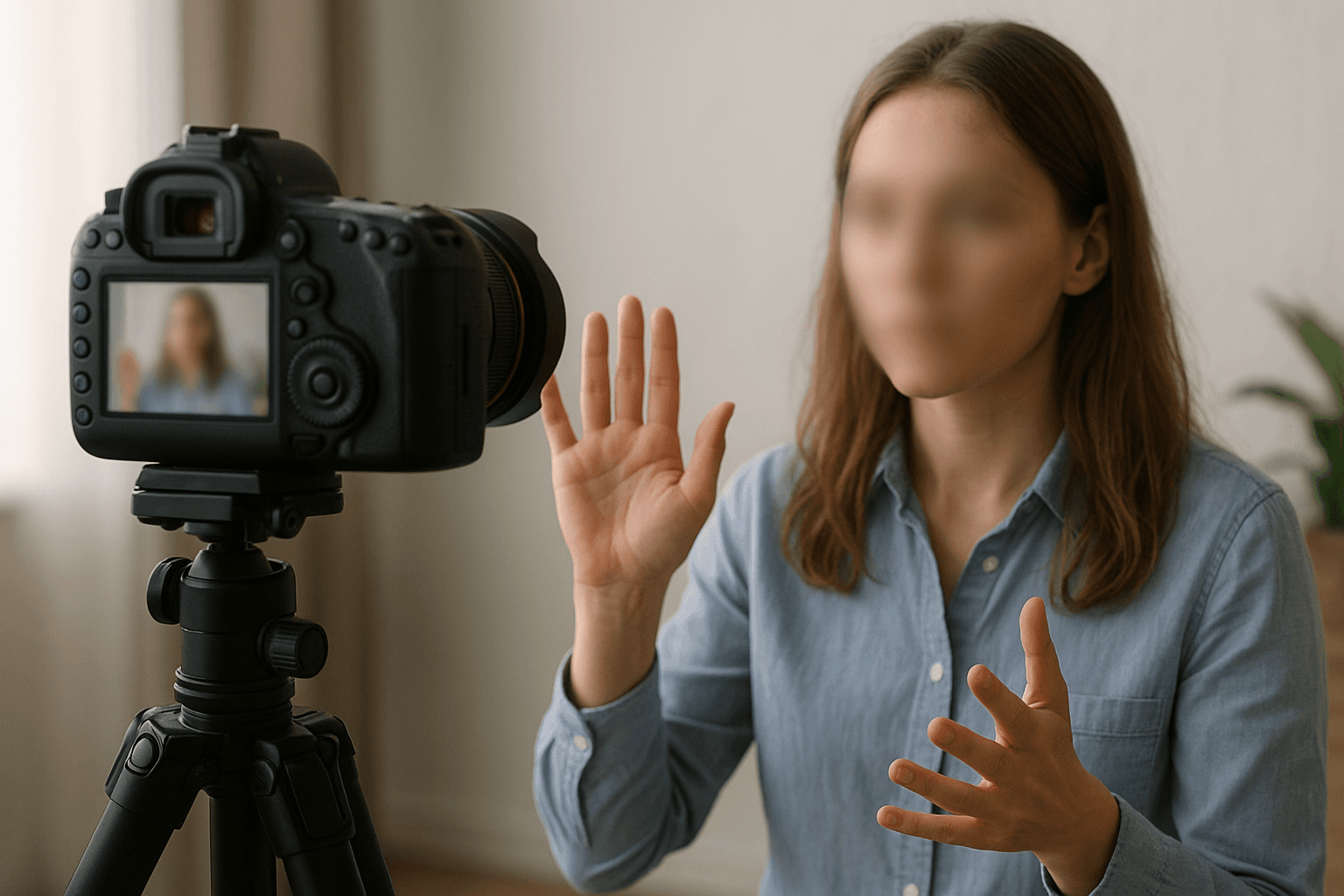
Communities use case for AI-Powered Blur Nudity In Video

Communities

Keep feeds safer. AI-Powered Blur Nudity In Video keeps this workflow practical for repeated review, privacy cleanup, publishing, and team handoff without forcing editors to rebuild every mask or adjustment manually.
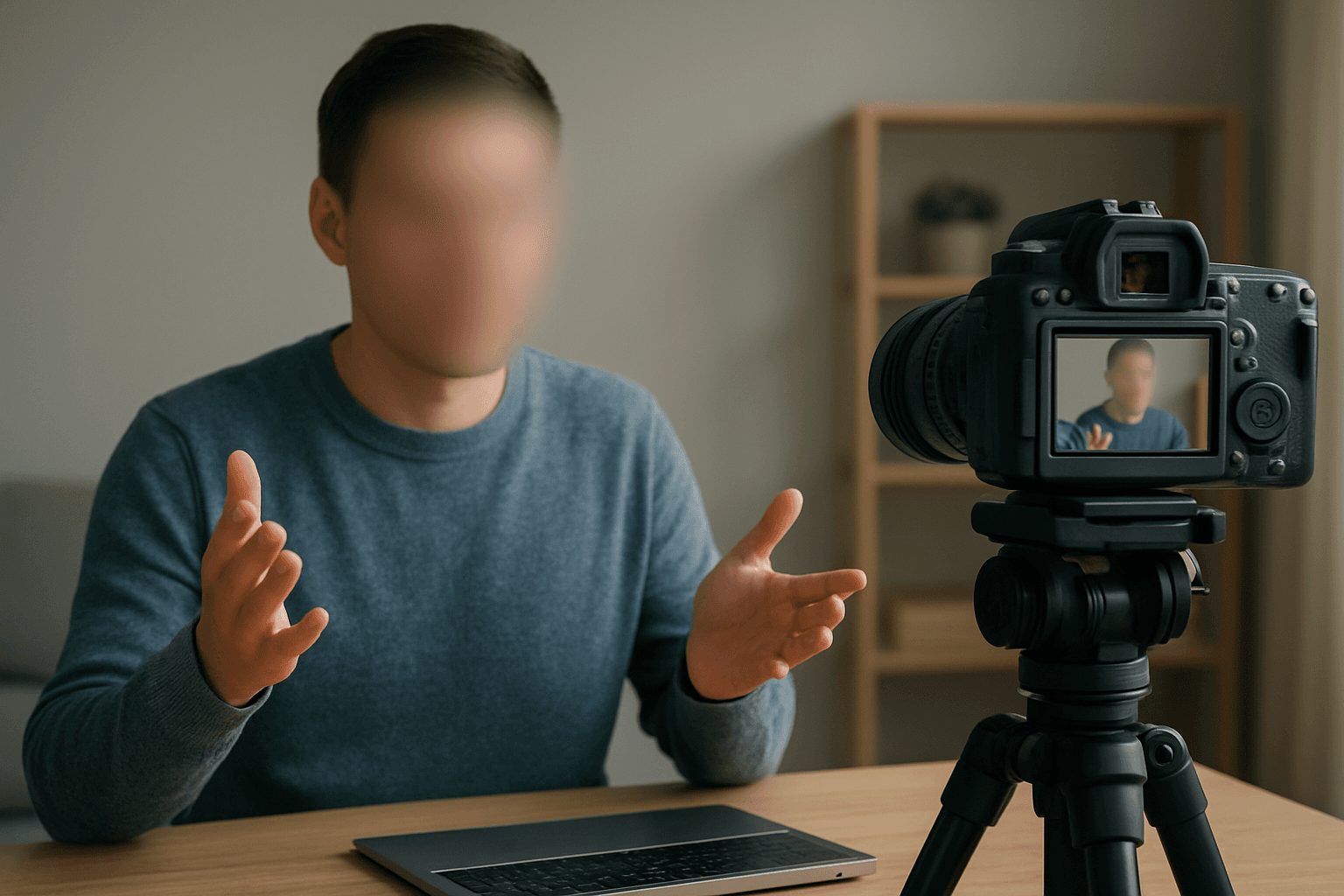
Marketplaces use case for AI-Powered Blur Nudity In Video

Marketplaces

Filter risky listings. AI-Powered Blur Nudity In Video keeps this workflow practical for repeated review, privacy cleanup, publishing, and team handoff without forcing editors to rebuild every mask or adjustment manually.

Support use case for AI-Powered Blur Nudity In Video

Support

Inspect user-reported media. AI-Powered Blur Nudity In Video keeps this workflow practical for repeated review, privacy cleanup, publishing, and team handoff without forcing editors to rebuild every mask or adjustment manually.

Compliance use case for AI-Powered Blur Nudity In Video

Compliance

Document review steps. AI-Powered Blur Nudity In Video keeps this workflow practical for repeated review, privacy cleanup, publishing, and team handoff without forcing editors to rebuild every mask or adjustment manually.

Teams use case for AI-Powered Blur Nudity In Video

Teams

Reduce manual moderation time. AI-Powered Blur Nudity In Video keeps this workflow practical for repeated review, privacy cleanup, publishing, and team handoff without forcing editors to rebuild every mask or adjustment manually.

Fast Safety Workflow

Blur Nudity In Video is designed for quick uploads, fast processing, and a clean result without a complicated editing timeline.

Ready to try Blur Nudity In Video?

Upload a file and generate a cleaner result with blur nudity in video in seconds.

Try Blur Nudity In Video

AI editing features

More than a Blur Nudity In Video tool

Professional content moderation with AI. Blur Nudity In Video is built for AI detection, content classification, visual safety checks, moderation review, privacy screening, and fast browser-based analysis workflows.

Smart AI Blur Nudity In Video detection

Blur Nudity In Video uses AI analysis to detect, classify, or flag sensitive visual content so teams can review media faster and make safer publishing decisions.

Detailed visual analysis

Use Blur Nudity In Video to inspect images or videos for moderation, safety, privacy, masking, censoring, detection confidence, and content review workflows.

Safety-first moderation workflow

Support safer content pipelines for NSFW checks, nudity review, mask detection, censor workflows, and sensitive visual analysis before public distribution.

Fast results for review teams

Run AI checks quickly in the browser, then use the output to decide what should be blurred, censored, approved, rejected, or reviewed more carefully.

Useful confidence-led decisions

AI detection results help teams prioritize what needs attention, reducing manual review time across creator uploads, user-generated content, and internal media libraries.

Built for sensitive content

BGBlur tools are designed for privacy-conscious detection and moderation workflows where unsafe, private, or regulated media should be handled carefully.

What Our Users Say

Join thousands of satisfied users who trust our tools

Essential for our content moderation workflow. Fast and accurate detection.
CM
Content Moderator
Platform SafetySocial Media Co
Saves hours of manual work. The AI detection is remarkably accurate.
VE
Video Editor
Post ProductionMedia Agency
4.9/5from 2+ reviews

Frequently Asked Questions

Answers to common questions about using Blur Nudity In Video for image and video editing, privacy protection, export quality, and browser-based AI workflows.

How does the nudity blur tool work?

Our AI analyzes each frame of your video to detect and blur sensitive content automatically. You can adjust blur intensity and coverage.

Is my video kept private?

Yes. All videos are processed securely and deleted immediately after you download the result. We never store your content.

What video formats are supported?

We support MP4, MOV, AVI, WebM, and most common video formats. Export up to 4K resolution.

Is the tool free?

Yes, the basic tool is free for short clips. Longer videos are available on paid plans.

What is Blur Nudity In Video?

Blur Nudity In Video is an AI-powered BGBlur workflow for editing images and videos faster. It helps automate privacy, blur, masking, or cleanup tasks so creators can finish content without manual frame-by-frame work.

Can I use Blur Nudity In Video for both images and videos?

Yes. BGBlur workflows are designed around common image and video use cases, including uploads for photos, short clips, social content, product footage, screen recordings, and longer privacy review workflows.

How does Blur Nudity In Video save editing time?

The tool uses AI-assisted detection and automation to reduce repetitive selection, masking, and redaction steps. You can start with an upload, review the result, adjust settings when needed, and export a finished file.

Is Blur Nudity In Video good for privacy protection?

Yes. It is built for privacy-first editing tasks such as hiding sensitive details, reducing identifiable information, and preparing content before it is shared publicly, with clients, or inside a team.

Do I need professional editing software?

No. BGBlur runs in the browser, so you do not need a desktop video editor, plugin setup, or complex timeline workflow for common AI blur and privacy edits.

Will Blur Nudity In Video keep my export quality clear?

The goal is to keep the important parts of your image or video visible while applying the selected privacy or blur effect only where it is needed. Final quality can depend on the uploaded file and export settings.

Can I review the result before downloading?

Yes. You should review the AI result before export, especially for crowded scenes, fast motion, low light, reflections, small objects, or footage with partial occlusion.

Who uses Blur Nudity In Video?

Creators, marketers, educators, journalists, real estate teams, automotive teams, compliance reviewers, and social media editors use BGBlur tools to prepare safer publish-ready media faster.

Does Blur Nudity In Video work on mobile and desktop?

BGBlur is web-based, so it is designed for modern browsers on desktop and mobile devices. Larger video files are usually easier to review and export from a desktop browser.

What should I check before publishing?

Check every sensitive frame or image area, confirm the blur or mask covers the intended subject, preview the final export, and keep an original backup if you may need to revise the edit later.

User Reviews

Share your experience and help others make informed decisions

Write a Review

5 stars

All Reviews (0)

No reviews yet

Be the first to share your experience and help others discover this tool!

Censoring tools

Related tools for NSFW blur and sensitive content redaction

Find stronger censoring workflows for explicit content, nudity detection, private body-part blur, and full video redaction.

View all tools →

Start with BGBlur

Smart AI Blur Nudity in Videos for Images & Videos

Blur Nudity in Videos helps creators edit images and videos faster with smart AI-powered automation. Upload your file, choose the privacy or blur workflow you need, and export polished content without manual frame-by-frame editing.

AI-powered content moderation in seconds

Upload Video
Free to startBrowser workflowPrivacy-first export
BGBlur video privacy editor interface