Blur Background in Video — iOS

Separate presenters from clutter without a fast prime lens. BGBlur’s iOS flow mirrors the cinematic depth you market on /en/features/blur-bg—ideal for talking heads filmed on phones.

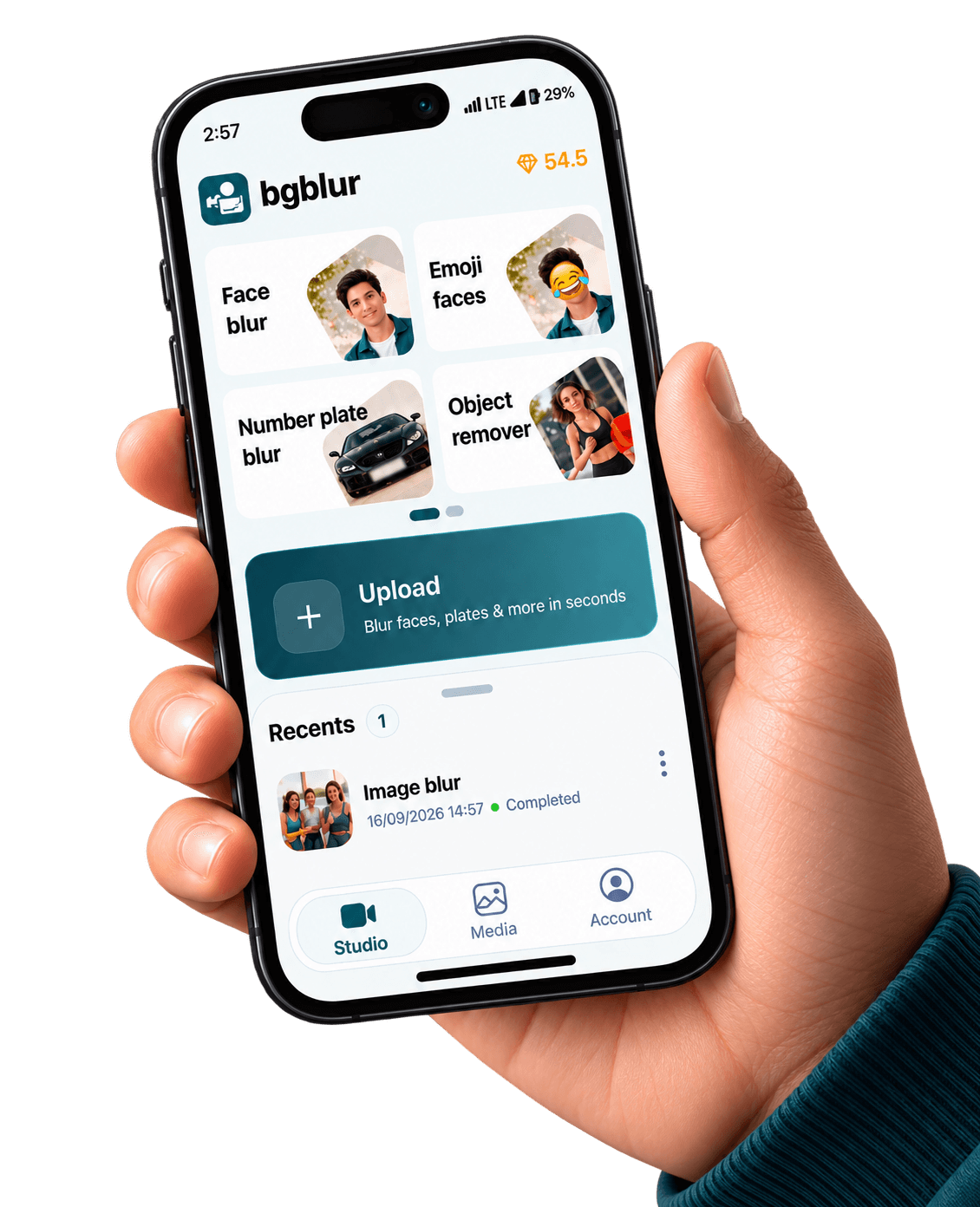
BGBlur iPhone cinematic background blur on vertical video

iPhone & iPad capture · cloud-grade models

Device renders come from public/images/mobile — the same kit as our Android pages — with App Store badge artwork and CloudFront stills aligned to bgblur.com feature funnels.

Download on the App Store

Background blur is a polish move: viewers forgive a soft environment more than they forgive shaky masks on faces. Use it for creator studios, WFH updates, and travel selfies where the scenery should not compete with the message.

Portrait depth relies on consistent edges; expect better results on locked-off shots than whip-pans. Stat-heavy specs vary by chipset—always preview before publishing. BGBlur blur background feature overview.

Also available on Android / Google Play.

When background blur beats object blur

If the whole environment is the problem—not a single logo—bokeh the backdrop. Reserve blur-anything for stray props or trademarks that survive a defocus pass.

Creator polish

Laundry baskets and ring lights vanish into pleasant gradients.

WFO & exec updates

Legal does not want client folders readable behind VPs—blur the shelf, not each binder.

Travel vlogs

Iconic skylines stay recognizable at f/1.4 fake bokeh while passport clutter softens.

Chip-aware exports

Long 4K timelines may still offload to cloud encoders on busy travel days.

Same visuals as our web product pages

The stills below are pulled from the same CloudFront galleries we use on license blur, face blur, blur anything, and background blur — adapted here to show what your iOS exports can match.

Background separation preview from BGBlur marketing gallery
Portrait depth — same visual language as blur-bg feature pages.
Subject pop with blurred environment
Messy rooms read as intentional bokeh instead of clutter.
Alternate background blur example frame
Travel, studio, and creator setups without hauling glass lenses.

Built for real mobile video pipelines

Privacy tooling tuned for how iPhone creators shoot, edit, and publish

Saliency-safe edges

Keep hairlines crisp while rolling off busy backgrounds.

Portrait aspect ratios

9:16 talking heads and 16:9 webinars share the same pipeline.

Hybrid web finish

Grade color on desktop after iPhone handles the depth pass.

Noise-aware defocus

Low-light shimmer gets mild temporal smoothing before export.

What Our Users Say

Join thousands of satisfied users who trust our tools

"My apartment is chaos. Fake bokeh is the difference between ‘crisis-era dorm’ and ‘intentional set’."
DP
Devon P.
Newsletter hostIndie media
"Legal killed a demo until the whiteboard behind me softened. iPhone pass saved a flight."
CW
Chen W.
Sales engineerB2B SaaS
"Hostels are ugly. Background blur lets the city skyline read without messy bunk beds."
ML
Mateo L.
Travel creatorShort-form channel
4.9/5from 3+ reviews

Frequently asked questions

Get answers to the most common questions about our tools and services.

Sometimes, but do not rely on bokeh for legal plate redaction—use the license-plate blur iOS landing when identification risk matters.

Fast pans can confuse depth models. Shoot static A-cam for critical interviews, then add motion in B-roll with lighter requirements.

Yes—many creator presets chain both so audiences focus on an approved host while the room melts away.

Get BGBlur for iOS

App Store listing — set NEXT_PUBLIC_IOS_APP_STORE_URL when live

Free to use
Instant results
Blur Background in Video iOS | Bokeh & Portrait Blur | App Store | BGBlur