Blur Video Online With No Watermark on Download
Apply AI blur and redaction in your browser, then export a clean video file — no BGBlur logo, no forced watermark, and no branded overlay on your deliverable.
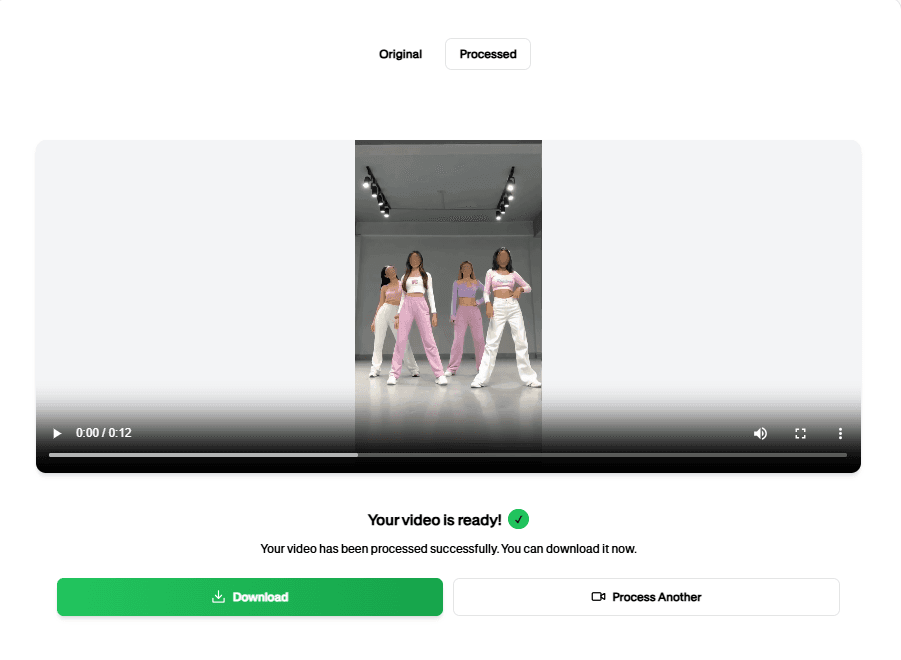
Blur Video No Watermark — How It Works
From upload to a watermark-free download in minutes.
Why teams choose watermark-free blur exports
Many free blur tools stamp a logo on your export. Blur Video No Watermark applies AI detection and redaction, then delivers a file you can publish or hand to clients without visible branding.
Use it when trial exports are fine with limits, but your final cut must ship clean and unbranded.
Download blurred videos without a burned-in watermark or logo stamp
Preview redaction in the browser before you commit to export
Blur faces, license plates, text, and other sensitive regions with AI
Use exports on YouTube, TikTok, client portals, and internal archives
Start free without mandatory account creation for standard-length clips
Combine with other BGBlur tools in the same privacy workflow
Where watermark-free blur matters
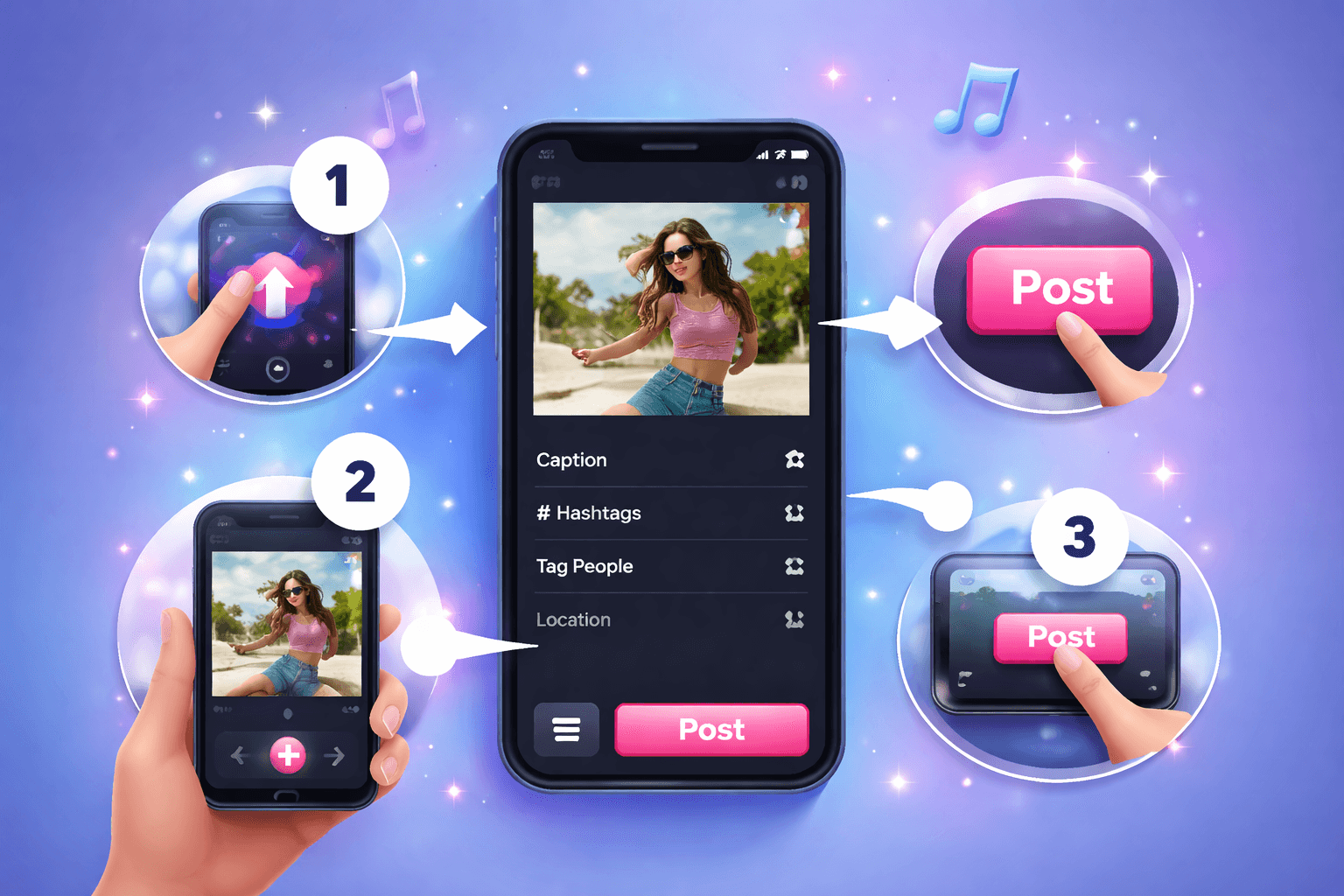
Social posting
Publish blurred clips without tool branding visible. keeps this workflow practical for repeated review, privacy cleanup, publishing, and team handoff without forcing editors to rebuild every mask or adjustment manually.
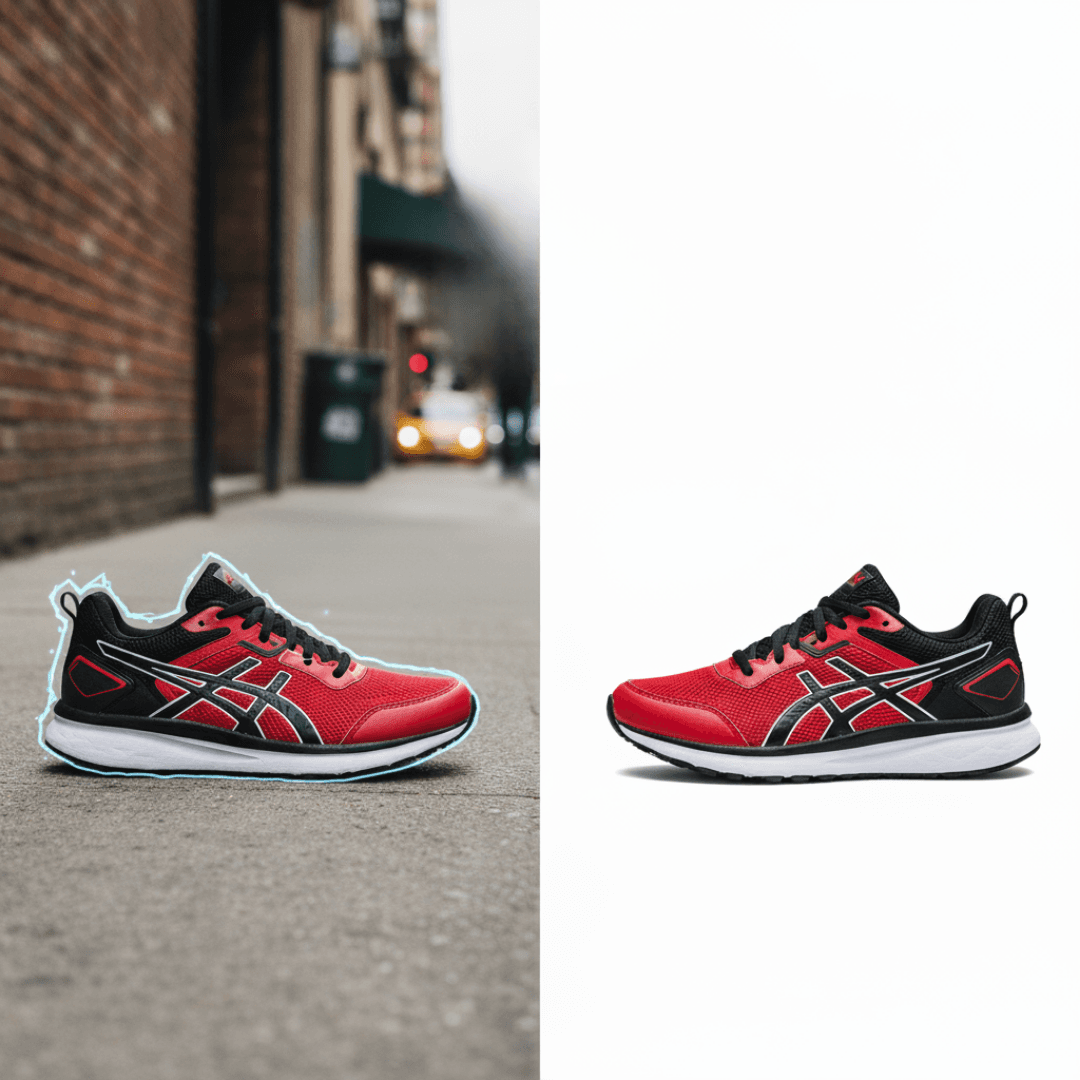
Client delivery
Hand off redacted footage that looks production-ready. keeps this workflow practical for repeated review, privacy cleanup, publishing, and team handoff without forcing editors to rebuild every mask or adjustment manually.
YouTube & vlogs
Export clean files for channels that reject watermarks. keeps this workflow practical for repeated review, privacy cleanup, publishing, and team handoff without forcing editors to rebuild every mask or adjustment manually.
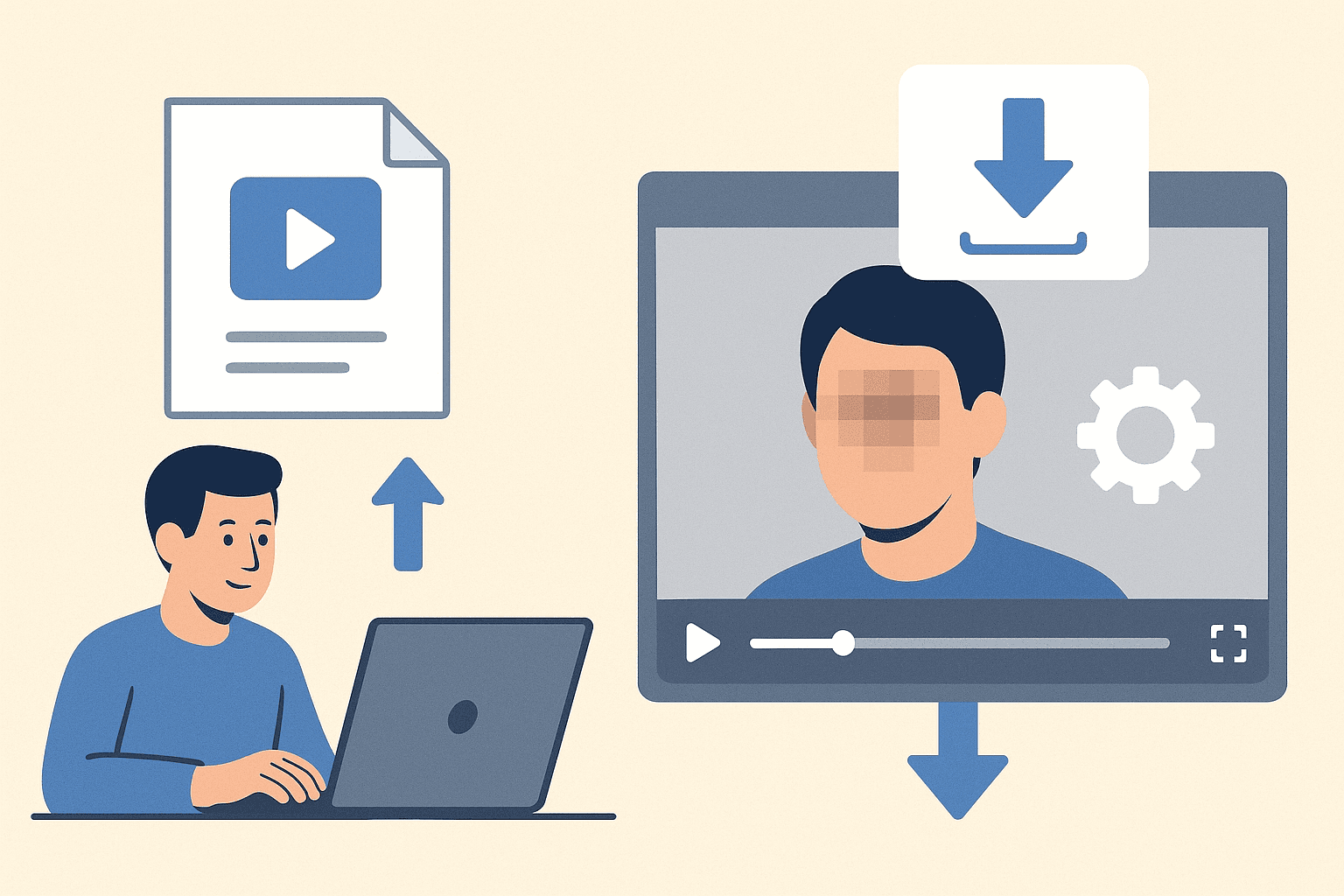
Course & training
Share anonymized examples in LMS without logos. keeps this workflow practical for repeated review, privacy cleanup, publishing, and team handoff without forcing editors to rebuild every mask or adjustment manually.
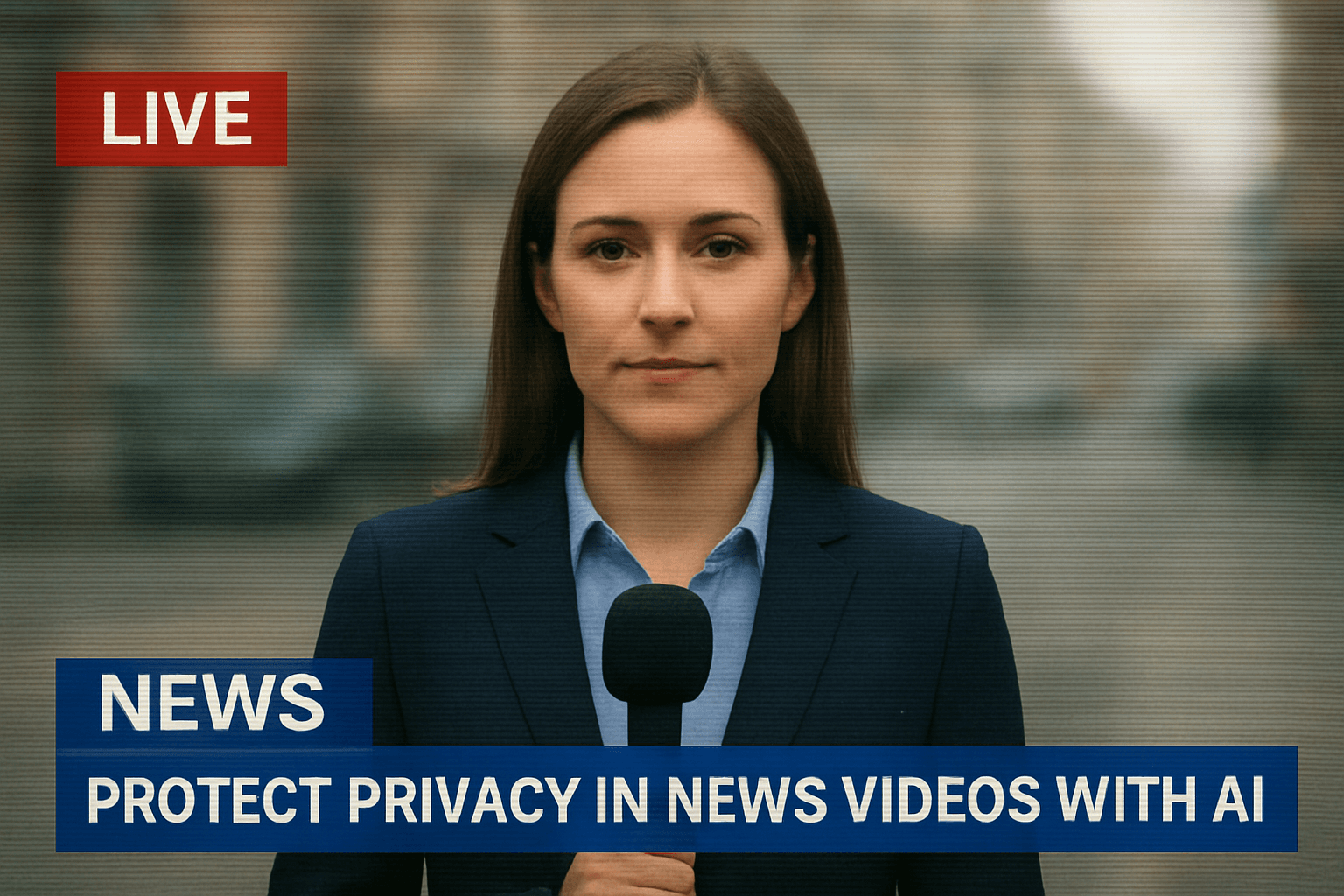
News & field video
Release protected B-roll with no editor stamp. keeps this workflow practical for repeated review, privacy cleanup, publishing, and team handoff without forcing editors to rebuild every mask or adjustment manually.

Freelance edits
Deliver blur work your clients can re-use freely. keeps this workflow practical for repeated review, privacy cleanup, publishing, and team handoff without forcing editors to rebuild every mask or adjustment manually.
Fast path to a clean export
Skip desktop installs and watermark surprises. Upload, confirm the blur preview, and download a file without an embedded logo or corner stamp.
Try blur video no watermark now
Upload a short clip and verify your export is clean before you share.
How to blur video without a watermark
Upload, review redaction, download a clean file — no timeline editing required.
Upload your video
Drag your clip into Blur Video No Watermark. Phone, screen capture, interview, and dashcam sources all work in the browser.
Review AI blur regions
Check detected faces, plates, or sensitive areas, adjust strength if needed, and confirm the preview matches your policy.
Download the clean export
Export when the preview looks correct. Your file downloads without a BGBlur watermark or forced logo overlay.
Export quality
Blur Video No Watermark at a glance
What you get when you need privacy edits that ship clean.

No watermark on export
Final downloads are free of burned-in logos and branded overlays.
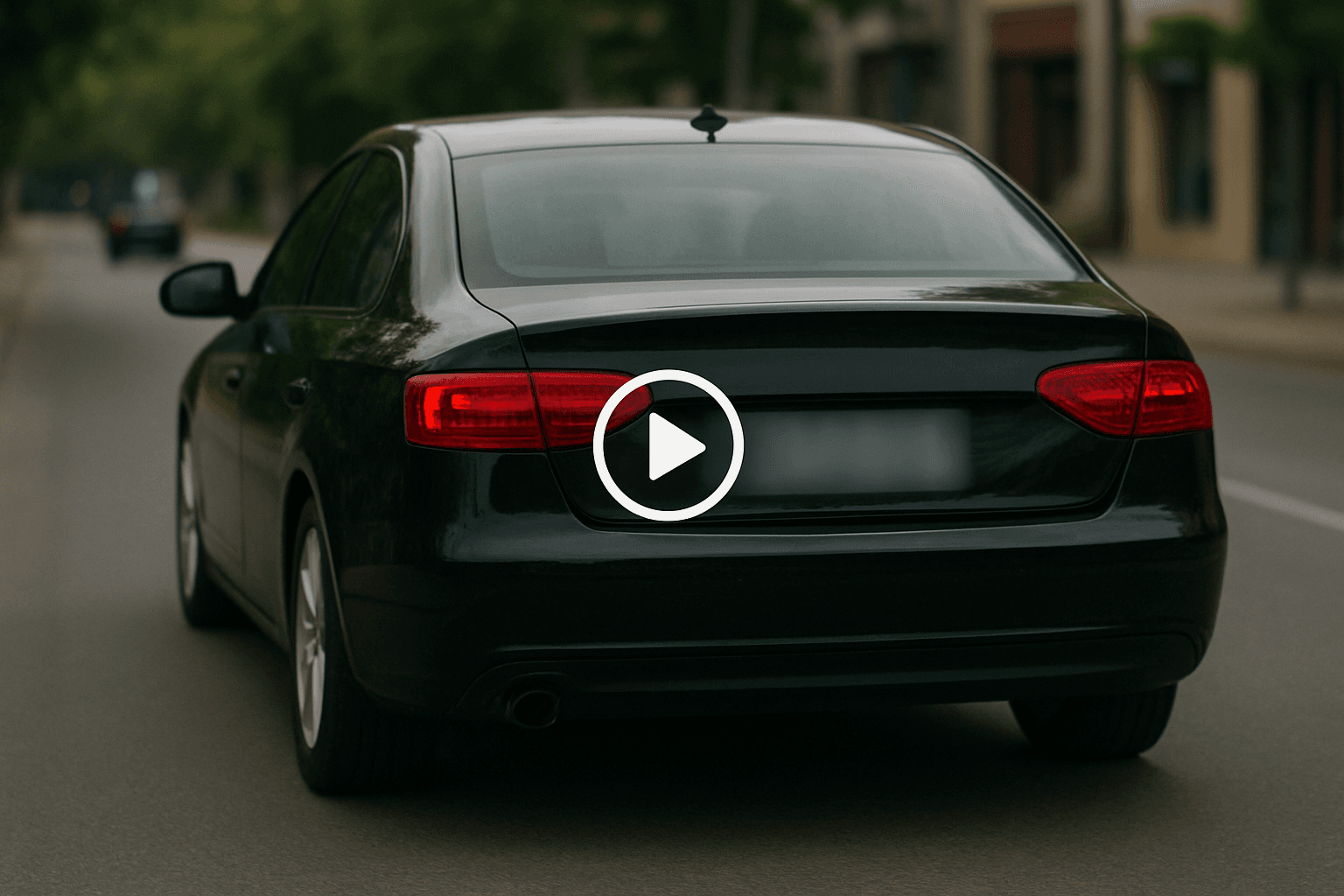
Browser or mobile upload
Work from desktop or phone without installing an NLE or desktop app.

AI detection first
Automatic region proposals cut manual masking time on every project.
Teams using clean blur exports
How watermark-free redaction fits real publishing and client workflows.
“I needed blurred B-roll for a sponsor video — the export had no watermark, so I dropped it straight into Premiere.”
“Client policy rejects watermarked tools. This gave us clean redacted files the same afternoon.”
“Quick face blur before upload, no logo in the corner — exactly what our desk needed for same-day publishing.”
Blur Video No Watermark — FAQ
Common questions about clean exports, watermarks, and free blur workflows.
No. Blur Video No Watermark is built for clean exports — your downloaded file does not include a burned-in BGBlur logo or branded overlay on standard free-tier exports.
Yes. Core blur and redaction workflows are free in the browser. Very long files or high-volume batch needs may hit premium limits, but standard exports remain watermark-free.
Exports from this tool are designed to be client-ready. You get the blurred video itself — not a preview stamped with tool branding.
Yes. Clean exports are suitable for social platforms, client delivery, LMS uploads, and internal archives where visible watermarks would be unacceptable.
You receive a standard video export compatible with common editors and platforms. Upload MP4 or similar sources and download a clean redacted file in a familiar format.
No mandatory account is required to start. Upload, preview your blur, and download a clean export directly from the browser for typical project lengths.
User Reviews
Share your experience and help others make informed decisions
Write a Review
All Reviews (0)
No reviews yet
Be the first to share your experience and help others discover this tool!
Video privacy tools
Related privacy tools for faster video anonymization
Move between video blur, object redaction, AI privacy editing, and combined face plus license plate workflows from one toolset.
Clean Export Tool
Blur video online with no watermark
Redact sensitive regions in the browser and download a file ready for clients, platforms, or archives — without a branded overlay on your final cut.
Built for creators, editors, and teams who need privacy-safe exports that look professional from the first download.
Start watermark-free blur