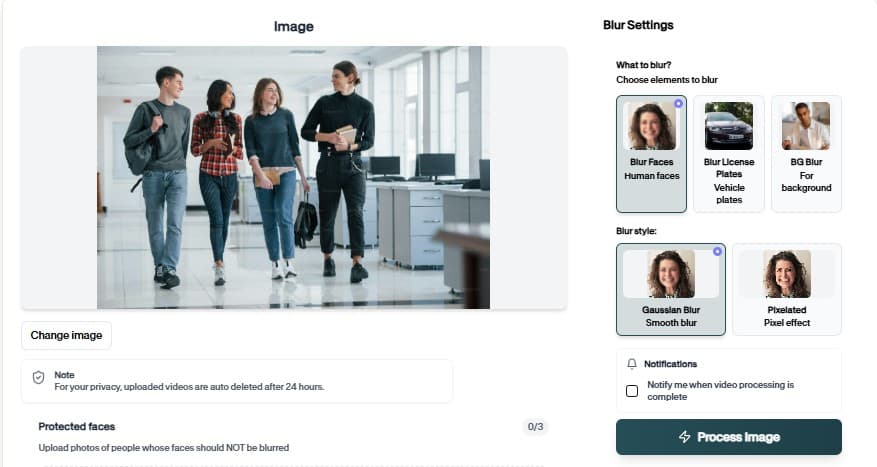
AI-Powered AI Mask Detector for Images & Videos
Automatically process images and videos using advanced AI detection and editing workflows. AI Mask Detector reduces manual work while delivering clean, professional, and privacy-ready results.

AI Mask Detection from Images
Identify whether people in uploaded images are wearing protective masks with a focused AI detection workflow.
How Mask Detection Works
BGBlur locates faces in an uploaded image, classifies mask presence, and returns a clear result for each detected person. It is useful for compliance checks, dataset labeling, and safety review workflows.
Use it when you need a faster way to prepare content for public pages, reports, client review, training material, social posts, or internal documentation without rebuilding the edit by hand.
Detects visible faces in images
Classifies mask and no-mask cases
Works across varied lighting and angles
Supports safety and compliance reviews
Useful for dataset labeling
Simple browser-based upload flow
Use Cases

Public Health
Review mask compliance in public images. keeps this workflow practical for repeat review, privacy cleanup, publishing, and team handoff without forcing editors to rebuild every mask or adjustment manually.

Workplace
Check safety protocol examples. keeps this workflow practical for repeat review, privacy cleanup, publishing, and team handoff without forcing editors to rebuild every mask or adjustment manually.

Datasets
Label mask and no-mask images. keeps this workflow practical for repeat review, privacy cleanup, publishing, and team handoff without forcing editors to rebuild every mask or adjustment manually.
Transit
Review public venue imagery. keeps this workflow practical for repeat review, privacy cleanup, publishing, and team handoff without forcing editors to rebuild every mask or adjustment manually.

Retail
Support store safety reviews. keeps this workflow practical for repeat review, privacy cleanup, publishing, and team handoff without forcing editors to rebuild every mask or adjustment manually.

Research
Prepare labeled computer vision samples. keeps this workflow practical for repeat review, privacy cleanup, publishing, and team handoff without forcing editors to rebuild every mask or adjustment manually.
Fast Safety Checks
Upload an image, review the mask detection output, and move on without building a separate detection pipeline.
Ready to detect masks?
Upload an image and review the AI mask detection result.
How to Easily Use Mask Detection Tool
Follow this simple 3-step process to get a polished result without frame-by-frame editing.
Upload Your Image
Start by uploading the image you want to analyze. The mask detection workflow keeps setup simple, so you can move from file selection to preview quickly.
Review the AI Preview
BGBlur analyzes the file and prepares the right detection result for the mask detection tool. Check the preview and confirm the important areas before continuing.
Download the Result
Export a clean, privacy-ready result when the preview looks right. The output is ready for sharing, publishing, archiving, or handing off to your team.
AI editing features
Why Choose Our Mask Detector
Answers to common questions about using AI Mask Detector for image and video editing, privacy protection, export quality, and browser-based AI workflows.

Advanced AI Detection
Utilizes state-of-the-art machine learning models trained on millions of images for accurate mask detection.

Real-time Processing
Get instant results with our optimized processing pipeline that analyzes images in seconds.

Privacy-First Approach
Your images are processed securely and never stored on our servers, ensuring complete privacy.

Multiple Classifications
Accurately identifies masks worn correctly, incorrectly, or not at all with confidence scores.
What Our Users Say
Join thousands of satisfied users who trust our tools
“This tool has been invaluable for ensuring workplace safety compliance. The accuracy is impressive and it integrates seamlessly into our workflow.”
“We use this for monitoring mask compliance in our facility. The real-time processing and detailed analytics help us maintain high safety standards.”
“Perfect for event management! Helps us ensure all attendees follow safety protocols without manual checking. Very user-friendly interface.”
Frequently Asked Questions
Answers to common questions about using AI Mask Detector for image and video editing, privacy protection, export quality, and browser-based AI workflows.
Our AI model can detect various types of face masks including surgical masks, N95 respirators, cloth masks, and other face coverings. It can also identify when masks are worn incorrectly.
Our model achieves over 95% accuracy in mask detection tasks. It has been trained on diverse datasets to ensure reliable performance across different demographics and mask types.
We support all common image formats including JPEG, PNG, WebP, and BMP. Images should be clear with visible faces for optimal detection results.
Yes, absolutely. We prioritize your privacy - uploaded images are processed in real-time and are never stored on our servers. All processing happens securely and your data remains private.
Yes, our mask detection tool can be used for various applications including workplace safety monitoring, health compliance, and access control systems.
User Reviews
Share your experience and help others make informed decisions
Write a Review
All Reviews (0)
No reviews yet
Be the first to share your experience and help others discover this tool!
Video privacy tools
Related privacy tools for faster video anonymization
Move between video blur, object redaction, AI privacy editing, and combined face plus license plate workflows from one toolset.
Start with BGBlur
Smart AI Mask Detector for Images & Videos
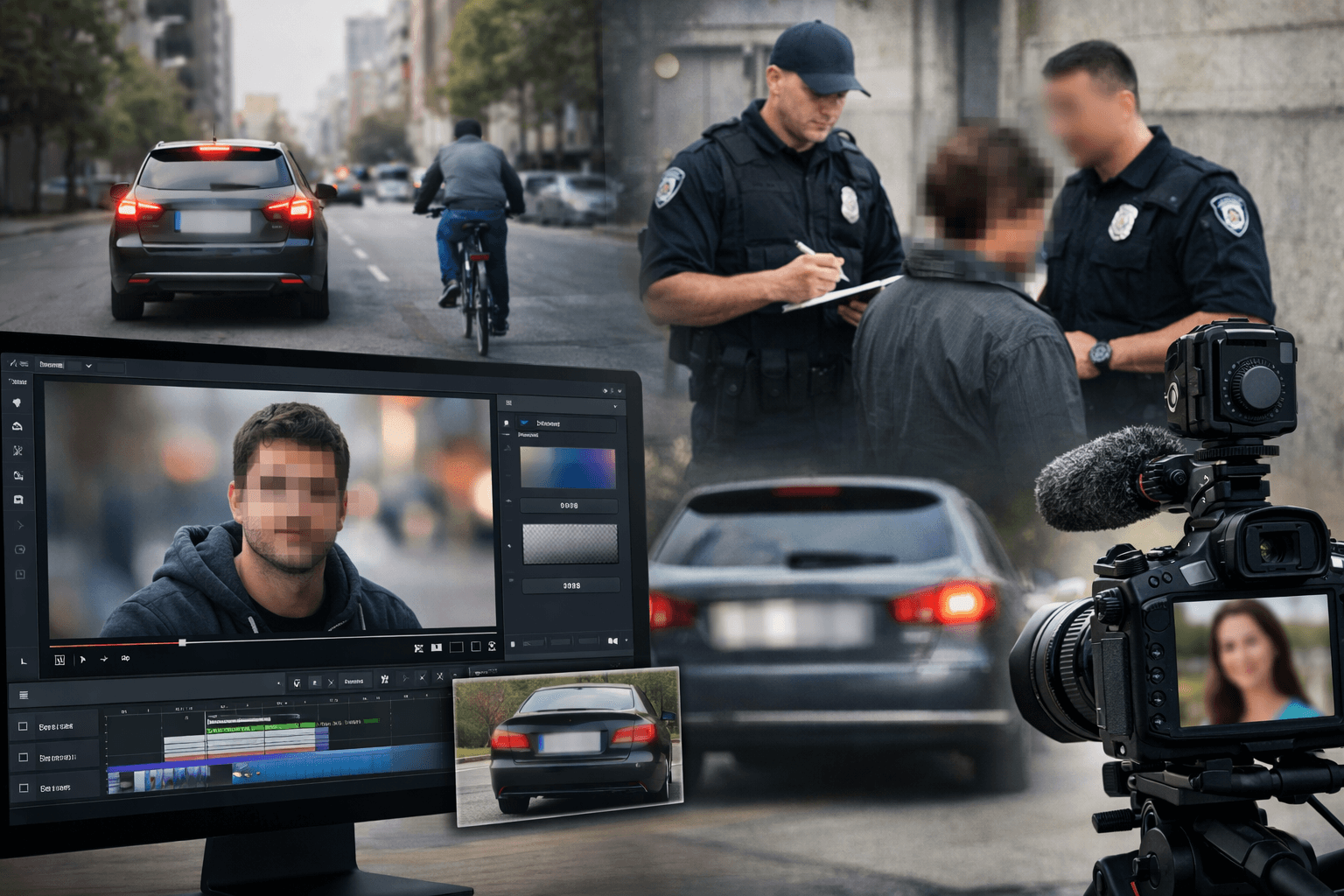
Mask Detector helps creators edit images and videos faster with smart AI-powered automation. Upload your file, choose the privacy or blur workflow you need, and export polished content without manual frame-by-frame editing.
Try our AI-powered mask detection tool now and see the results in seconds
Try Detection Tool