
"The blur tools are a lifesaver — I can softly blur distracting backgrounds and automatically anonymize license plates in my vlogs."
SJ
Sarah Johnson
Content Creator • YouTube
Get started with our simple 3-step process
Upload your MP4, MOV, or M4V file securely in your browser.
Choose face blur, license plate blur, background blur, or object blur and preview instantly.
Export your privacy-safe video in high quality and publish anywhere.
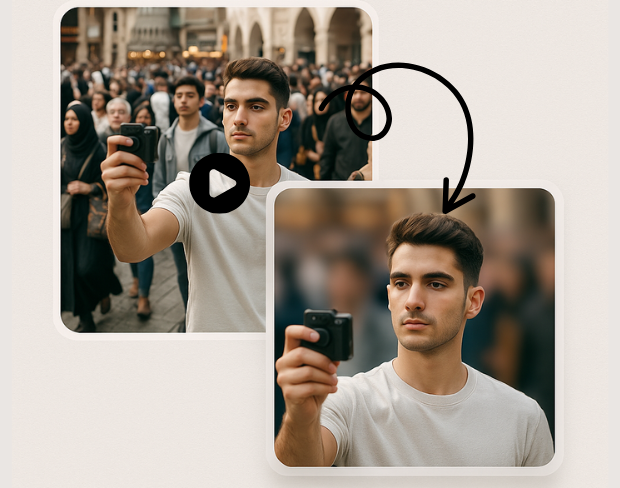
Advanced AI technology automatically detects and blurs specific objects in your videos. Our object detection blur system identifies people, vehicles, text, and custom objects with pixel-perfect precision for targeted anonymization.
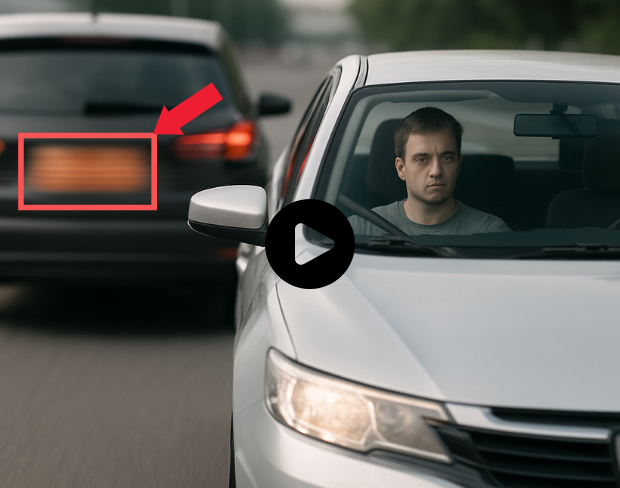
Create custom blur zones for any area in your video. Draw precise regions to blur with our selective video blur tool, perfect for privacy protection and professional video editing with complete control over blur areas.
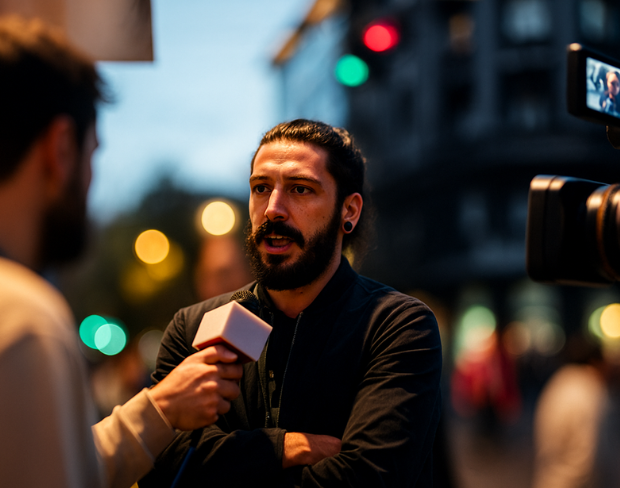
Blur only what you want with our selective anonymization technology. Choose specific objects, regions, or areas to blur while keeping the rest of your video sharp and clear for professional results.
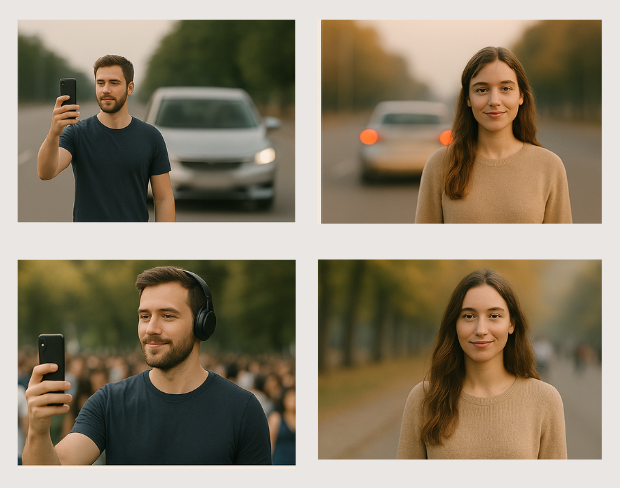
Professional video object masking with AI-powered precision. Our tool creates seamless object masks that follow movement throughout your video, ensuring consistent blur coverage across all frames.
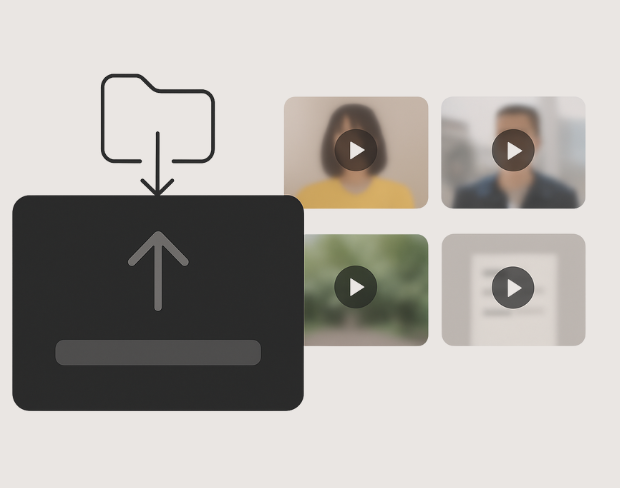
Apply targeted blur effects with surgical precision. Our AI identifies and tracks specific objects throughout your video, maintaining consistent blur coverage while preserving video quality and natural motion.
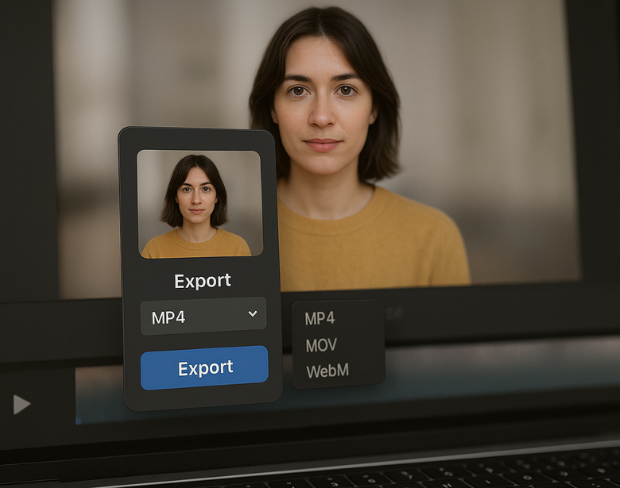
Control blur intensity and coverage for specific areas in your video. Adjust blur strength, feathering, and tracking parameters for each region to achieve professional-grade selective video anonymization.
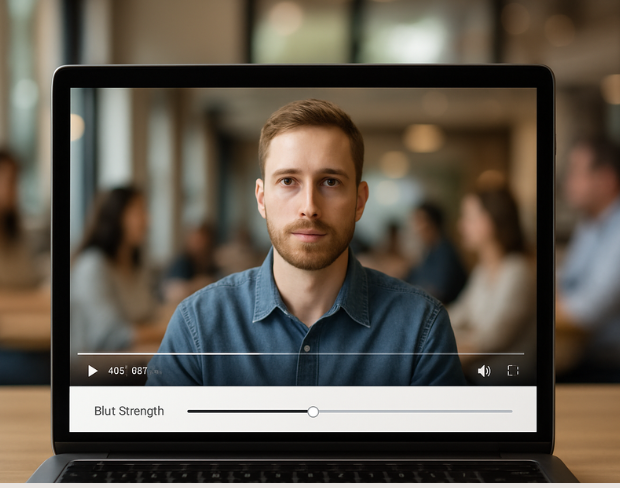
Advanced object tracking maintains consistent blur coverage as objects move through your video. Our AI follows selected objects frame-by-frame, ensuring seamless anonymization throughout the entire video duration.
Features
All the tools you need to blur, protect, and enhance your content.
Video blur
Auto-detect plates
Video blur
Frame-by-frame tracking
Video blur
No green screen needed
Video blur
Use a prompt or draw a box around what to blur
Privacy
Blur faces in photos
Privacy
Team-grade redaction
Privacy
AI voice masking
Face swap
Swap faces in images
Face swap
Swap faces in video
Face swap
Remove objects with scene fill
Ecosystem
Ask questions and get AI summaries
Join thousands of creators and teams who trust bgblur every day.
Blur any selected object or area in videos with AI precision. Free selective blur tool for targeted video anonymization and privacy protection. No signup required.
Blur specific objects in videos for professional anonymization and privacy protection. Perfect for content creators, businesses, and media professionals requiring precise object blur control.
Our advanced AI object detection technology ensures accurate targeting of specific objects and regions, delivering professional-grade selective blur effects with minimal manual intervention.
Process object region blur effects instantly with our optimized AI engine. Get professional selective blur results in seconds while maintaining original video quality.
Select and blur unlimited objects and regions in your videos. Create complex anonymization patterns with multiple blur zones, all processed without watermarks or restrictions.
Join professionals using our AI-powered selective blur tool for precise object anonymization and privacy protection in their video content.
120K+
Blurred Clips
500K+
License Plates Hidden
"The blur tools are a lifesaver — I can softly blur distracting backgrounds and automatically anonymize license plates in my vlogs."
Sarah Johnson
Content Creator • YouTube
"Perfect for short-form content — selective blur and automatic license-plate hiding keeps posts compliant and on-brand without manual editing."
Emma Rodriguez
Social Media Manager • Digital Agency
"I've used many blur filters, but the adaptive face and plate blur here are the most natural-looking — great for client deliverables where privacy matters."
Lisa Thompson
Freelance Video Editor • Independent
"We rely on the motion-aware blur and plate anonymization for on-the-go product demos. It's fast, consistent, and saves legal review time."
Michael Chen
Marketing Director • TechStart Inc.
"The blur tools are a lifesaver — I can softly blur distracting backgrounds and automatically anonymize license plates in my vlogs."
Sarah Johnson
Content Creator • YouTube
"Perfect for short-form content — selective blur and automatic license-plate hiding keeps posts compliant and on-brand without manual editing."
Emma Rodriguez
Social Media Manager • Digital Agency
"I've used many blur filters, but the adaptive face and plate blur here are the most natural-looking — great for client deliverables where privacy matters."
Lisa Thompson
Freelance Video Editor • Independent
"We rely on the motion-aware blur and plate anonymization for on-the-go product demos. It's fast, consistent, and saves legal review time."
Michael Chen
Marketing Director • TechStart Inc.
Our AI analyzes each video frame to identify and track specific objects, then applies precise blur effects to those regions while preserving the rest of the video quality.
Yes, BGBlur's AI automatically tracks moving objects, faces, and vehicles. You do not need to manually mask every frame; the motion-aware tracker keeps the blur locked onto the subject as it moves.
BGBlur is a completely web-based tool. You can upload any video or image, select the Face Blur tool, and apply pixelation or blur instantly inside your browser without downloading any apps or plugins.
Absolutely. Our AI is trained specifically to detect and blur license plates in driving footage, dashcams, and street-view videos. It helps creators and transport fleets stay compliant with privacy laws.
Your privacy is our priority. BGBlur leverages advanced client-side technologies to process videos securely. Your files are processed locally in your browser and are never uploaded or stored permanently on external servers.
Yes! BGBlur is fully responsive and optimized for mobile browsers. You can easily blur a video background or pixelate faces directly on your iPhone, iPad, or Android phone.
Limits depend on the feature. Standard video blur tools such as face blur, license plate blur, background blur, blur anything, screen blur, NSFW blur, and face anonymization support up to 200MB and 10 minutes on the free plan, while Pro users get unlimited blur processing with longer video support. Object Remover supports MP4 and MOV videos up to 1GB and 10 seconds per clip. Voice Anon direct uploads support up to 100MB, while the upload/URL workflow supports audio or video files up to 500MB and under 10 minutes.
Share your experience and help others make informed decisions
Community Score
0.0
/ 5
Based on 0 reviews
Be the first to share your experience and help others make informed decisions!