Logo blur for copyright & sponsorship compliance
Hide brand logos in video for copyright safety, sponsorship conflicts, and brand-neutral content—protect commercial usage rights.
Brand logos create legal and commercial complications: sponsorship exclusivity clauses, trademark restrictions on commercial use, YouTube Content ID flags, and competitor product placement issues all require logo redaction.
Redact logos for brand-safe commercial video in three steps
Built for advertising agencies, stock footage producers, and corporate teams managing sponsorship and licensing compliance.
Identify branded elements
Locate clothing logos, product packaging, and signage in your footage that require redaction.
Apply selective blur and verify tracking
Blur each logo region and confirm motion tracking holds if logos move through the frame.
Export brand-neutral video
Download the redacted version for commercial licensing, client approval, or platform upload.

What this example demonstrates
Unlike simple removal (which leaves empty space), blur maintains visual context while making logos unreadable—useful for b-roll, testimonials, and training videos that need environment authenticity without brand endorsement.
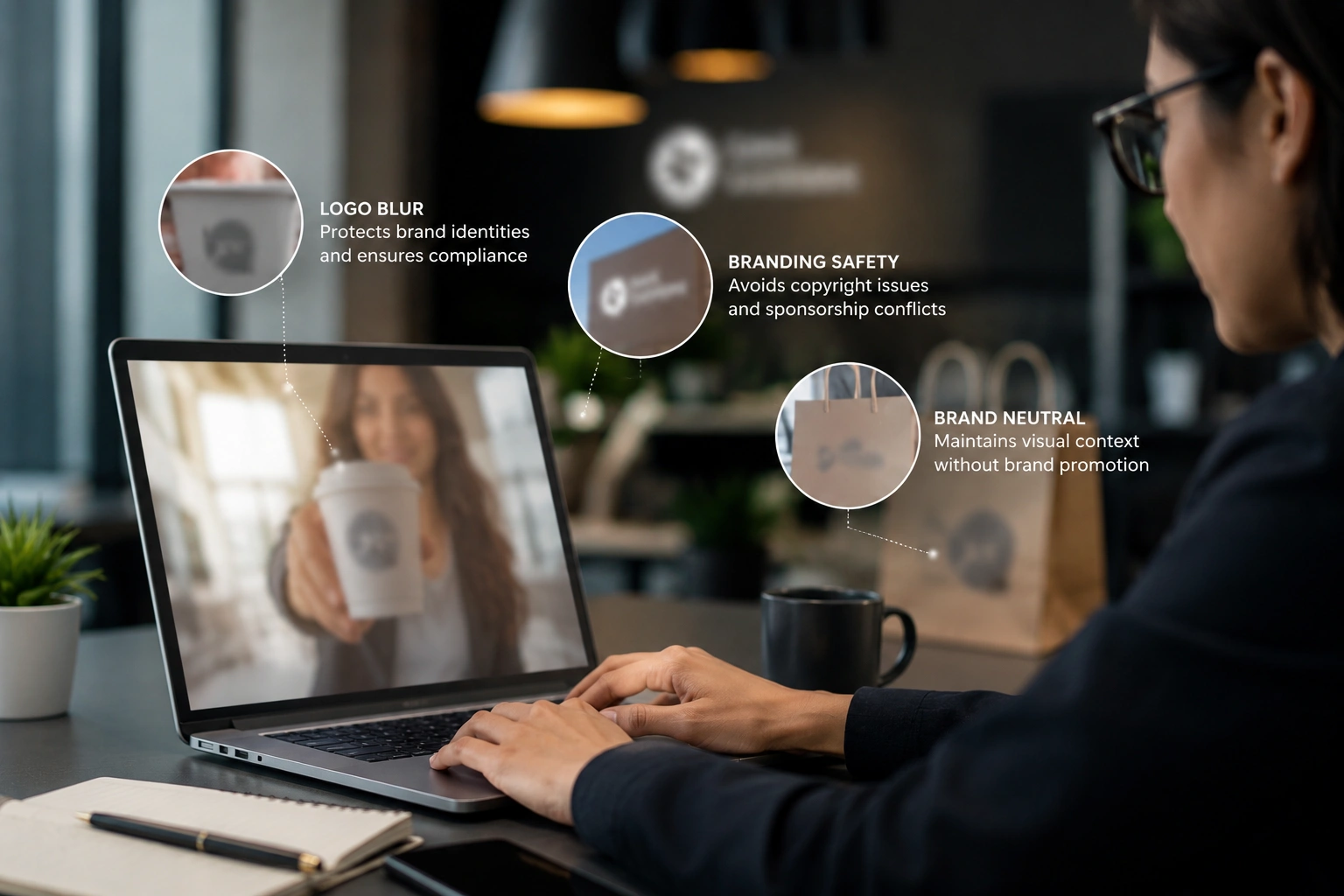
Why teams use this pattern
Logo blur is standard in advertising agencies, corporate video, and user-generated content campaigns where incidental branding could violate contracts or licensing terms.
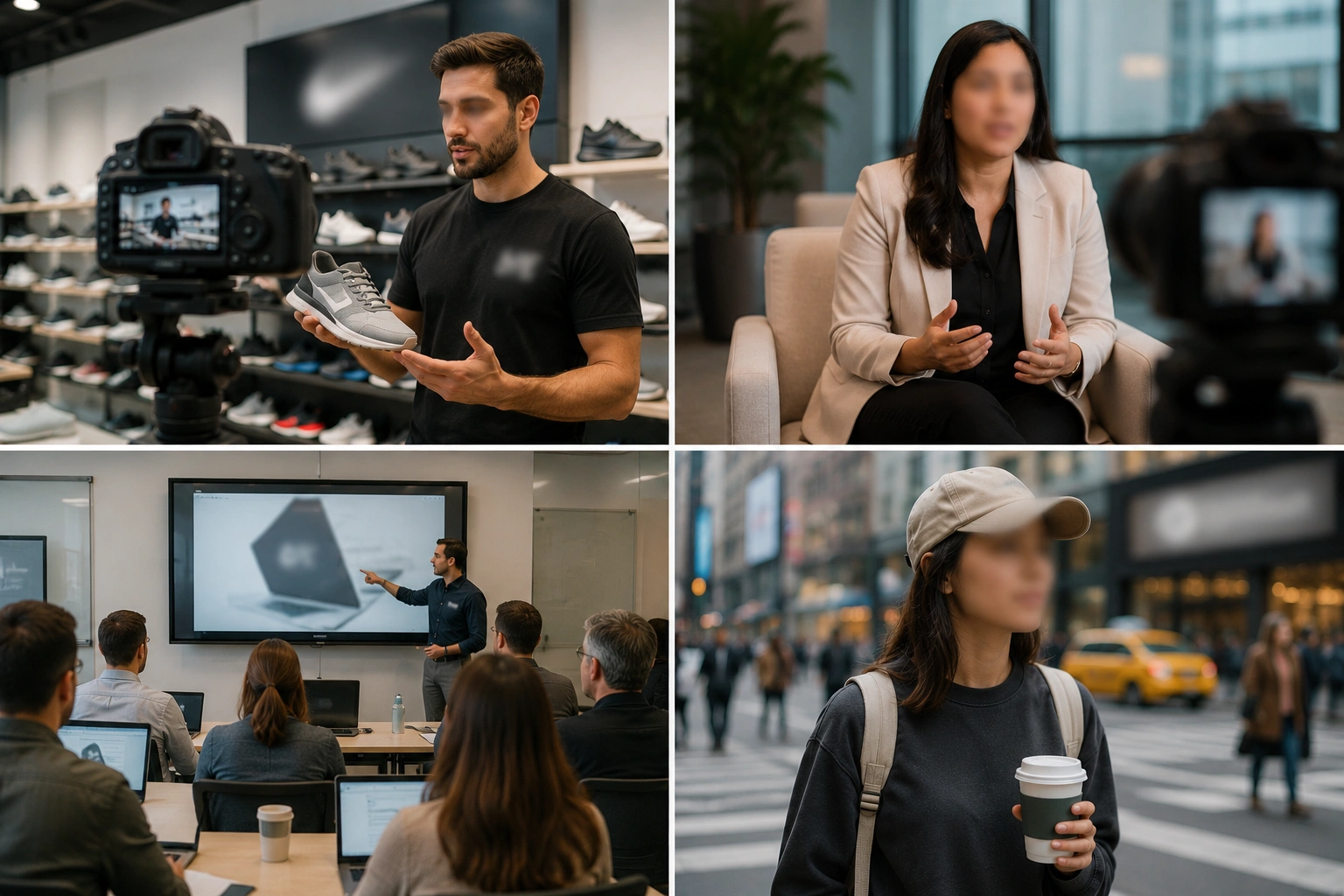
Common use cases
Teams reach for this workflow when stock footage licensing with trademarked products visible; testimonial videos where clients wear competitor logos; training videos filmed in retail environments; b-roll with incidental brand exposure in public spaces. BGBlur automates detection so these scenarios stay publishable without days in a timeline.
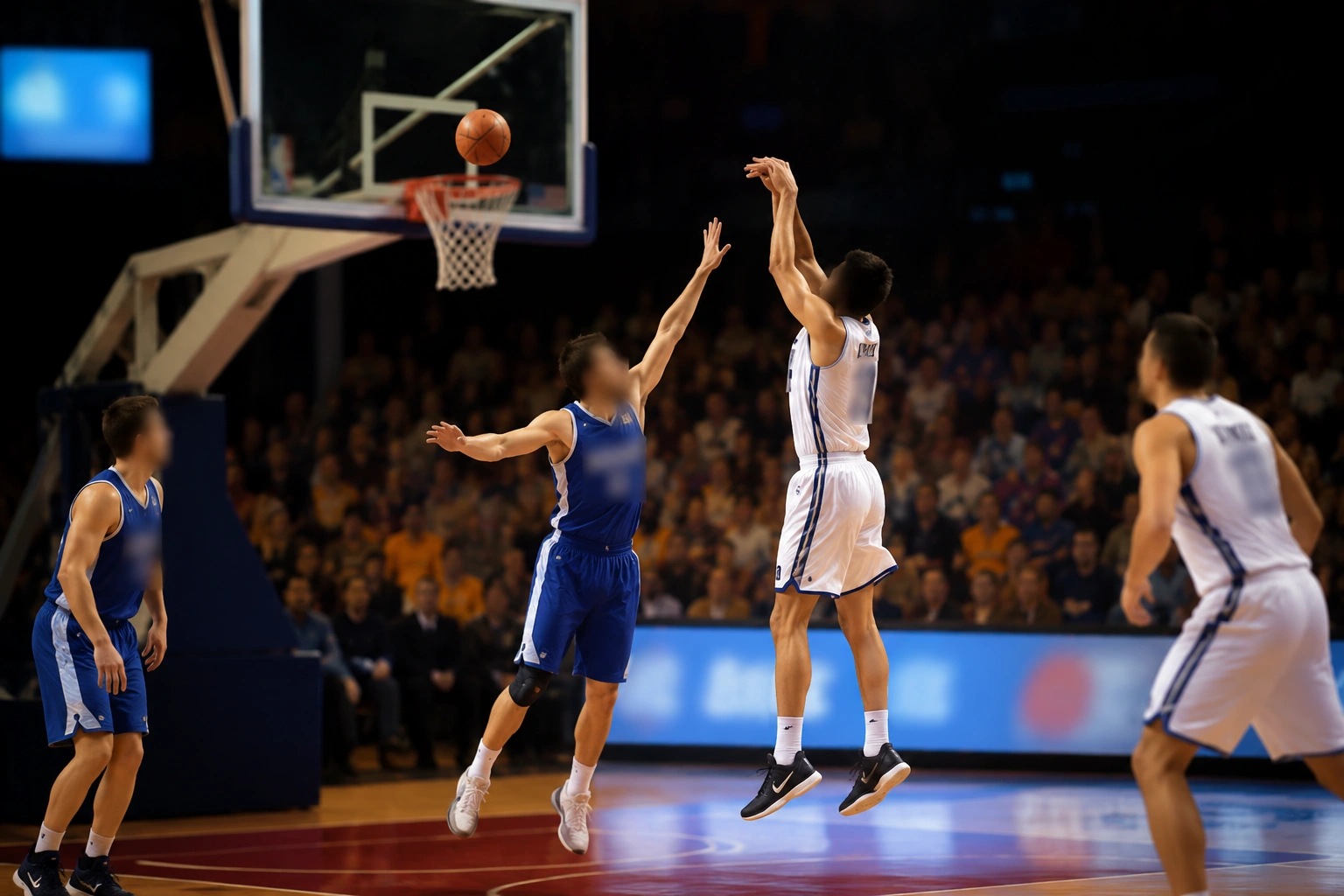
Built for Advertising and creative agencies and Stock footage producers
Ideal audiences include Advertising and creative agencies, Stock footage producers, Corporate video teams, Content licensors and distributors. Pair this example with your policy review when footage is sensitive or public-facing.
Use cases
- Stock footage licensing with trademarked products visible
- Testimonial videos where clients wear competitor logos
- Training videos filmed in retail environments
- B-roll with incidental brand exposure in public spaces
Who it's for
- Advertising and creative agencies
- Stock footage producers
- Corporate video teams
- Content licensors and distributors
More video blur examples
Explore similar scenarios with the same demo clips and step-by-step guidance.
Blur anything: logos, text & custom regions
Target arbitrary areas—logos on hoodies, on-screen addresses, signage—with precise AI-assisted selection.
Text & PII redaction in video
Redact addresses, phone numbers, email, credit cards, and readable text from video—GDPR and PII compliance for any footage.
Screen recording blur for tutorials & demos
Hide passwords, API keys, emails, and personal data in screen captures—essential for software demos and support videos.
Face blur in talking-head video
Automatic face detection and blur for interviews, podcasts, and vlogs—motion-tracked so identities stay protected.
Frequently asked questions
- Is blurring a logo the same as removing it?
- Blur obscures readability while preserving context; removal leaves empty space. Blur is faster and maintains visual continuity for most editorial uses.
- Can I blur logos on moving objects like clothing?
- Yes—motion tracking keeps blur aligned to logos on apparel, vehicles, and products as they move through the frame.
- Will Content ID still flag blurred logos?
- Visual matching may still detect context, but blurred trademarks generally avoid automated claims; audio (brand mentions) is a separate concern.
Ready to try this on your footage?
Upload MP4, MOV, or M4V and apply the same blur modes shown in this example.
Try BGBlur free