NSFW & Sensitive Blur — Android App

Redact body regions, wardrobe slips, or clinical footage before platforms auto-flag uploads. Built for editors who need defensible, repeatable redaction—not gimmick filters.

BGBlur Android sensitive-region controls for safer publishing

On-device capture · cloud-grade models

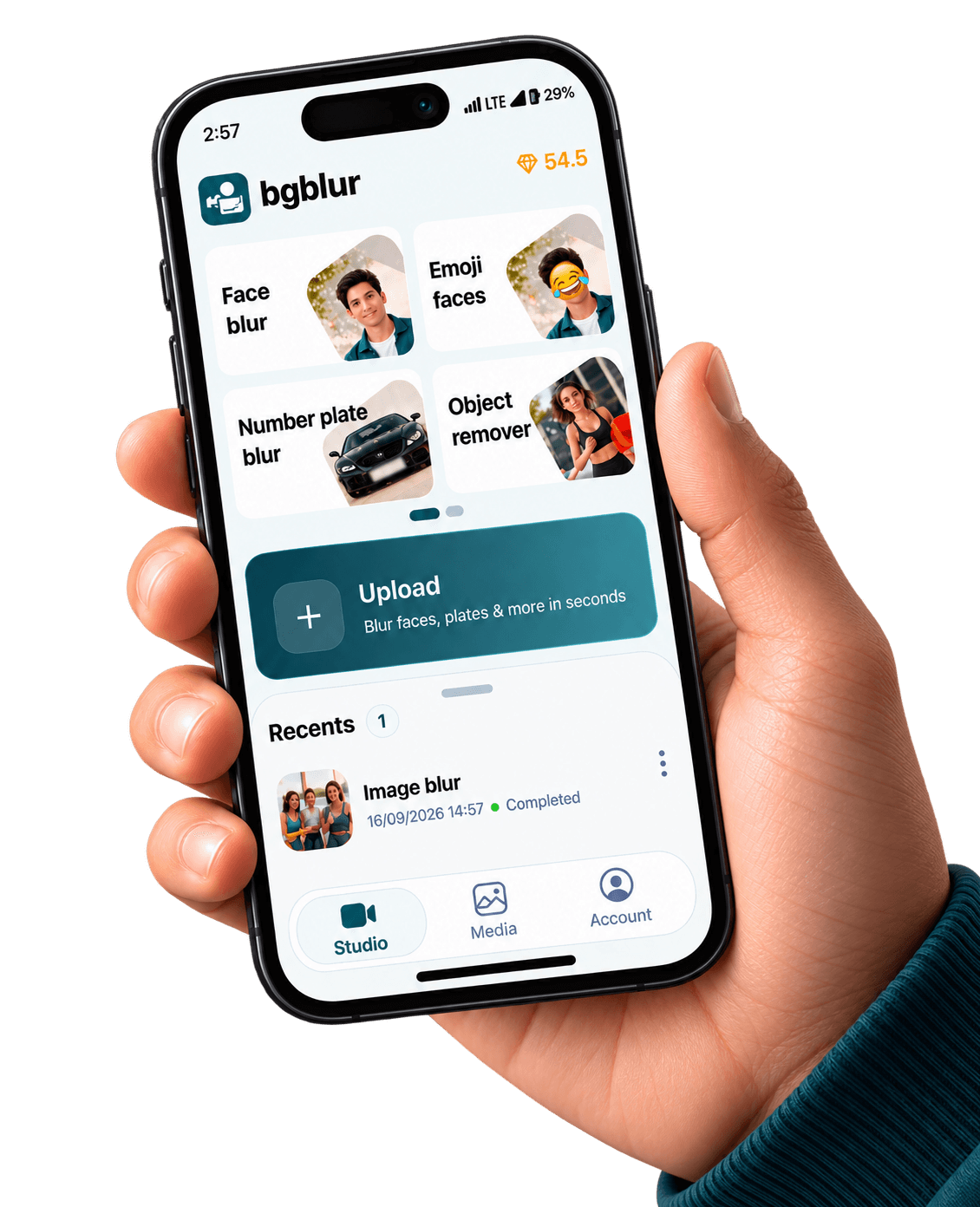
Screenshots come straight from public/images/mobile — the same creative kit we use for merchandising — paired below with stills from our web feature funnels so visitors see one consistent BGBlur story.

Get it on Google Play

NSFW blur on Android is a compliance layer: you are not ‘hiding art’, you are proving reasonable care before algorithms and human reviewers score your clip.

Platform enforcement data is proprietary, but public transparency reports consistently show automated enforcement at massive scale—proactive redaction reduces strikes more reliably than appeals. YouTube Community Guidelines — Adult content overview.

Also on iPhone — App Store.

When should creators default to sensitive blur?

Fitness try-ons, festival fashion, medical education, and comedy bits with wardrobe risk all benefit from pre-post redaction. Treat blur as part of risk management, not a creative afterthought.

Policy alignment

Blur cannot guarantee monetization, but it demonstrates mitigation when clips skirt gray areas.

Medical & edu

Instructional content still needs dignity—mask identifiable tissue or incidental nudity.

Disposable takes

Stories expire, but mirrors and reflections linger—blur reflections in gym mirrors or glass.

Offline-friendly

Triage clips plane-side, then sync heavier passes when Wi-Fi returns.

Same visuals as our web product pages

The stills below are pulled from the same CloudFront galleries we use on license blur, face blur, blur anything, and background blur — adapted here to show what your Android exports can match.

Privacy protection diagram for selective video redaction
Privacy-first framing shared with blur-anything education pages.
Object-level blur selection in a cluttered frame
Region and object prompts for wardrobe, reflections, or clinical B-roll.
Prompt-based blur interface selecting elements in video
Describe what to hide — mirrors the web blur-anything workflow.

Built for real mobile video pipelines

Privacy tooling that respects how Android creators actually shoot, edit, and publish

Region-first controls

Draw boxes or prompts around sensitive areas instead of relying on a single global filter.

Temporal smoothing

Reduce shimmer on skin-tone regions where codecs macro-block aggressively.

Dual outputs

Archive an untouched master locally, publish only the redacted proxy.

Android + Play compliance

Ship via Google Play with standard privacy disclosures—no sideload gymnastics for corporate MDM fleets.

What Our Users Say

Join thousands of satisfied users who trust our tools

"We blur before QC reviewers see dailies—saves awkward HR escalations when a slip streams live."
AD
Alex D.
Post supervisorReality streamer network
"Students film mock exams; redaction is mandatory. Android capture + blur fits their actual workflow."
MS
Monica S.
Clinical educatorTelehealth training
"We tell talent ‘blur first, upload second.’ Strike rates dropped once that became muscle memory."
VH
Vik H.
UGC moderatorCreator marketplace
4.9/5from 3+ reviews

Frequently asked questions

Get answers to the most common questions about our tools and services.

Utilities that help users blur private media are generally permissible when they do not facilitate non-consensual imagery. Always read the latest Google Play policy and your employer’s code of conduct.

No. Platforms evaluate intent, context, and repetitive violations. Blur is evidence of good faith, not a waiver.

Some steps may still route through BGBlur’s secure cloud encoders for long 4K timelines. Check in-app settings for the current on-device vs cloud split.

Install BGBlur for Android

Google Play listing — swap in your production package URL anytime

Free to use
Instant results
NSFW Blur Android App | Sensitive Region Privacy | BGBlur