Share your child's school play — blur everyone else's kids
One-click alternative with BGBlur
Upload a clip and preview automatic face, plate, background, or prompt-based blur—no keyframes or nested timelines.
Schools increasingly allow filming at plays, concerts, and sports days while prohibiting the posting of footage that identifies other children. The rule feels contradictory until you see the reason: some children in the cast are under protection orders, in foster placements, or have fled a dangerous parent — and a proud family's Facebook post is exactly how they get found. Even outside those cases, many parents simply refused the school's media consent form, and that refusal binds other parents too in most school policies.
The practical answer is not to skip posting — it is to post a version where only your child is identifiable. BGBlur's selective face blur was built for exactly this: pick the faces that stay visible, and every other face in the video is masked automatically, tracked through stage movement, costume changes, and lighting shifts.

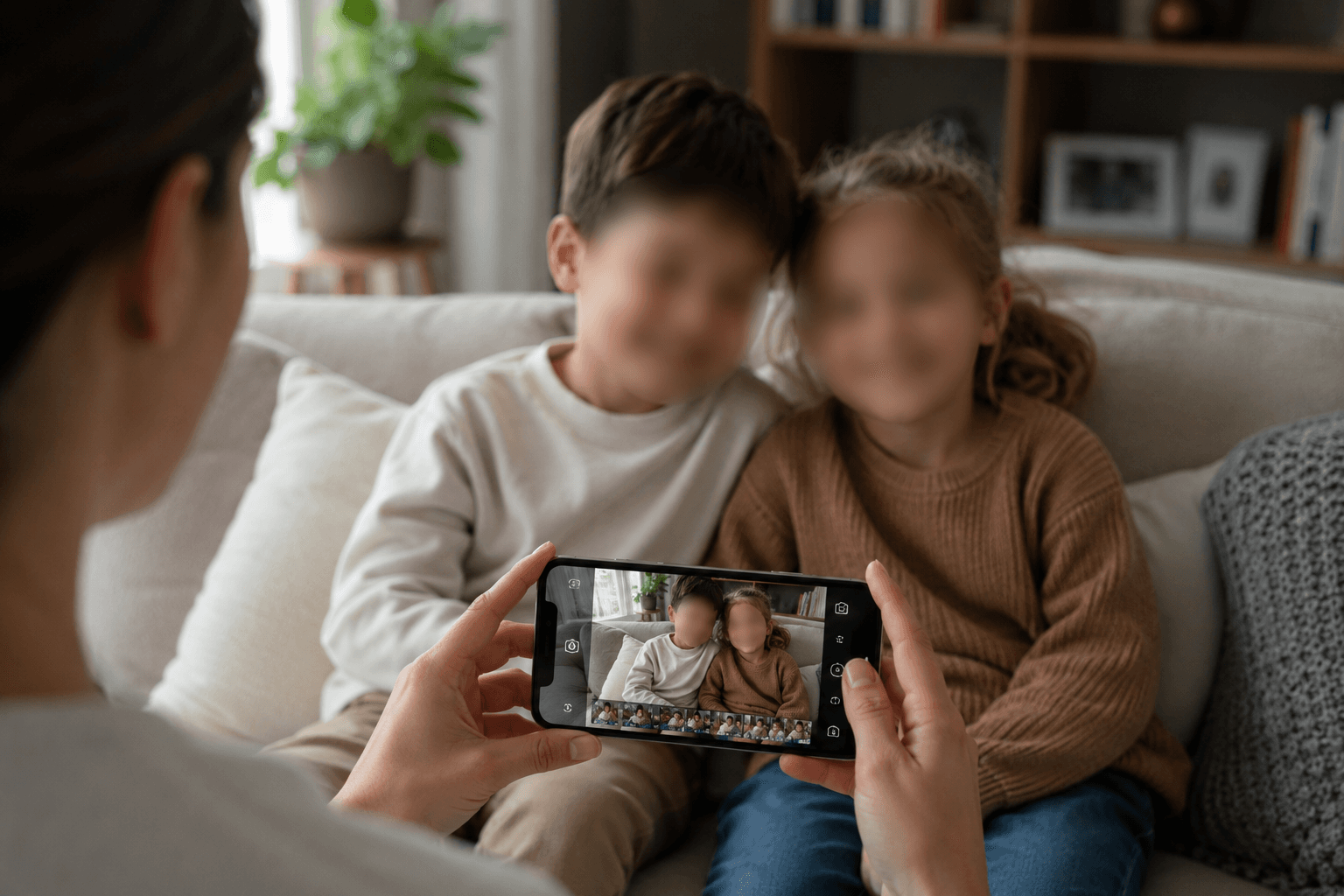
You can film it — posting is the problem
Recording for private family viewing is almost universally permitted and legally uncontroversial. Publishing is different: posting to a public or semi-public account is a disclosure, and it is where school policies, and in Europe the GDPR, actually bite. A UK ICO guidance staple: filming the nativity for the family album is fine; the household exemption stops applying as content is shared widely.
School policies typically mirror this line. Check the event program or consent form language — 'for personal use only' means blur before posting. If your school bans filming outright, this guide can't help; but the blur-before-posting norm is what most schools are converging on because it lets families keep the memories.
Blur every child except yours
Upload the recording, and BGBlur detects every face on stage. Tap your child's face to exempt it; every other performer is blurred with masks that follow them through dance numbers, bows, and group scenes. The stage, set, and audio are untouched — what you share still looks and sounds like the performance.
For group numbers where your child is shoulder-to-shoulder with classmates, the tracking holds each mask to its own face, so the exemption doesn't leak to neighbors mid-choreography.
- Works on phone footage — vertical or horizontal, up to 4K.
- Exempt one child or several (yours and your best friend's, if their parent agrees).
- Audio, stage design, and your child stay exactly as filmed.
A quick regional reality check
United States: no federal law stops a parent posting event footage, but school policies are contractual and protective orders are real — blurring other children is the safe norm, and required by many district policies. United Kingdom & EU: once footage is shared publicly, GDPR considerations apply and schools commonly require other children to be unidentifiable. Australia & Canada: school media policies govern; the blur-before-posting standard is spreading fast.
Whatever the jurisdiction, the etiquette baseline has shifted: parents' groups now widely treat posting identifiable footage of other people's kids as a violation, legal or not.
The same workflow covers sports, graduation, and birthday parties
Everything above applies to swim meets, graduation ceremonies, martial-arts gradings, and birthday parties in venues full of other people's children. If you post family content regularly, make selective blur the default step between camera roll and feed — it takes minutes and removes the one part of sharing that can genuinely hurt someone.
From camera roll to shareable in five steps
- Upload the video. Drag your phone recording into BGBlur in the browser — no app needed.
- Let detection run. Every face on stage is found automatically, including partial profiles and stage-lit faces.
- Exempt your child. Click their face in the preview; the exemption follows them through the whole video.
- Preview the group numbers. Scrub the busiest scenes to confirm each mask stays on its own performer.
- Export and share. Download the processed video and post — the memory stays, the other families stay private.
Note: UK ICO guidance distinguishes personal/household filming at school events (exempt from data-protection rules) from wider public sharing — the household exemption weakens as footage is published. Blurring other children before posting keeps family sharing inside safe territory.
Related guides
Frequently asked questions
- Is it illegal to post a school play video with other kids in it?
- Usually it's a policy violation rather than a crime — but in the EU/UK it can raise GDPR issues, and if a child in frame is under a protection order the consequences can be serious. School policies commonly require other children to be unidentifiable in anything posted publicly. Blurring resolves all three concerns at once.
- Can I keep two children visible — mine and a friend's?
- Yes. Selective blur lets you exempt any number of faces; exempt both with their parent's blessing and blur the rest.
- The stage lighting is dim and colored. Will detection still work?
- Stage conditions are a common use case — detection handles low light, colored washes, and spotlights well. Always scrub the preview before exporting; you can manually add a mask to anything missed.
- What about the school's own recording?
- Schools publishing event recordings face the same duty at larger scale — many now blur non-consented students before posting to the school channel. The workflow is identical; see our bulk blur feature for processing a season of events.
- Does blurring reduce the video quality?
- Only the masked regions are altered. Resolution, frame rate, and audio are preserved in the export.
BGBlur provides privacy tooling for creators and teams; consult counsel for broadcast, evidentiary, or regulated workflows.