
"The blur tools are a lifesaver — I can softly blur distracting backgrounds and automatically anonymize license plates in my vlogs."
SJ
Sarah Johnson
Content Creator • YouTube
AI Video Background Blur — Green-Screen-Free, Built for Privacy
Get started with our simple 3-step process
Upload your MP4, MOV, or M4V file securely in your browser.
Choose face blur, license plate blur, background blur, or object blur and preview instantly.
Export your privacy-safe video in high quality and publish anywhere.
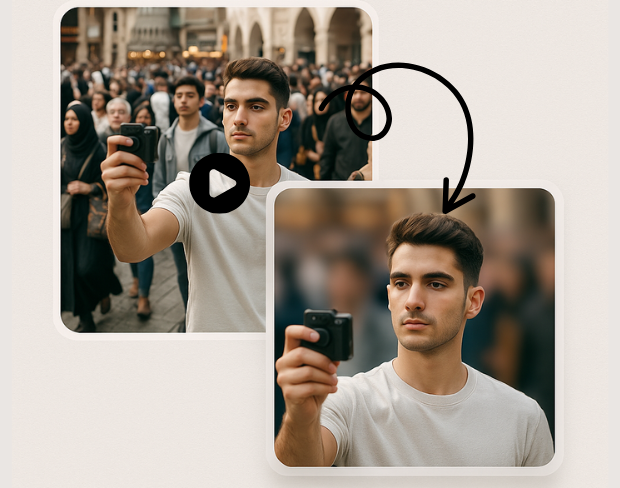
Create a bokeh-style background without a physical green screen. Subjects stay sharp while environments fall off—ideal for calls, vlogs, and compliance-friendly sharing.
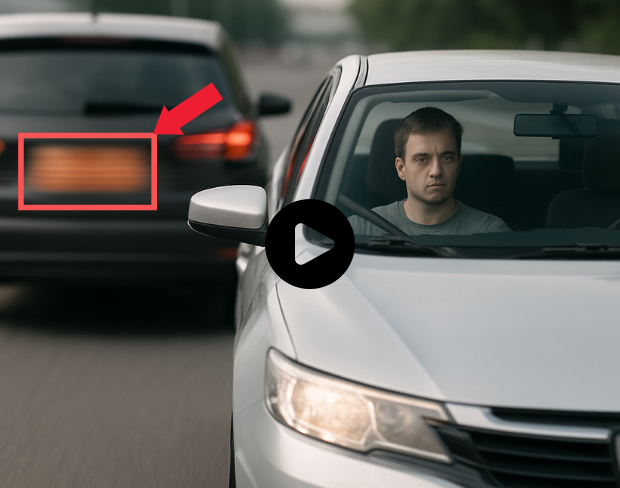
Our models handle natural lighting, motion, and busy scenes. You get consistent blur across frames without manual rotoscoping.
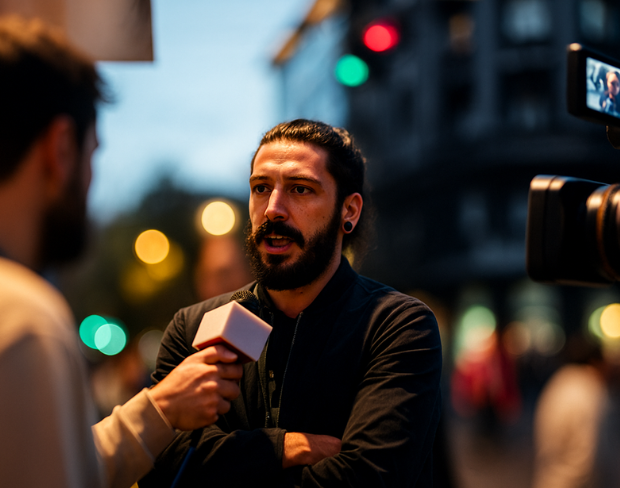
Blur sensitive areas automatically so you can publish faster. Pair background blur with face and plate tools when one effect is not enough.
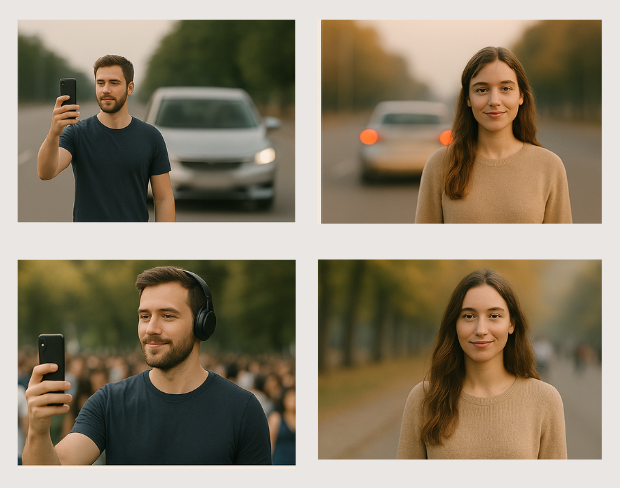
Batch-friendly processing and presets help agencies, journalists, and operators move from raw footage to redacted masters quickly.
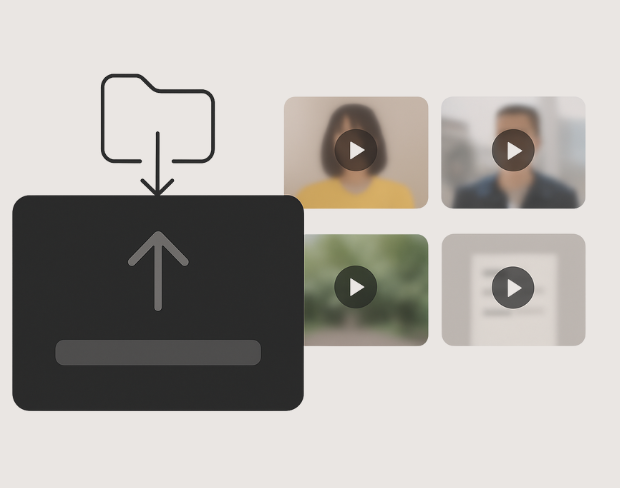
Detection tracks people and plates through the timeline so effects stay locked to subjects—even with handheld cameras.
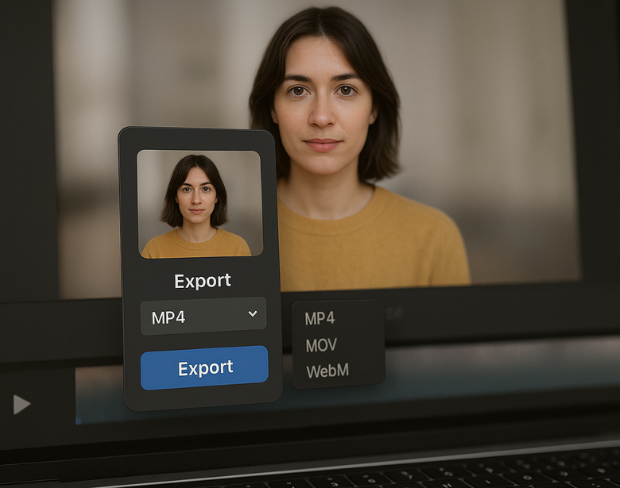
Export high-quality MP4/MOV/WebM outputs with the blur baked in, ready for YouTube, TikTok, internal archives, or legal review packets.
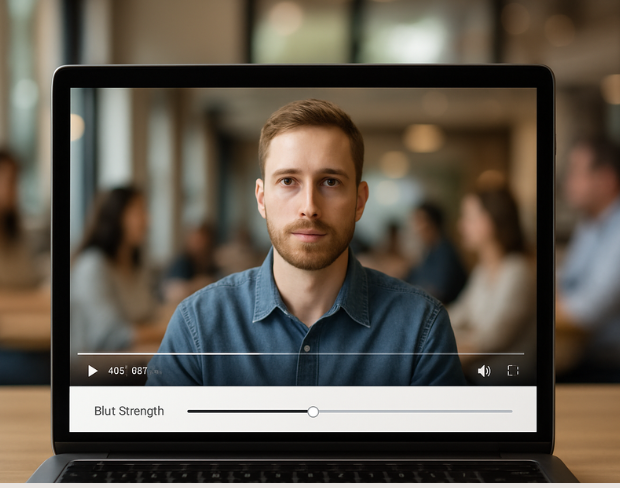
Visit our examples and docs for sample settings, or combine tools: many teams stack background blur with face anonymization on the same render.
Features
All the tools you need to blur, protect, and enhance your content.
Video blur
Auto-detect plates
Video blur
Frame-by-frame tracking
Video blur
No green screen needed
Video blur
Use a prompt or draw a box around what to blur
Privacy
Blur faces in photos
Privacy
Team-grade redaction
Privacy
AI voice masking
Face swap
Swap faces in images
Face swap
Swap faces in video
Face swap
Remove objects with scene fill
Ecosystem
Ask questions and get AI summaries
Join thousands of creators and teams who trust bgblur every day.
Soften or hide video backgrounds, blur faces, and redact license plates with AI. BGBlur focuses on privacy-safe exports—not transparent background cutouts.
Combine background blur, face blur, and plate redaction for publish-ready clips—built for creators, teams, and compliance workflows.
Models locate subjects and sensitive regions so blur tracks motion without chroma keys or frame-by-frame touch-ups.
Optimized pipelines keep foreground detail crisp while backgrounds and plates receive clean, adjustable blur.
Shoot anywhere; BGBlur works on everyday environments so you can protect privacy without a production-grade setup.
Teams trust BGBlur to anonymize footage while keeping storytelling intact—especially for street scenes, interviews, and ops video.
120K+
Blurred Clips
500K+
License Plates Hidden
"The blur tools are a lifesaver — I can softly blur distracting backgrounds and automatically anonymize license plates in my vlogs."
Sarah Johnson
Content Creator • YouTube
"Perfect for short-form content — selective blur and automatic license-plate hiding keeps posts compliant and on-brand without manual editing."
Emma Rodriguez
Social Media Manager • Digital Agency
"I've used many blur filters, but the adaptive face and plate blur here are the most natural-looking — great for client deliverables where privacy matters."
Lisa Thompson
Freelance Video Editor • Independent
"We rely on the motion-aware blur and plate anonymization for on-the-go product demos. It's fast, consistent, and saves legal review time."
Michael Chen
Marketing Director • TechStart Inc.
"The blur tools are a lifesaver — I can softly blur distracting backgrounds and automatically anonymize license plates in my vlogs."
Sarah Johnson
Content Creator • YouTube
"Perfect for short-form content — selective blur and automatic license-plate hiding keeps posts compliant and on-brand without manual editing."
Emma Rodriguez
Social Media Manager • Digital Agency
"I've used many blur filters, but the adaptive face and plate blur here are the most natural-looking — great for client deliverables where privacy matters."
Lisa Thompson
Freelance Video Editor • Independent
"We rely on the motion-aware blur and plate anonymization for on-the-go product demos. It's fast, consistent, and saves legal review time."
Michael Chen
Marketing Director • TechStart Inc.
No. BGBlur applies AI blur and privacy effects. For transparent cutouts, full replacement mats, and alpha exports, use our sister product BgRemover: https://www.bgremover.video/
Yes, BGBlur's AI automatically tracks moving objects, faces, and vehicles. You do not need to manually mask every frame; the motion-aware tracker keeps the blur locked onto the subject as it moves.
BGBlur is a completely web-based tool. You can upload any video or image, select the Face Blur tool, and apply pixelation or blur instantly inside your browser without downloading any apps or plugins.
Absolutely. Our AI is trained specifically to detect and blur license plates in driving footage, dashcams, and street-view videos. It helps creators and transport fleets stay compliant with privacy laws.
Your privacy is our priority. BGBlur leverages advanced client-side technologies to process videos securely. Your files are processed locally in your browser and are never uploaded or stored permanently on external servers.
Yes! BGBlur is fully responsive and optimized for mobile browsers. You can easily blur a video background or pixelate faces directly on your iPhone, iPad, or Android phone.
Limits depend on the feature. Standard video blur tools such as face blur, license plate blur, background blur, blur anything, screen blur, NSFW blur, and face anonymization support up to 200MB and 10 minutes on the free plan, while Pro users get unlimited blur processing with longer video support. Object Remover supports MP4 and MOV videos up to 1GB and 10 seconds per clip. Voice Anon direct uploads support up to 100MB, while the upload/URL workflow supports audio or video files up to 500MB and under 10 minutes.
Share your experience and help others make informed decisions
Community Score
0.0
/ 5
Based on 0 reviews
Be the first to share your experience and help others make informed decisions!