License Plate Blur for iPhone — App Store
Redact number plates and fleet identifiers on your iPhone before YouTube, TikTok, or client delivery. Built for creators who film traffic, parking lots, and logistics.

iPhone & iPad capture · cloud-grade models
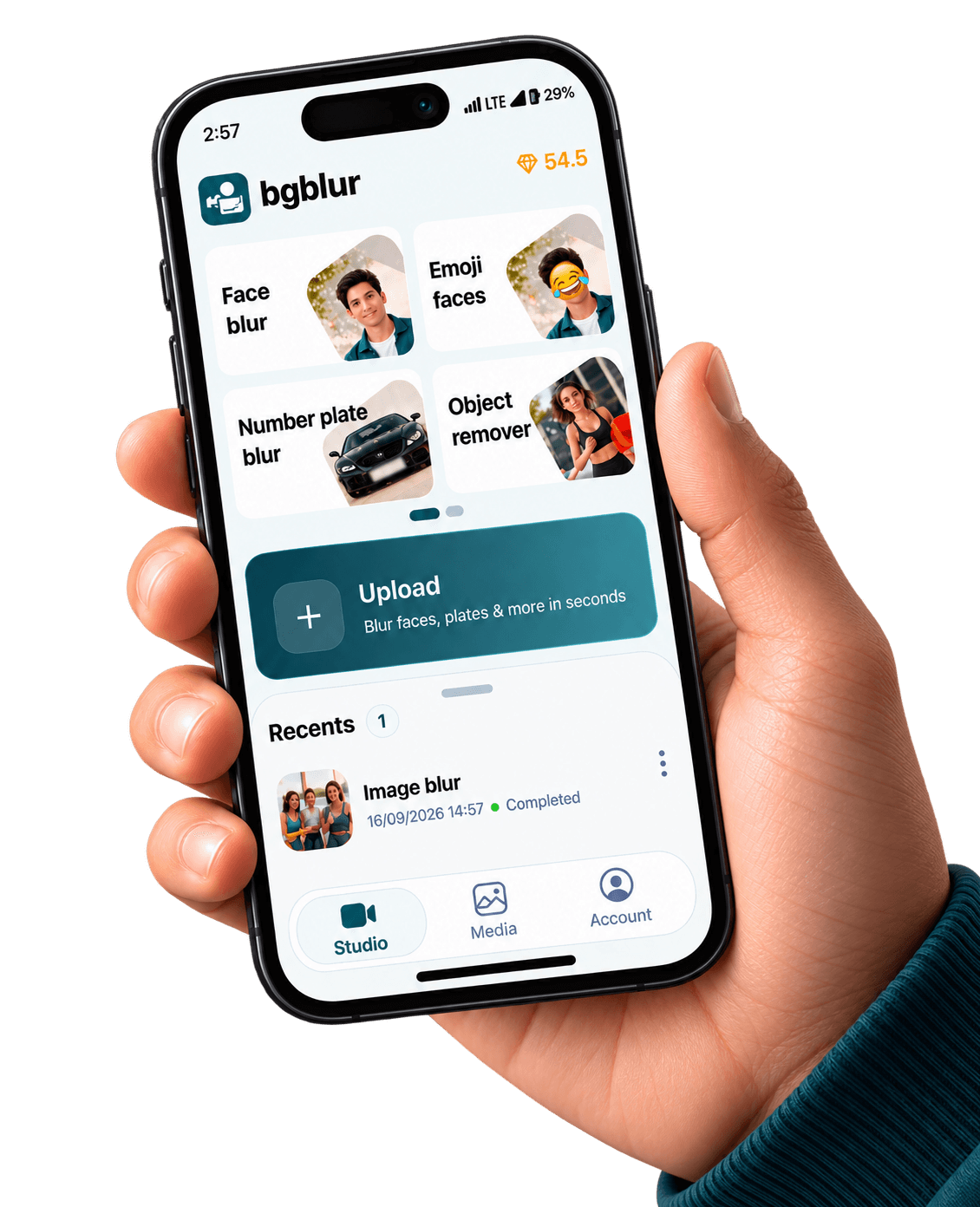
Device renders come from public/images/mobile — the same kit as our Android pages — with App Store badge artwork and CloudFront stills aligned to bgblur.com feature funnels.
Yes: you can ship plate-safe clips from iOS by processing video with BGBlur’s mobile workflow, then publishing without readable registration marks. Hard cuts and jump edits do not block masking—the pipeline works on the full timeline.
In many markets (especially the United States, UK, and Japan), iOS accounts for a large share of premium handset usage—StatCounter country reports are useful when you are pitching App Store-first distribution to brand partners. StatCounter — mobile OS share by region.
Also available on Android / Google Play.
Readable plates can re-identify vehicles and, in combination with other data, the people who operate them. Many creators now treat automatic plate redaction as part of the same checklist as face blur—especially for monetized or B2B content.
Logistics vlogs, depot B-roll, and ride-alongs often catch dozens of incidental plates—batch-friendly workflows help.
Install from the App Store and keep export defaults tuned for social codecs.
Need depth tools? Finish tougher timelines on bgblur.com and use iPhone for fast field passes.
Mask plates even when a platform’s policy feels ambiguous—viewer trust compounds.
The stills below are pulled from the same CloudFront galleries we use on license blur, face blur, blur anything, and background blur — adapted here to show what your iOS exports can match.


Privacy tooling tuned for how iPhone creators shoot, edit, and publish
Target rectangular plate regions with tracking tuned for lateral motion and mild angle changes.
Encode and review on-device previews before you commit credits to a long cloud render.
Cover side-door panels, DOT decals, and fleet numerals alongside plates when paired with blur-anything prompts.
Ship H.264/HEVC-friendly outputs that TikTok, Shorts, and Reels accept without extra transcoding.
Join thousands of satisfied users who trust our tools
"We were tired of hand-masking plates in Resolve. iPhone blur-first saves hours before legal reviews the weekly vlog."
"Incidental plates everywhere in my B-roll. An App Store flow means I actually publish on schedule."
"We pair plate blur with face blur for any clip that shows cab windows. Consistent policy beats one-off mistakes."
Get answers to the most common questions about our tools and services.
These pages promote BGBlur’s iOS distribution. Tap Download on the App Store above—when the listing goes live, it resolves to our production app; until then the URL is a placeholder you can swap via NEXT_PUBLIC_IOS_APP_STORE_URL.
No. Jump cuts only change which frames viewers see; each segment still needs consistent masks wherever a plate stays visible.
Absolutely. Many teams capture on iPhone, run a fast redaction pass mobile, then polish timelines in Premiere or Resolve before upload.
App Store listing — set NEXT_PUBLIC_IOS_APP_STORE_URL when live