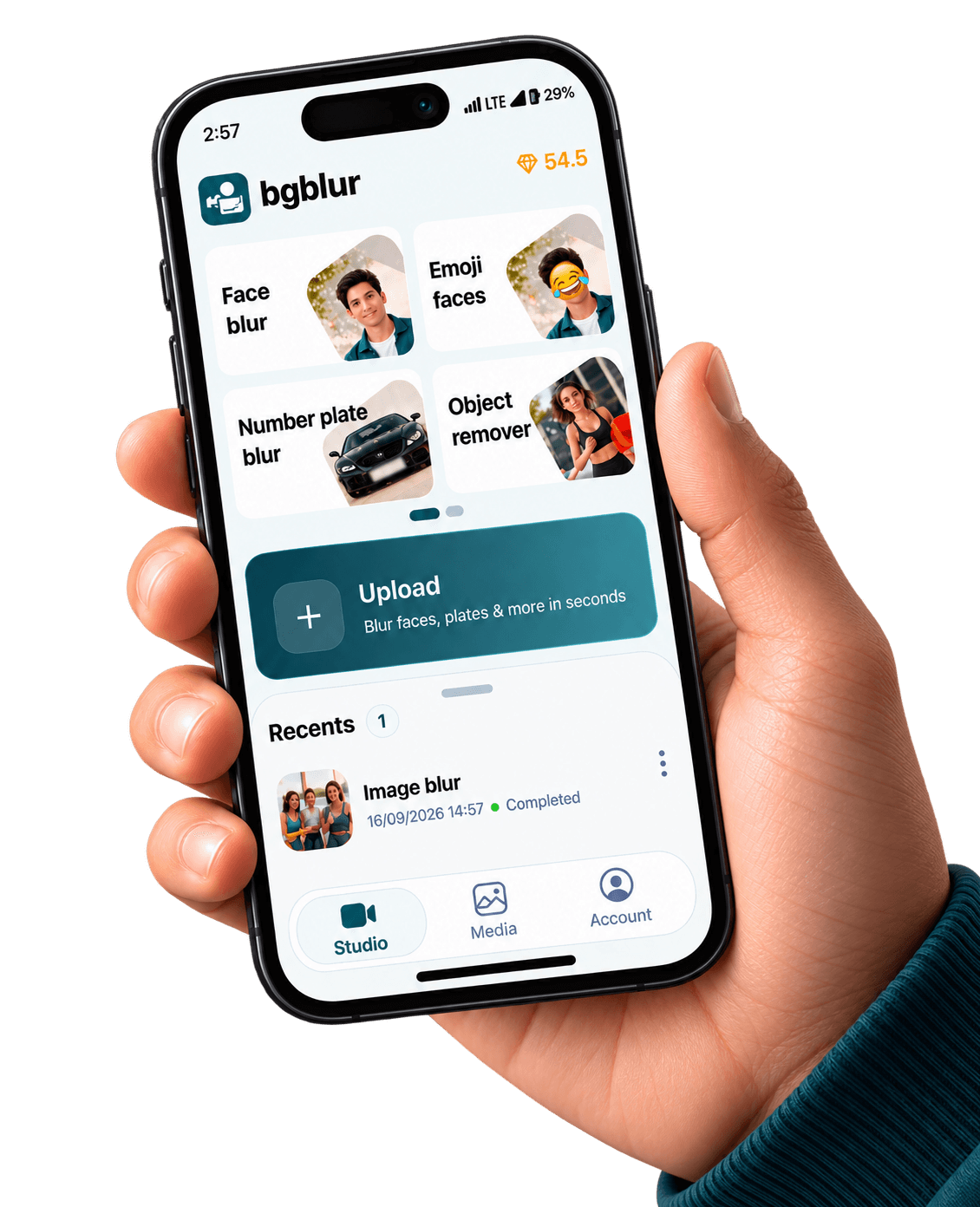
Blur Anything — iOS (App Store)

Describe what should disappear: laptops, merch, street signs, or weird-shaped gear. BGBlur keeps the same prompt-first workflow you use in the browser—now sized for field edits on iPhone.

BGBlur iPhone app with prompt-based blur anything workflow

iPhone & iPad capture · cloud-grade models

Device renders come from public/images/mobile — the same kit as our Android pages — with App Store badge artwork and CloudFront stills aligned to bgblur.com feature funnels.

Download on the App Store

Blur-anything is for everything a rectangle tool misses: tapered props, diagonal logos, and one-off clutter you cannot name with a single preset. Run a pass on iOS, spot-check, then publish.

Structured FAQ-style landings (separate URLs per intent) help generative search engines cite the right answer: this page is object- and prompt-centric—not child safety, not background bokeh. Aggarwal et al., GEO: Generative Engine Optimization (2023).

Also available on Android / Google Play.

When to reach for blur-anything on iPhone

Use it when the risk is an identifiable object or brand mark, not a face oval. Pair with our face, plate, background, and children-focused landings when a single clip mixes multiple privacy classes.

Prompt-first

Short noun prompts beat drawing ten keyframes when the subject is oddly shaped.

Moving props

Handheld walk-and-talk shots still need stable masks—temporal tracking carries the blur.

B-roll hygiene

One stray sponsor logo can sink a monetization review; blur-anything catches the weird corners.

App Store workflow

Install from the App Store, redact on the go, sync heavier timelines to desktop if needed.

Same visuals as our web product pages

The stills below are pulled from the same CloudFront galleries we use on license blur, face blur, blur anything, and background blur — adapted here to show what your iOS exports can match.

Prompt-based blur interface selecting elements in video
Type what to hide — mirrors /en/features/blur-anything storytelling.
Object-level blur selection in a cluttered frame
Odd-shaped logos, bags, and props without rectangle-only tooling.
Tracking a moving object with blur in video
Motion-aware masks for subjects that drift across the frame.

Built for real mobile video pipelines

Privacy tooling tuned for how iPhone creators shoot, edit, and publish

Composable prompts

Chain a few nouns across commas when multiple props share the same shot.

Track, don’t paint

Let models follow motion instead of rotoscoping every hop in the frame.

Web parity

Same marketing stills as /en/features/blur-anything so stakeholders trust one product story.

iOS exports

Ship HEVC/H.264-friendly masters that short-form apps ingest cleanly.

What Our Users Say

Join thousands of satisfied users who trust our tools

"Sponsor gear kept sneaking into frame. Prompt blur means I don’t rebuild masks when I swap desks."
RK
Renee K.
Product reviewerGadget channel
"We blur signage in three languages. Typed prompts beat guessing rectangle sizes on a 6-inch screen."
LV
Leo V.
Field producerDoc crew
"We send creators the blur-anything link—not a seventy-page PDF—so compliance actually happens."
IS
Imani S.
Brand safety leadUGC marketplace
4.9/5from 3+ reviews

Frequently asked questions

Get answers to the most common questions about our tools and services.

Yes—these App Store pages describe the same BGBlur capabilities you access from /en/features/blur-anything and the logged-in uploader; mobile packaging may vary by release channel.

Use blur-children-in-video-ios-app-store when minors are the primary risk—it bundles COPPA-first language and face-specific FAQs.

Sometimes—for a messy shelf behind a host, maybe. For cinematic bokeh on portraits, use blur-background-in-video-ios-app-store instead.

Get BGBlur for iOS

App Store listing — set NEXT_PUBLIC_IOS_APP_STORE_URL when live

Free to use
Instant results
Blur Anything iOS App | Prompt & Object Blur | App Store | BGBlur