Zoom & Teams meeting privacy blur
Professional video call recordings with blurred backgrounds, participant faces, and sensitive on-screen content for safe sharing.
Recorded Zoom and Teams meetings often contain more than the intended presentation: home offices with family photos, coworkers who didn't consent to external sharing, and screen shares with customer data.
Clean up Zoom and Teams recordings for safe sharing in three steps
Built for corporate comms, HR, and marketing teams who need privacy-safe recordings for external or LMS distribution.
Export your Zoom or Teams recording
Download the MP4 from Zoom cloud or Teams recordings before sharing externally.
Apply background and face blur
Blur participant backgrounds and specific attendee faces to protect privacy in gallery view.
Preview and export
Check gallery layouts across the timeline, then export for LMS, YouTube, or Vimeo hosting.
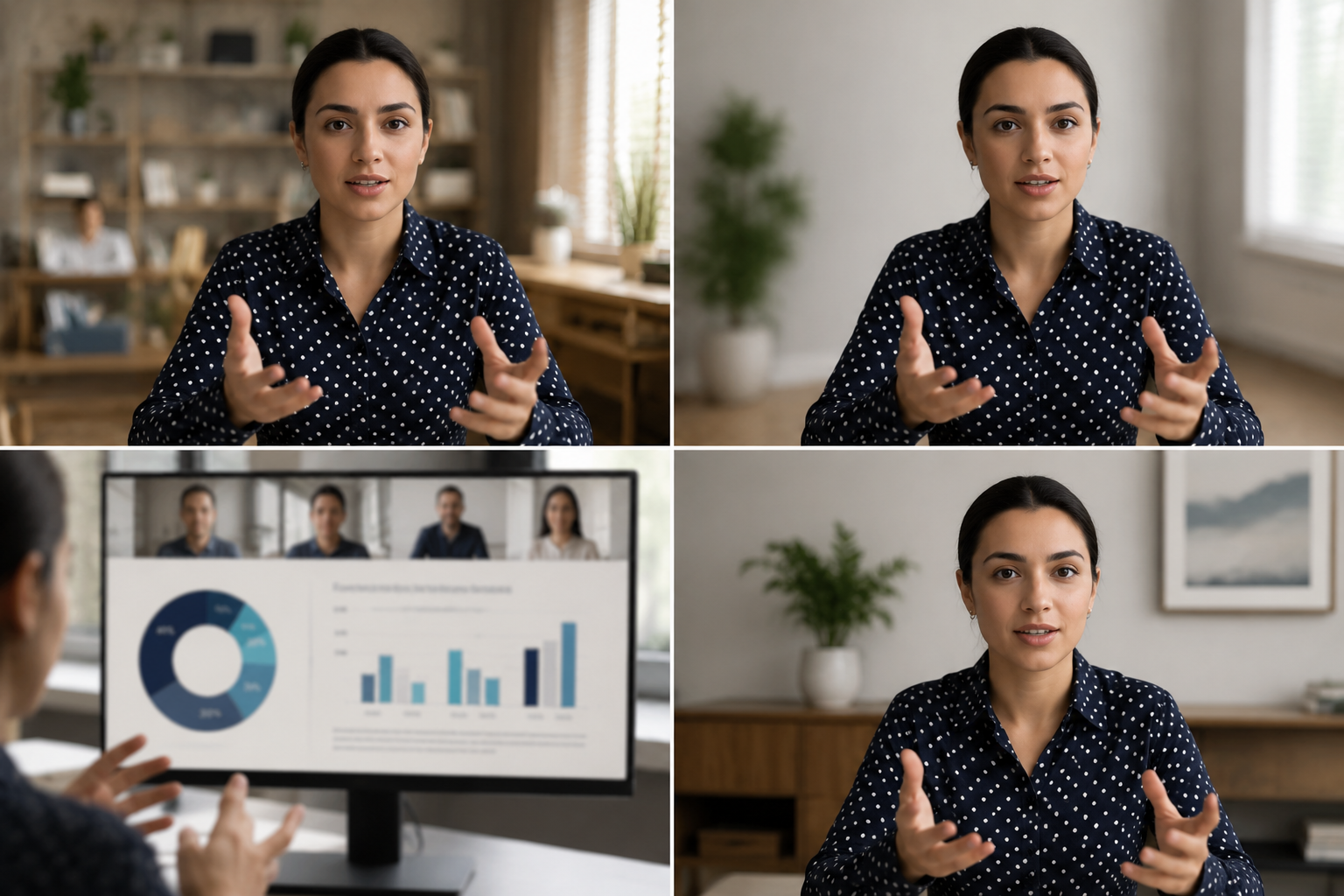
What this example demonstrates
Post-production blur gives you control that real-time virtual backgrounds can't: selectively protect participants, hide screen share content, and clean up backgrounds after the call ends.

Why teams use this pattern
Use this workflow when you need to share all-hands recordings externally, create training clips from client calls, or publish webinar archives with attendee privacy intact.
Common use cases
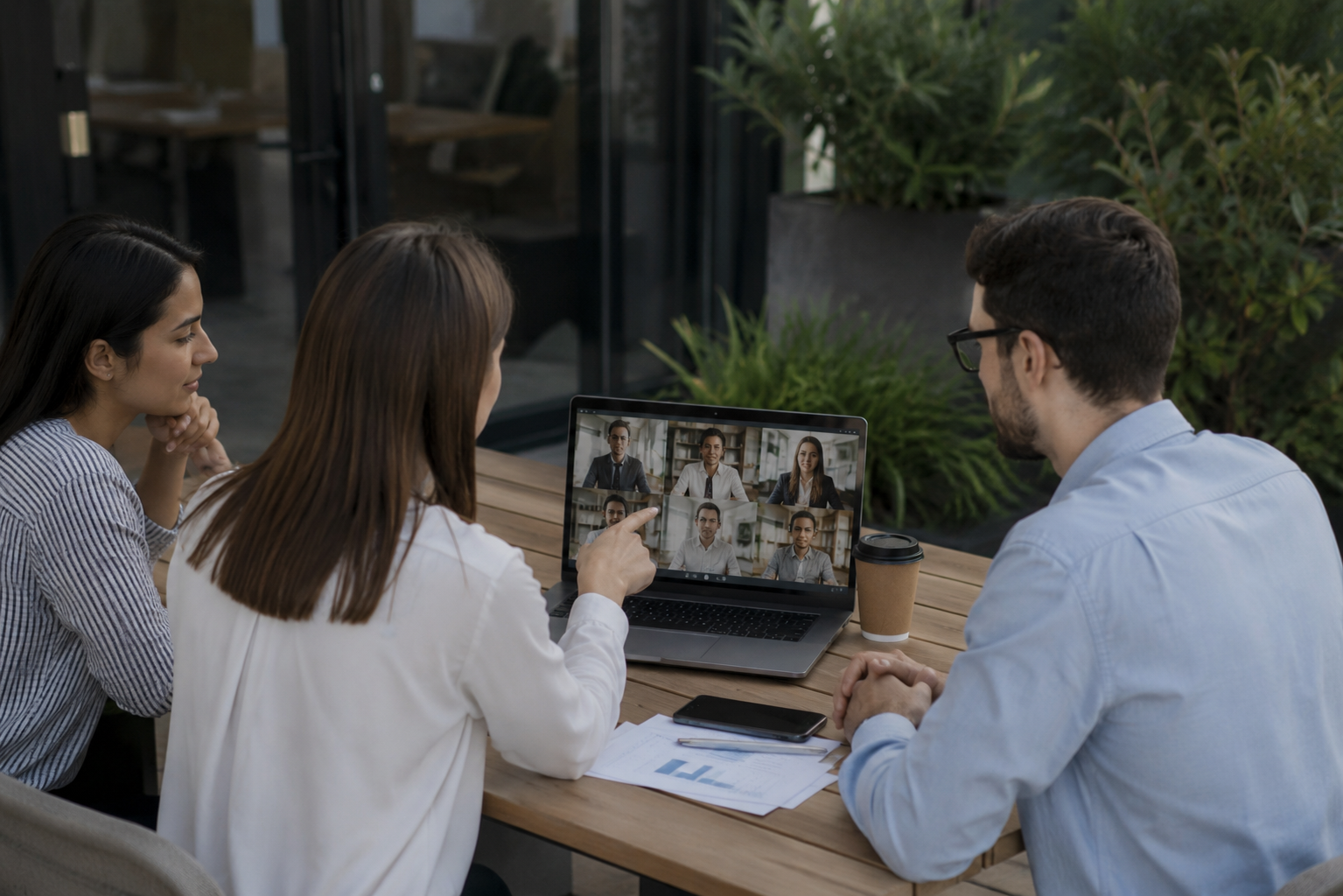
Teams reach for this workflow when all-hands meetings shared with contractors or press; client webinars with internal attendees visible; training recordings from customer success calls; town halls with employee q&a requiring anonymization. BGBlur automates detection so these scenarios stay publishable without days in a timeline.

Built for Corporate communications teams and HR and internal comms
Ideal audiences include Corporate communications teams, HR and internal comms, Marketing and demand gen, Customer education teams. Pair this example with your policy review when footage is sensitive or public-facing.
Use cases
- All-hands meetings shared with contractors or press
- Client webinars with internal attendees visible
- Training recordings from customer success calls
- Town halls with employee Q&A requiring anonymization
Who it's for
- Corporate communications teams
- HR and internal comms
- Marketing and demand gen
- Customer education teams
More video blur examples
Explore similar scenarios with the same demo clips and step-by-step guidance.
Background blur for cinematic focus
Soften or replace busy backgrounds so subjects stand out—great for webinars, reviews, and product demos filmed at home.
Face blur in talking-head video
Automatic face detection and blur for interviews, podcasts, and vlogs—motion-tracked so identities stay protected.
HR & training videos with safer backgrounds
Hide home-office clutter, patient charts on walls, or posters that leak location in L&D content.
Screen recording blur for tutorials & demos
Hide passwords, API keys, emails, and personal data in screen captures—essential for software demos and support videos.
Frequently asked questions
- Why not use Zoom's built-in background blur?
- Real-time blur is applied during the call; post-production blur lets you control privacy decisions after recording when you know the sharing context.
- Can I blur just one participant in gallery view?
- Yes—selective face blur works in grid layouts so you can protect specific attendees while keeping others visible.
- What about chat and participant names in the recording?
- Video blur handles pixels only; disable participant names and chat overlays in Zoom/Teams recording settings or crop those UI elements in post.
Ready to try this on your footage?
Upload MP4, MOV, or M4V and apply the same blur modes shown in this example.
Try BGBlur free