Instagram Reels & YouTube Shorts blur
Vertical video blur optimized for short-form content: hide faces, logos, and backgrounds in TikTok, Reels, and Shorts for viral-safe uploads.
Short-form vertical video dominates 2026 social media, but rapid shooting in public spaces means you'll capture bystanders, license plates, branded signage, and personal details you can't legally or ethically share.
Blur vertical short-form video for safe publishing in three steps
Built for TikTok, Reels, and Shorts creators who need fast privacy turnaround before trending content goes live.
Upload vertical footage
Drop 9:16 MP4 or MOV files into BGBlur—no desktop software or Creative Cloud seat required.
Apply face, background, or selective blur
Choose blur modes for bystander faces, background clutter, or specific regions as needed.
Preview and export
Check portrait orientation across the timeline, then export for direct upload to Reels, Shorts, or TikTok.
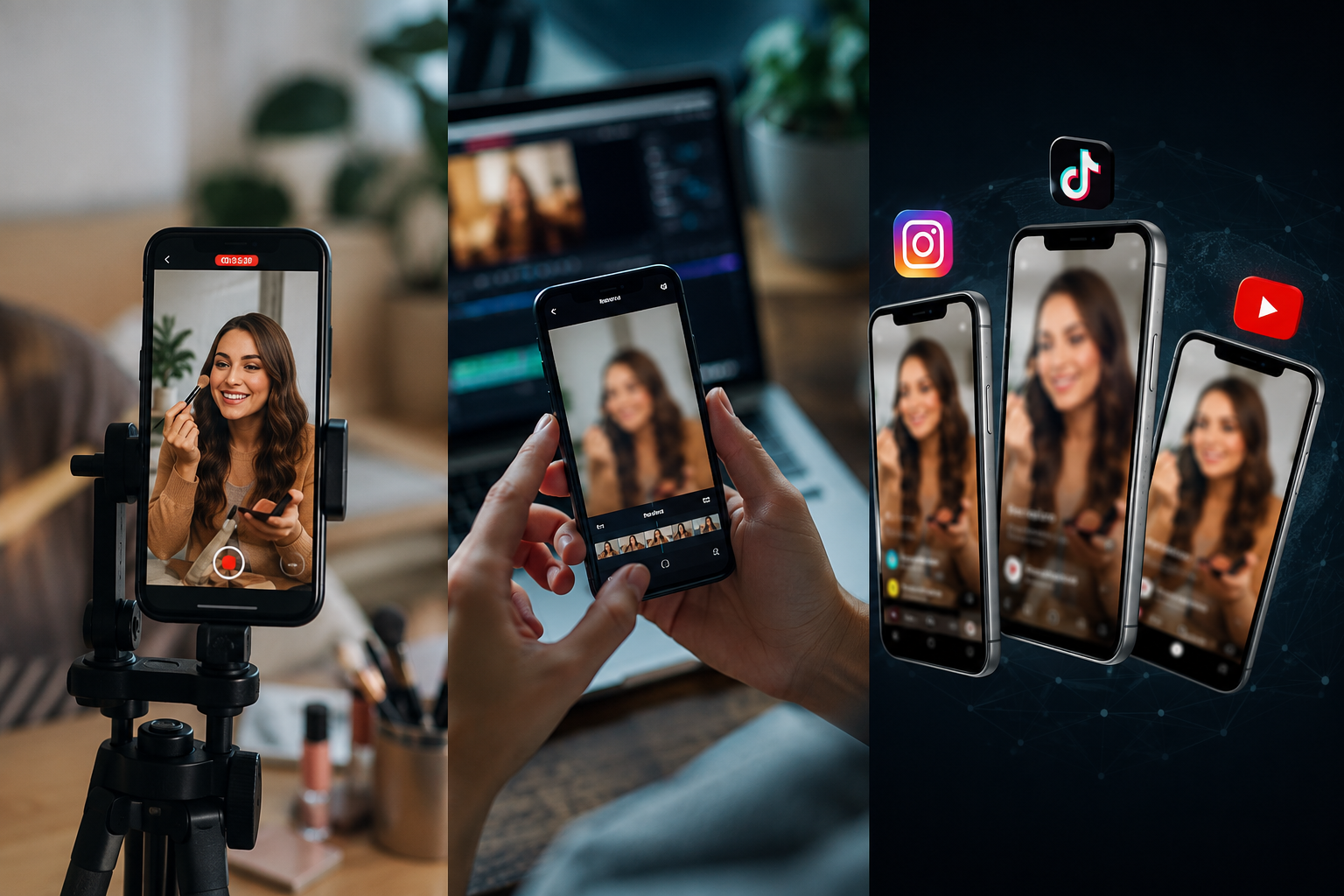
What this example demonstrates
Vertical formats (9:16) put faces and identifiable details front and center with nowhere to hide. Fast-turnaround blur workflows let you publish trending content within hours while staying platform-compliant.

Why teams use this pattern
Use blur both defensively (privacy compliance) and creatively (focus effects, face reveals, teaser content) to stand out in crowded feeds.
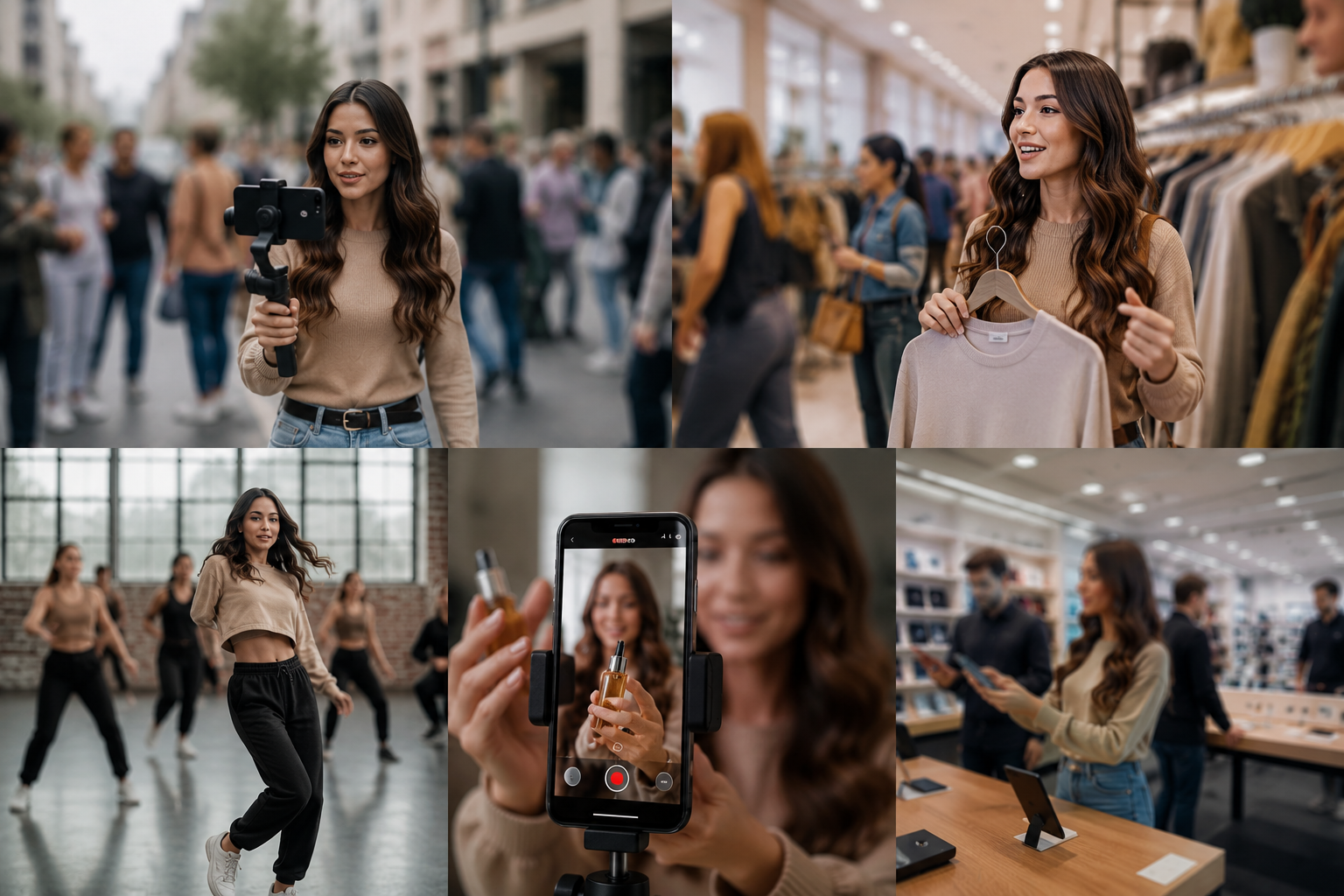
Common use cases
Teams reach for this workflow when street content with incidental bystander faces; store or venue tours with visible customer faces; dance challenges and public performances; product demos with background clutter or branding. BGBlur automates detection so these scenarios stay publishable without days in a timeline.

Built for TikTok and Reels creators and Influencers and content creators
Ideal audiences include TikTok and Reels creators, Influencers and content creators, Social media managers, Mobile-first video producers. Pair this example with your policy review when footage is sensitive or public-facing.
Use cases
- Street content with incidental bystander faces
- Store or venue tours with visible customer faces
- Dance challenges and public performances
- Product demos with background clutter or branding
Who it's for
- TikTok and Reels creators
- Influencers and content creators
- Social media managers
- Mobile-first video producers
More video blur examples
Explore similar scenarios with the same demo clips and step-by-step guidance.
Face blur in talking-head video
Automatic face detection and blur for interviews, podcasts, and vlogs—motion-tracked so identities stay protected.
Vlogger & street interview privacy
Keep bystanders and non-consenting faces out of frame legally and ethically—optimized for fast turn edits.
Background blur for cinematic focus
Soften or replace busy backgrounds so subjects stand out—great for webinars, reviews, and product demos filmed at home.
Blur anything: logos, text & custom regions
Target arbitrary areas—logos on hoodies, on-screen addresses, signage—with precise AI-assisted selection.
Frequently asked questions
- Does vertical video blur work differently than horizontal?
- The same blur algorithms apply to any aspect ratio; vertical formats just concentrate identifiable subjects in a narrower frame requiring more careful review.
- Can I add blur as a creative effect instead of privacy?
- Yes—many creators use selective blur for aesthetic focus, face reveals mid-clip, or dramatic transitions; not all blur is compliance-driven.
- Will blur affect my algorithm reach?
- Blur itself doesn't impact reach; however, removing policy-violating content (recognizable minors, non-consenting faces) prevents takedowns that kill distribution.
Ready to try this on your footage?
Upload MP4, MOV, or M4V and apply the same blur modes shown in this example.
Try BGBlur free