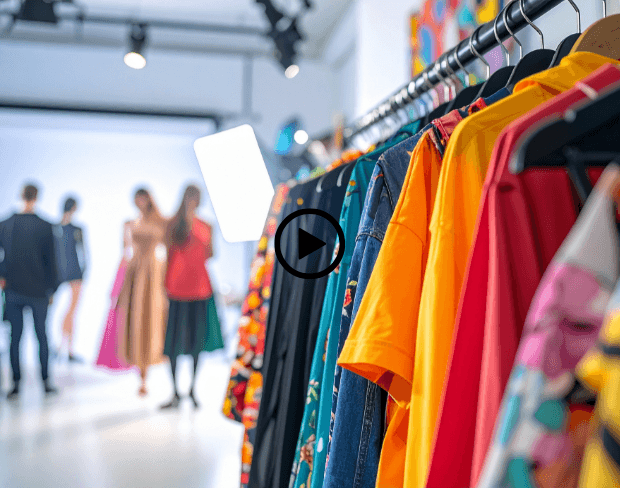
Free AI Fashion Video Background Blur

Create stunning fashion videos with instant background blur effects. Highlight your models and outfits with professional, runway-quality visuals that make every piece shine!

Blur fashion video background now
Highlight Models and Outfits Instantly

Highlight Models and Outfits Instantly

Fashion creators can use AI bg blur to blur video background and ensure full attention stays on the model and clothing. Background blur video hides cluttered sets, leaving clean visuals that make outfits stand out beautifully for lookbooks, reels, or brand campaigns.
Achieve Studio-Quality Shoots Anywhere

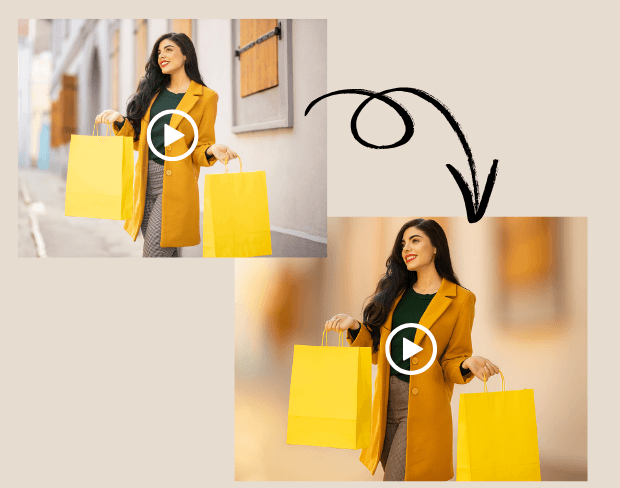
No need for costly studio setups. With AI blur background, stylists and photographers can blur a video background to create professional runway-style effects. Blur effect on video adds depth and elegance, giving fashion videos a high-end feel even when shot outdoors or in small spaces.
Achieve Studio-Quality Shoots Anywhere
Batch Blur Multiple Fashion Clips Effortlessly

Batch Blur Multiple Fashion Clips Effortlessly

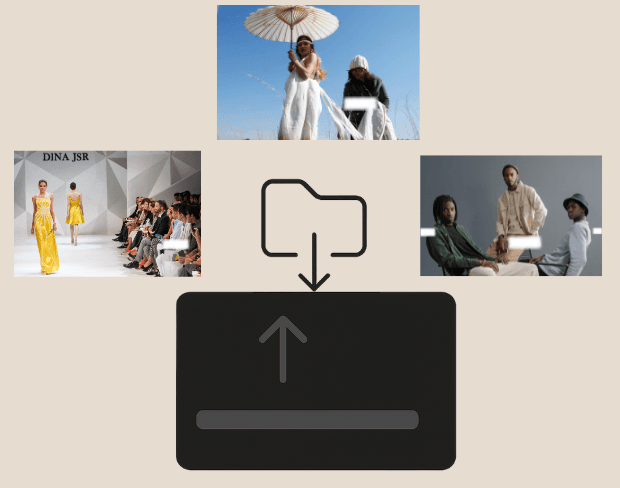
Brands often shoot dozens of clips for campaigns. Our batch video bg blur tool lets you blur portion of video or entire backgrounds across multiple files at once. This saves time while keeping all content consistent, perfect for fashion lines, seasonal lookbooks, or social media rollouts.
Blur Faces and Protect Behind-the-Scenes

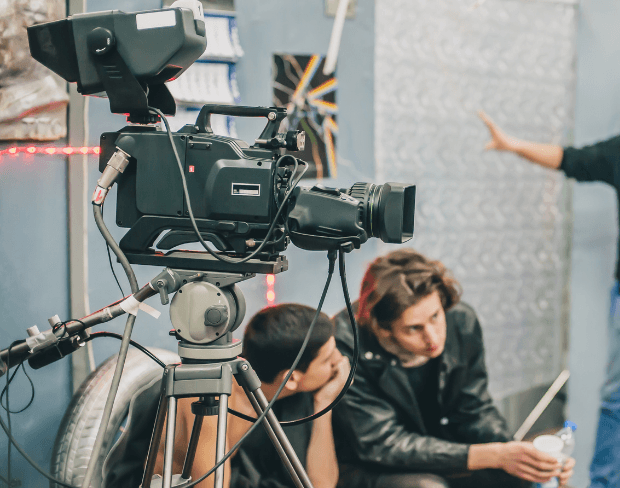
Keep the spotlight on your designs by hiding crew, assistants, or background clutter. Blur face in video or blur section of video instantly with background blur AI. This ensures the fashion story remains elegant and professional, focusing only on the outfits and models.
Blur Faces and Protect Behind-the-Scenes
Export Fashion Videos in Multiple Formats

Export Fashion Videos in Multiple Formats

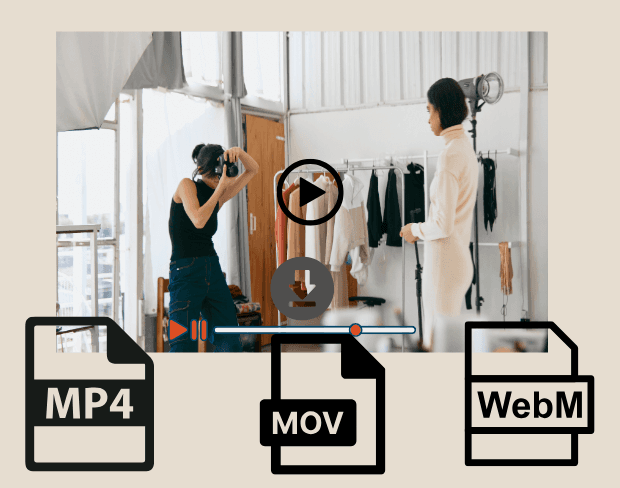
After editing, export your fashion videos with blurred backgrounds in MP4, MOV, or WebM. Our AI blur background tool delivers HD-ready content perfect for Instagram reels, TikTok campaigns, or e-commerce stores, ensuring every clip looks refined and runway-ready across platforms.

User Reviews

Share your experience and help others make informed decisions

Write a Review

5 stars

Community Score

0.0

/ 5

Based on 0 reviews

All Reviews (0)

No reviews yet

Be the first to share your experience and help others discover this feature!

Frequently Asked Questions

How does BGBlur work?

BGBlur uses AI to automatically detect and blur faces, license plates, backgrounds, and other objects in your videos and images. Simply upload your media, choose what to blur, and export the result.

Is BGBlur free to use?

BGBlur offers free processing for many use cases. Upload your video or image to get started with AI-powered blur tools without signup or watermarks.

What file formats are supported?

BGBlur supports all major video formats (MP4, MOV, AVI, MKV) and image formats (JPG, PNG, JPEG, HEIC) for blur processing.

Can I blur multiple objects in one video?

Yes. BGBlur can detect and blur multiple faces, license plates, or custom objects simultaneously in the same video or image.

Is my data secure?

Yes. Your uploads are processed securely and are not stored permanently. BGBlur is designed with privacy in mind for both you and the subjects in your media.

Blur Your Fashion Video Backgrounds Now

Start creating professional fashion content instantly with our free AI-powered background blur tool.

Blur fashion video background now

Trusted by thousands of creators

My favorite video tool

Great app, easy to use. Helps our small business save time and money to create different marketing materials professionally. Thank you.

Shaelyn D.

Best blur tool out there

I need a good blur tool for my work and I've been through them all. This one is the best by far. It's so easy to use and the results always look amazing.

Kira H.

Love it

It's amazingly easy and gives the perfect results for my bags and accessories. It looks like it was done by a professional photographer.

Mary J.

Related platforms

Video intelligence & background removal

Extend your workflow with specialized tools from our ecosystem. Opens in a new tab.