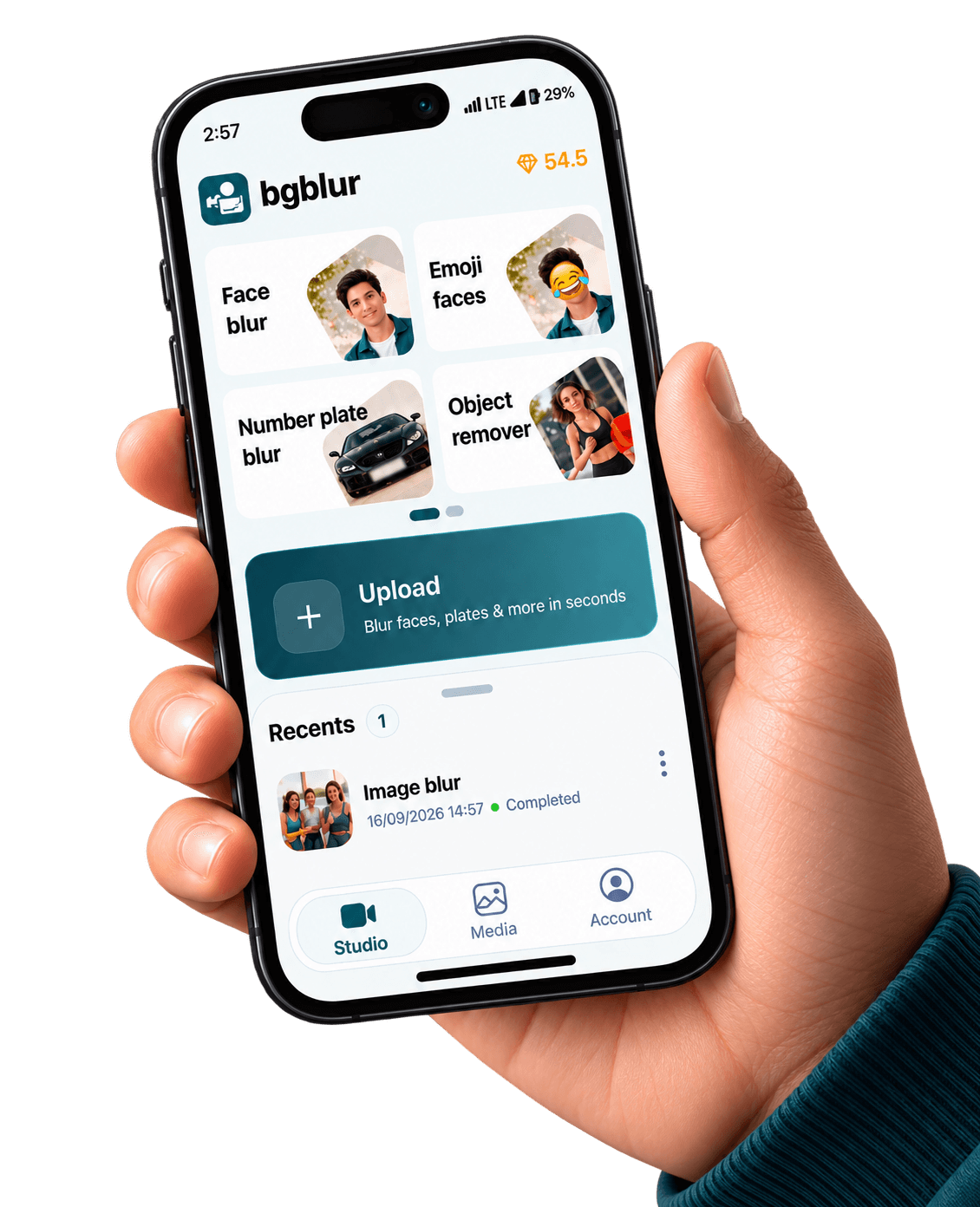
Automatically process images and videos using advanced AI detection and editing workflows. Blur Children in Video — Android reduces manual work while delivering clean, professional, and privacy-ready results.


This page is only about minors and bystander kids—not generic object blur. Use face-first tooling, watch audio for name reveals, and document policy for your district or league.
The U.S. Federal Trade Commission enforces COPPA against operators who improperly collect personal information from children under 13; treating juvenile faces and screen names as high-sensitivity pixels is baseline hygiene. FTC — Children’s Online Privacy Protection Rule (COPPA).
Also on iPhone — App Store.
School communications, youth sports, birthday parties, camps, and houses of worship all publish video now. If opt-in paperwork is incomplete, blur before upload—not after a parent email.
Birthday montages hide dozens of incidental kids—automation beats missing one toddler.
Pair face blur with object blur so names and numbers in backgrounds do not re-identify.
Export a highlight for families while keeping scouting footage internal and redacted.
Shared tablets stay patched via Google Play—critical for volunteer-run orgs.
The stills below are pulled from the same CloudFront galleries we use on license blur, face blur, blur anything, and background blur — adapted here to show what your Android exports can match.


AI editing features
Privacy tooling that respects how Android creators actually shoot, edit, and publish. Blur Children In Video Android Play Store is built for video privacy protection, automatic blur, motion-aware editing, object redaction, secure export, and faster browser-based video workflows.

Blur Children In Video Android Play Store helps creators edit videos faster with AI-powered blur, masking, tracking, redaction, privacy protection, and browser-based automation.

Use AI assistance to reduce manual keyframes, repeated masking, frame-by-frame blur work, object selection, and privacy edits across clips and social videos.

Blur Children In Video Android Play Store helps hide faces, plates, backgrounds, objects, text, body details, and sensitive visual information before videos are published or shared.

Upload a video, apply the tool workflow, review the result, and export edited content without installing heavy video software or switching between apps.

Adjust blur style, intensity, selected areas, tracking, masking, and export decisions depending on the footage, audience, platform, and privacy requirement.

Prepare cleaner videos for YouTube, TikTok, Instagram, training libraries, client review, education, journalism, real estate, automotive content, and compliance workflows.
Join thousands of satisfied users who trust our tools
“Parents expect faces and roster numbers gone before Instagram. BGBlur trains volunteers in one link.”
“Opt-in forms lag behind events. The Android pass stops ‘oops we posted the rally’ incidents.”
“We default-blur neighbor kids. The children-specific landing is what our lawyer actually bookmarked.”
Answers to common questions about using Blur Children In Video Android Play Store for image and video editing, privacy protection, export quality, and browser-based AI workflows.
No. Blur reduces visual identification; consent policies are still yours. Combine technical controls with releases and platform age settings.
Yes—names on commentary can identify minors. Pair video blur with audio review for sensitive releases.
Blur all minors first, then evaluate adult publicity rights separately. BGBlur’s face tools cover mixed-age crowds.
Blur Children In Video Android Play Store is an AI-powered BGBlur workflow for editing images and videos faster. It helps automate privacy, blur, masking, or cleanup tasks so creators can finish content without manual frame-by-frame work.
Yes. BGBlur workflows are designed around common image and video use cases, including uploads for photos, short clips, social content, product footage, screen recordings, and longer privacy review workflows.
The tool uses AI-assisted detection and automation to reduce repetitive selection, masking, and redaction steps. You can start with an upload, review the result, adjust settings when needed, and export a finished file.
Yes. It is built for privacy-first editing tasks such as hiding sensitive details, reducing identifiable information, and preparing content before it is shared publicly, with clients, or inside a team.
No. BGBlur runs in the browser, so you do not need a desktop video editor, plugin setup, or complex timeline workflow for common AI blur and privacy edits.
The goal is to keep the important parts of your image or video visible while applying the selected privacy or blur effect only where it is needed. Final quality can depend on the uploaded file and export settings.
Yes. You should review the AI result before export, especially for crowded scenes, fast motion, low light, reflections, small objects, or footage with partial occlusion.
Creators, marketers, educators, journalists, real estate teams, automotive teams, compliance reviewers, and social media editors use BGBlur tools to prepare safer publish-ready media faster.
BGBlur is web-based, so it is designed for modern browsers on desktop and mobile devices. Larger video files are usually easier to review and export from a desktop browser.
Check every sensitive frame or image area, confirm the blur or mask covers the intended subject, preview the final export, and keep an original backup if you may need to revise the edit later.
Start with BGBlur
Install BGBlur for Android helps creators edit images and videos faster with smart AI-powered automation. Upload your file, choose the privacy or blur workflow you need, and export polished content without manual frame-by-frame editing.
Google Play listing — swap in your production package URL anytime
Open Google Play