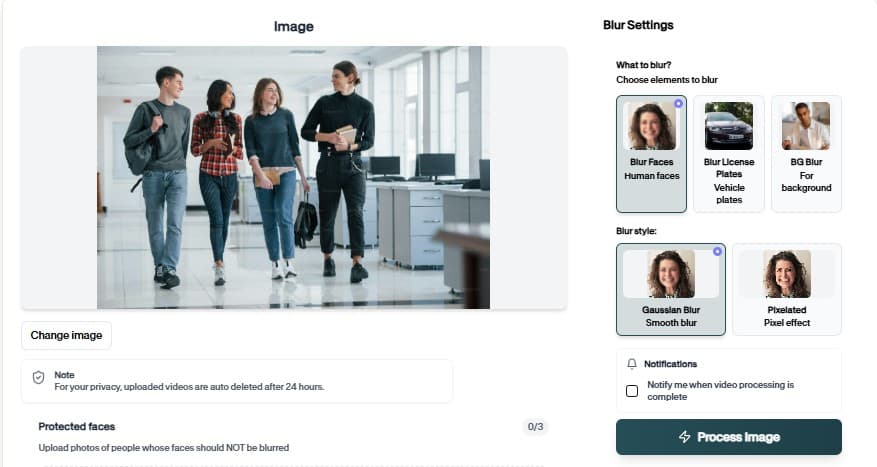
Moderate and Blur Sensitive Content
Censor License Plate flags explicit regions and applies blur before clips reach public channels, client review, or archive storage.
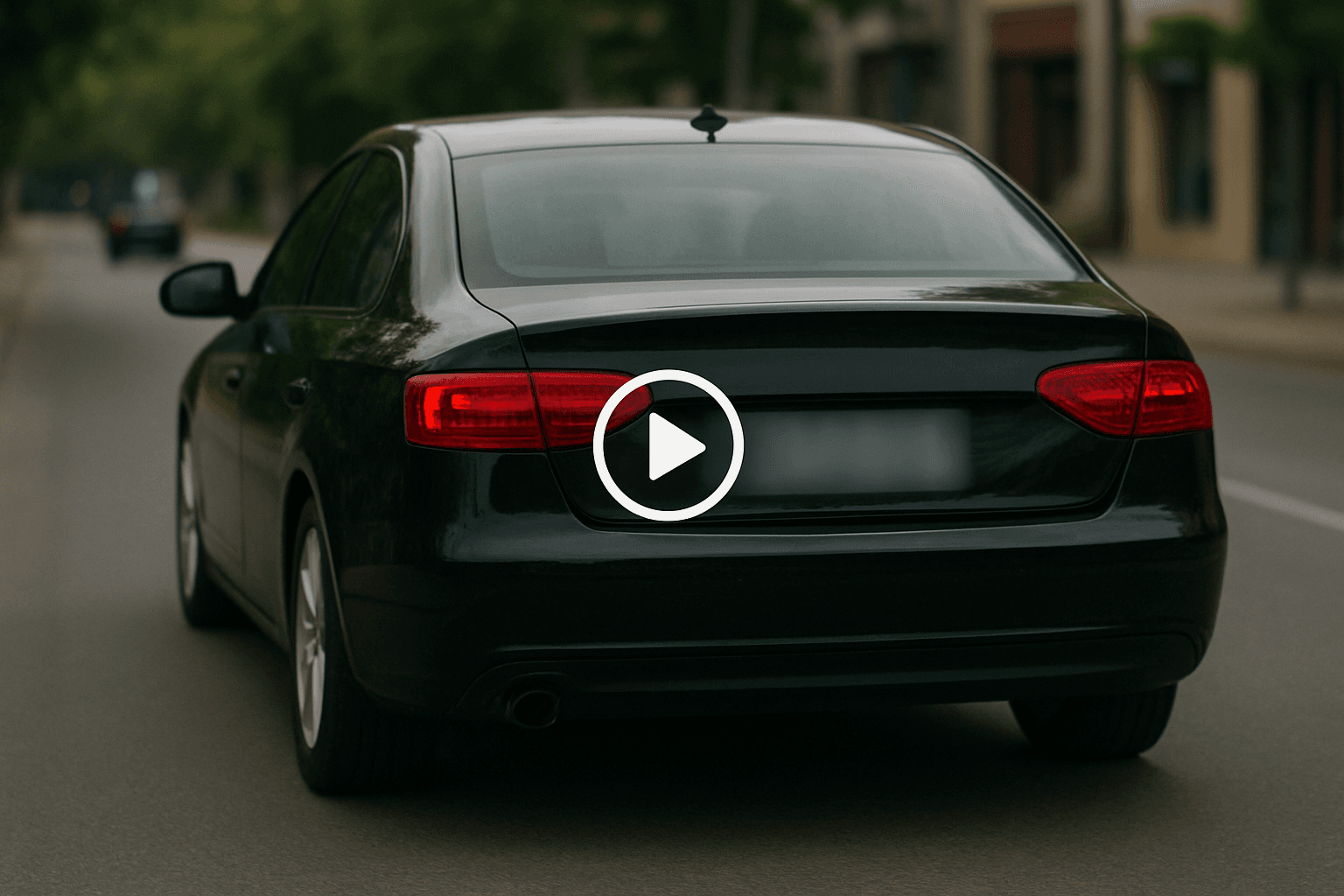
Censor License Plate — How It Works
Safety-first workflow for UGC and platform teams.
Why teams use Censor License Plate
Censor License Plate helps teams catch explicit content early. Detection highlights sensitive regions, applies blur or bars, and produces safer files for moderators, legal review, or family-friendly channels.
Censor License Plate is especially useful for repeat review cycles — same rules, many files.
Apply consistent censorship bars or heavy blur
Preview AI suggestions before committing export
Combine with other BGBlur tools in the same project flow
Blur nudity before clips go to moderators or platforms
Reduce manual content review backlog
Upload from desktop or mobile browsers
Where it is used
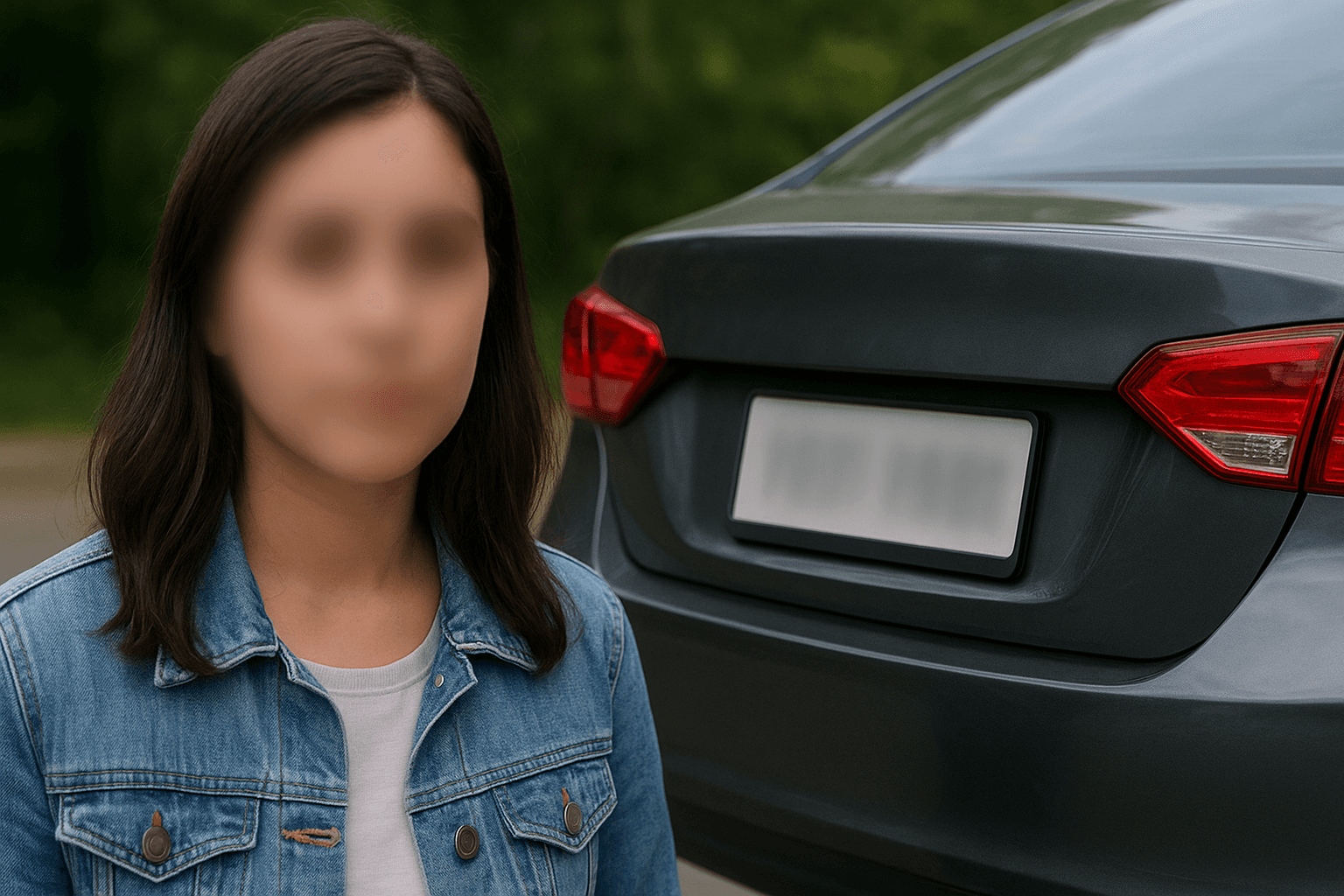
Platform compliance
Meet app-store content rules. 편집자가 모든 마스크나 조정을 수동으로 다시 만들 필요 없이 반복 검토, 개인정보 정리, 게시, 팀 인계에 실용적인 워크플로를 유지합니다.
UGC moderation
Pre-blur before human review. 편집자가 모든 마스크나 조정을 수동으로 다시 만들 필요 없이 반복 검토, 개인정보 정리, 게시, 팀 인계에 실용적인 워크플로를 유지합니다.
Team handoff
Standardize redaction across editors. 편집자가 모든 마스크나 조정을 수동으로 다시 만들 필요 없이 반복 검토, 개인정보 정리, 게시, 팀 인계에 실용적인 워크플로를 유지합니다.
Archive cleanup
Retroactively fix old media libraries. 편집자가 모든 마스크나 조정을 수동으로 다시 만들 필요 없이 반복 검토, 개인정보 정리, 게시, 팀 인계에 실용적인 워크플로를 유지합니다.
Client delivery
Send privacy-reviewed exports. 편집자가 모든 마스크나 조정을 수동으로 다시 만들 필요 없이 반복 검토, 개인정보 정리, 게시, 팀 인계에 실용적인 워크플로를 유지합니다.
Creator safety
Sanitize clips for family channels. 편집자가 모든 마스크나 조정을 수동으로 다시 만들 필요 없이 반복 검토, 개인정보 정리, 게시, 팀 인계에 실용적인 워크플로를 유지합니다.
Fast browser turnaround
Most projects move from upload to export in minutes because Censor License Plate proposes edits automatically instead of starting from a blank timeline.
Try Censor License Plate now
Upload a sample file and confirm the preview before you download.
How to use Censor License Plate
Upload, verify, download — no timeline editing required.
Upload your video or image
Drag your video or image into Censor License Plate. Phone, dashcam, screen capture, and studio sources are all supported in the browser.
Review detections
Review AI suggestions, tweak regions that need extra protection, and confirm the preview matches your policy.
Download the export
Export when the preview looks correct. The file is ready for upload, client portals, or archive storage.
Editing features
Censor License Plate at a glance
What you get when using Censor License Plate in real projects.

Detection-first workflow
Apply consistent censorship bars or heavy blur
Browser or API delivery
Preview AI suggestions before committing export

Privacy-safe exports
Combine with other BGBlur tools in the same project flow
Teams using similar workflows
How Censor License Plate fits day-to-day media and compliance work.
“Censor License Plate cut our redaction time from hours to minutes on last week's footage.”
“We shipped client-safe exports the same day instead of waiting on manual masking.”
“Censor License Plate is simple enough for producers who do not live inside NLE timelines.”
Censor License Plate — FAQ
Common questions about Censor License Plate, exports, and privacy handling.
Sensitive regions based on the tool configuration — review the preview to confirm.
Yes — core blur workflows are free in the browser. Premium limits apply to very long files or batch needs.
No. Censor License Plate runs in the browser — upload, preview, and download without Premiere, DaVinci, or desktop apps.
BGBlur processes files for the editing session with privacy-first handling. Media is not published as permanent public assets.
User Reviews
Share your experience and help others make informed decisions
Write a Review
All Reviews (0)
No reviews yet
Be the first to share your experience and help others discover this tool!
Plate privacy tools
Related tools for license plate and number plate blur
Use these plate masking tools for dashcam video, street footage, car listings, fleet media, and compliance exports.
Content Safety
Moderate and Blur Sensitive Content
Censor License Plate flags explicit regions and applies blur before clips reach public channels, client review, or archive storage.
Safety-first workflow for UGC and platform teams.
Open Censor License Plate