Voice Changer AI 도구
AI로 즉시 음성을 변환합니다. 변화 피치, anonymize 연설, 그리고 초에 현실적인 음성 효력을 창조하십시오.
Try Voice Changer AI
음성 체인저 AI 자동
고급 AI 음성 인식 기술을 사용하여 음성을 빠르게 변환합니다. 오디오 파일을 업로드하고 도구는 초 이내에 음주, 피치 및 연설 패턴을 포함하여 음성을 자동으로 분석합니다. Voiceovers, Gaming content, podcasts, 또는 소셜 미디어 클립을 만들지 여부, AI는 빠르고 원활하고 전문적인 음성 변환을 제공하여 어떤 편집 경험을 필요로하지 않습니다.
현실적인 음성 수정
우리의 AI는 매우 자연스런 결과를 만들 수있는 보컬 톤, 공명, 질감 및 연설 특성을 정확하게 조정합니다. 모든 음성 변환은 로봇식 해석, awkward 찡그림, 또는 오디오 품질의 손실없이 부드럽고 명확하고 정통적입니다. 음성을 약간 바꾸거나 완전히 새로운 문자를 만들지 여부, 최종 출력은 광택과 현실적 소리.
음성 익명화 및 피치 컨트롤
고급 음성 익명화로 귀하의 개인 정보를 보호하십시오. 내장 AI 피치 체인저를 사용하여 음성을 즉시 올리거나 낮출 수 있으며 익명 녹음, 보안 통신, 문자 생성 및 크리에이티브 오디오 프로젝트를 완벽하게 만듭니다. 몇 가지 조정으로 보컬 스타일에 정확한 제어를 달성하십시오.
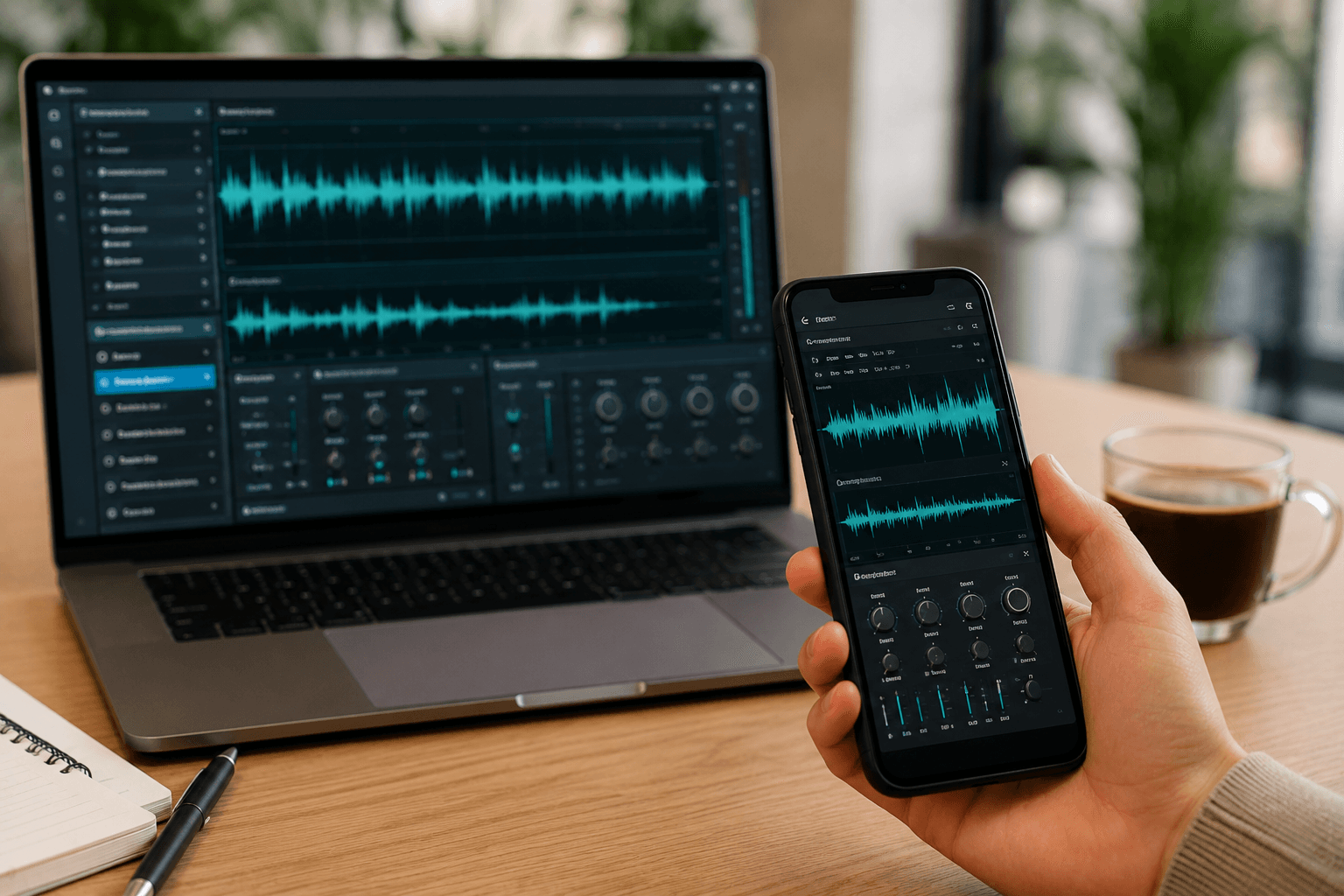
모바일 및 데스크톱에서 작업
스마트 폰, 태블릿, 노트북 및 데스크톱 컴퓨터를 포함한 모든 장치에서 음성 변경기를 직접 사용하십시오. 다운로드, 소프트웨어 설치, 또는 기술 설정이 필요 없습니다. 사무실에서, 또는 이동에, 당신은 당신의 음성을 빨리, 안전하게, 그리고 어디에서든지에서 편리하게 변환할 수 있습니다.
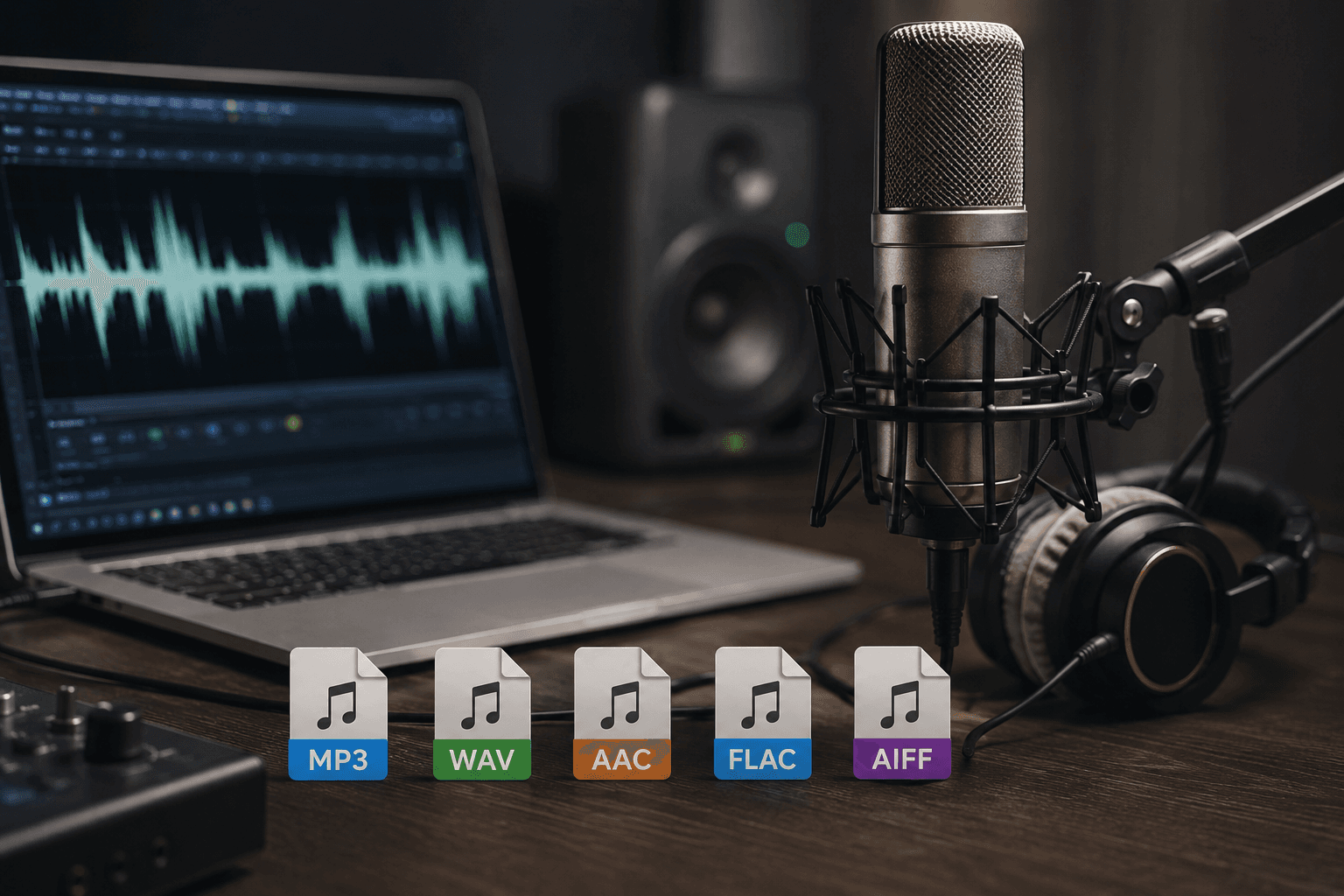
인기 오디오 포맷 지원
MP3 또는 WAV 오디오 파일을 업로드하고 즉시 음성을 변경하십시오. podcasts, 음성 녹음, 인터뷰, 게임 클립, 또는 전문 보이오버 편집 여부, 우리의 AI 음성 변경자는 빠른 처리, 원활한 호환성 및 모든 지원된 파일 유형의 크리스탈 명확한 출력을 보장합니다.
BGBlur는 무엇입니까?
BGBlur는 브라우저 기반 AI 비디오 편집을 위해 내장되어 있습니다. 클립을 업로드하고, 타임 라인 소프트웨어를 학습하지 않고 개인 정보 보호 보행 영상을 숨길 수 있습니다.
AI 영상 흐림
자동 영상 흐림 워크플로우는 얼굴, 판, 배경, 스크린 및 민감한 개체를 위한 수동 마스킹을 감소시킵니다.
브라우저 기반
전문적인 비디오 편집 소프트웨어를 설치하지 않고 데스크탑 또는 모바일에서 온라인으로 비디오를 편집하십시오.
회사 소개
BGBlur는 더 안전한 게시, 적색, 익명화 및 준수 인식 비디오 공유를 위해 설계되었습니다.
선택적 제어
대상 blur, 배경 blur, 얼굴 anonymization, 또는 목표 blur는 footage에 기초를 두었습니다.
빠른 작업
간단한 업로드, 미리보기, 처리 및 내보내기 단계는 제작자와 팀이 신속하게 편집합니다.
여러 형식
BGBlur를 사용하여 소셜, 법률, 교육 및 제작자 콘텐츠에 대한 일반적인 비디오 및 이미지 워크플로우를 사용합니다.
Blurring Video 배경 자동
BGBlur는 모든 사람들에게 비디오 개인 정보 보호 및 향상을 위해 최선을 다하고 있습니다. 우리의 도구 사용 고급 AI 당신이 blur 얼굴, 라이센스 플레이트, 개체, 화면, 및 배경 신속 하 고 브라우저에서 안전하게.
특징은 자동적인 얼굴 흐림, 면허 판 흐림, 배경 흐림, 목표 흐림 및 AI 보조 anonymization를 포함합니다. 비디오 업로드, 필요한 개인 정보 보호 효과를 선택, 결과 미리보기, 및 다운로드없이 수출 또는 고급 소프트웨어.
에 의해 구동 BGBlur
자주 묻는 질문
AI가 영상을 분석하여 선택한 배경, 얼굴, 번호판 또는 객체를 자동으로 감지하고 모션 트래킹으로 블러 처리합니다.
MP4, MOV, M4V 포맷을 모든 블러 기능(얼굴 블러, 배경 블러 등)에서 지원합니다.
무료 사용자는 200MB 이하, 10분 미만의 영상만 처리할 수 있습니다. 프로 사용자는 길이가 더 긴 영상과 무제한 처리가 가능합니다.
네, BGBlur의 AI는 움직이는 객체, 얼굴, 차량을 자동으로 추적합니다. 프레임마다 수동으로 마스킹할 필요 없이, 모션 인식 추적기가 피사체가 움직여도 흐림 효과를 고정해 줍니다.
BGBlur는 100% 웹 기반 도구입니다. 비디오나 이미지를 업로드하고 얼굴 흐림 도구를 선택하기만 하면, 앱이나 플러그인 다운로드 없이 브라우저 내에서 즉시 픽셀화 또는 흐림 효과를 적용할 수 있습니다.
물론입니다. 저희 AI는 주행 영상, 블랙박스 및 거리 영상의 번호판을 감지하고 흐리게 처리하도록 특별히 학습되어 개인정보 보호법 준수를 돕습니다.
사용자의 개인정보 보호가 가장 중요합니다. BGBlur는 고도의 클라이언트 측 기술을 활용하여 비디오를 안전하게 처리합니다. 파일은 브라우저에서 로컬로 처리되며 외부 서버에 업로드되거나 영구 저장되지 않습니다.
네! BGBlur는 모바일 브라우저에 최적화된 완벽한 반응형 웹입니다. 아이폰, 아이패드 또는 안드로이드 폰에서 직접 비디오 배경을 흐리게 처리하거나 얼굴을 간편하게 픽셀화할 수 있습니다.
제한은 기능에 따라 다릅니다. 얼굴 흐림, 번호판 흐림, 배경 흐림, 모든 항목 흐림, 화면 흐림, NSFW 흐림, 얼굴 익명화 같은 표준 비디오 흐림 도구는 무료 플랜에서 최대 500MB 및 5분, 유료 플랜에서 최대 1GB 및 10분을 지원합니다. Object Remover는 클립당 최대 1GB, 10초의 MP4 및 MOV 비디오를 지원합니다. Voice Anon 직접 업로드는 최대 100MB를 지원하며, 업로드/URL 워크플로는 최대 500MB 및 10분 미만의 오디오 또는 비디오 파일을 지원합니다.
User Reviews
Share your experience and help others make informed decisions
Write a Review
Community Score
0.0
/ 5
Based on 0 reviews
All Reviews (0)
No reviews yet
Be the first to share your experience and help others make informed decisions!
동영상 콘텐츠를 블러할 준비가 되셨나요?
오늘부터 AI 기반 툴로 개인정보를 보호하고 전문적인 블러 효과를 만들어보세요. 다운로드 불필요 — 브라우저에서 바로 블러하세요.
지금 블러 시작하기