Blur Children in Video — iOS

Guardians, coaches, and PTA volunteers need a default: if a child lacks a media release, their likeness should not ship in public cuts. BGBlur automates the heavy lifting before YouTube or Instagram.

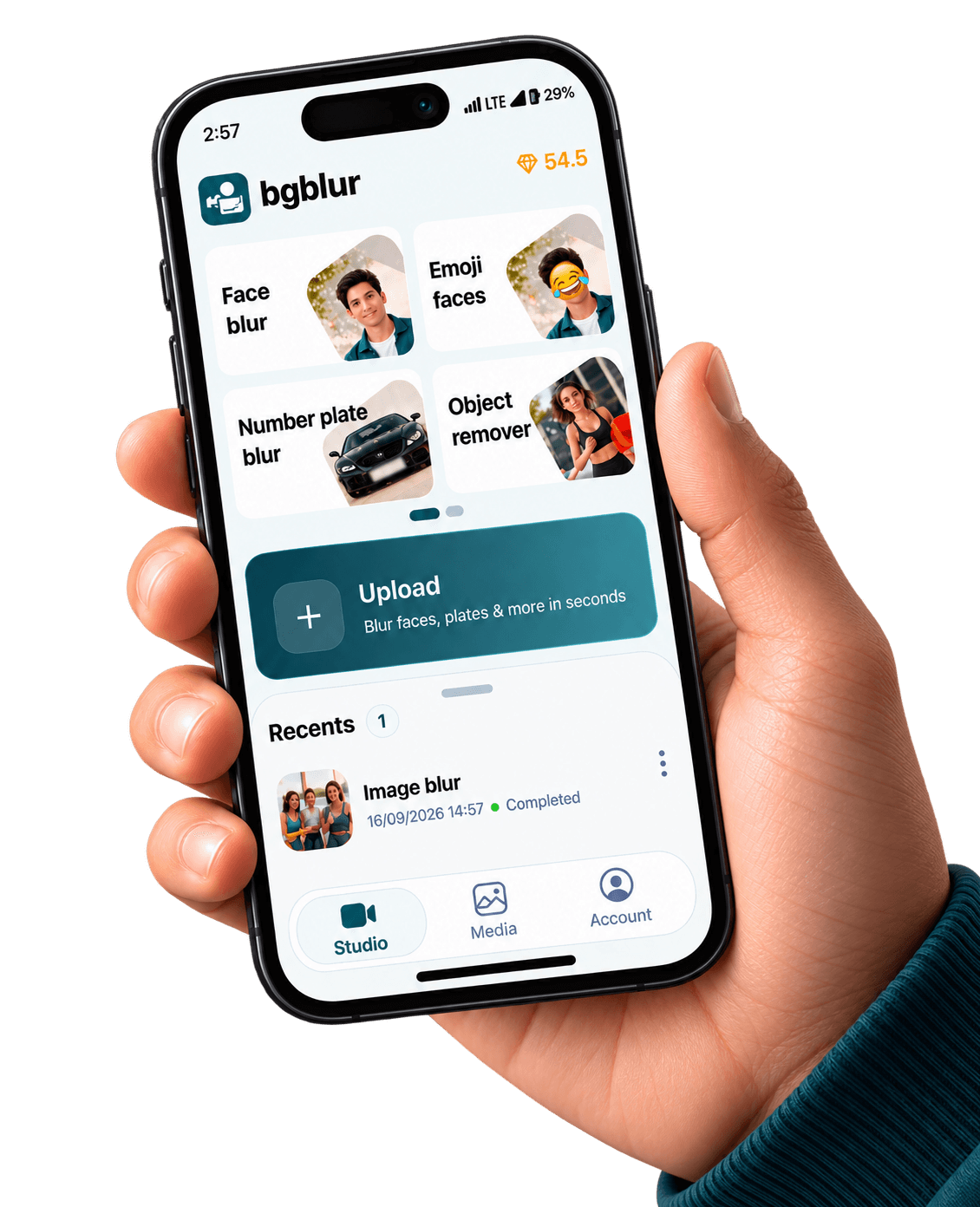
BGBlur iPhone guardian workflow blurring children in published video

iPhone & iPad capture · cloud-grade models

Device renders come from public/images/mobile — the same kit as our Android pages — with App Store badge artwork and CloudFront stills aligned to bgblur.com feature funnels.

Download on the App Store

This page is only about minors and bystander kids—not generic object blur. Use face-first tooling, watch audio for name reveals, and document policy for your district or league.

The U.S. Federal Trade Commission enforces COPPA against operators who improperly collect personal information from children under 13; treating juvenile faces and screen names as high-sensitivity pixels is baseline hygiene. FTC — Children’s Online Privacy Protection Rule (COPPA).

Also available on Android / Google Play.

Who should use a children-focused blur workflow?

School communications, youth sports, birthday parties, camps, and houses of worship all publish video now. If opt-in paperwork is incomplete, blur before upload—not after a parent email.

Batch coverage

Birthday montages hide dozens of incidental kids—automation beats missing one toddler.

Jerseys & trophies

Pair face blur with object blur so names and numbers in backgrounds do not re-identify.

Coach workflows

Export a highlight for families while keeping scouting footage internal and redacted.

App Store distribution

Shared iPads stay patched through managed updates—critical for volunteer-run orgs.

Same visuals as our web product pages

The stills below are pulled from the same CloudFront galleries we use on license blur, face blur, blur anything, and background blur — adapted here to show what your iOS exports can match.

Before and after face blur on subjects including minors in frame
Face-safe exports for classrooms, birthdays, and youth sports.
Group scene with consistent face redaction
Multi-child wide shots: fewer missed faces than hand roto.
Selective blur on jerseys and signage in kid-focused B-roll
Pair face blur with object blur for roster numbers and trophies.

Built for real mobile video pipelines

Privacy tooling tuned for how iPhone creators shoot, edit, and publish

Multi-face priority

Bias detectors toward smaller faces that sit lower in frame—common in peewee sports.

Policy prompts

Export naming conventions so legal knows which render aired publicly.

Object add-on

Mask neighbor mailboxes or school marquees that leak location metadata.

Cross-device handoff

Rough pass on iPhone, polish audio and titles on desktop.

What Our Users Say

Join thousands of satisfied users who trust our tools

"Parents expect faces and roster numbers gone before Instagram. BGBlur trains volunteers in one link."
MB
Marcus B.
CoachYouth soccer league
"Opt-in forms lag behind events. The iPhone pass stops ‘oops we posted the rally’ incidents."
AW
Anita W.
PTA marketingPublic magnet school
"We default-blur neighbor kids. The children-specific landing is what our lawyer actually bookmarked."
LG
Lauren G.
Family vloggerHomeschool channel
4.9/5from 3+ reviews

Frequently asked questions

Get answers to the most common questions about our tools and services.

No. Blur reduces visual identification; consent policies are still yours. Combine technical controls with releases and platform age settings.

Yes—names on commentary can identify minors. Pair video blur with audio review for sensitive releases.

Blur all minors first, then evaluate adult publicity rights separately. BGBlur’s face tools cover mixed-age crowds.

Get BGBlur for iOS

App Store listing — set NEXT_PUBLIC_IOS_APP_STORE_URL when live

Free to use
Instant results
Blur Children in Video iOS | Kid-Safe Face Blur | App Store | BGBlur