Floutage de confidentialité pour réunions Zoom et Teams
Professional video call recordings with blurred backgrounds, participant faces, and sensitive on-screen content for safe sharing.
Recorded Zoom and Teams meetings often contain more than the intended presentation: home offices with family photos, coworkers who didn't consent to external sharing, and screen shares with customer data.
Clean up Zoom and Teams recordings for safe sharing in three steps
Built for corporate comms, HR, and marketing teams who need privacy-safe recordings for external or LMS distribution.
Export your Zoom or Teams recording
Download the MP4 from Zoom cloud or Teams recordings before sharing externally.
Apply background and face blur
Blur participant backgrounds and specific attendee faces to protect privacy in gallery view.
Preview and export
Check gallery layouts across the timeline, then export for LMS, YouTube, or Vimeo hosting.
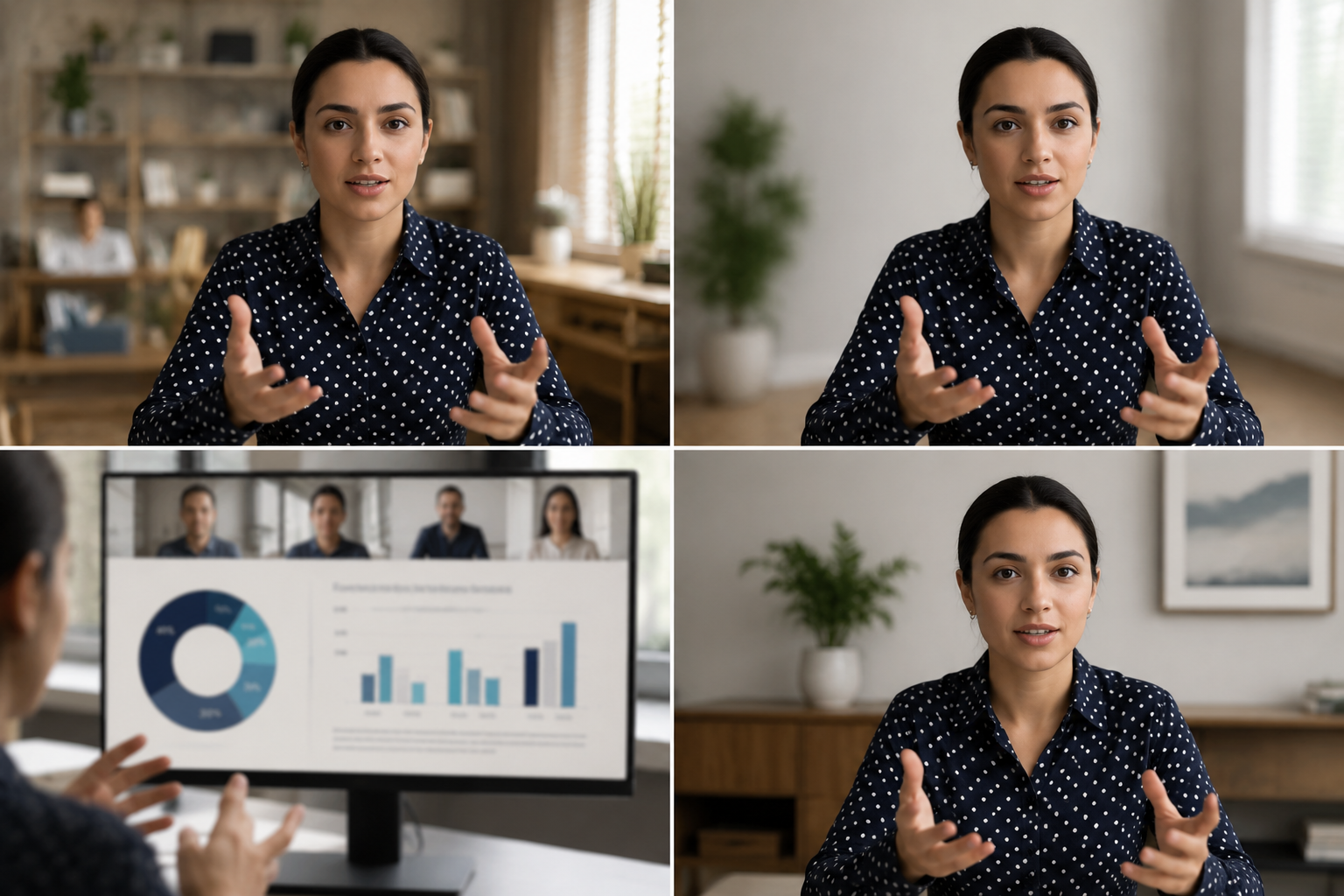
What this example demonstrates
Post-production blur gives you control that real-time virtual backgrounds can't: selectively protect participants, hide screen share content, and clean up backgrounds after the call ends.

Why teams use this pattern
Use this workflow when you need to share all-hands recordings externally, create training clips from client calls, or publish webinar archives with attendee privacy intact.
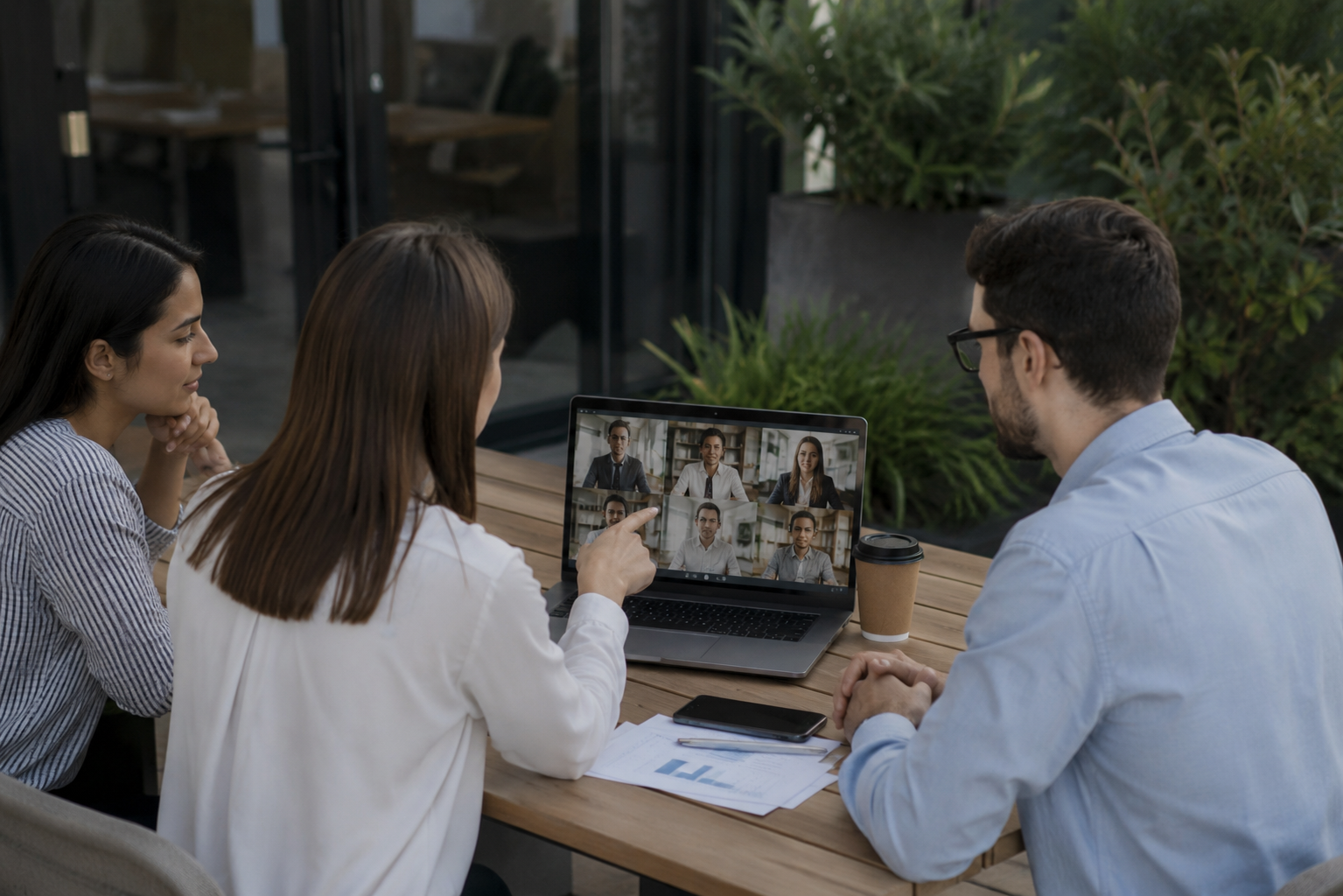
Common use cases
Teams reach for this workflow when all-hands meetings shared with contractors or press; client webinars with internal attendees visible; training recordings from customer success calls; town halls with employee q&a requiring anonymization. BGBlur automates detection so these scenarios stay publishable without days in a timeline.

Built for Corporate communications teams and HR and internal comms
Ideal audiences include Corporate communications teams, HR and internal comms, Marketing and demand gen, Customer education teams. Pair this example with your policy review when footage is sensitive or public-facing.
Cas d'usage
- Réunions à main commune avec les entrepreneurs ou la presse
- Webinaires clients avec des participants internes visibles
- Enregistrements de formation à partir des appels à succès clients
- Mairies où les questions et réponses des employés doivent être anonymisées
Pour qui
- Équipes de communication des entreprises
- RH et communications internes
- Commercialisation et demande
- Équipes de sensibilisation des clients
Plus d'exemples de flou vidéo
Explorez des scénarios similaires avec les mêmes clips de démonstration et des conseils étape par étape.
Flou d'arrière-plan pour une mise au point cinématographique
Adoucissez ou remplacez les arrière-plans chargés pour faire ressortir le sujet, parfait pour webinaires, avis et démos filmées à domicile.
Floutage de visage dans une vidéo face caméra
Détection automatique des visages et floutage avec suivi de mouvement pour interviews, podcasts et vlogs, afin de protéger les identités.
Vidéos RH et formation avec arrière-plans plus sûrs
Masquez le désordre du bureau, les dossiers patients au mur ou les affiches révélant un lieu dans les contenus de formation.
Floutage d'enregistrements d'écran pour tutoriels et démos
Masquez mots de passe, clés API, e-mails et données personnelles dans les captures d'écran, essentiel pour les démos logicielles et le support.
Explorer les fonctionnalités de BGBlur
Questions fréquemment posées
- Pourquoi ne pas utiliser le flou de fond intégré de Zoom ?
- Le flou en temps réel est appliqué pendant l'appel; le flou post-production vous permet de contrôler les décisions de confidentialité après l'enregistrement lorsque vous connaissez le contexte de partage.
- Puis-je brouiller un seul participant en vue de galerie?
- Oui – le flou sélectif du visage fonctionne dans les mises en page de la grille afin que vous puissiez protéger certains participants tout en gardant les autres visibles.
- Et le chat et les noms de participants dans l'enregistrement ?
- Le flou vidéo ne prend en charge que les pixels; désactiver les noms des participants et les superpositions de chat dans les paramètres d'enregistrement Zoom/Teams ou recadrer les éléments d'interface utilisateur dans la post.
Prêt à essayer sur vos propres vidéos ?
Téléchargez un fichier MP4, MOV ou M4V et appliquez les mêmes modes de flou que dans cet exemple.
Essayer BGBlur gratuitement