Floutage de visage dans une vidéo face caméra
Regardez le flou du visage en mouvement sur un clip de tête parlante – les identités restent cachées à travers des virages de tête sans masques Premiere.
Le podcast, l'interview et les images en vlog ont souvent un haut-parleur clair et des visages accessoires dans le cadre. Cet exemple montre la détection automatique du visage qui suit le mouvement de sorte que vous n'êtes pas keyframing masques ovales pour chaque exportation.
Flou faces sur un clip en trois étapes
Construit pour la vidéo de podcast, des interviews à distance, et des collabs créateurs où pas tout le monde sur la caméra signé une sortie.
Télécharger MP4, MOV, ou M4V
Déposez votre interview ou votre maître vlog dans BGBlur – aucun projet de chronologie ou siège Creative Cloud requis pour un laissez-passer privé.
Activer le flou du visage ou l'anonymat
Exécutez des détecteurs sur chaque visage dans le cadre; les régions floues mettent à jour chaque cadre de sorte que les sujets restent couverts pendant les clins d'œil et les casseroles.
Exportation pour YouTube, TikTok, ou révision
Télécharger un MP4 sans danger pour les politiques, puis empiler en option l'arrière-plan ou la plaque flou si le même clip comporte des risques de confidentialité mixtes.

Têtes parlantes sans masques dessinés à la main
Les ENL traditionnelles ont besoin de couches d'ajustement et de masques suivis pour chaque visage. BGBlur localise les visages à travers la chronologie et garde le flou collé aux tons de peau – même lorsque l'hôte tourne vers une deuxième caméra. C'est pourquoi les téléchargeurs quotidiens l'utilisent avant la finition de couleur ou de son.
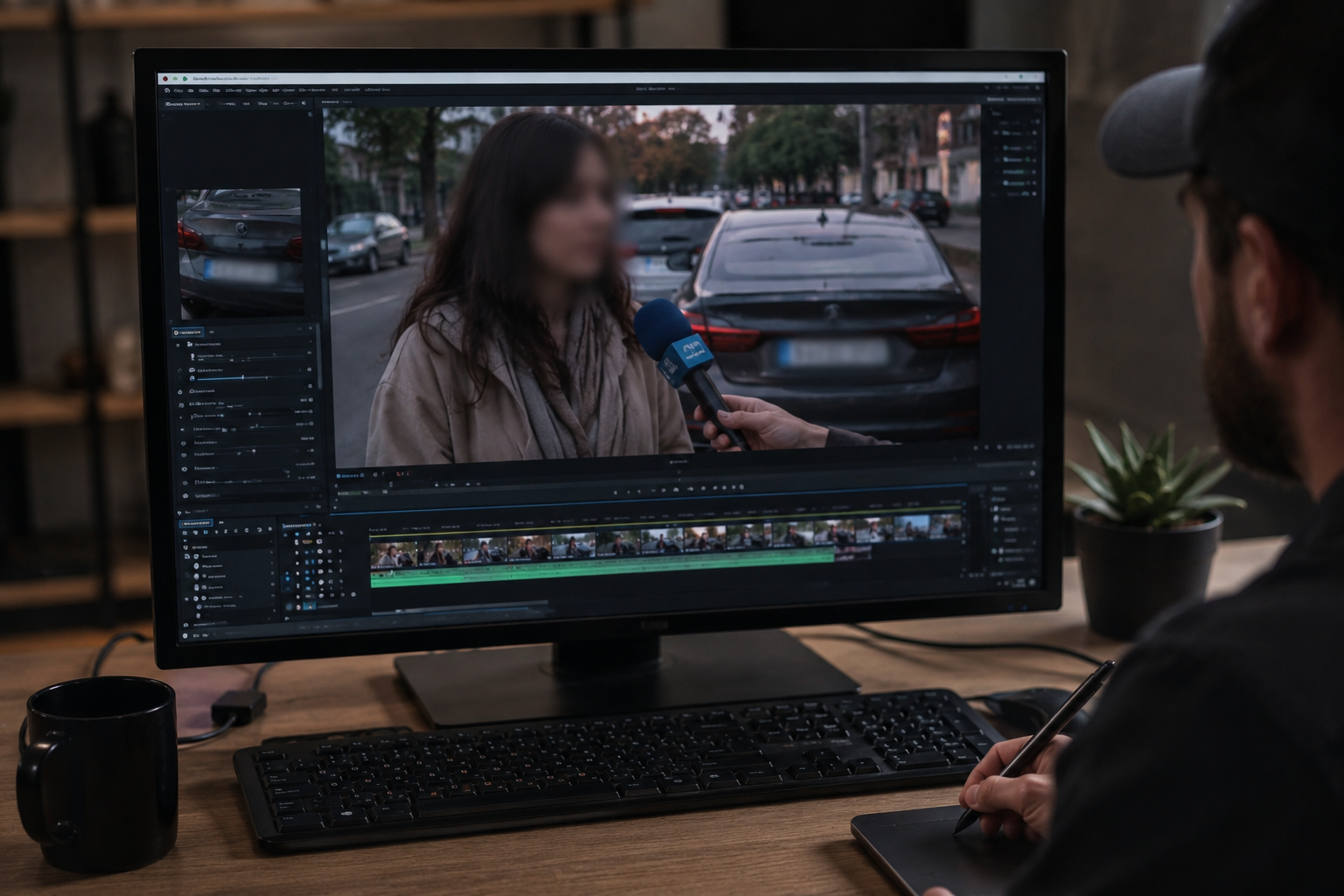
Poêle flou du visage avec plaques ou arrière-plans
Les entrevues de rue et le b-roll du campus exposent souvent les piétons et les plaques dans le même cliché. Après cette passe face, activez la plaque de licence ou le flou de fond dans une session de navigateur au lieu d'exporter trois fois à partir d'outils séparés.

Short vertical et podcasts horizontaux
Le même pipeline de détecteur fonctionne pour 9:16 Reels et 16:9 podcast vidéo. Les créateurs gardent un flux de travail pour les clips TikTok coupés de maîtres d'entrevue plus longs — pas de flou d'application mobile distinct qui dérive du visage au milieu de la phrase.

Quand choisir l'anonymisation vs flou mou
Lourde anonymisation s'adapte aux interviews de style dénonciateur ; plus doux flou gaussien s'adapte à la formation et au contenu social où l'humeur compte. Prévisualiser à la fois dans l'éditeur avant de publier des communications internes ou des canaux publics.
Cas d'usage
- Entretiens dans la rue et clips sur la rue
- Salle de classe ou campus b-roll avec les étudiants accessoires
- Créateur collabs où tout le monde n'a pas signé une libération
Pour qui
- Les équipes vidéo YouTubers & podcast
- Actualités & éditeurs de documentaires
- Educateurs et équipes de communication
Plus d'exemples de flou vidéo
Explorez des scénarios similaires avec les mêmes clips de démonstration et des conseils étape par étape.
Confidentialité pour vlogs et interviews de rue
Gardez les passants et visages non consentants hors du cadre de façon légale et éthique, avec un flux optimisé pour les montages rapides.
Modèles d'anonymisation pour actualités et documentaires
Protégez témoins et personnes vulnérables tout en conservant le contexte éditorial, avec floutage et anonymisation en un seul flux.
Flou d'arrière-plan pour une mise au point cinématographique
Adoucissez ou remplacez les arrière-plans chargés pour faire ressortir le sujet, parfait pour webinaires, avis et démos filmées à domicile.
Floutage de plaques dans des images de rue et dashcam
Masquez les plaques lisibles dans la circulation, les parkings et les trajets filmés, idéal pour les motovlogs et tournages en extérieur.
Explorer les fonctionnalités de BGBlur
Questions fréquemment posées
- Le flou suivra-t-il le visage s'ils bougent ?
- Le flux de travail est construit pour le mouvement: les visages sont suivis de sorte que la région floue met à jour frame-to-frame au lieu de rester statique.
- Puis-je combiner le flou du visage avec le flou du fond ou de la plaque?
- Oui — de nombreuses productions empilent des modes afin que les piétons, les plaques et les détails d'environnement sensibles soient manipulés en un seul passage.
- Est-ce approprié pour la vidéo verticale de forme courte?
- Oui – le même pipeline de détection fonctionne pour les échéanciers horizontaux et verticaux communs sur TikTok, Reels et Shorts.
Prêt à essayer sur vos propres vidéos ?
Téléchargez un fichier MP4, MOV ou M4V et appliquez les mêmes modes de flou que dans cet exemple.
Essayer BGBlur gratuitement