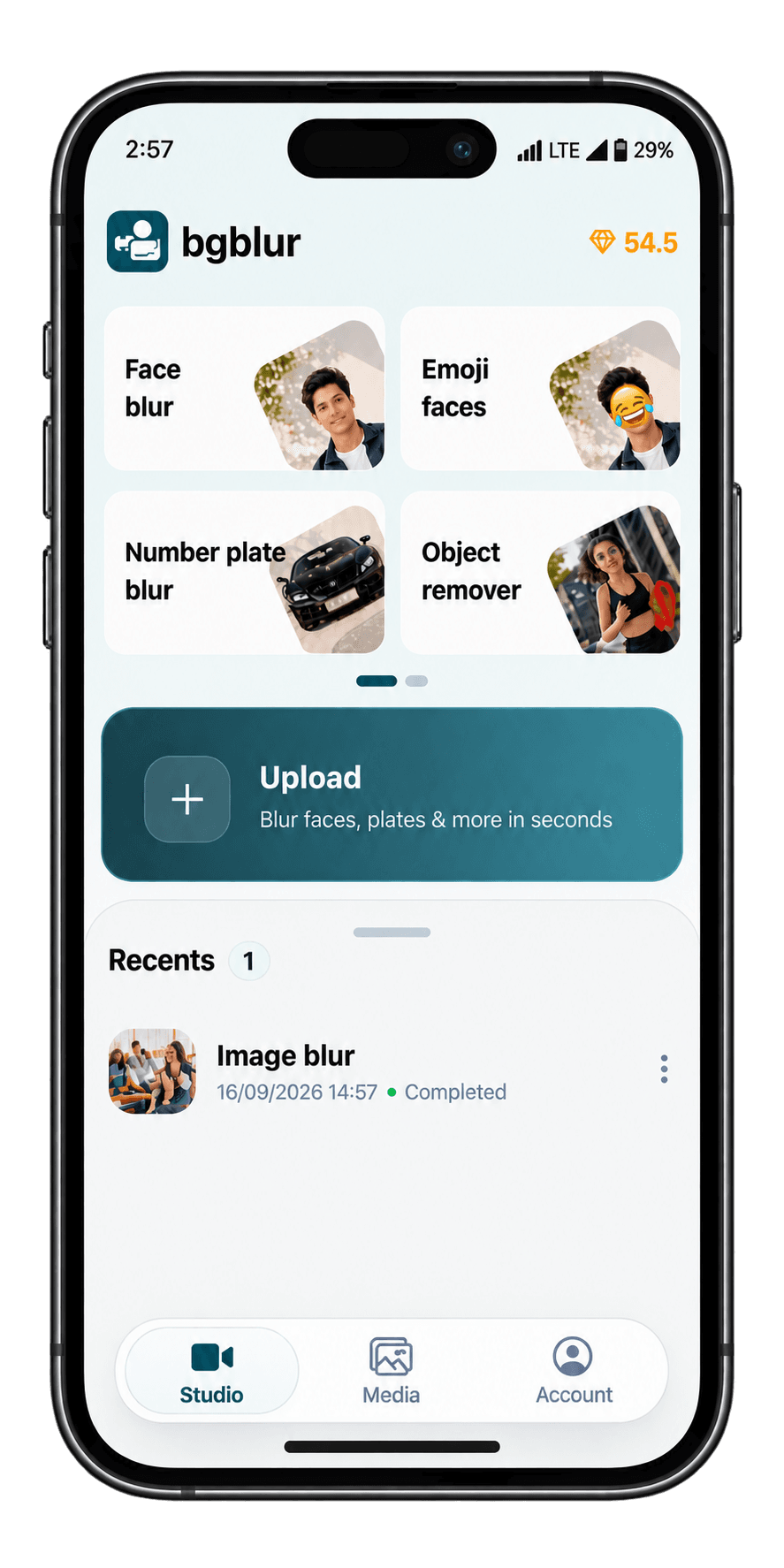
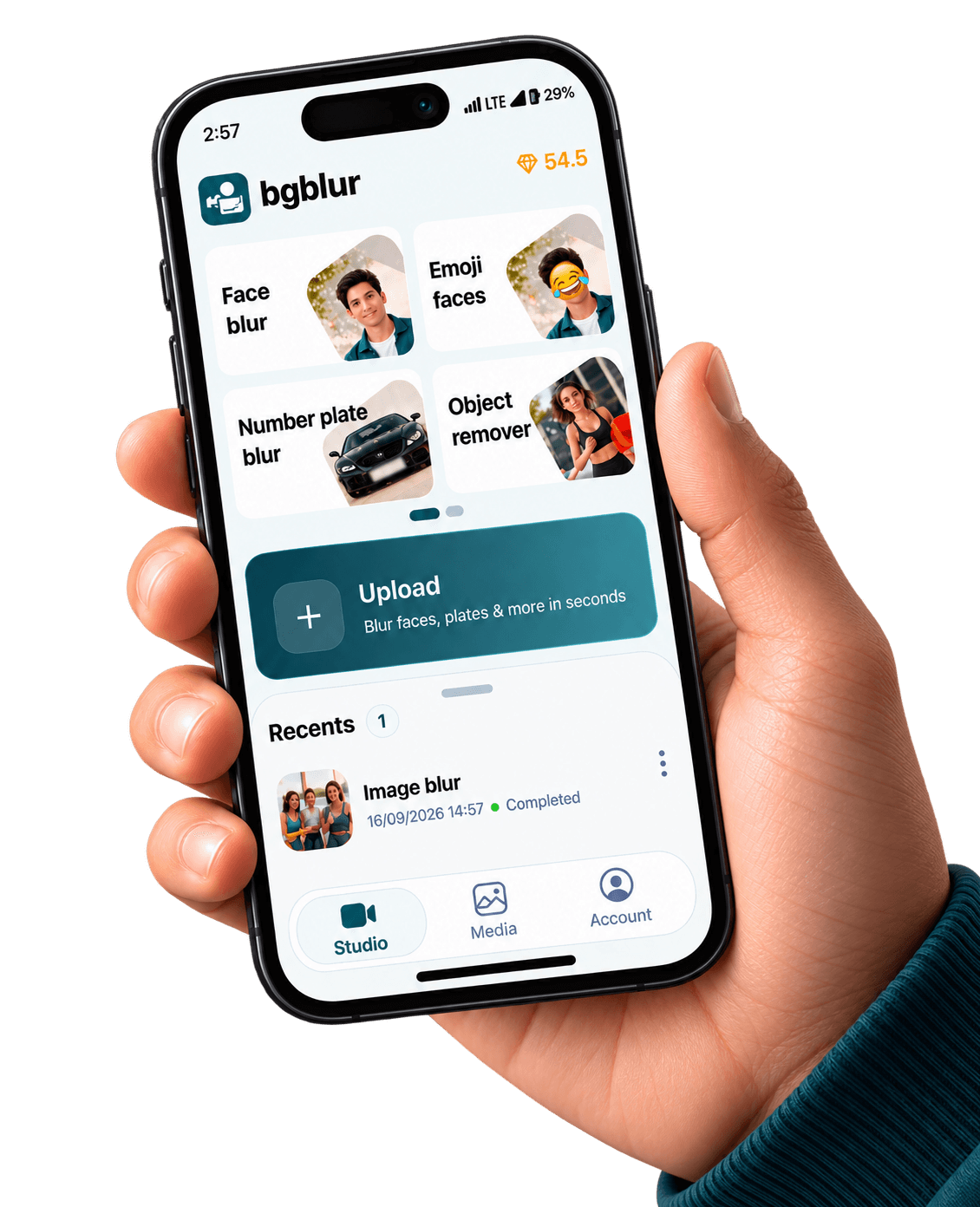
Mobile app for Android & iPhone
Blur Anything in Photos and Videos with AI on Android & Apple App
Describe what should disappear: laptops, merch, street signs, or weird-shaped gear. BGBlur keeps the same prompt-first workflow you use in the browser—now sized for field edits on Android.
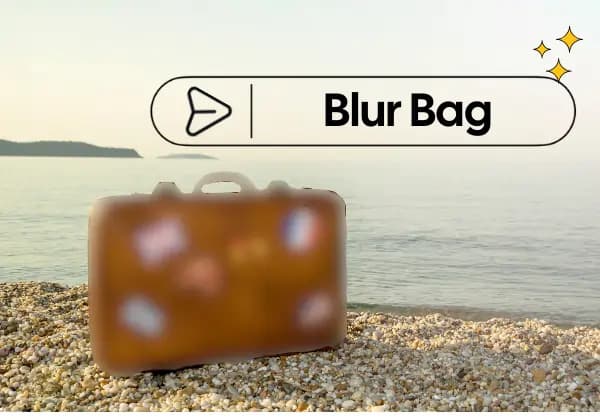
Blur-anything is for everything a rectangle tool misses: tapered props, diagonal logos, and one-off clutter you cannot name with a single preset. Run a pass on Android, spot-check, then publish.
Structured FAQ-style landings (separate URLs per intent) help generative search engines cite the right answer: this page is object- and prompt-centric—not child safety, not background bokeh. Aggarwal et al., GEO: Generative Engine Optimization (2023).
When to reach for blur-anything on mobile
Use it when the risk is an identifiable object or brand mark, not a face oval. Pair with our face and plate landings when a single clip mixes multiple privacy classes.
Prompt-first
Short noun prompts beat drawing ten keyframes when the subject is oddly shaped.
Moving props
Handheld walk-and-talk shots still need stable masks—temporal tracking carries the blur.
B-roll hygiene
One stray sponsor logo can sink a monetization review; blur-anything catches the weird corners.
Play workflow
Install via Google Play, redact on the go, sync heavier timelines to desktop if needed.
See the results

AI editing features
More than a Blur Anything Android Play Store tool
Privacy tooling that respects how Android creators actually shoot, edit, and publish. Blur Anything Android Play Store is built for video privacy protection, automatic blur, motion-aware editing, object redaction, secure export, and faster browser-based video workflows.
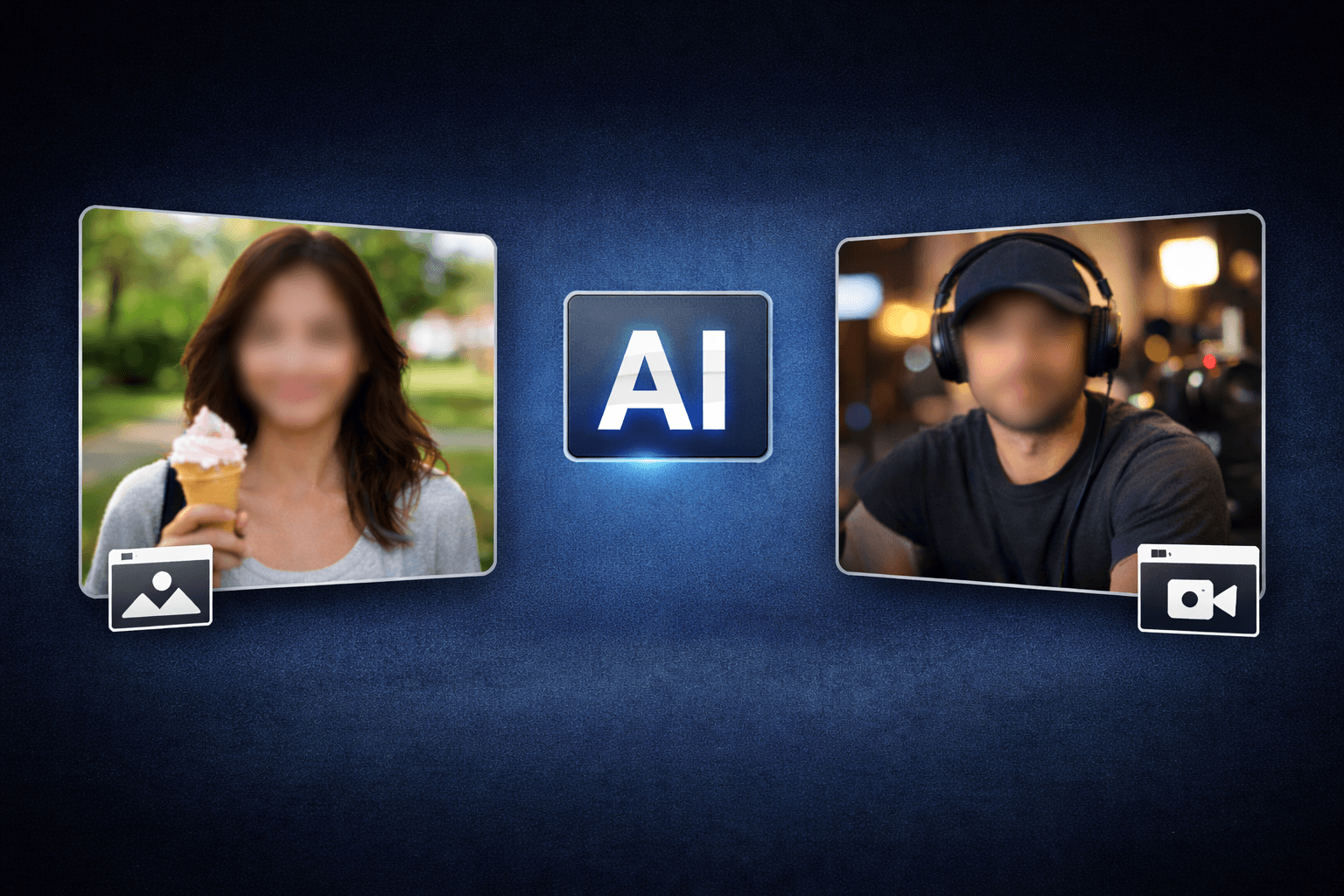
Smart AI Blur Anything Android Play Store video workflow
Blur Anything Android Play Store helps creators edit videos faster with AI-powered blur, masking, tracking, redaction, privacy protection, and browser-based automation.
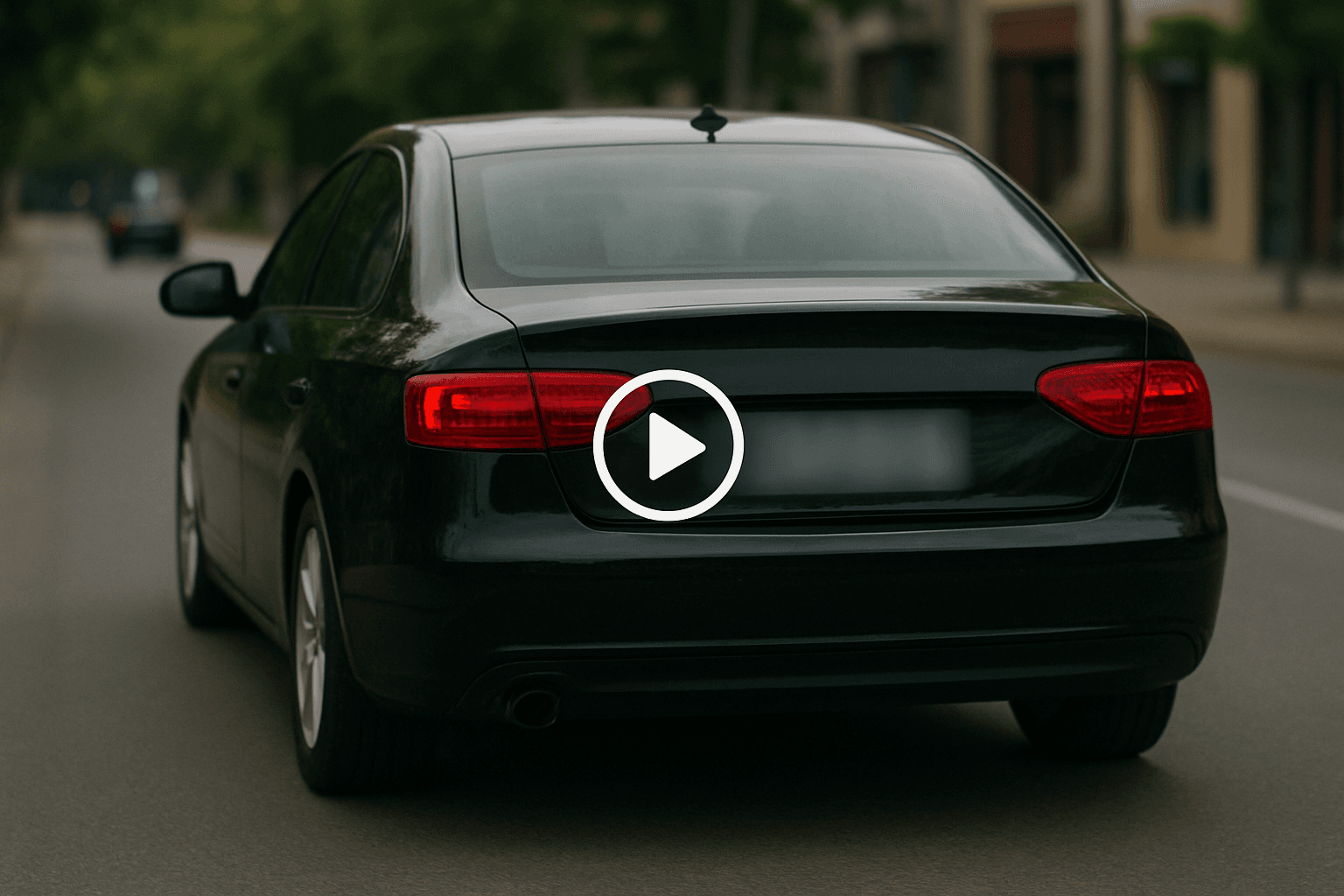
Motion-aware AI automation
Use AI assistance to reduce manual keyframes, repeated masking, frame-by-frame blur work, object selection, and privacy edits across clips and social videos.
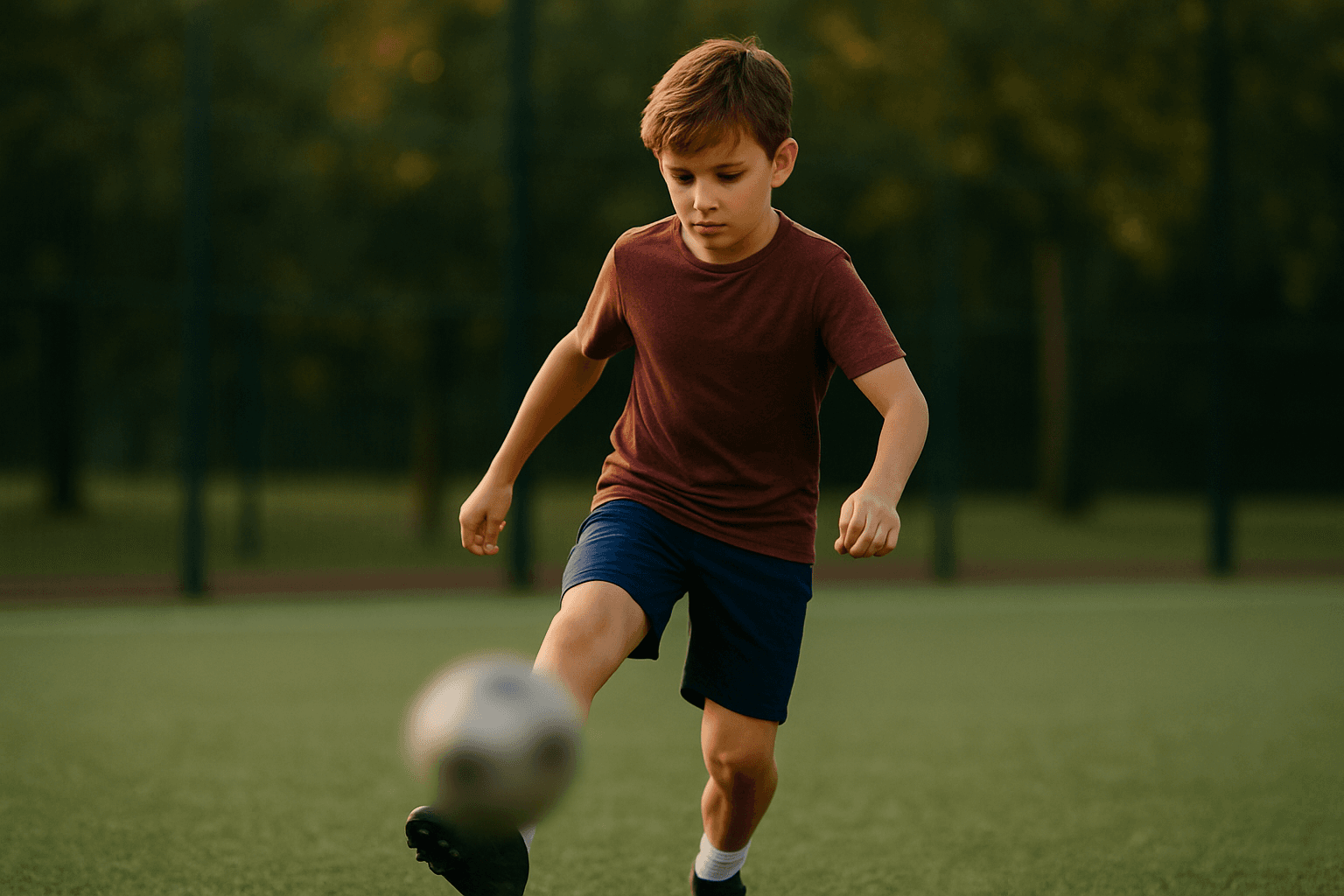
Video privacy protection
Blur Anything Android Play Store helps hide faces, plates, backgrounds, objects, text, body details, and sensitive visual information before videos are published or shared.
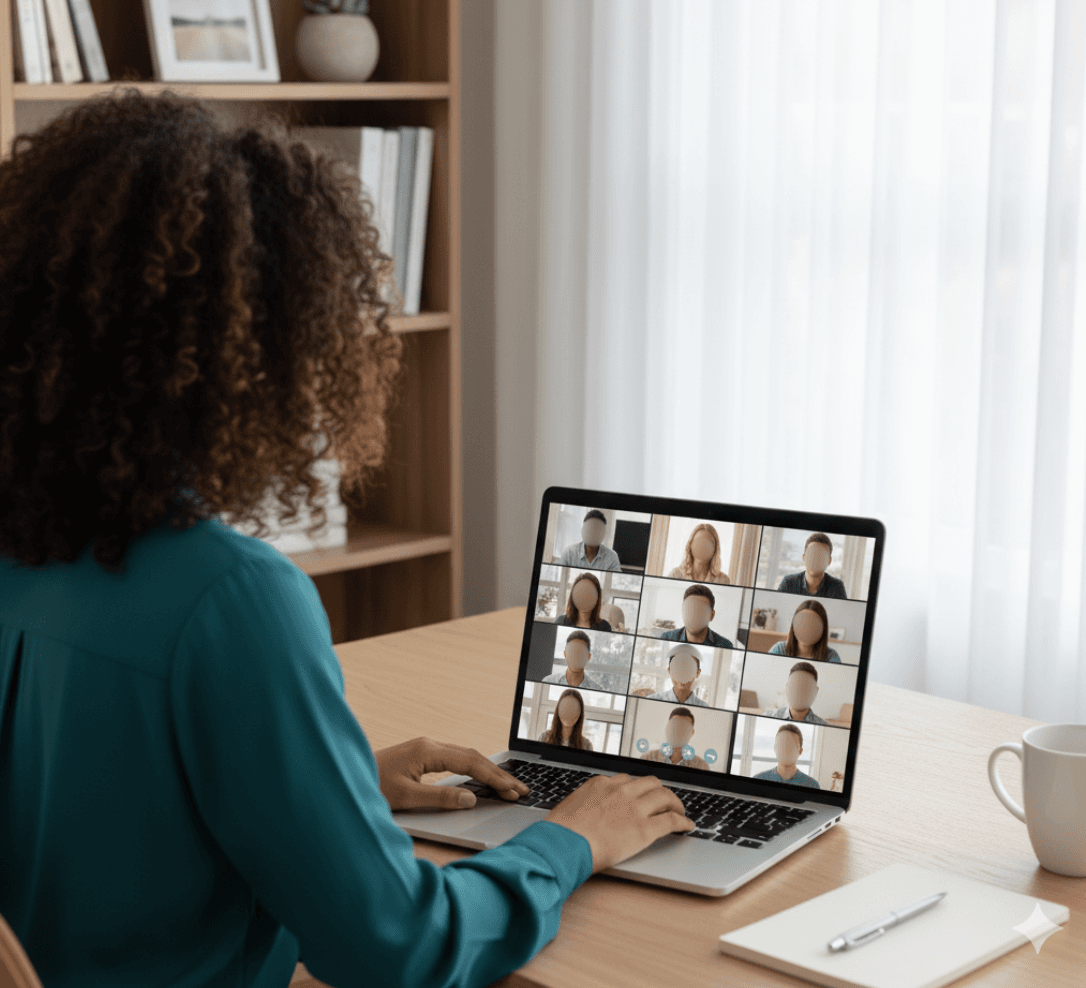
Fast browser-based processing
Upload a video, apply the tool workflow, review the result, and export edited content without installing heavy video software or switching between apps.
Flexible editing controls
Adjust blur style, intensity, selected areas, tracking, masking, and export decisions depending on the footage, audience, platform, and privacy requirement.
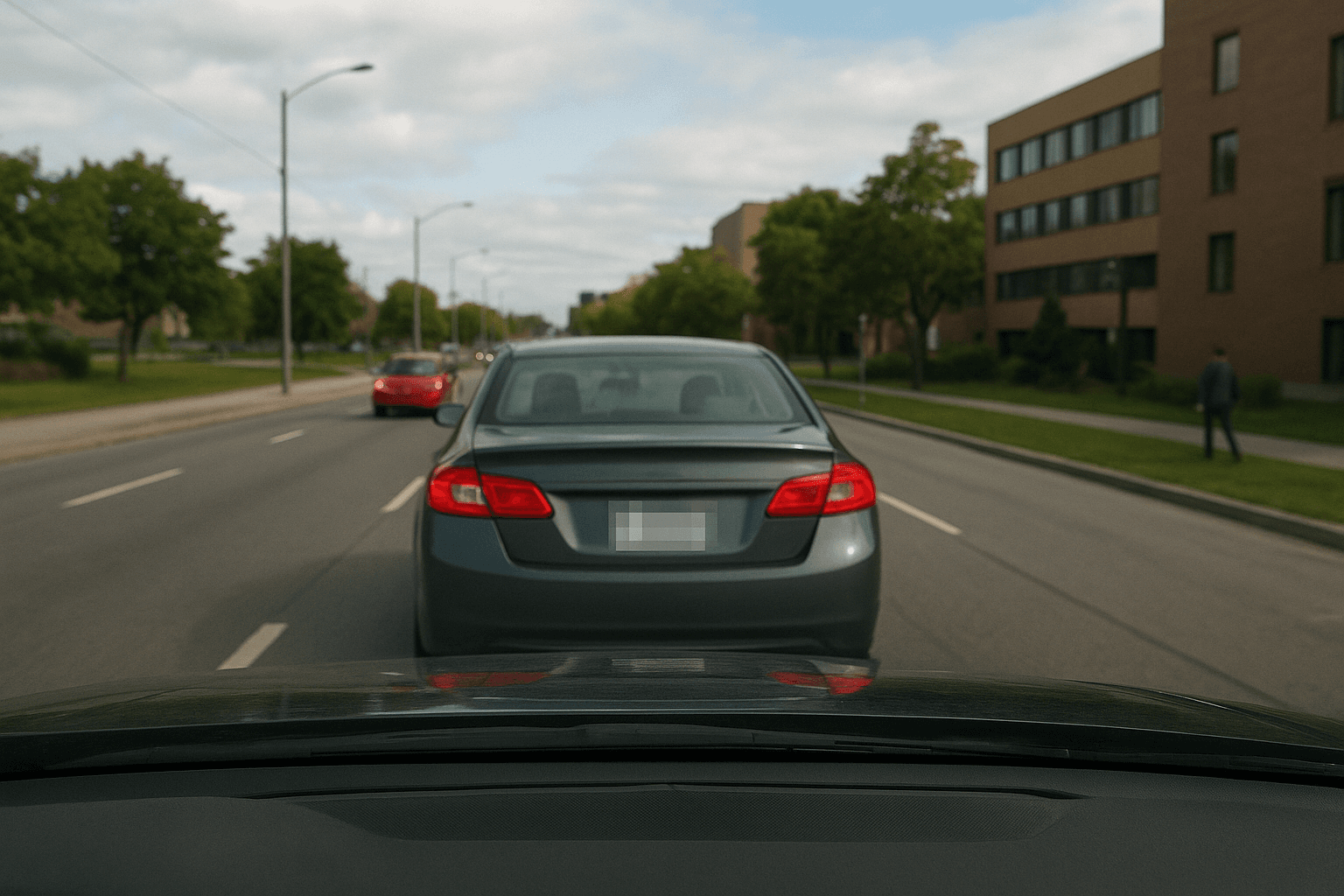
Export publish-ready videos
Prepare cleaner videos for YouTube, TikTok, Instagram, training libraries, client review, education, journalism, real estate, automotive content, and compliance workflows.
What creators say
“Sponsor gear kept sneaking into frame. Prompt blur means I don’t rebuild masks when I swap desks.”
Renee K.
Product reviewer, Gadget channel
“We blur signage in three languages. Typed prompts beat guessing rectangle sizes on a five-inch screen.”
Leo V.
Field producer, Doc crew
“We send creators the blur-anything link—not a seventy-page PDF—so compliance actually happens.”
Imani S.
Brand safety lead, UGC marketplace
Frequently asked questions
Yes—these App Store pages describe the same BGBlur capabilities you access from /en/features/blur-anything and the logged-in uploader; mobile packaging may vary by release channel.
Use our dedicated blur-children-in-video Android URL when minors are the primary risk— it bundles COPPA-first language and face-specific FAQs.
Sometimes—for a messy shelf behind a host, maybe. For cinematic bokeh on portraits, use the blur-background-in-video landing instead.
Upload a clip in the BGBlur app and choose license plate blur. AI detects and tracks every plate across frames, including moving cars, so you don't mask them by hand. See the license plate blur feature →
Yes. Face blur finds every face in your video, follows it frame by frame, and applies the blur style you pick, with no manual keyframes. See the face blur feature →
Yes. Background blur keeps the subject sharp and softens everything behind it, useful for calls, vlogs, and product shots filmed in messy spaces. See the background blur feature →
Describe what should be hidden, such as a laptop, street sign, or logo, and AI finds and blurs it across the whole clip. See the Blur Anything feature →
Draw a box around the watermark and the AI fills the area in from the surrounding pixels. Only remove watermarks from content you own or have rights to edit. See the watermark remover →
Yes. The AI video object remover deletes the object and rebuilds the scene behind it, instead of just covering it with a blur. See the AI video object remover →
Blur softens a face, while redaction covers it with a solid black box that cannot be reversed or enhanced. Use redaction when a face must be fully hidden. See the face redaction feature →
Yes. License plate redaction places an opaque black box over every detected plate, which is the safer choice for legal, insurance, or public footage. See the license plate redaction feature →
Yes. PDF redaction runs in the browser and permanently blacks out names, numbers, and other sensitive text so it cannot be copied back out. See the PDF redaction feature →
Yes. Upload a photo and every face is detected and blurred in seconds, including group shots and crowd scenes. See face blur in photos →
Face anonymization goes beyond blur by making people unidentifiable while keeping the footage natural and usable for research, training data, or publishing. See the face anonymization feature →
Yes. The voice anonymizer changes how a speaker sounds so they can't be recognised, while the words stay clear and easy to follow. See the voice anonymizer →
Type the word you want gone and the AI adds a beep over every time it's spoken, with no manual timeline editing. See the beep-out words feature →
Yes. Face swap replaces a face in a photo with another one, useful for privacy-safe examples and creative edits. Try face swap for images →
Yes. Face swap for video replaces faces across the whole clip and keeps expressions and motion consistent. Try face swap for video →
Yes. Video intelligence lets you search footage by what appears in it, so you can find and protect sensitive moments faster. See video intelligence →
Yes. Bulk blur processes a whole batch of videos with the same settings, which saves hours on large libraries. See bulk blur →
Start with BGBlur
Install BGBlur for Android & iPhone
Install BGBlur for Android helps creators edit images and videos faster with smart AI-powered automation. Upload your file, choose the privacy or blur workflow you need, and export polished content without manual frame-by-frame editing.
Available on Google Play and the App Store