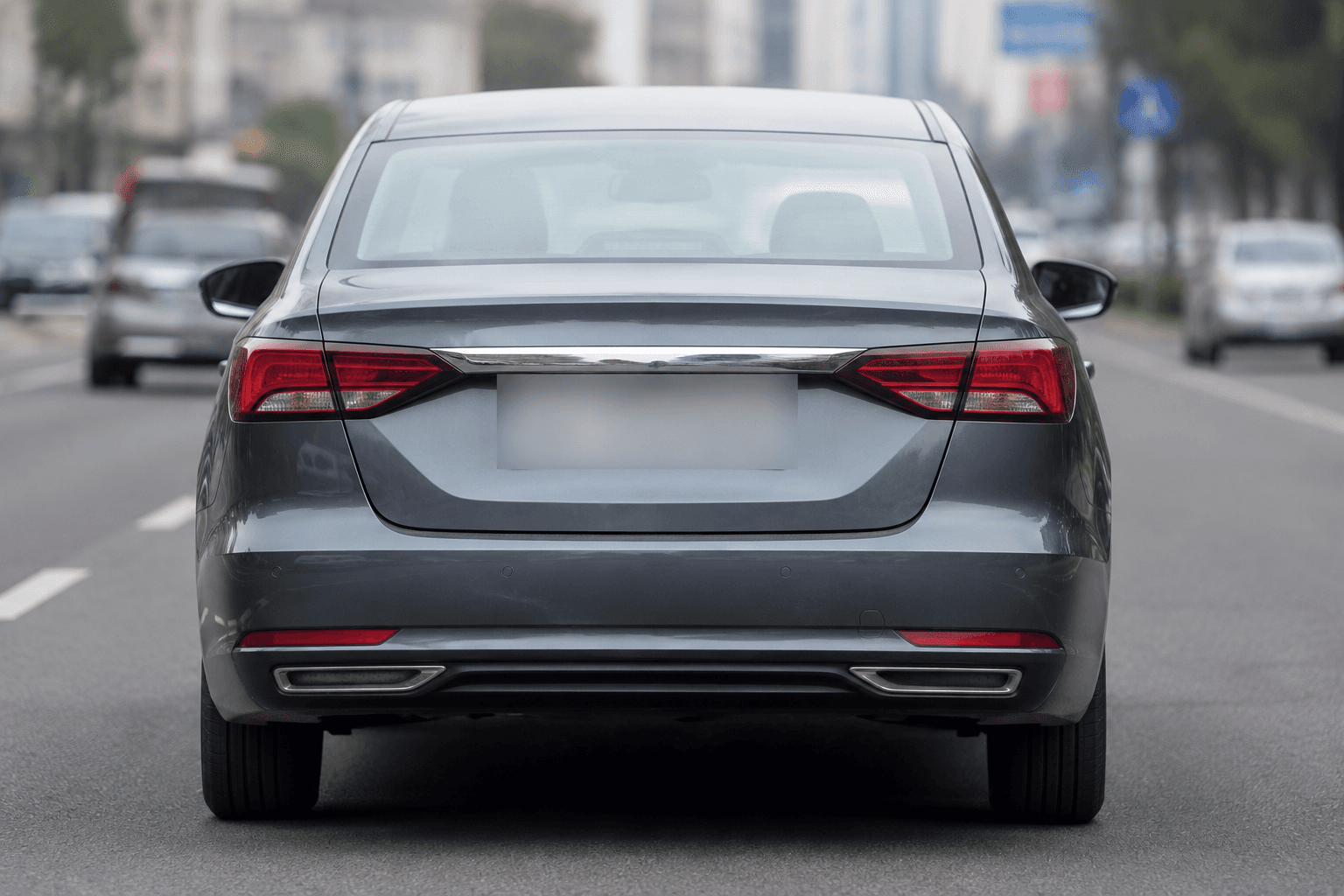
Comment Blur plaque de licence dans la photo
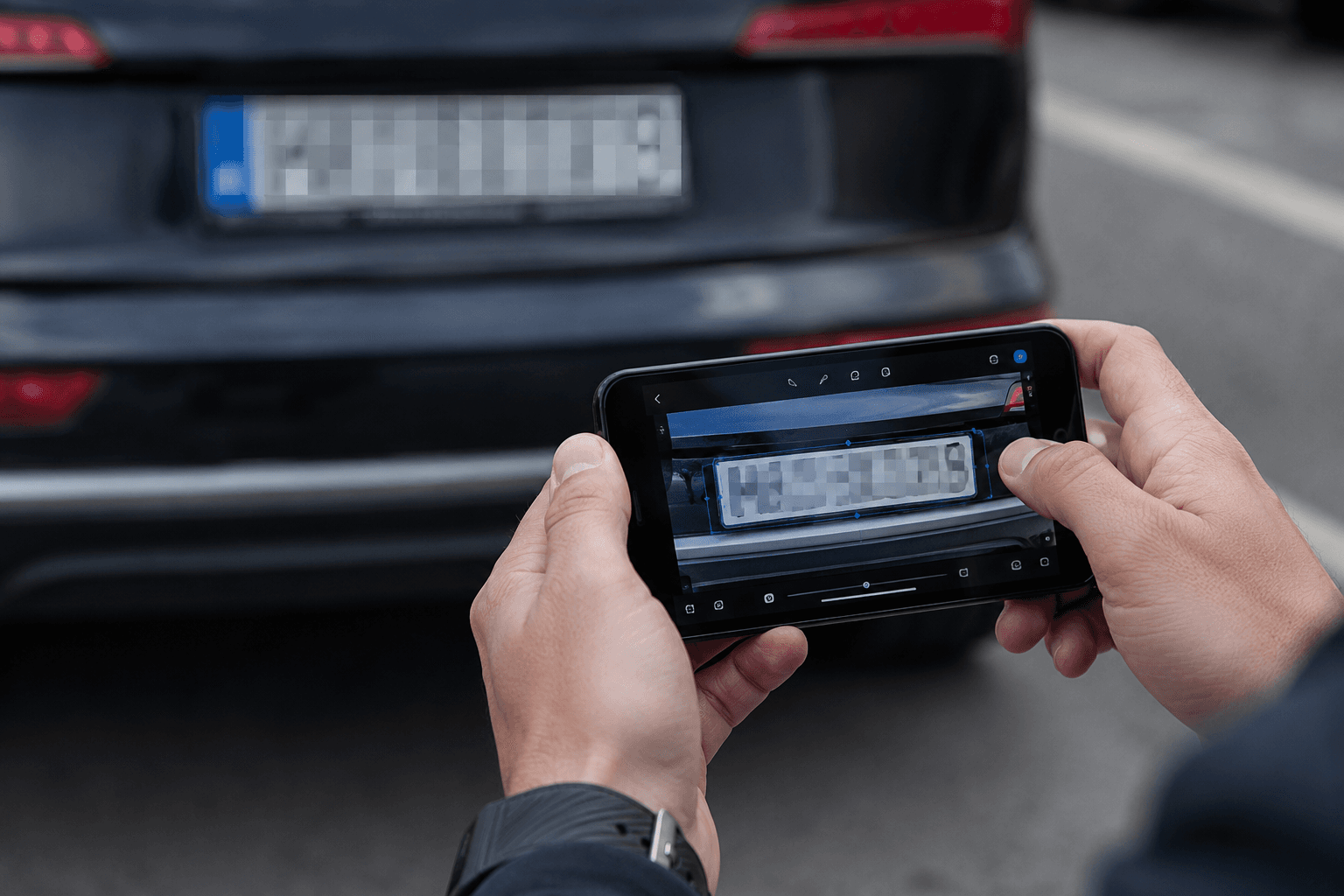
Il suffit de télécharger votre photo et notre AI détecte automatiquement toutes les plaques d'immatriculation de l'image. Pas besoin de sélectionner manuellement ou dessiner des boîtes - l'IA trouve chaque plaque numérique et applique un effet de flou professionnel. Fonctionne sur des photos de voiture, des scènes de rue, des parkings et toute image contenant des véhicules.
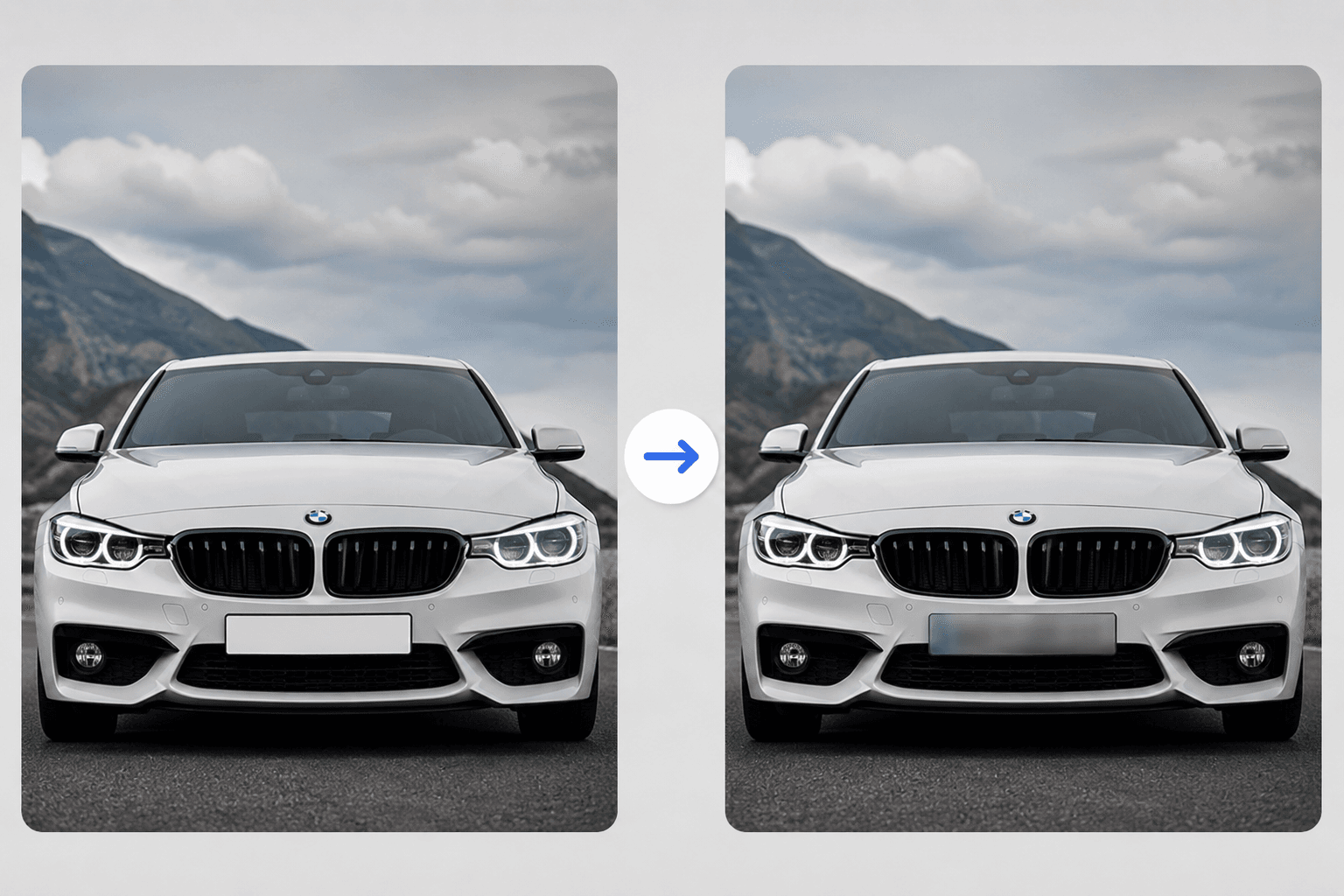
Cacher instantanément la plaque numérique dans l'image
Besoin de cacher rapidement une plaque de numéro dans votre image? Notre outil traite les photos en quelques secondes. Télécharger n'importe quel format d'image - JPG, PNG, JPEG, WebP - et obtenir votre photo floue prêt à télécharger immédiatement. Parfait pour les modifications rapides avant de partager en ligne.
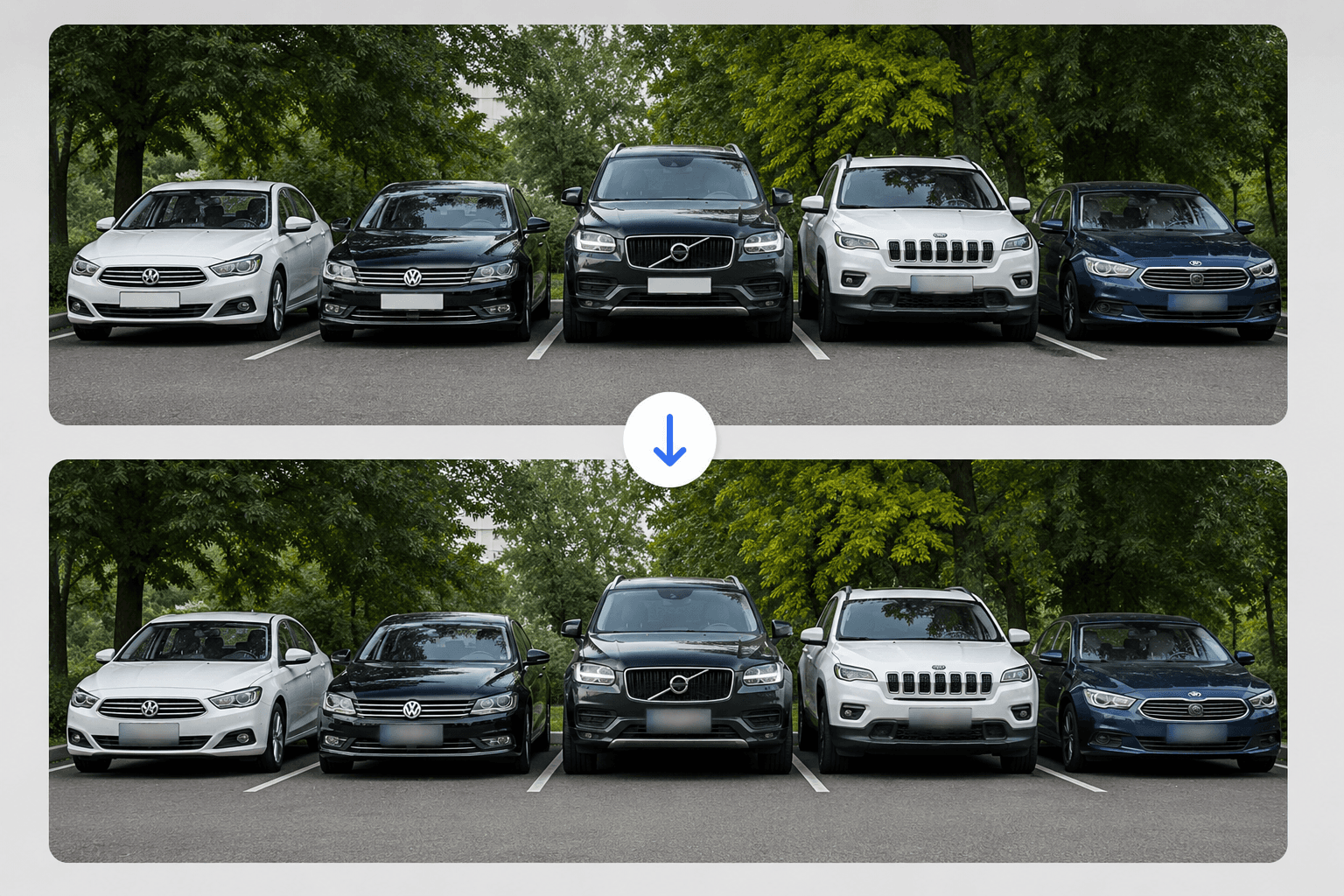
Plusieurs plaques de licence dans une photo
Vous avez une photo avec plusieurs voitures ? Pas de problème. Notre AI détecte et brouille toutes les plaques d'immatriculation en une seule image simultanément. Qu'il s'agisse d'une photo de parking, d'une scène de rue ou d'une photo d'exposition de voiture, chaque assiette est floue automatiquement.
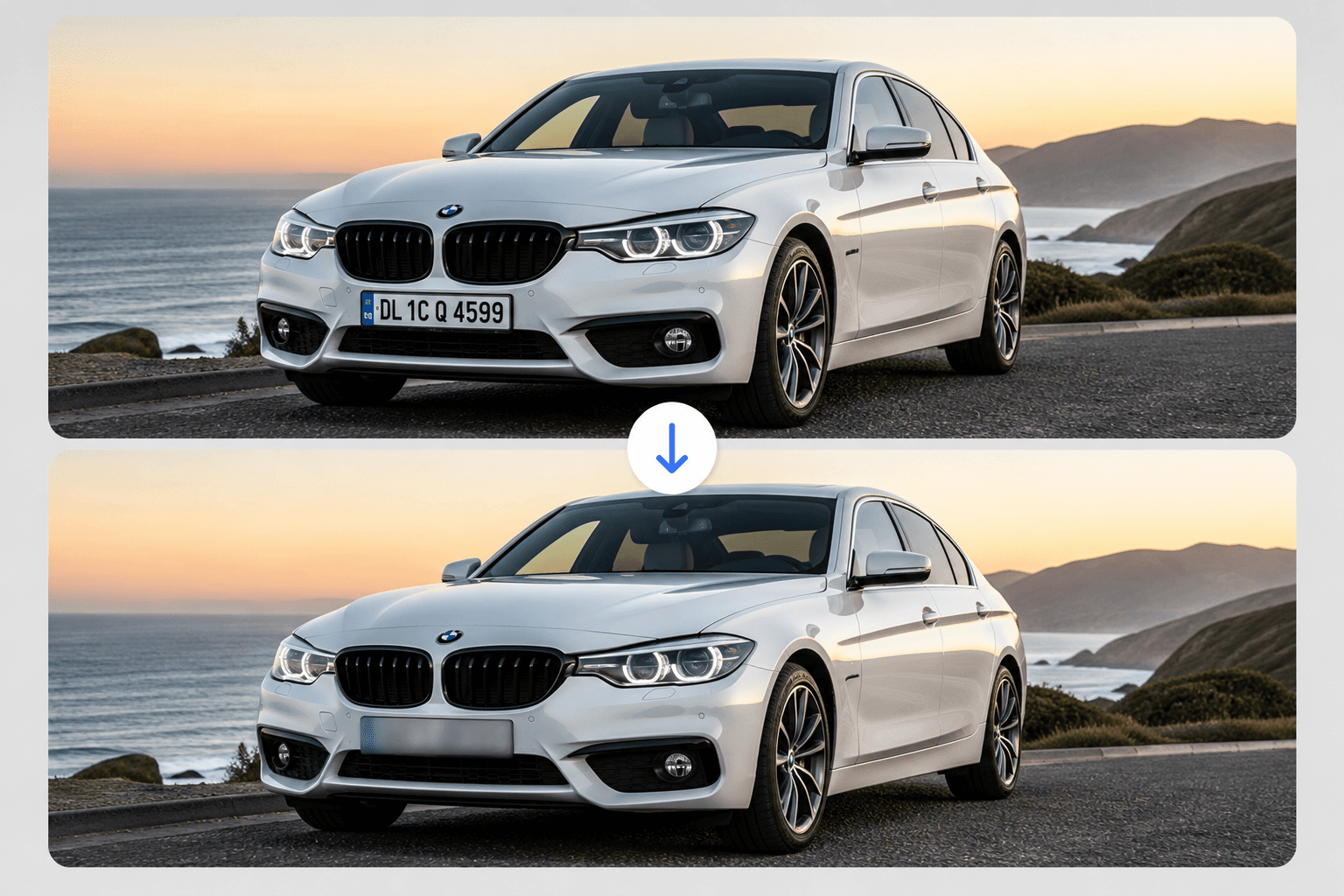
Préserver la qualité de l'image
Notre effet flou n'affecte que la zone de la plaque d'immatriculation, en maintenant le reste de votre cristal photo clair. L'IA cible précisément les plaques numériques sans dégradation de la qualité globale de l'image. Vos photos restent pointues et professionnelles.
Aucune installation de logiciel requise
Plaques de licence Blur directement dans votre navigateur - pas de Photoshop, pas de téléchargements d'application, pas de compte nécessaire. Il suffit de télécharger, de flouer et de télécharger. Fonctionne sur tout appareil, y compris les téléphones, tablettes et ordinateurs.
Plaque de licence Blur dans votre photo
Téléchargez instantanément votre image et brouillez les plaques d'immatriculation. Outil à moteur AI gratuit sans filigrane.
Flou photo maintenant