Flou d'Arrière-Plan Vidéo Cinéaste AI Gratuit

Créez des chefs-d'œuvre cinématographiques avec des effets de flou d'arrière-plan instantanés. Obtenez une profondeur de champ professionnelle et transformez n'importe quel lieu en plateau de cinéma avec des visuels qualité studio !

Flouter arrière-plan film maintenant
Créez une Profondeur Cinématographique Instantanément

Créez une Profondeur Cinématographique Instantanément

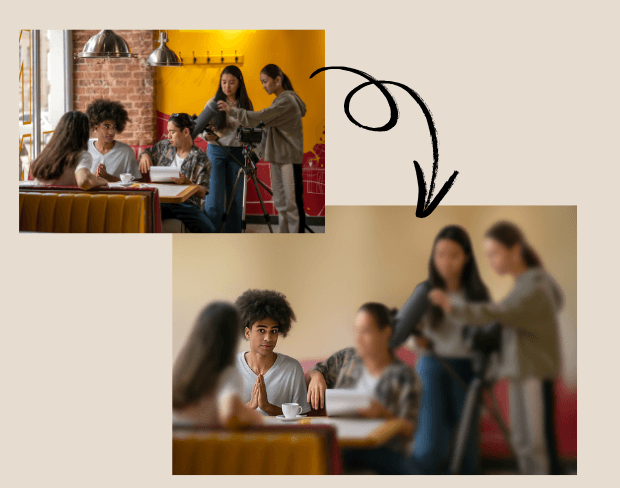
Les cinéastes peuvent utiliser le flou d'arrière-plan IA pour obtenir un effet de profondeur de champ cinématographique sans objectifs coûteux. Le flou d'arrière-plan met en valeur les acteurs et visuels clés, donnant aux films indépendants, projets courts ou promos un aspect soigné grand écran.
Transformez N'importe Quel Lieu en Plateau de Film

Pas besoin de décors élaborés. Avec le flou d'arrière-plan IA, les cinéastes peuvent supprimer les distractions des lieux réels. L'effet de flou permet aux réalisateurs de transformer les espaces quotidiens en environnements contrôlés type studio.
Transformez N'importe Quel Lieu en Plateau de Film
Flou par Lots de Plusieurs Scènes Efficacement

Flou par Lots de Plusieurs Scènes Efficacement

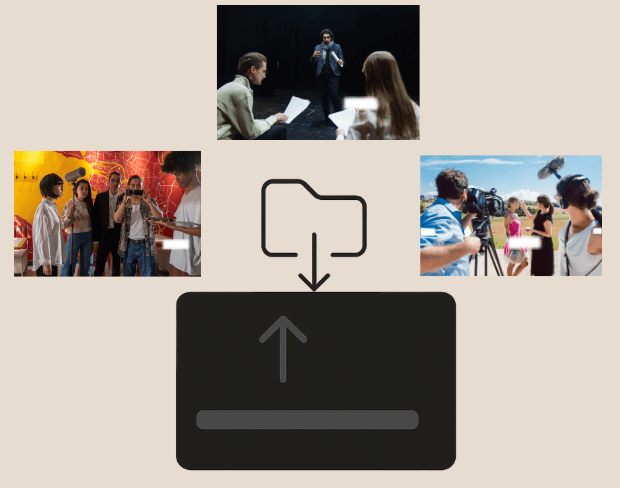
Les projets cinématographiques impliquent souvent des dizaines de clips. Notre fonction de flou vidéo par lots permet aux monteurs de flouter des parties de vidéo ou scènes entières sur plusieurs fichiers à la fois.

Protégez les Identités et Prises Sensibles

Lors de tournages publics, il est souvent nécessaire de cacher visages, documents ou véhicules. Les cinéastes peuvent flouter visages dans vidéo ou sections de vidéo en sécurité avec flou d'arrière-plan IA.
Protégez les Identités et Prises Sensibles
Exportez Films Floutés en Formats Multiples

Exportez Films Floutés en Formats Multiples

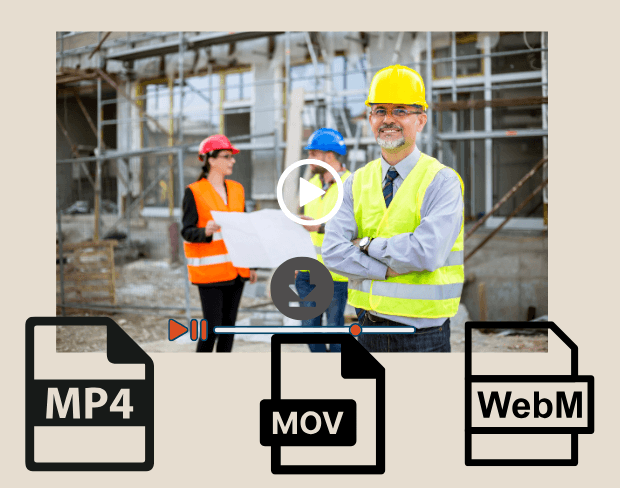
Après montage, exportez scènes de film avec arrière-plans floutés en MP4, MOV ou WebM. Notre outil IA assure des images prêtes HD pour festivals, plateformes streaming ou projections clients.

User Reviews

Share your experience and help others make informed decisions

Write a Review

5 stars

Community Score

0.0

/ 5

Based on 0 reviews

All Reviews (0)

No reviews yet

Be the first to share your experience and help others discover this feature!

Frequently Asked Questions

How does BGBlur work?

BGBlur uses AI to automatically detect and blur faces, license plates, backgrounds, and other objects in your videos and images. Simply upload your media, choose what to blur, and export the result.

Is BGBlur free to use?

BGBlur offers free processing for many use cases. Upload your video or image to get started with AI-powered blur tools without signup or watermarks.

What file formats are supported?

BGBlur supports all major video formats (MP4, MOV, AVI, MKV) and image formats (JPG, PNG, JPEG, HEIC) for blur processing.

Can I blur multiple objects in one video?

Yes. BGBlur can detect and blur multiple faces, license plates, or custom objects simultaneously in the same video or image.

Is my data secure?

Yes. Your uploads are processed securely and are not stored permanently. BGBlur is designed with privacy in mind for both you and the subjects in your media.

Floutez vos Arrière-Plans de Films Maintenant

Commencez à créer des chefs-d'œuvre cinématographiques instantanément avec notre outil gratuit de flou d'arrière-plan IA.

Flouter arrière-plan film maintenant

Trusted by thousands of creators

My favorite video tool

Great app, easy to use. Helps our small business save time and money to create different marketing materials professionally. Thank you.

Shaelyn D.

Best blur tool out there

I need a good blur tool for my work and I've been through them all. This one is the best by far. It's so easy to use and the results always look amazing.

Kira H.

Love it

It's amazingly easy and gives the perfect results for my bags and accessories. It looks like it was done by a professional photographer.

Mary J.

Related platforms

Video intelligence & background removal

Extend your workflow with specialized tools from our ecosystem. Opens in a new tab.