AI-Powered Censor License Plate for Images & Videos
Automatically process images and videos using advanced AI detection and editing workflows. Censor License Plate reduces manual work while delivering clean, professional, and privacy-ready results.
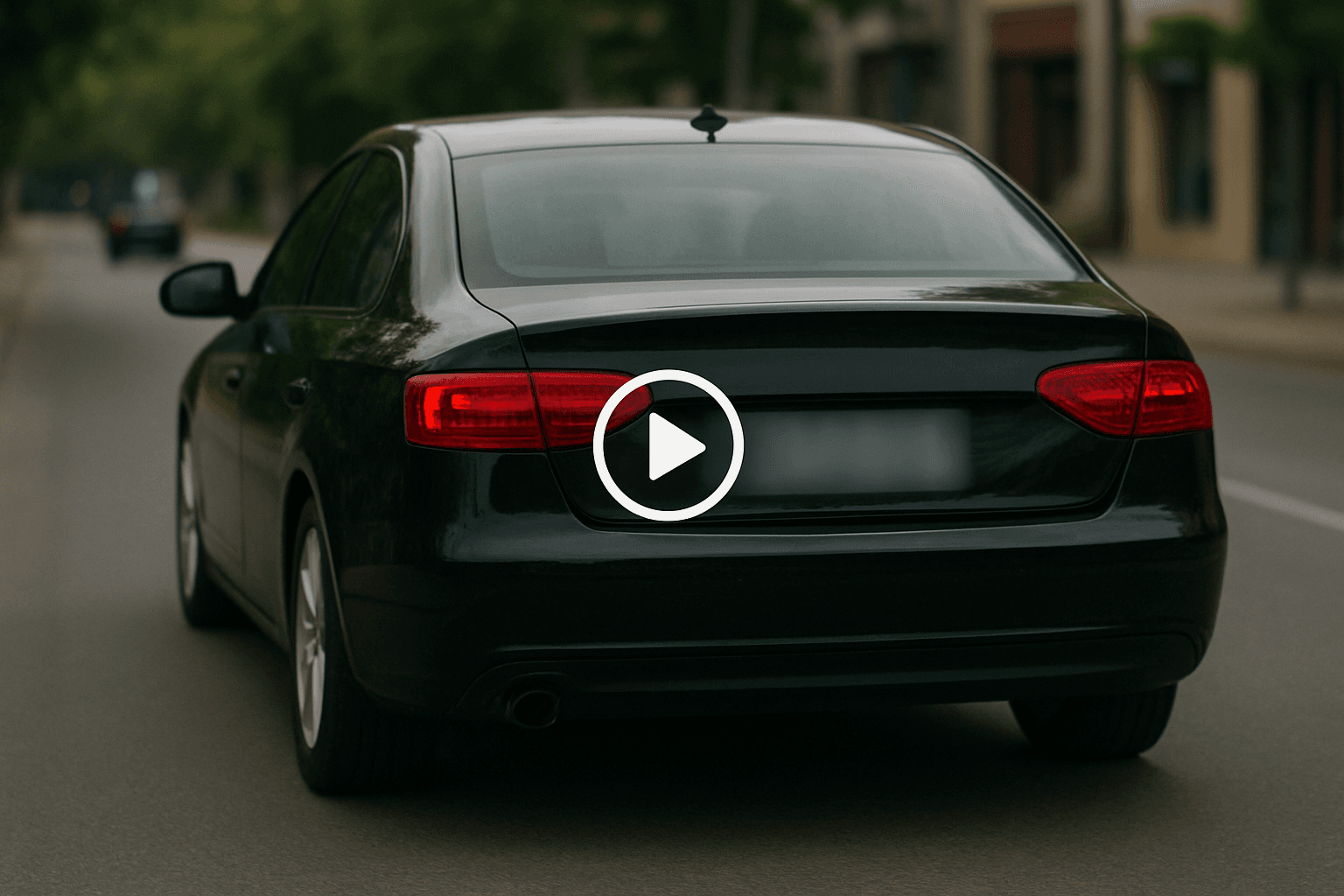
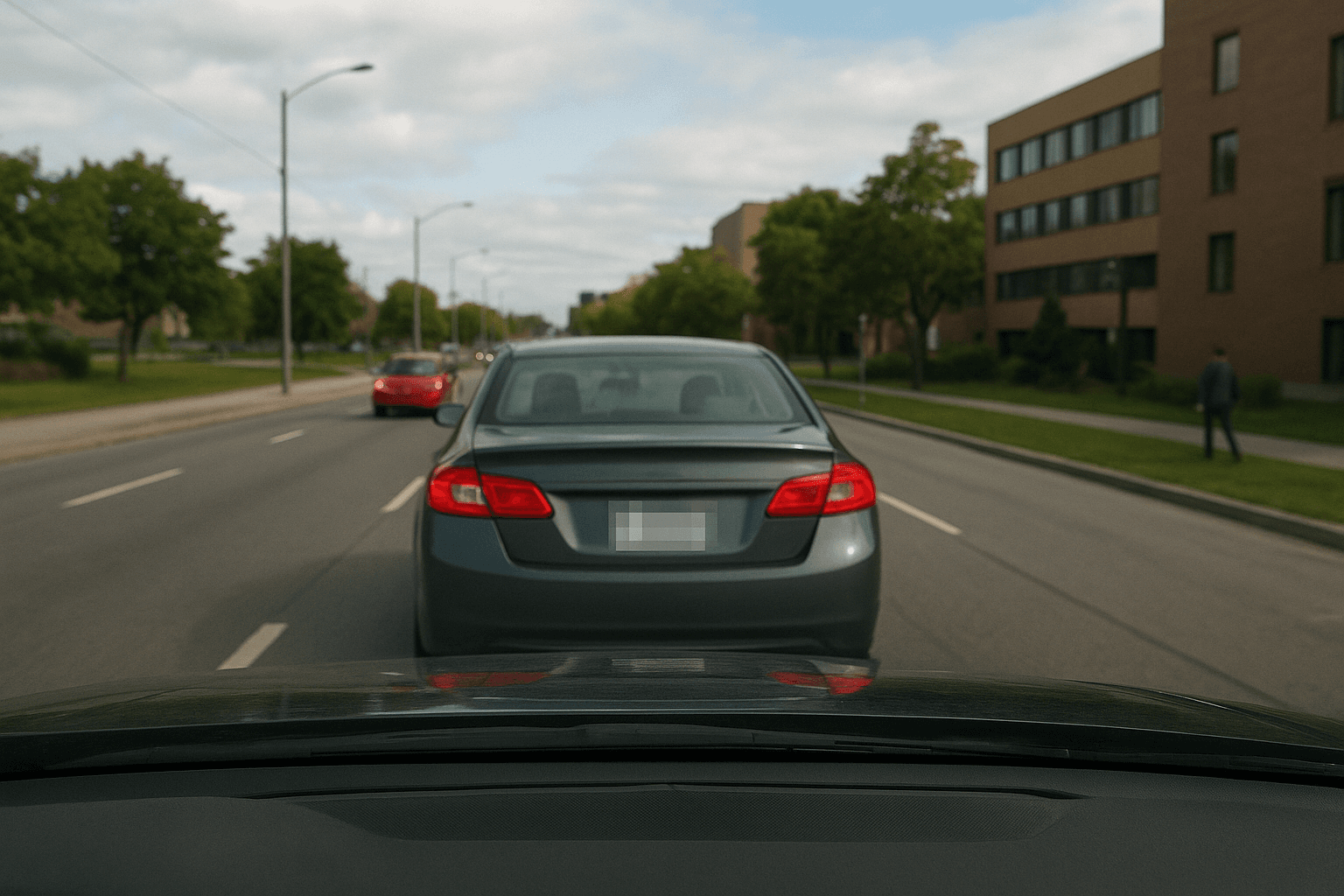
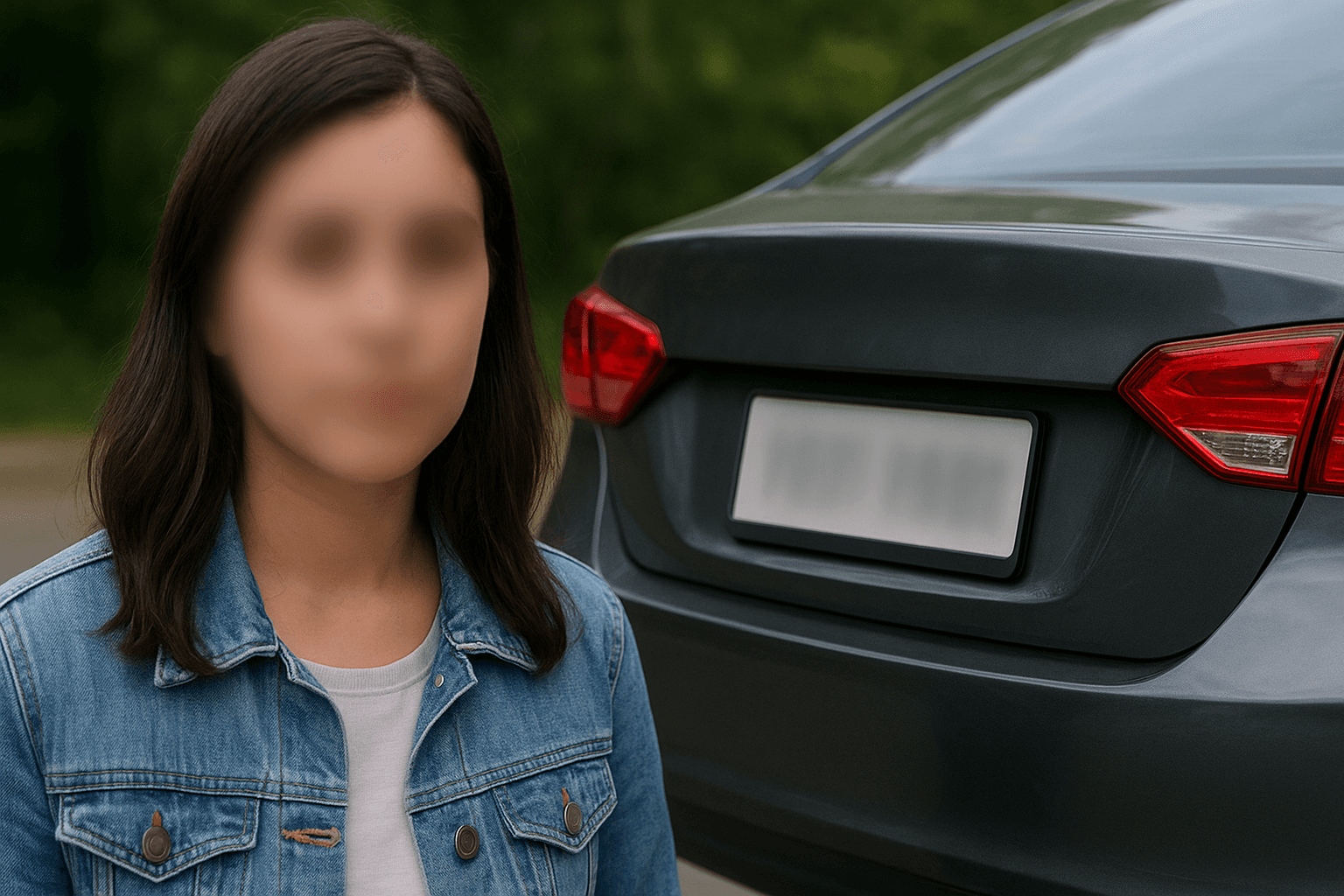
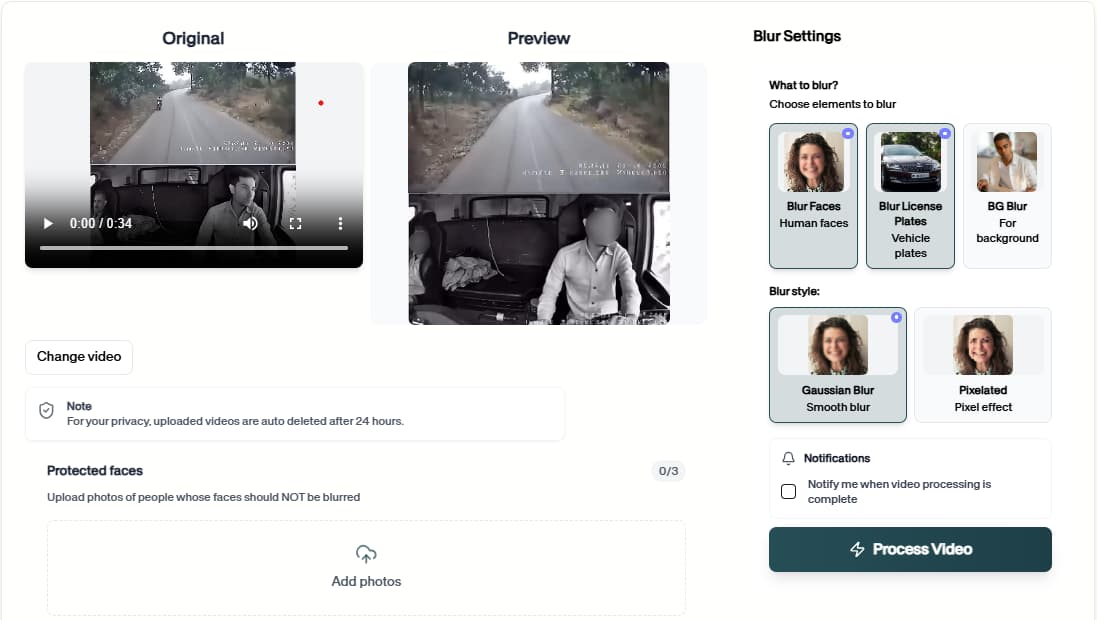
How to Easily Censor License Plate
Follow this simple 3-step process to get a polished result without frame-by-frame editing.
Upload Your Video Or Image
Start by uploading the video or image you want to process. The censor License Plate workflow keeps the setup simple, so you can move from file selection to preview without rebuilding the project manually.
Review the AI Preview
BGBlur analyzes the file and prepares the right privacy edits for censor License Plate. Check the preview, confirm the important areas, and adjust the result before exporting.
Download the Result
Export a clean, privacy-safe version when the preview looks right. The finished video or image is ready for sharing, publishing, archiving, or handing off to your team.
AI-Powered Censor License Plate
Censor License Plate helps you finish the core task faster while keeping the surrounding scene useful.
How Censor License Plate Works
Censor License Plate turns a complex manual workflow into a focused browser flow. Upload the file, let the tool do the heavy lifting, and export a result that is easier to share, review, or publish.
Use it when you need a faster way to prepare content for public pages, reports, client review, training material, social posts, or internal documentation without rebuilding the edit by hand.
Detect license plates in images and video automatically
Blur or redact moving and angled plates with consistency
Keep the rest of the vehicle and scene visible
Work across dashcam, CCTV, and general road footage
Support clean exports for public sharing and reporting
Remove manual masking from repetitive redaction tasks
Use Cases
Dashcam
Publish driving footage safely. AI-Powered Censor License Plate keeps this workflow practical for repeated review, privacy cleanup, publishing, and team handoff without forcing editors to rebuild every mask or adjustment manually.
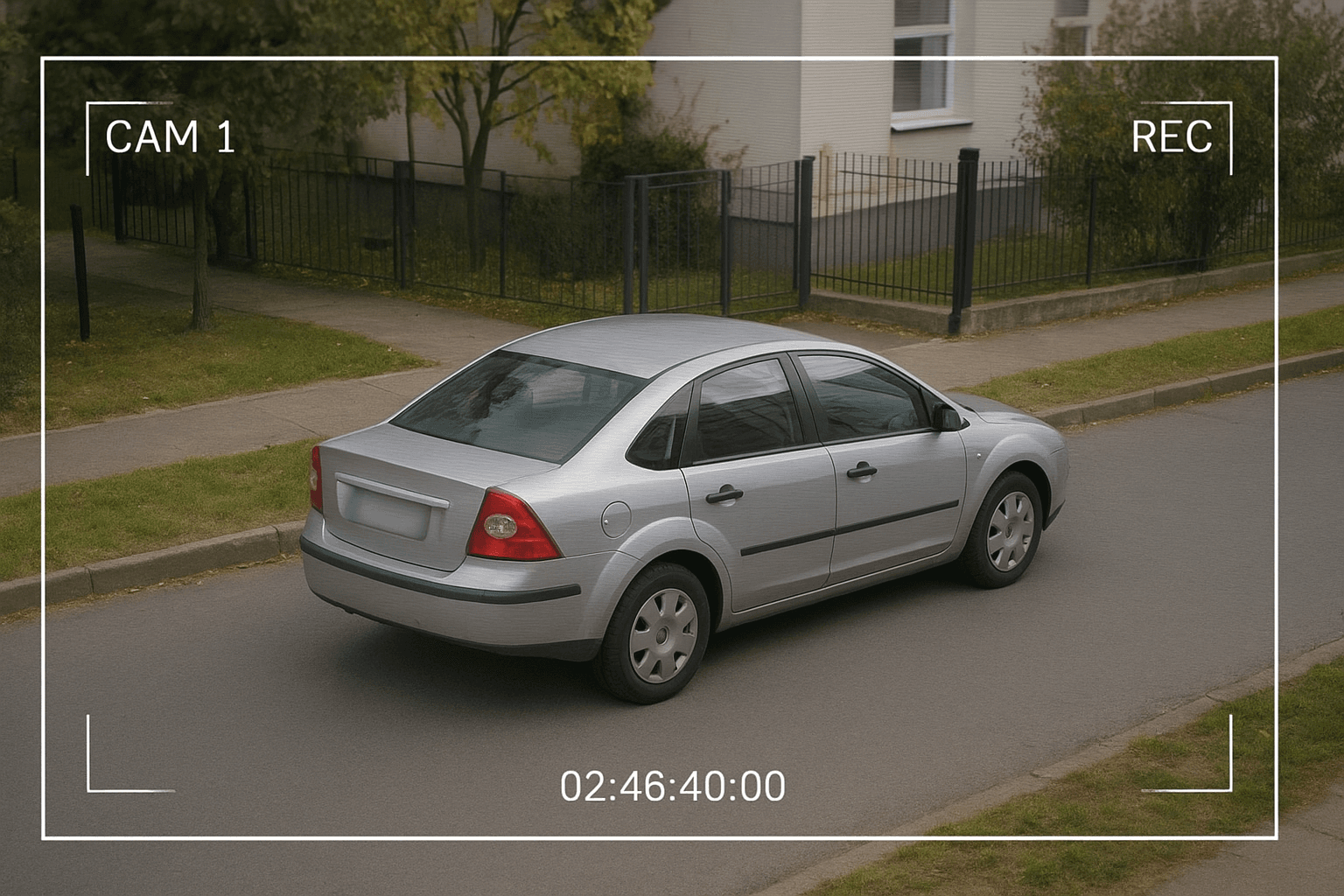
CCTV
Share parking and traffic clips. AI-Powered Censor License Plate keeps this workflow practical for repeated review, privacy cleanup, publishing, and team handoff without forcing editors to rebuild every mask or adjustment manually.
Insurance
Redact claim evidence quickly. AI-Powered Censor License Plate keeps this workflow practical for repeated review, privacy cleanup, publishing, and team handoff without forcing editors to rebuild every mask or adjustment manually.
Fleet
Prepare training or audit footage. AI-Powered Censor License Plate keeps this workflow practical for repeated review, privacy cleanup, publishing, and team handoff without forcing editors to rebuild every mask or adjustment manually.
Real Estate
Hide plates in street shots. AI-Powered Censor License Plate keeps this workflow practical for repeated review, privacy cleanup, publishing, and team handoff without forcing editors to rebuild every mask or adjustment manually.
Car Content
Protect third-party vehicles. AI-Powered Censor License Plate keeps this workflow practical for repeated review, privacy cleanup, publishing, and team handoff without forcing editors to rebuild every mask or adjustment manually.
Fast Redaction Workflow
Censor License Plate is designed for quick uploads, fast processing, and a clean result without a complicated editing timeline.
Ready to try Censor License Plate?
Upload a file and generate a cleaner result with censor license plate in seconds.
AI editing features
More than a Censor License Plate tool
Auto censoring. Censor License Plate is built for video privacy protection, automatic blur, motion-aware editing, object redaction, secure export, and faster browser-based video workflows.
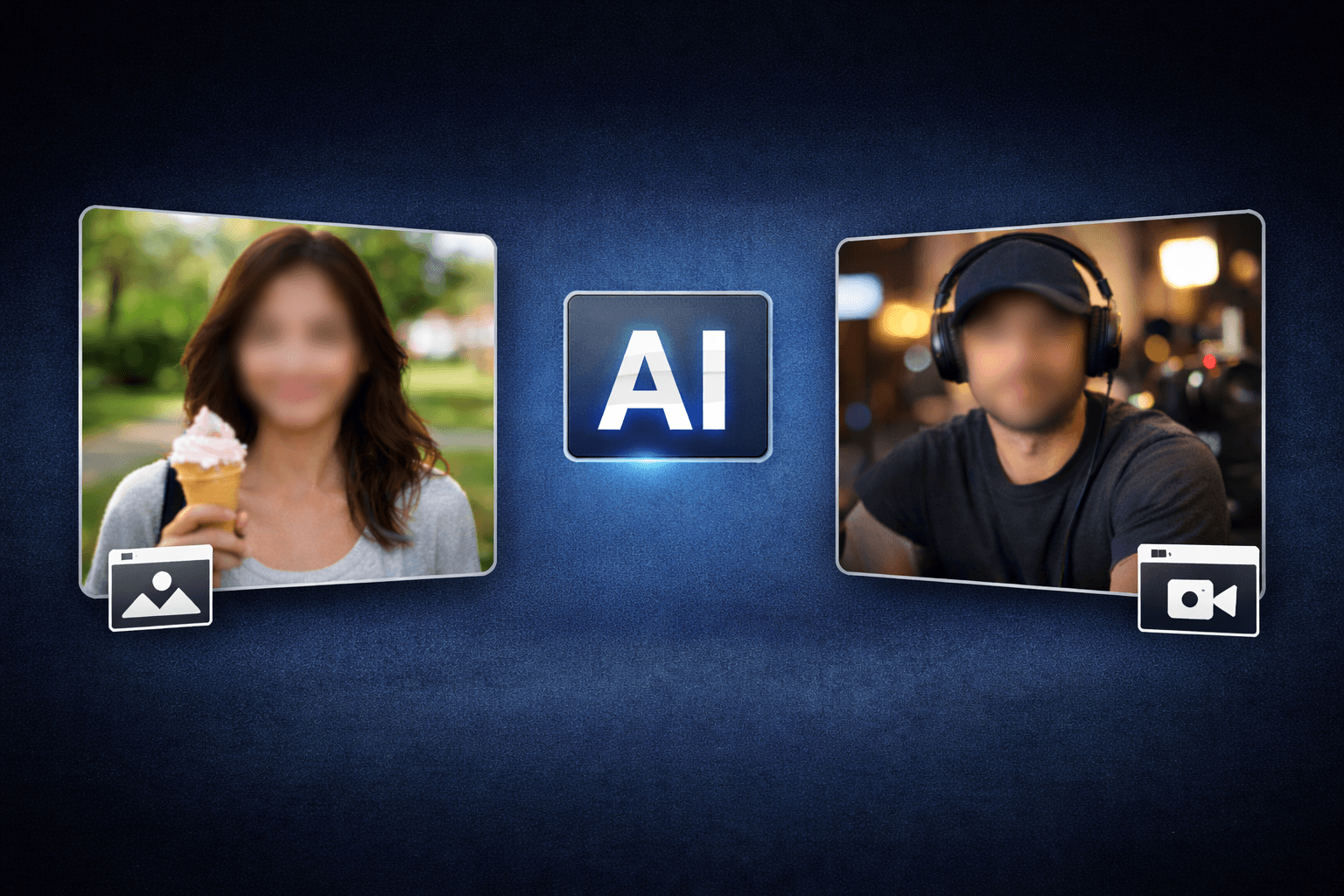
Smart AI Censor License Plate video workflow
Censor License Plate helps creators edit videos faster with AI-powered blur, masking, tracking, redaction, privacy protection, and browser-based automation.
Motion-aware AI automation
Use AI assistance to reduce manual keyframes, repeated masking, frame-by-frame blur work, object selection, and privacy edits across clips and social videos.
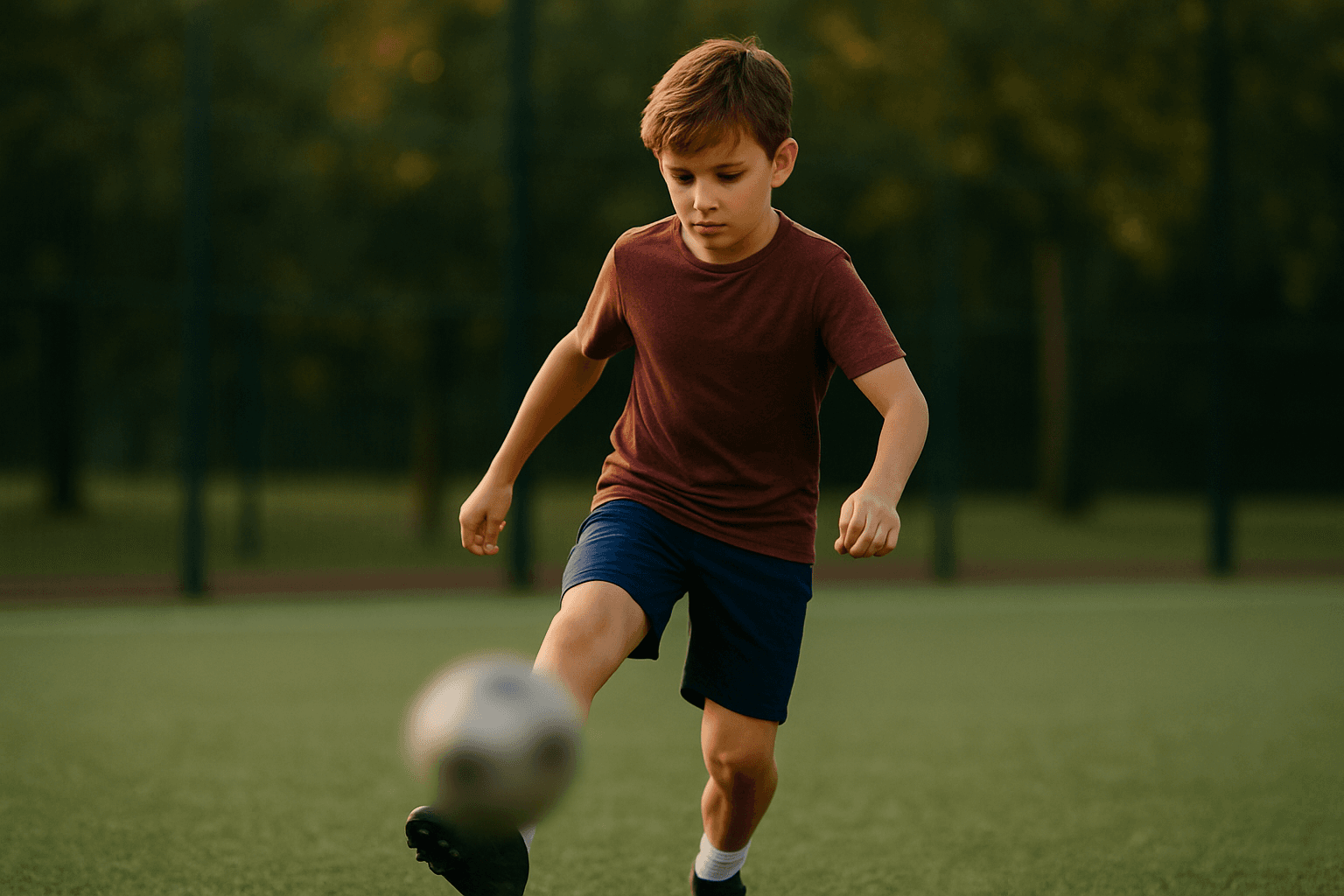
Video privacy protection
Censor License Plate helps hide faces, plates, backgrounds, objects, text, body details, and sensitive visual information before videos are published or shared.
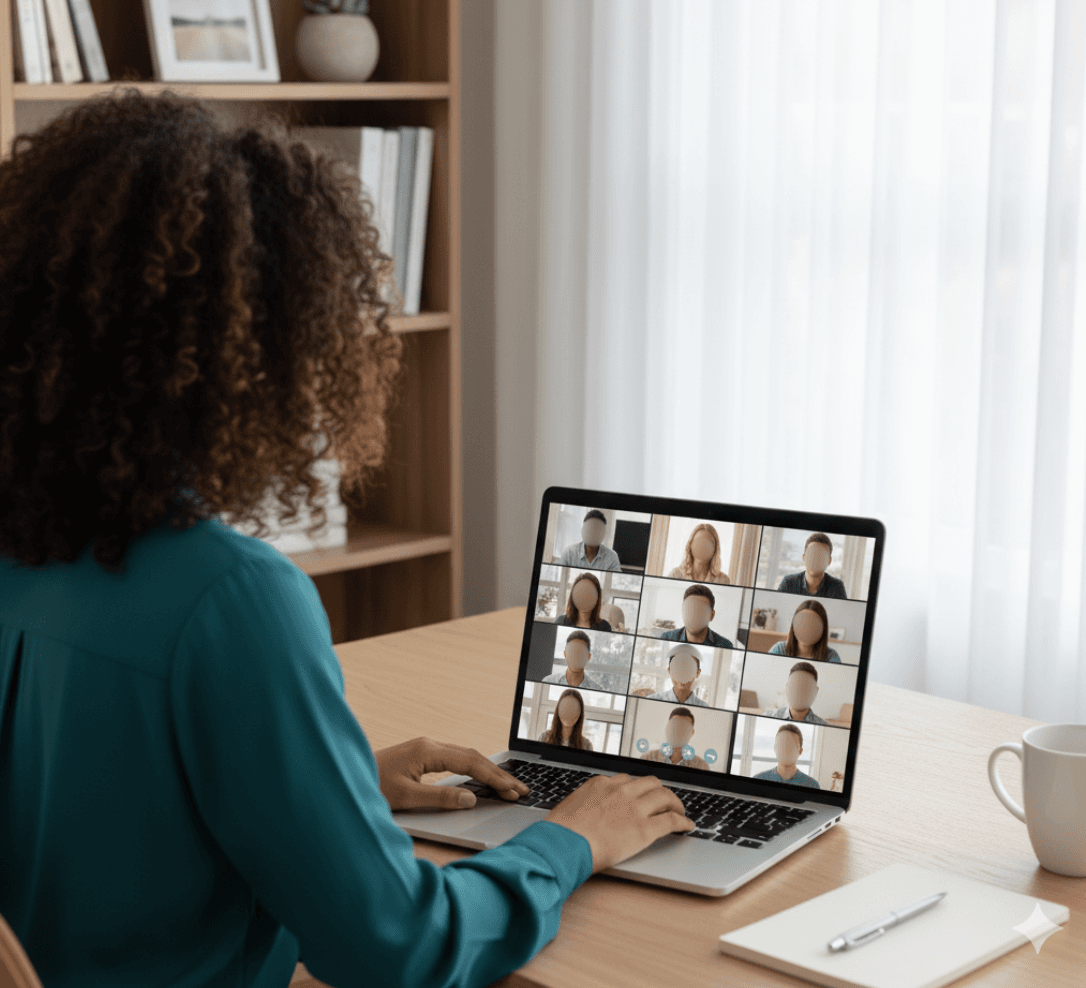
Fast browser-based processing
Upload a video, apply the tool workflow, review the result, and export edited content without installing heavy video software or switching between apps.
Flexible editing controls
Adjust blur style, intensity, selected areas, tracking, masking, and export decisions depending on the footage, audience, platform, and privacy requirement.
Export publish-ready videos
Prepare cleaner videos for YouTube, TikTok, Instagram, training libraries, client review, education, journalism, real estate, automotive content, and compliance workflows.
Censor License Plate FAQs
Answers to common questions about using Censor License Plate for image and video editing, privacy protection, export quality, and browser-based AI workflows.
Choose from blur, black bars, pixelation, or colored overlays.
Yes, it's designed for platforms needing automated plate censoring.
Censor License Plate is an AI-powered BGBlur workflow for editing images and videos faster. It helps automate privacy, blur, masking, or cleanup tasks so creators can finish content without manual frame-by-frame work.
Yes. BGBlur workflows are designed around common image and video use cases, including uploads for photos, short clips, social content, product footage, screen recordings, and longer privacy review workflows.
The tool uses AI-assisted detection and automation to reduce repetitive selection, masking, and redaction steps. You can start with an upload, review the result, adjust settings when needed, and export a finished file.
Yes. It is built for privacy-first editing tasks such as hiding sensitive details, reducing identifiable information, and preparing content before it is shared publicly, with clients, or inside a team.
No. BGBlur runs in the browser, so you do not need a desktop video editor, plugin setup, or complex timeline workflow for common AI blur and privacy edits.
The goal is to keep the important parts of your image or video visible while applying the selected privacy or blur effect only where it is needed. Final quality can depend on the uploaded file and export settings.
Yes. You should review the AI result before export, especially for crowded scenes, fast motion, low light, reflections, small objects, or footage with partial occlusion.
Creators, marketers, educators, journalists, real estate teams, automotive teams, compliance reviewers, and social media editors use BGBlur tools to prepare safer publish-ready media faster.
BGBlur is web-based, so it is designed for modern browsers on desktop and mobile devices. Larger video files are usually easier to review and export from a desktop browser.
Check every sensitive frame or image area, confirm the blur or mask covers the intended subject, preview the final export, and keep an original backup if you may need to revise the edit later.
User Reviews
Share your experience and help others make informed decisions
Write a Review
All Reviews (0)
No reviews yet
Be the first to share your experience and help others discover this tool!
Plate privacy tools
Related tools for license plate and number plate blur
Use these plate masking tools for dashcam video, street footage, car listings, fleet media, and compliance exports.
Start with BGBlur
Smart AI Censor Plates for Images & Videos
Censor Plates helps creators edit images and videos faster with smart AI-powered automation. Upload your file, choose the privacy or blur workflow you need, and export polished content without manual frame-by-frame editing.
Privacy protection
Censor Now