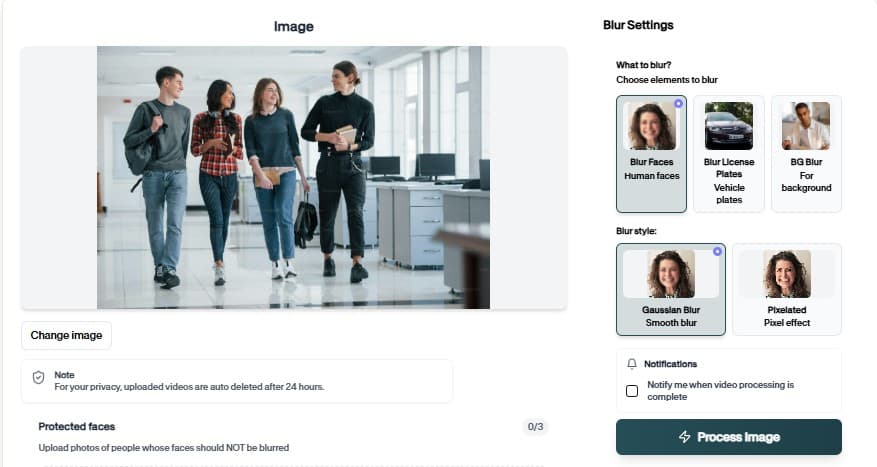
Automatic Face Blurring with Face Blur Online
Face Blur Online detects one or many faces, applies consistent blur through the clip, and exports share-ready media for interviews, UGC, and compliance.

Face Blur Online — How It Works
Browser-based face anonymization — no app install.
Why teams use Face Blur Online
Face Blur Online replaces manual face masking with detection that runs across every frame. Upload interview, vlog, or crowd footage, confirm the preview, and export media that hides identities without destroying the story.
Face Blur Online fits workflows where legal or platform policy requires redaction but timelines stay tight.
Preview AI suggestions before committing export
Upload from desktop or mobile browsers
Preview edits before download to catch missed frames
Support multi-face scenes with independent blur strength
Replace hours of manual masking with one upload flow
Export GDPR-friendly media without watermark on free tier
Where it is used
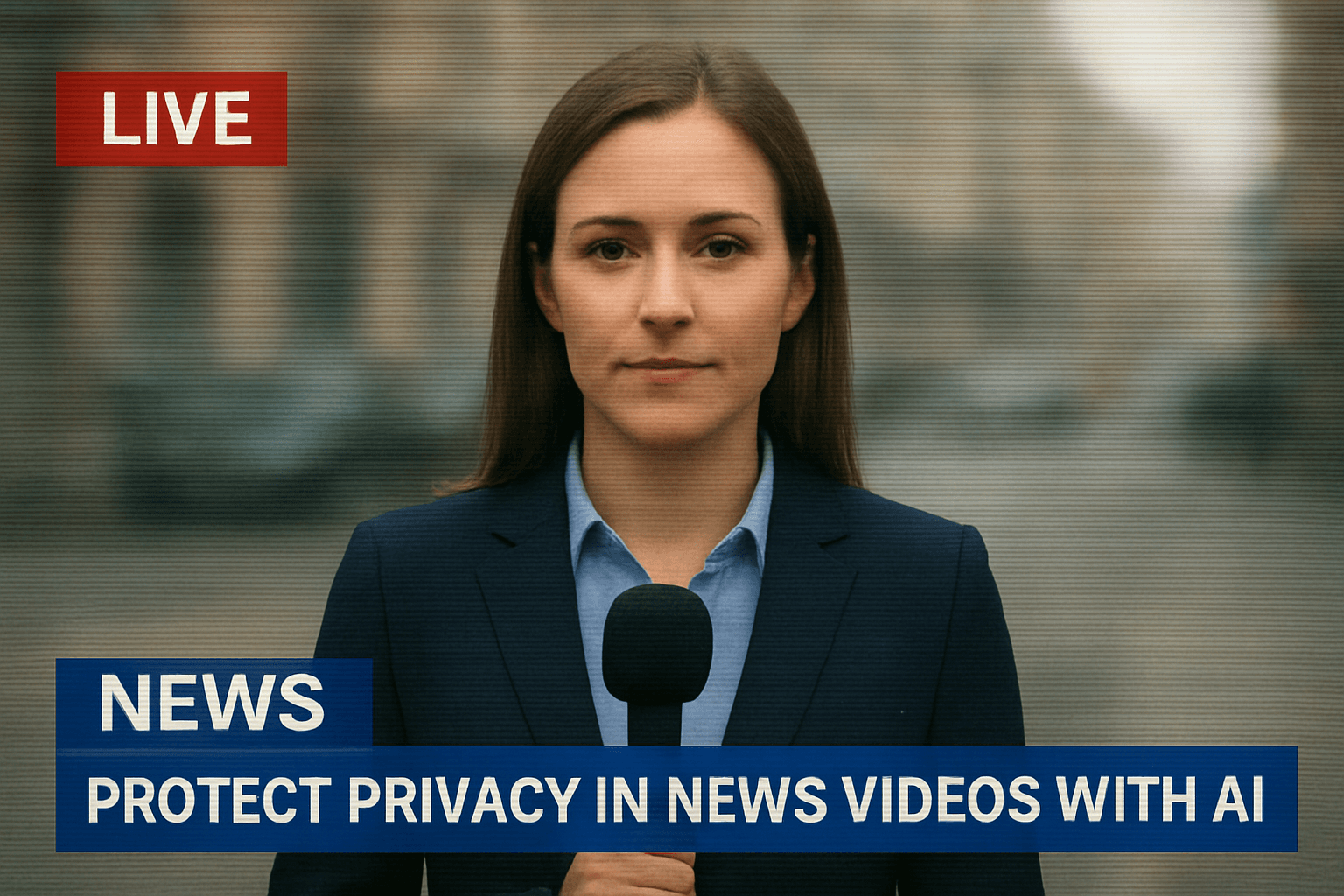
Interview releases
Hide witnesses while keeping audio context. mantiene questo flusso di lavoro pratico per revisioni ripetute, pulizia della privacy, pubblicazione e passaggio al team senza costringere gli editor a ricostruire manualmente ogni maschera o regolazione.

School & daycare
Protect minors in event videos. mantiene questo flusso di lavoro pratico per revisioni ripetute, pulizia della privacy, pubblicazione e passaggio al team senza costringere gli editor a ricostruire manualmente ogni maschera o regolazione.
News & documentary
Shield sources in field footage. mantiene questo flusso di lavoro pratico per revisioni ripetute, pulizia della privacy, pubblicazione e passaggio al team senza costringere gli editor a ricostruire manualmente ogni maschera o regolazione.

Client delivery
Send privacy-reviewed exports. mantiene questo flusso di lavoro pratico per revisioni ripetute, pulizia della privacy, pubblicazione e passaggio al team senza costringere gli editor a ricostruire manualmente ogni maschera o regolazione.
Team handoff
Standardize redaction across editors. mantiene questo flusso di lavoro pratico per revisioni ripetute, pulizia della privacy, pubblicazione e passaggio al team senza costringere gli editor a ricostruire manualmente ogni maschera o regolazione.
Vlog bystanders
Blur crowds in street and travel content. mantiene questo flusso di lavoro pratico per revisioni ripetute, pulizia della privacy, pubblicazione e passaggio al team senza costringere gli editor a ricostruire manualmente ogni maschera o regolazione.
Fast browser turnaround
Most projects move from upload to export in minutes because Face Blur Online proposes edits automatically instead of starting from a blank timeline.
Try Face Blur Online now
Upload a sample file and confirm the preview before you download.
How to use Face Blur Online
Upload, verify, download — no timeline editing required.
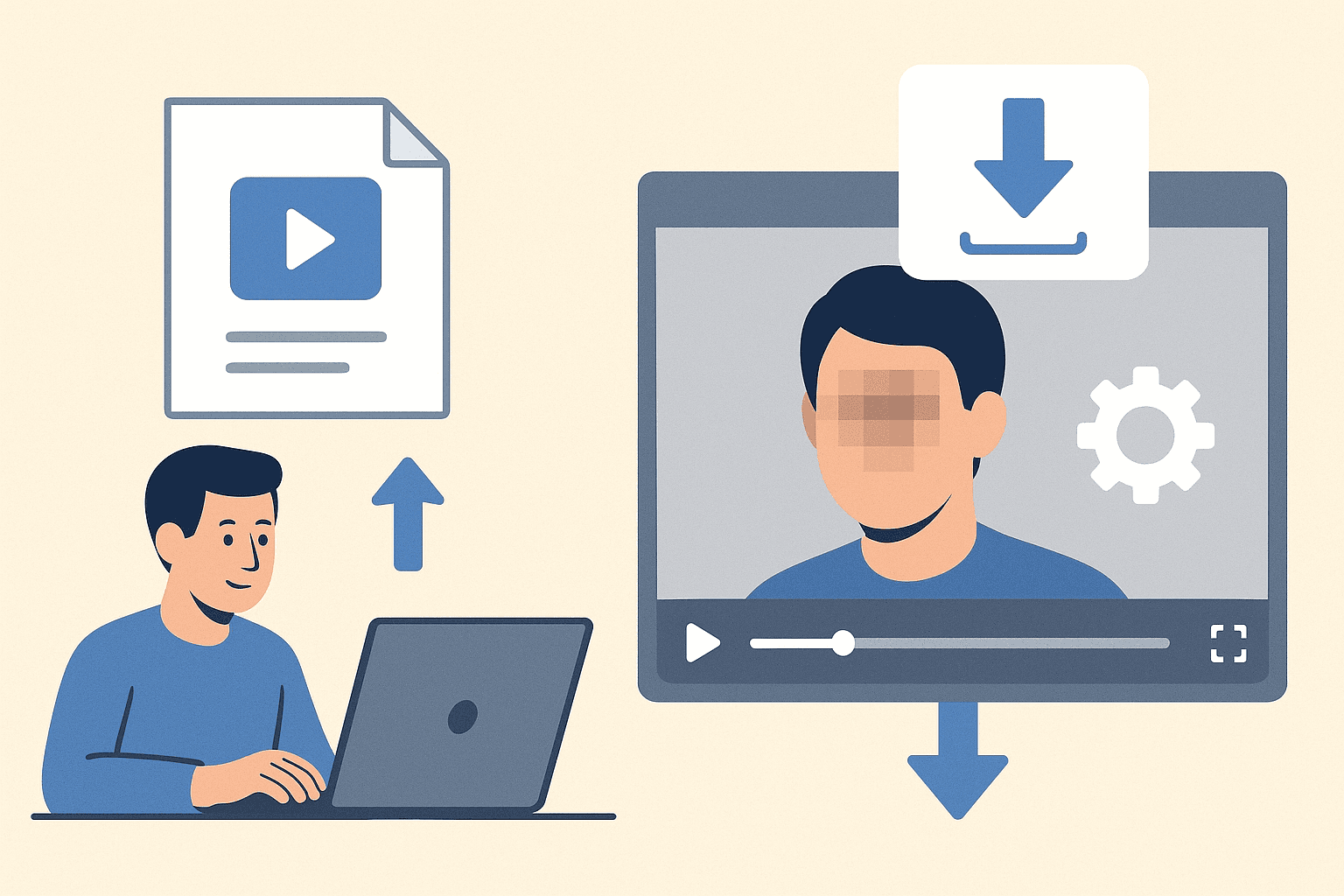
Upload your video or image
Drag your video or image into Face Blur Online. Phone, dashcam, screen capture, and studio sources are all supported in the browser.
Review detections
BGBlur outlines detected faces. Scrub the timeline to confirm tracking through motion and adjust strength if someone needs heavier anonymization.
Download the export
Export when the preview looks correct. The file is ready for upload, client portals, or archive storage.
Editing features
Face Blur Online at a glance
What you get when using Face Blur Online in real projects.
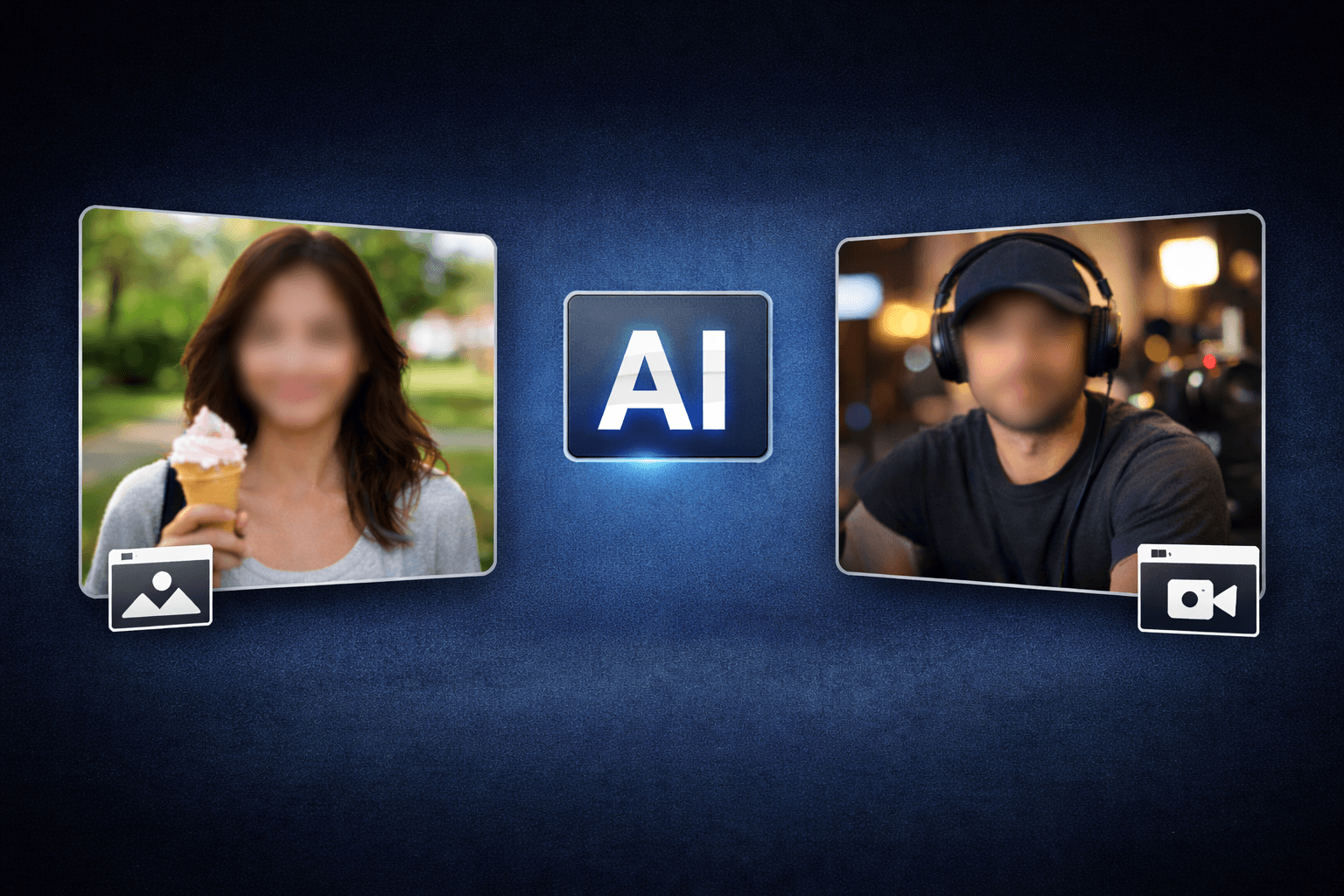
Detection-first workflow
Preview AI suggestions before committing export
Browser or API delivery
Upload from desktop or mobile browsers

Privacy-safe exports
Preview edits before download to catch missed frames
Teams using similar workflows
How Face Blur Online fits day-to-day media and compliance work.
“Face Blur Online cut our redaction time from hours to minutes on last week's footage.”
“We shipped client-safe exports the same day instead of waiting on manual masking.”
“Face Blur Online is simple enough for producers who do not live inside NLE timelines.”
Face Blur Online — FAQ
Common questions about Face Blur Online, exports, and privacy handling.
Faces in stills and video — including multiple subjects and motion across frames.
Yes — core blur workflows are free in the browser. Premium limits apply to very long files or batch needs.
No. Face Blur Online runs in the browser — upload, preview, and download without Premiere, DaVinci, or desktop apps.
BGBlur processes files for the editing session with privacy-first handling. Media is not published as permanent public assets.
User Reviews
Share your experience and help others make informed decisions
Write a Review
All Reviews (0)
No reviews yet
Be the first to share your experience and help others discover this tool!
Face privacy tools
More ways to blur, pixelate, and redact faces
Explore face-focused workflows for videos, photos, social clips, CCTV footage, and privacy reviews where identities must stay protected.
View all tools →Face Privacy
Automatic Face Blurring with Face Blur Online
Face Blur Online detects one or many faces, applies consistent blur through the clip, and exports share-ready media for interviews, UGC, and compliance.
Browser-based face anonymization — no app install.
Open Face Blur Online